

Minecraft 1.20.1 کے لیے SteamPunk بلڈ
Detailed & Immersive SteamPunk Theme Modpack w/ 1000+ Quests!
- ڈاؤن لوڈز
- 18 ڈاؤن لوڈز
- ویوز
- 133 ویوز
- اپ ڈیٹ شدہ
- اپ ڈیٹ شدہ 03.09.2026
- 1.20.1
 Forge
Forge- کلائنٹ اور سرور
SteamPunk موڈ پیک کے بارے میں
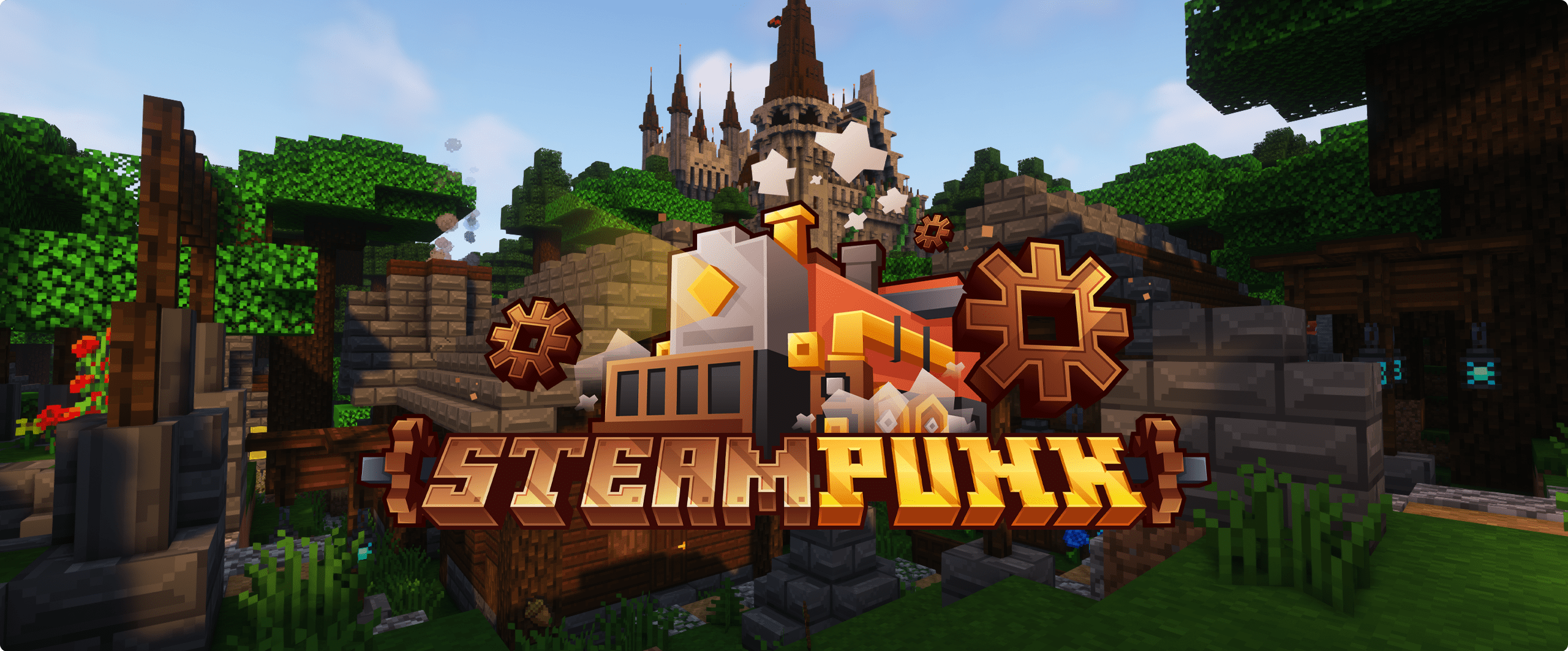

⚙️ Full parity with Curseforge Version
⚙️ Create Rise and Shine Update w/ Addons

⚙️ Amazing NEW World Generation and Biomes
⚙️ Incredible detailed Structures and Dungeons to Explore
⚙️ Completely NEW Stronghold and Fortress
⚙️ Overhauled Villages, Structures & Dungeons
⚙️ Never seen before NEW Bosses & Steam Mobs
⚙️ 5 NEW Dimensions & 5 NEW Planets to Explore!
⚙️ Skills, Magic, Tetra & most importantly Steam like Tech
⚙️ NEW Game Mechanics such as Thin Air & Cold Sweat
⚙️ NEW Game Features such as Tempad, Improvable Skills, & Guns
⚙️ 1000+ Detailed Quests to help Guide you & 1000+ Advancements!

SteamPunk کیسے انسٹال کریں
With Millida Launcher
Install Millida Launcher
The launcher is free: download it at millida.net/launcher and sign in with any nickname.
Click “Install” on this page
The launcher opens and installs the modpack for Minecraft 1.20.1 on Forge automatically.
Launch the game
A profile with it appears in the launcher: click “Play”.
Manually
Download the modpack archive
In the version list above, pick the file SteamPunk v15.5.mrpack (67 MB).
Import it into a launcher
A launcher that supports modpacks (Millida Launcher, Prism) takes the archive via “Add modpack”, then “From file”. No need to unpack it yourself.
Allocate memory
Modpacks need more memory than the plain game: set 4–6 GB in the profile settings.
On a server
Use the “To server” button
On Millida Hosting, the button at the top of the page uploads the file to your server and restarts it for you.
Invite friends: they install the same modpack
To join the server, every player needs the same modpack version.
Minecraft 1.20.1 runs on Java 17: with a different Java version the game may close right after launch.
ورژنز
ڈیپنڈنسیز کے ساتھ
| Minecraft | لوڈر | فائل | اقدامات |
|---|---|---|---|
| 1.20.1 | Forge | 1.20.166.7 MB 13 |
چلانے کے لیے کیا درکار ہے
- Dependencyپہلے سے شامل
- Dependencyپہلے سے شامل
- ImmediatelyFastپہلے سے شامل
- Dependencyپہلے سے شامل
- Dependencyپہلے سے شامل
- Dependencyپہلے سے شامل
- Dependencyپہلے سے شامل
- Dependencyپہلے سے شامل
- Dependencyپہلے سے شامل
- Dependencyپہلے سے شامل
- FerriteCoreپہلے سے شامل
- Dependencyپہلے سے شامل
عمومی سوالات
Which Minecraft versions does SteamPunk work on?
Only Minecraft 1.20.1: there are no files for other versions.
Is SteamPunk for Forge or Fabric?
Only for Forge: 1.20.1.
Which mods are in the SteamPunk modpack?
Mods in the modpack include Dependency, ImmediatelyFast, FerriteCore.
Which Java does SteamPunk need?
Minecraft 1.20.1 runs on Java 17. If the game closes right after launch, the usual cause is the wrong Java version in the profile settings.
Where can I download SteamPunk safely?
On this page: the file SteamPunk v15.5.mrpack (67 MB) is stored on Millida’s server, with no link shorteners. SHA-1 checksum: c828e978280adab0df600f007ac914fa6998b405.
ریویوز
SteamPunk کو ریٹ کرنے والے پہلے شخص بنیں


