
Minecraft 26.10 کے لیے Plant All Any نقشہ
ایک میپ جو آپ کو ہر وسیلہ لگانے کی اجازت دیتا ہے۔
Plant All Any میپ کے بارے میں
In a virtual world, powered in a weak core, you got some seeds and started planting. However as more seeds sprout, the core slows down when more calculations are needed... From planting wood to emeralds, do you slow the core to a crawl, or obtain the secret code within?
The main gimmick of the map are the various seeds, which has many attributes that can be upgraded
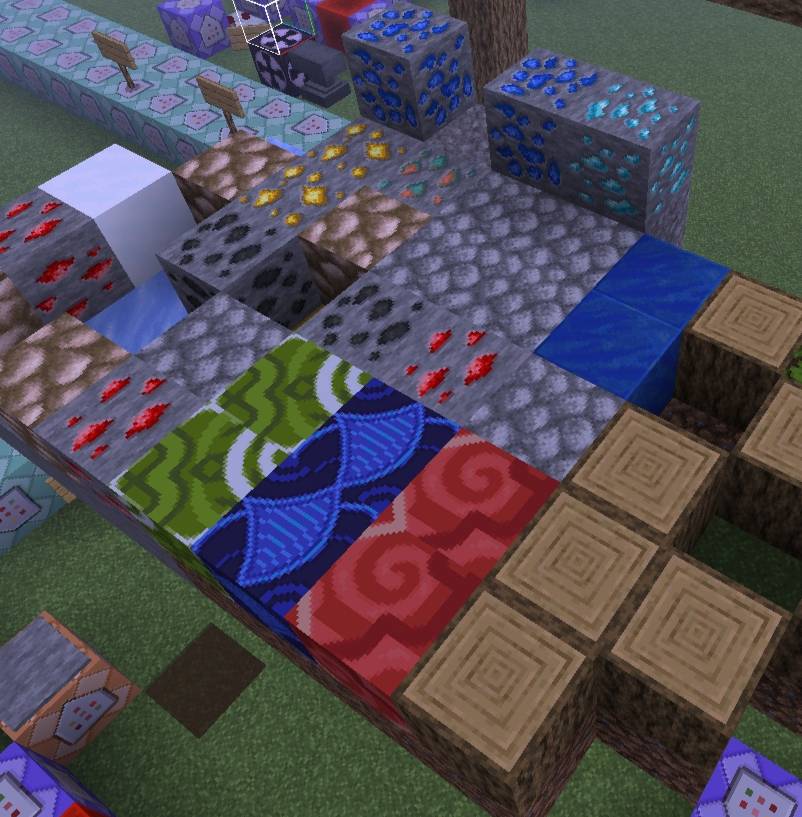
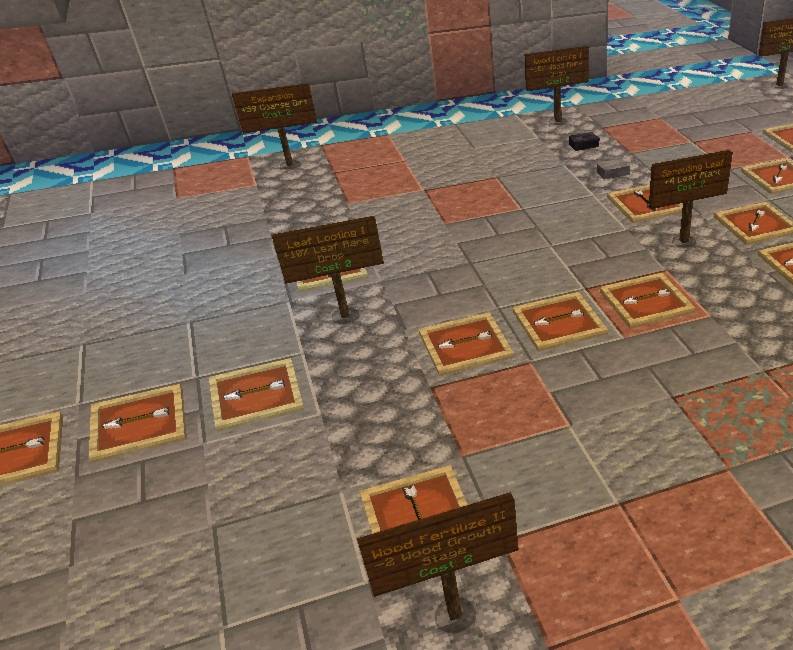
The items you get can be used in a gigantic skill tree system, allowing you to upgrade the plants you got!
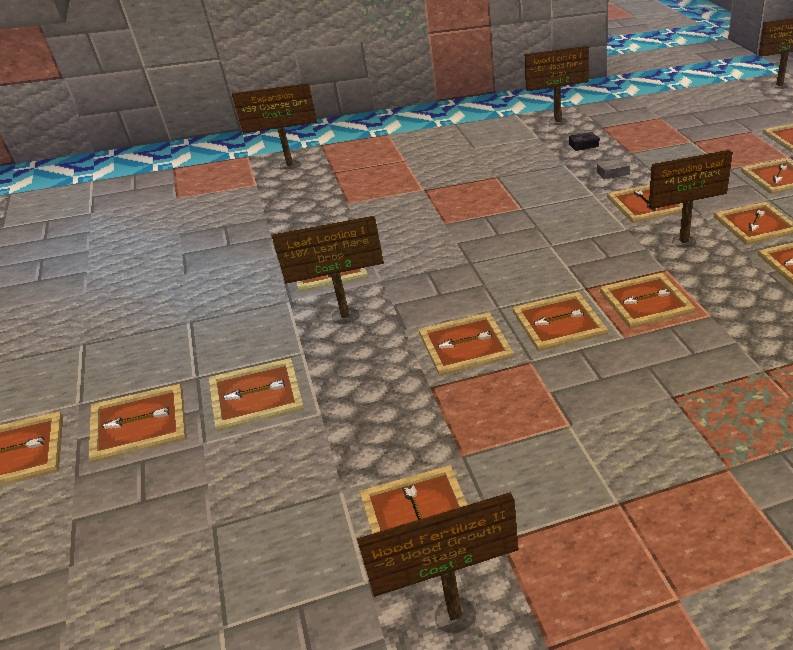
Other than that, the crafting system has been revamped with custom recipes and Minigames! (The one shown below is for armor crafting)
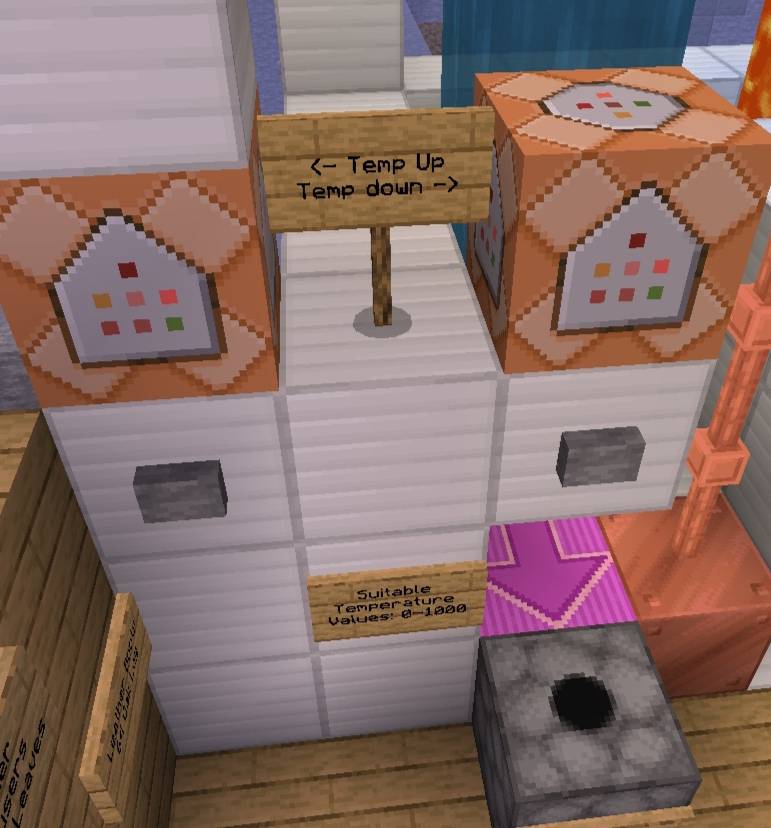
When you develop redstone technology, you can automate some actions (e.g. harvesting) while you do something else! Just don't flood your inventory with items! (You can turn the machines off if needed)
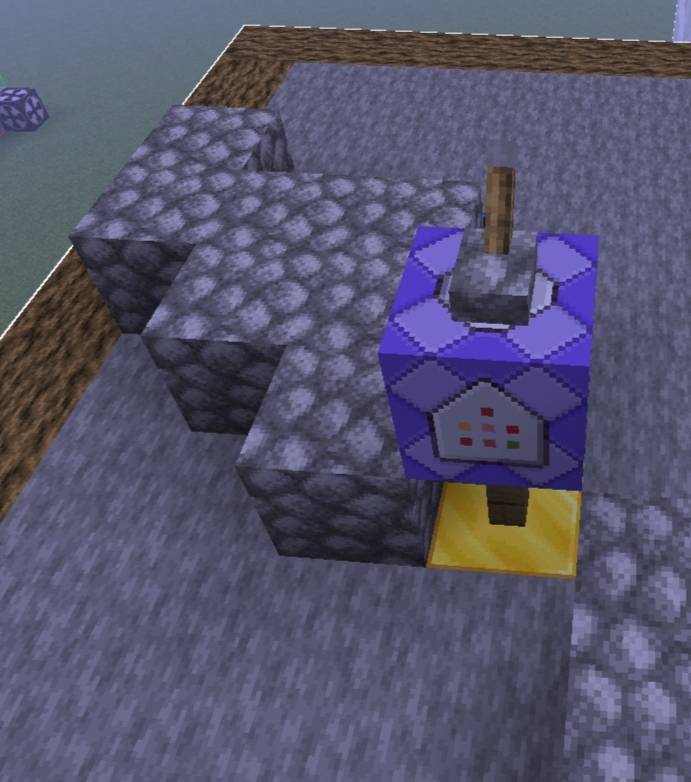
The path ends after two primal netherite... Can you obtain the two special items to beat this map?
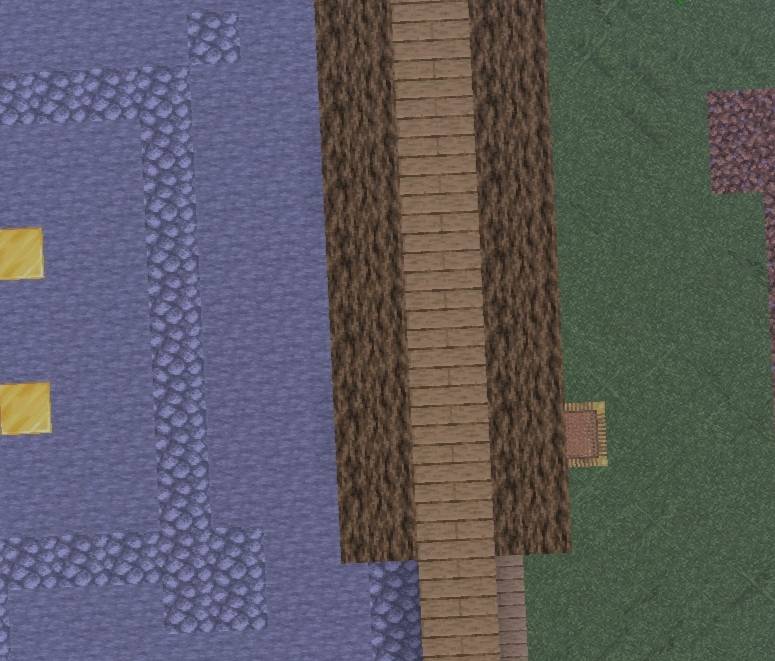
Note: This a beta release! Not all features are implemented!
Please report any bugs you found!
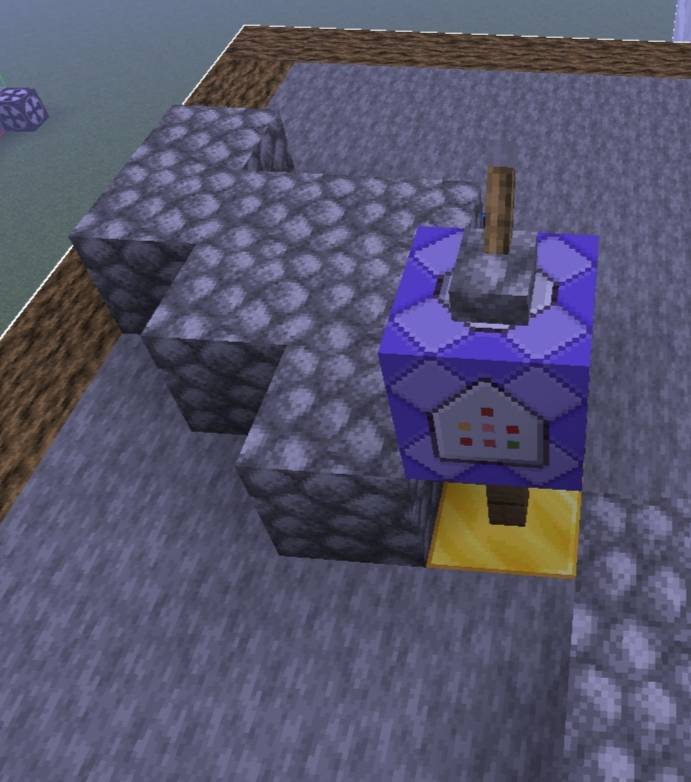
[This map is tested with a high resolution texture pack with low render distance. Actual speed of processes in the map may differs. Encountering lag is INTENDED]
Note (again): This map is only available on CurseForge and MCPEDL! Please link to this page if you intend to make a video of this map!
For map announcements: https://discord.gg/PRvftmWGn8
(yes i am changing my username again)
Update Information:
Download latest map: mcworld file with version 1.1
Update previous version: mcpack file without version 1.1
To update your current world:
- Install the mcpack
- Apply it to your old world (ignore errors)
- Run the following commands (near 0,0):
i. /function setup
ii. /function load 1_1 (This command teleports you to random locations. This is normal. If you are not teleported back to the play area, run /tp 0 200 0 or /tickingarea add 0 0 0 0 0 0)
iii. /function desetup
Plant All Any کیسے انسٹال کریں
With Millida Launcher
Install Millida Launcher
The launcher is free: download it at millida.net/launcher and sign in with any nickname.
Click “Install” on this page
The launcher opens and installs the map for Minecraft 26.0–26.10 automatically.
Launch the game
A profile with it appears in the launcher: click “Play”.
Manually
Download the map archive
Pick the file PlantAllAnyUpdate1-1.mcpack (70 KB).
Unpack it into the saves folder
The world folder (with level.dat inside) must sit directly in .minecraft/saves.
Open the world
“Singleplayer”: the map will be in your world list.
On a server
Replace the world folder
Stop the server and put the map folder in place of world (or set its name in level-name).
Use the “To server” button
On Millida Hosting, the button at the top of the page uploads the file to your server and restarts it for you.
ورژنز
ڈیپنڈنسیز کے ساتھ
| Minecraft | لوڈر | فائل | تاریخ | اقدامات |
|---|---|---|---|---|
| 26.0.02 | — | PlantAllAnyUpdate1-1.mcpack69.6 KB |
عمومی سوالات
Which Minecraft versions does Plant All Any work on?
There are files for 26.10, 26.3, 26.0.02, 26.0. The newest is 26.10.
Where can I download Plant All Any safely?
On this page: the file PlantAllAnyUpdate1-1.mcpack (70 KB) is stored on Millida’s server, with no link shorteners. SHA-1 checksum: 3e2ee9c39f9b9e4346228ab9f895f6f4f8a72719.
ریویوز
Plant All Any کو ریٹ کرنے والے پہلے شخص بنیں



