
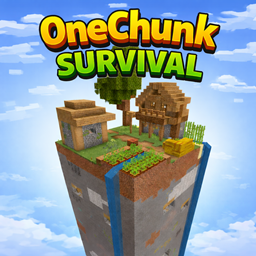
Introduction
Can you survive when the entire world is only one chunk?
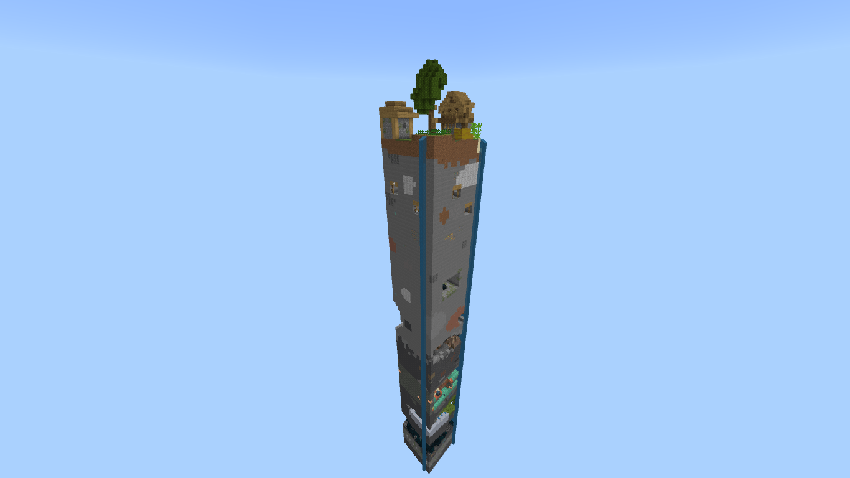
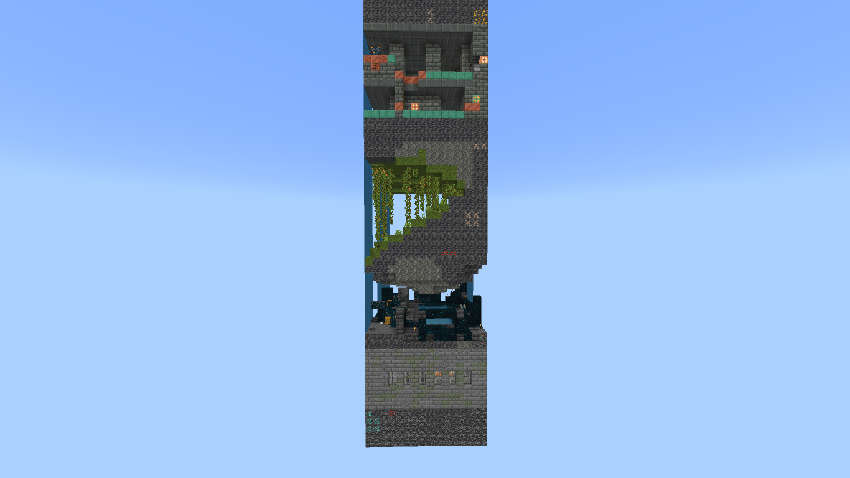
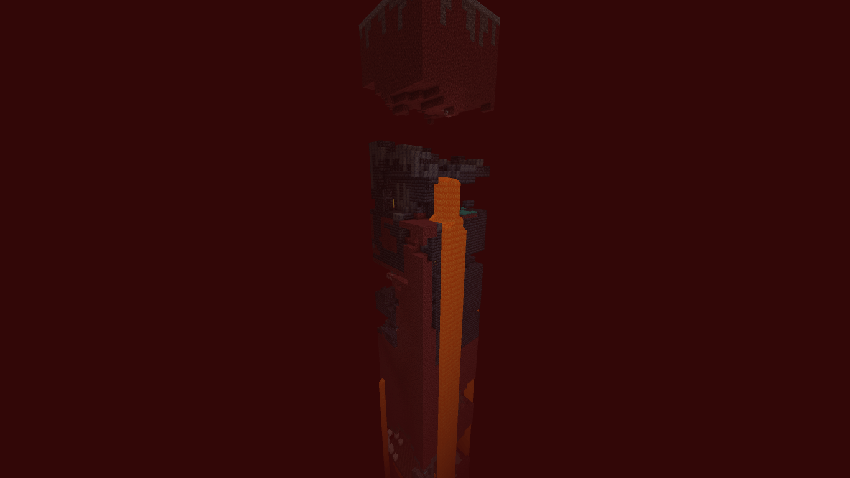
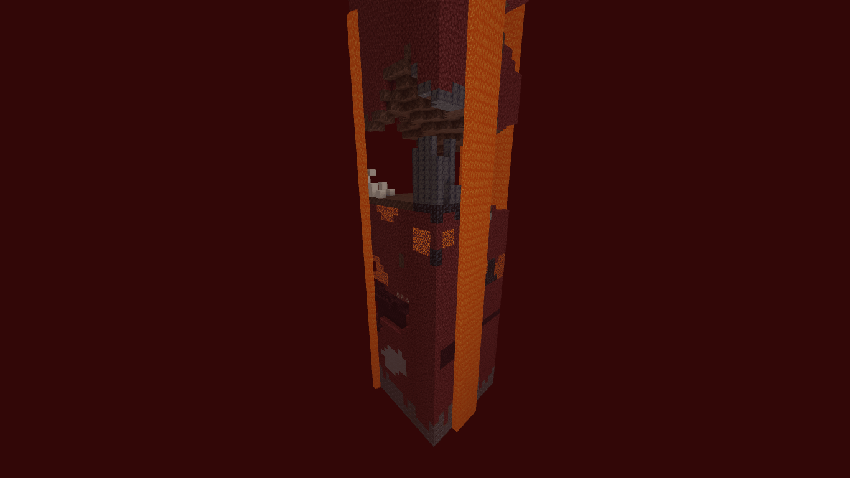
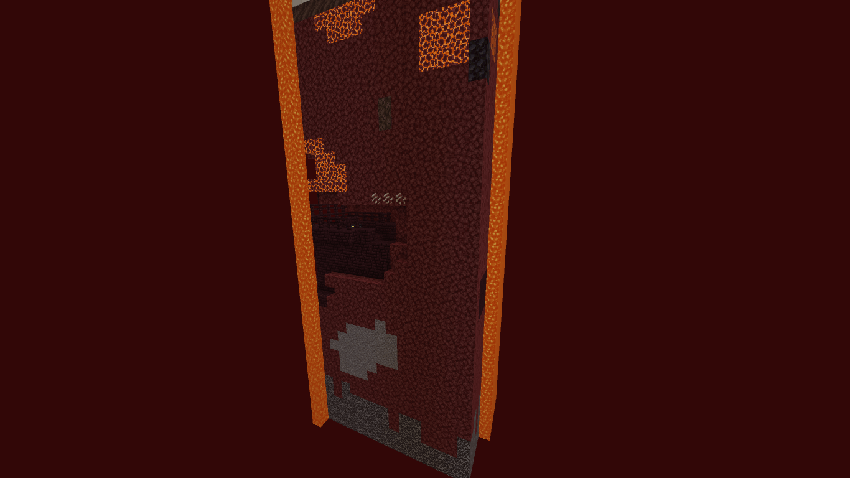
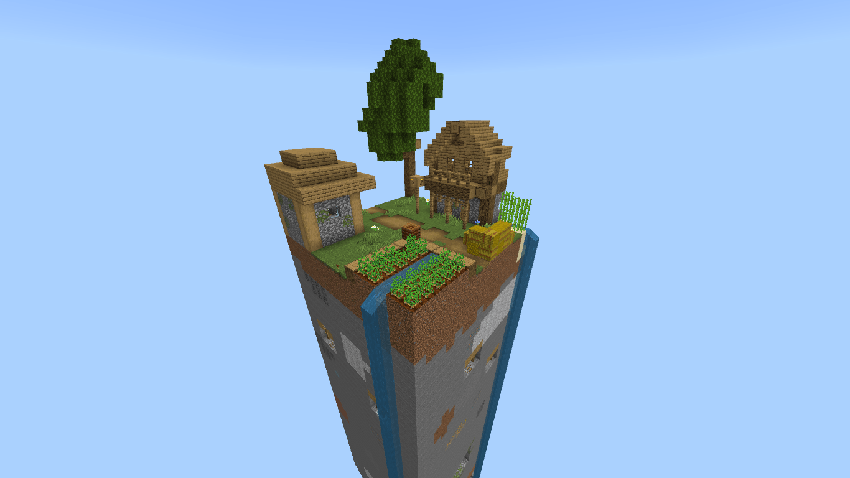
Welcome to One Chunk Survival, a hardcore-style survival map for Minecraft: Bedrock Edition, where everything happens inside a single 16×16 chunk even in the Nether and The End with custom arena. No infinite exploration. No running away. Just pure survival, strategy, and creativity.
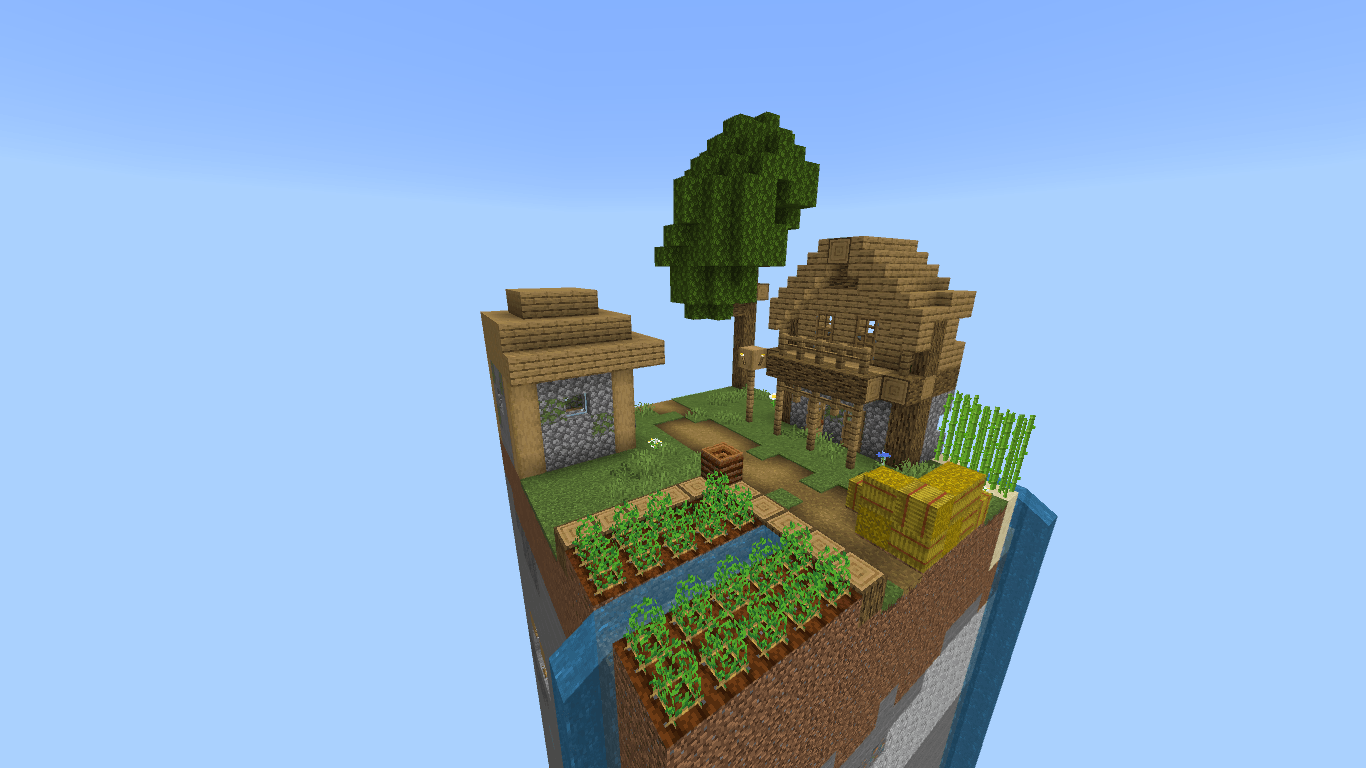
World Features
- Only ONE chunk (16×16 blocks)
- Full Survival gameplay
- No mods or experimental features required
- Works on singleplayer & multiplayer
- Vanilla-friendly
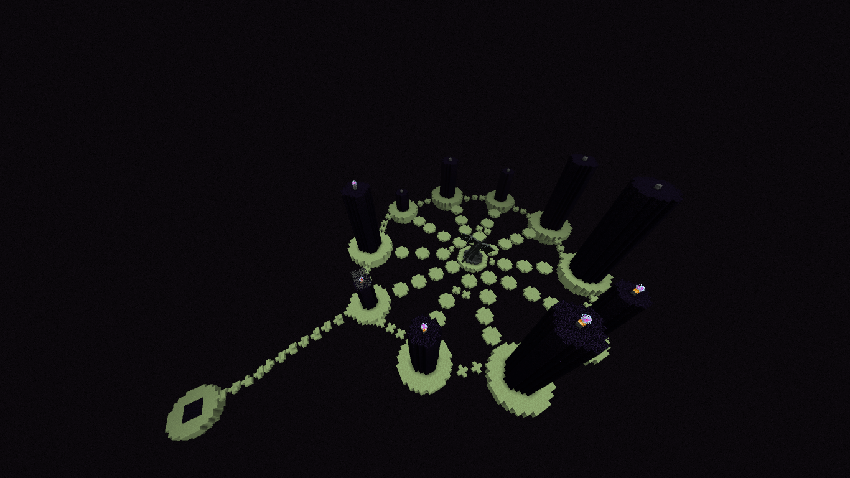
- Nether and End Dimension Upgraded
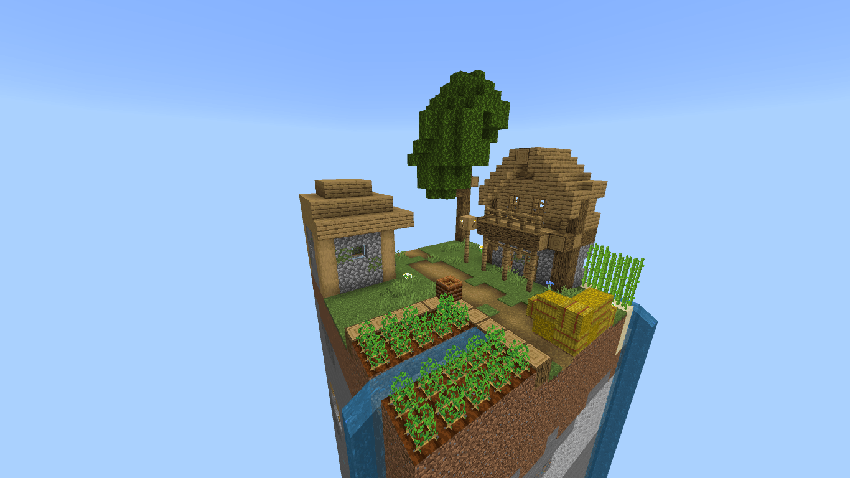
Everything you need to survive has been carefully packed into a single chunk from underground resources to surface challenges.
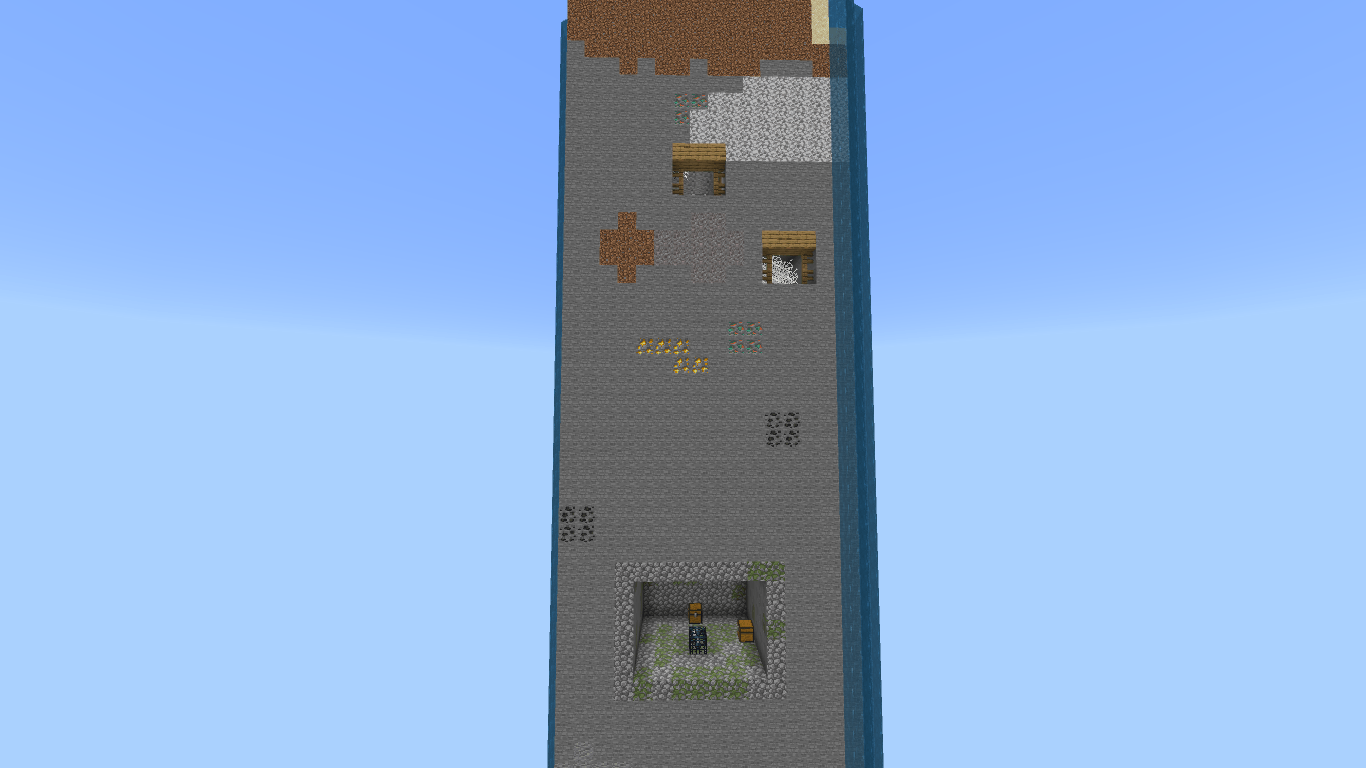
What Can You Do?
- Mine resources vertically instead of horizontally
- Build farms in tight, optimized spaces
- Progress through survival with limited terrain
- Challenge yourself to beat the game with extreme constraints
- Test your creativity and efficiency like never before
- This map turns Minecraft into a resource-management puzzle.
- Test your skills in The End
Important Rules (Recommended)
- Do NOT use creative mode
- Play honestly for the intended experience
Perfect for:
- Survival challenge lovers
- Content creators
- Speedrunners & grinders
Installation
Download the map
Open the .mcworld file
Minecraft will import the world automatically
Start playing that’s it
Screenshots
Updates & Support
- Bug fixes and improvements may come in future updates
- Feedback and suggestions are welcome
- If you enjoy the map, consider leaving a review
Thanks for checking out the map your support really means a lot!
If you want it more chill, more hype, or more professional, I can tune it perfectly.
Download now and see how far you can survive in just ONE CHUNK.
OneChunk - Survival کیسے انسٹال کریں
With Millida Launcher
Install Millida Launcher
The launcher is free: download it at millida.net/launcher and sign in with any nickname.
Click “Install” on this page
The launcher opens and installs the map for Minecraft 1.21.131–1.21.132 automatically.
Launch the game
A profile with it appears in the launcher: click “Play”.
Manually
Download the map archive
Pick the file OneChunk - Survival.mcworld (514 KB).
Unpack it into the saves folder
The world folder (with level.dat inside) must sit directly in .minecraft/saves.
Open the world
“Singleplayer”: the map will be in your world list.
On a server
Replace the world folder
Stop the server and put the map folder in place of world (or set its name in level-name).
Use the “To server” button
On Millida Hosting, the button at the top of the page uploads the file to your server and restarts it for you.
ورژنز
ڈیپنڈنسیز کے ساتھ
| Minecraft | لوڈر | فائل | تاریخ | اقدامات |
|---|---|---|---|---|
| 1.21.131 | — | OneChunk - Survival514 KB 1 |
عمومی سوالات
Which Minecraft versions does OneChunk - Survival work on?
There are files for 1.21.132, 1.21.131. The newest is 1.21.132.
Where can I download OneChunk - Survival safely?
On this page: the file OneChunk - Survival.mcworld (514 KB) is stored on Millida’s server, with no link shorteners. SHA-1 checksum: 25ddc694411c53292433331fcec4cb6f90f4970a.
ریویوز
OneChunk - Survival کو ریٹ کرنے والے پہلے شخص بنیں



