

🏛️ LOOT THE MUSEUM 🏛️
💎 A thrilling stealth & adventure map where your mission is simple... Break in. Avoid traps. Loot everything. Escape alive.
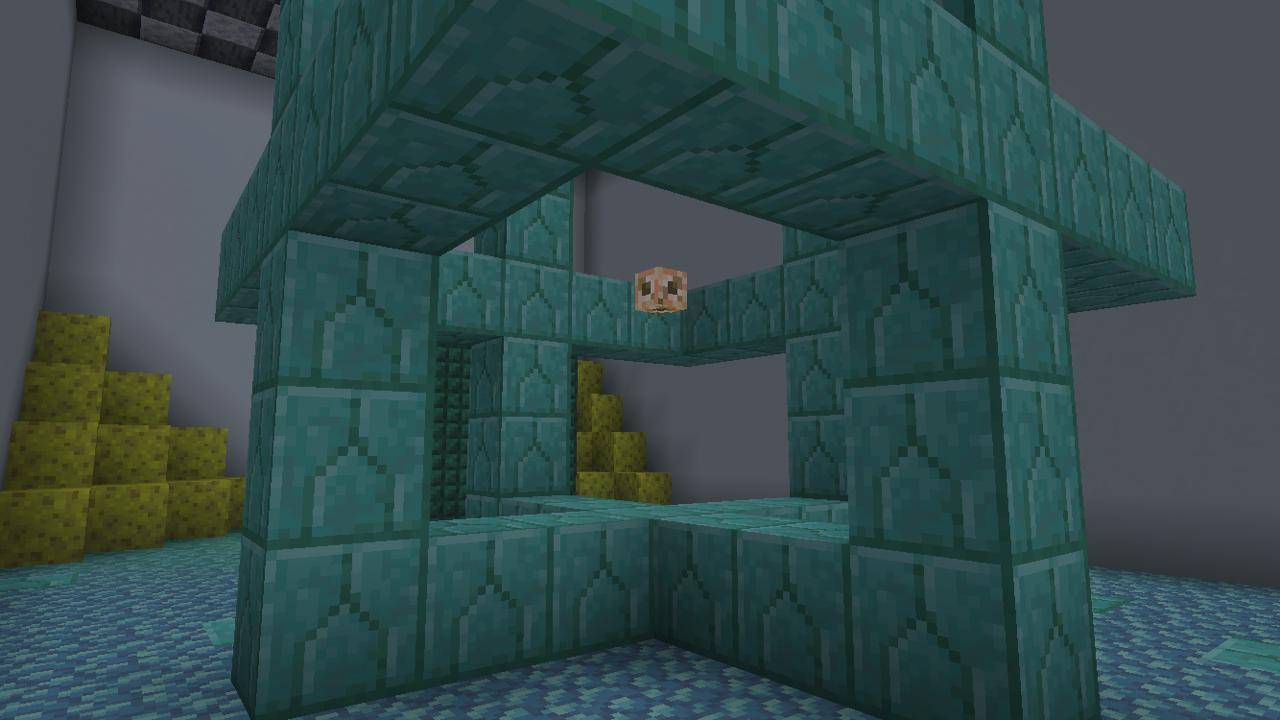
🎯 About the Map
Welcome to Loot the Museum, a high-risk, high-reward adventure map filled with hidden dangers and valuable treasures. Navigate through a heavily protected museum packed with clever traps, dangerous mobs, and secret pathways.
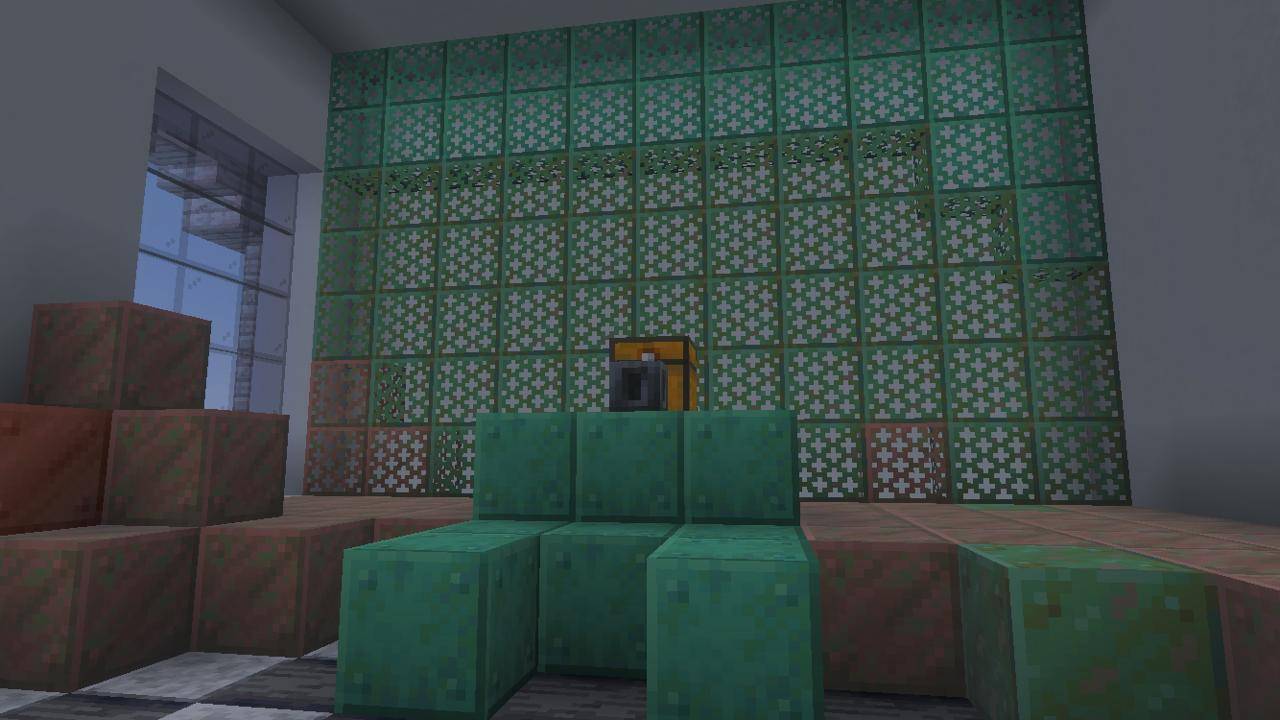
⚠️ Challenges Await
- 🧩 Complex trap systems designed to test your skills
- 👾 Hostile mobs guarding valuable loot
- 🔍 Hidden secrets and alternate paths
- 🚪 Escape routes that aren’t as easy as they seem
✨ Features
- 🏛️ Detailed museum environment
- 🎮 Smooth and immersive gameplay
- 💣 Multiple traps & surprises
- 💰 Rewarding loot system
- 🔥 Perfect for solo or challenge runs
📜 Rules
- 🚫 Do not break blocks unless allowed
- 🎯 Play in Adventure Mode
- 💀 Try to survive using skill, not cheats
- ⚙️ Recommended settings for best experience
🚀 Objective
Infiltrate the museum, collect as much loot as possible, and escape without getting caught or eliminated.
🔥 Do you have what it takes to beat the museum? 🔥
Loot The Museum کیسے انسٹال کریں
With Millida Launcher
Install Millida Launcher
The launcher is free: download it at millida.net/launcher and sign in with any nickname.
Click “Install” on this page
The launcher opens and installs the map for Minecraft 26.13–26.30 automatically.
Launch the game
A profile with it appears in the launcher: click “Play”.
Manually
Download the map archive
Pick the file Loot_The_Museum_Command_Fixed.mcaddon (217 KB).
Unpack it into the saves folder
The world folder (with level.dat inside) must sit directly in .minecraft/saves.
Open the world
“Singleplayer”: the map will be in your world list.
On a server
Replace the world folder
Stop the server and put the map folder in place of world (or set its name in level-name).
Use the “To server” button
On Millida Hosting, the button at the top of the page uploads the file to your server and restarts it for you.
ورژنز
ڈیپنڈنسیز کے ساتھ
| Minecraft | لوڈر | فائل | تاریخ | اقدامات |
|---|---|---|---|---|
| 26.20 | — | Loot_The_Museum_Command_Fixed.mcaddon217 KB |
ریویوز
Loot The Museum کو ریٹ کرنے والے پہلے شخص بنیں



