
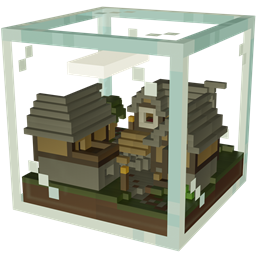
Minecraft 1.21.3 کے لیے Combat Cube 2 نقشہ
2+ کھلاڑیوں کے لیے افراتفری والا smash جیسا PvP میپ
Combat Cube 2 میپ کے بارے میں
Combat Cube 2 is the long-awaited sequel of the fast-paced PvP classic. Now featuring 18 arenas, 18 unique items and lots of chaotic fun - alone or in teams. Try to knock your opponents out of that cube with all your might and be the last one standing!
You need a custom resource pack to play this map (also included in the world download)!
Want to play Combat Cube 2 with other players on a free server?
To find out how check out our website or join our Discord server.
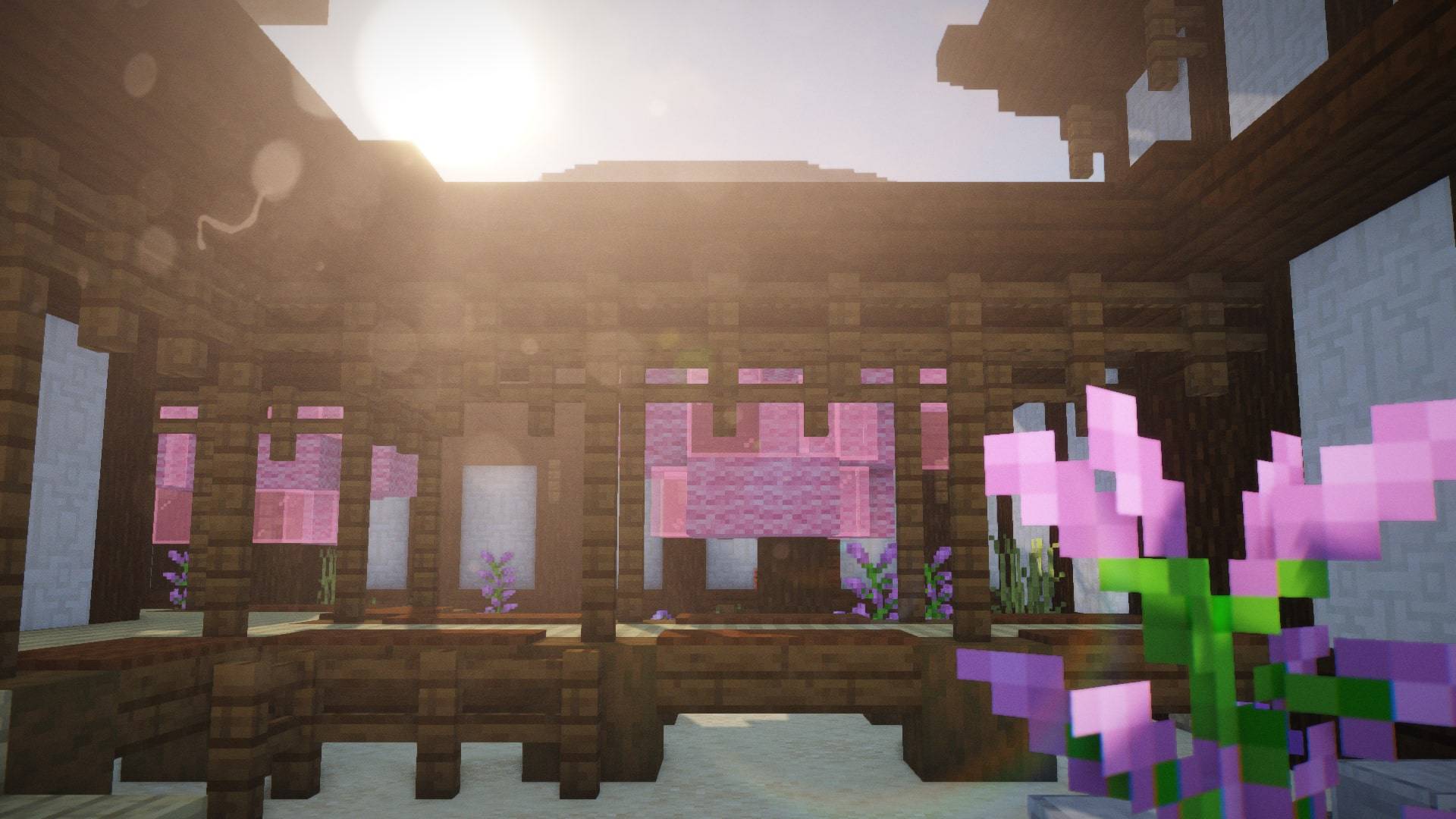
How to create your own Combat Cube arena:
- Open the editor by using the command /function editor:create_new_arena or /function editor:edit_arena. You need operator permissions to use those commands. When trying to edit an arena, open the structure block in front of you and write the path to the structure (for example “Gold Quarry” is saved as “map:quarry”). Then press the right LOAD button twice.
- If you want to join someone creating an arena use /function editor:join_as_editor or switch to creative mode.
- To place the spawn points use the command block outside the cube. With the received spawn eggs you can place, rotate and remove spawn points. You need to place exactly 8 spawn points!
- To make doors interactable in game, you need to place a door entity inside the door using the spawn eggs.
- When you are satisfied with your creation, you can save the arena by using the command block outside the arena. Open the structure block in front of you, give the structure a name and press the right SAVE button.
- After saving the structure, run /data modify storage map:arena new_arena append value {structure:"STRUCTURE NAME", tags:["noon"], display:'{"text":"DISPLAY NAME"}'} to add it to the arena list. Replace STRUCTURE NAME with the name set in the structure block and DISPLAY NAME with the name you want to be displayed in the lobby.
- To remove the last added arena use /function dev:remove_arena
Combat Cube 2 کیسے انسٹال کریں
With Millida Launcher
Install Millida Launcher
The launcher is free: download it at millida.net/launcher and sign in with any nickname.
Click “Install” on this page
The launcher opens and installs the map for Minecraft 1.21.2–1.21.3 automatically.
Launch the game
A profile with it appears in the launcher: click “Play”.
On a server
Replace the world folder
Stop the server and put the map folder in place of world (or set its name in level-name).
Use the “To server” button
On Millida Hosting, the button at the top of the page uploads the file to your server and restarts it for you.
ورژنز
ڈیپنڈنسیز کے ساتھ
| Minecraft | لوڈر | فائل | تاریخ | اقدامات |
|---|---|---|---|---|
| 1.21.3 | — | Combat Cube 2 v4.3.03.4 MB |
عمومی سوالات
Which Minecraft versions does Combat Cube 2 work on?
There are files for 1.21.3, 1.21.2. The newest is 1.21.3.
ریویوز
Combat Cube 2 کو ریٹ کرنے والے پہلے شخص بنیں



