

Minecraft 1.21.94 کے لیے Cloud Survival نقشہ
Survive on clouds in the sky—gather floating resources, build carefully, and defeat the Ender Dragon without ever touching the ground!
Cloud Survival میپ کے بارے میں
Cloud Survival:
Take your Skyblock survival to new heights in the Cloud Survival Map. Build, explore, and battle among floating clouds while preparing for the ultimate fight against the Ender Dragon.
The Challenge Live on clouds high above the void Falling through a cloud means instant death Plan every step and survive in the sky
Starting Point Spawn on a tiny island with a tree and a chest Use the limited items wisely Expand your base and start gathering resources
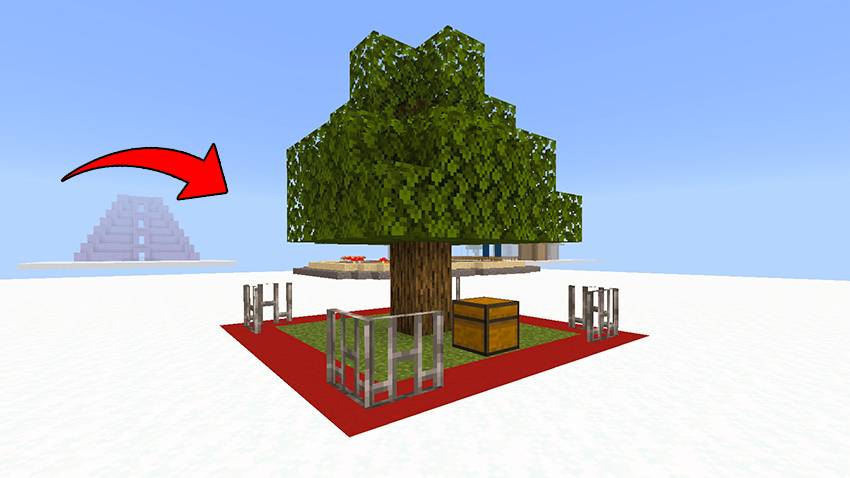
Spawn Chest:
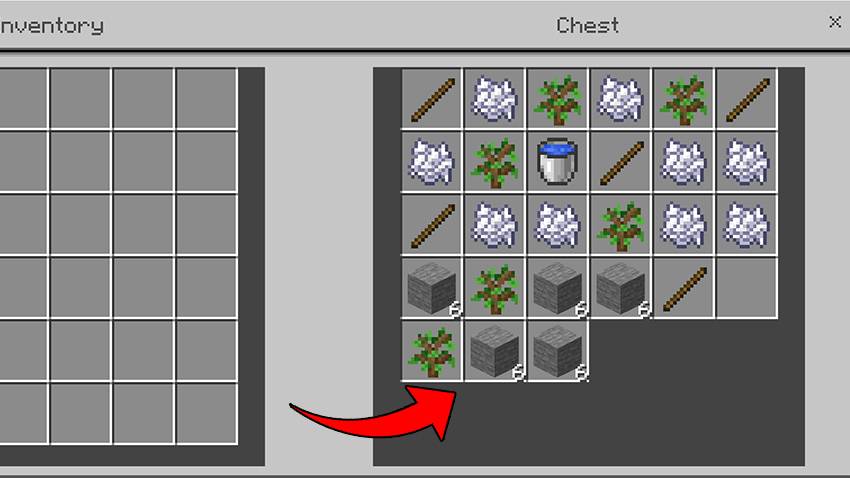
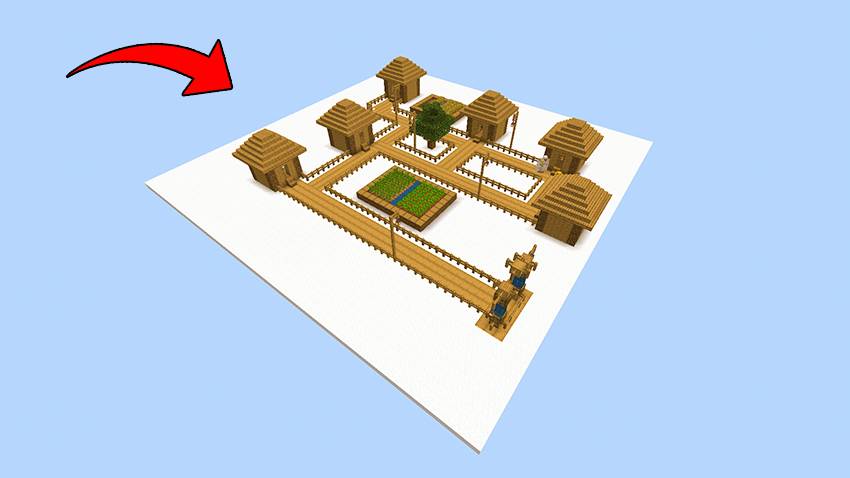
Cloud Village Find friendly villagers in the sky Trade for rare and useful items Build alliances to prepare for tougher challenges
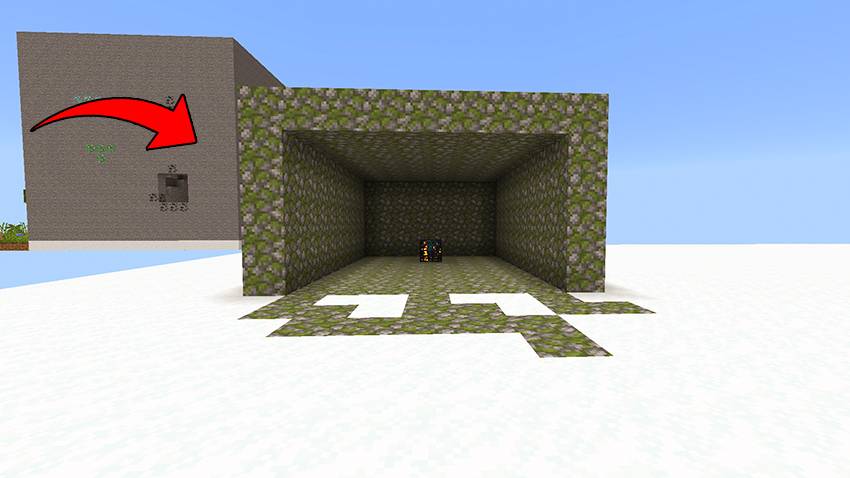
Mob Spawner Face hostile mobs for loot Collect bones, arrows, and more Set traps and fortify your base to survive
Sky Mine Mine ores like coal, iron, and diamonds Dig carefully to avoid falling into the void Watch out for mobs inside the clouds
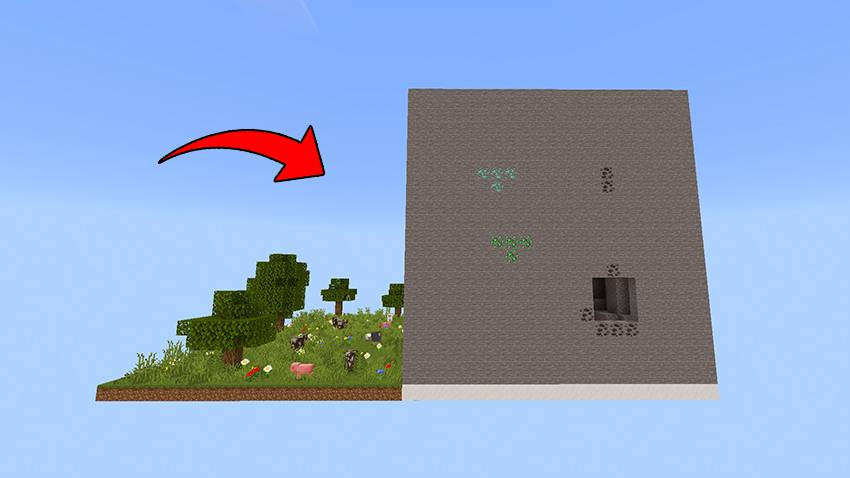
Stronghold Temple Final destination with the End Portal Solve puzzles, fight guardians, and reach the End Activate the portal and prepare for the final battle
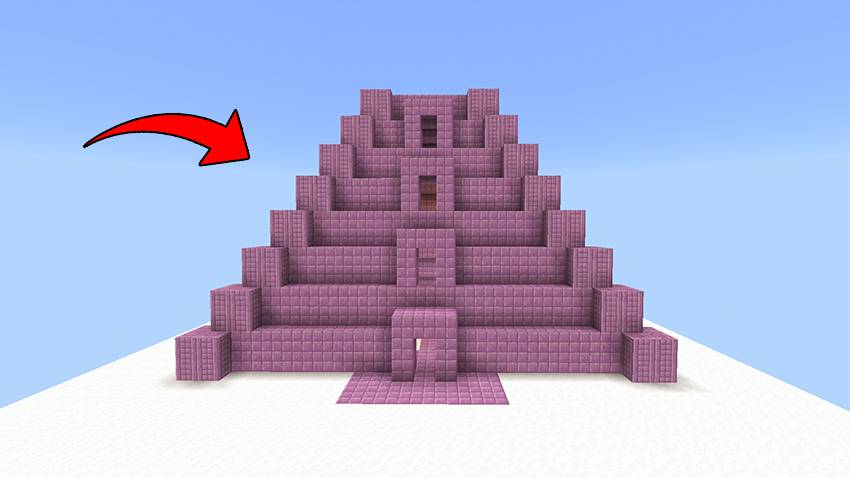
Survival Tips Use cobblestone generators to expand your platform Conserve food and replant trees Enchant your weapons and brew potions before the End fight Control mobs with walls, lights, and traps
Final Goal Reach the End Defeat the Ender Dragon Survive the clouds and prove your mastery
Cloud Survival کیسے انسٹال کریں
With Millida Launcher
Install Millida Launcher
The launcher is free: download it at millida.net/launcher and sign in with any nickname.
Click “Install” on this page
The launcher opens and installs the map for Minecraft 1.21.90–1.21.94 automatically.
Launch the game
A profile with it appears in the launcher: click “Play”.
Manually
Download the map archive
Pick the file Cloud survival.mcworld (5.1 MB).
Unpack it into the saves folder
The world folder (with level.dat inside) must sit directly in .minecraft/saves.
Open the world
“Singleplayer”: the map will be in your world list.
On a server
Replace the world folder
Stop the server and put the map folder in place of world (or set its name in level-name).
Use the “To server” button
On Millida Hosting, the button at the top of the page uploads the file to your server and restarts it for you.
ورژنز
ڈیپنڈنسیز کے ساتھ
| Minecraft | لوڈر | فائل | تاریخ | اقدامات |
|---|---|---|---|---|
| 1.21.93 | — | Cloud survival.mcworld5.1 MB |
عمومی سوالات
Which Minecraft versions does Cloud Survival work on?
There are files for 1.21.94, 1.21.93, 1.21.90. The newest is 1.21.94.
Where can I download Cloud Survival safely?
On this page: the file Cloud survival.mcworld (5.1 MB) is stored on Millida’s server, with no link shorteners. SHA-1 checksum: aad31970dedd8ff8554366444328187f1277eac7.
ریویوز
Cloud Survival کو ریٹ کرنے والے پہلے شخص بنیں



