

Minecraft 1.19.2, 1.19.3 کے لیے Feathery Messengers ڈیٹا پیک
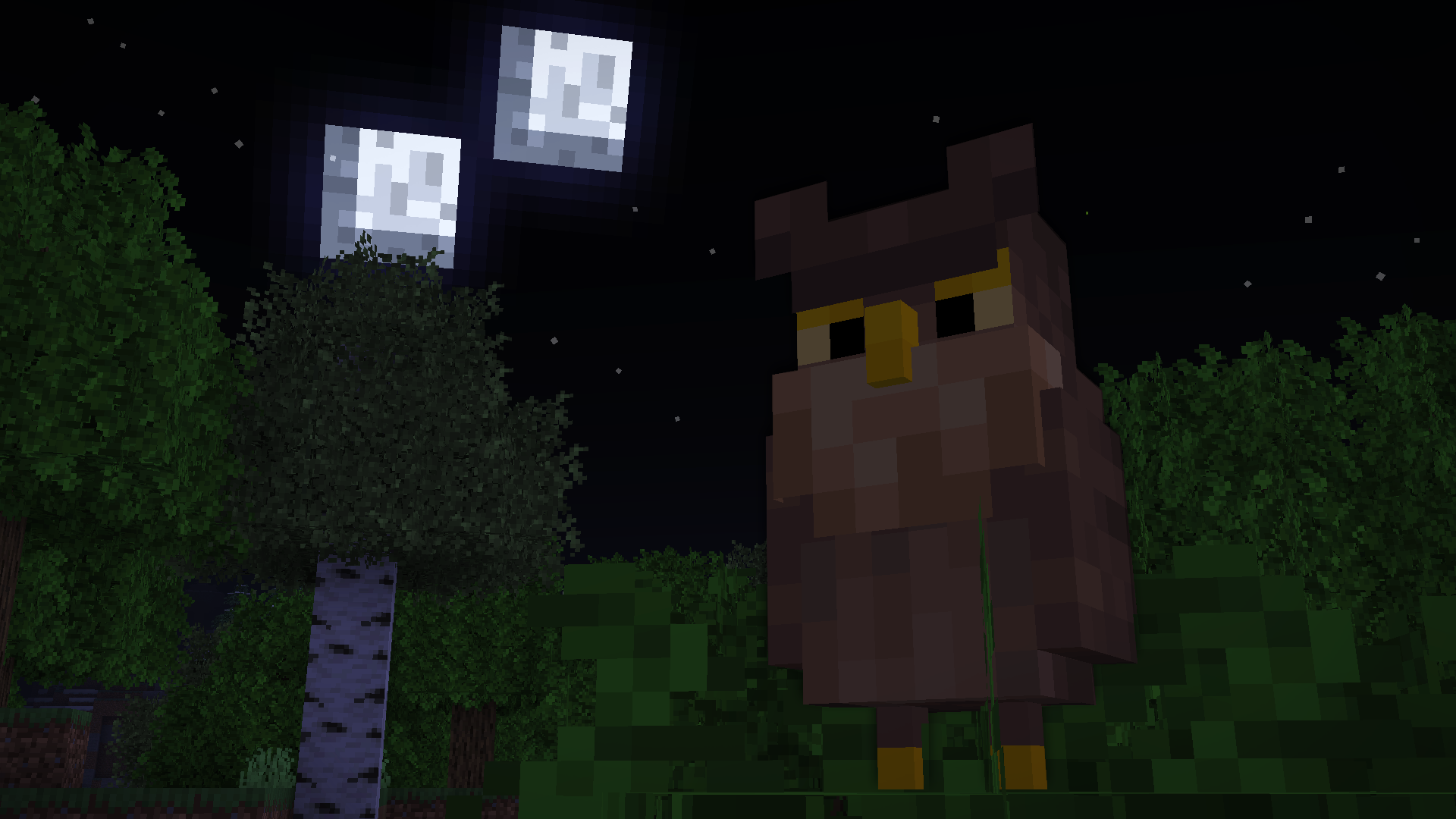
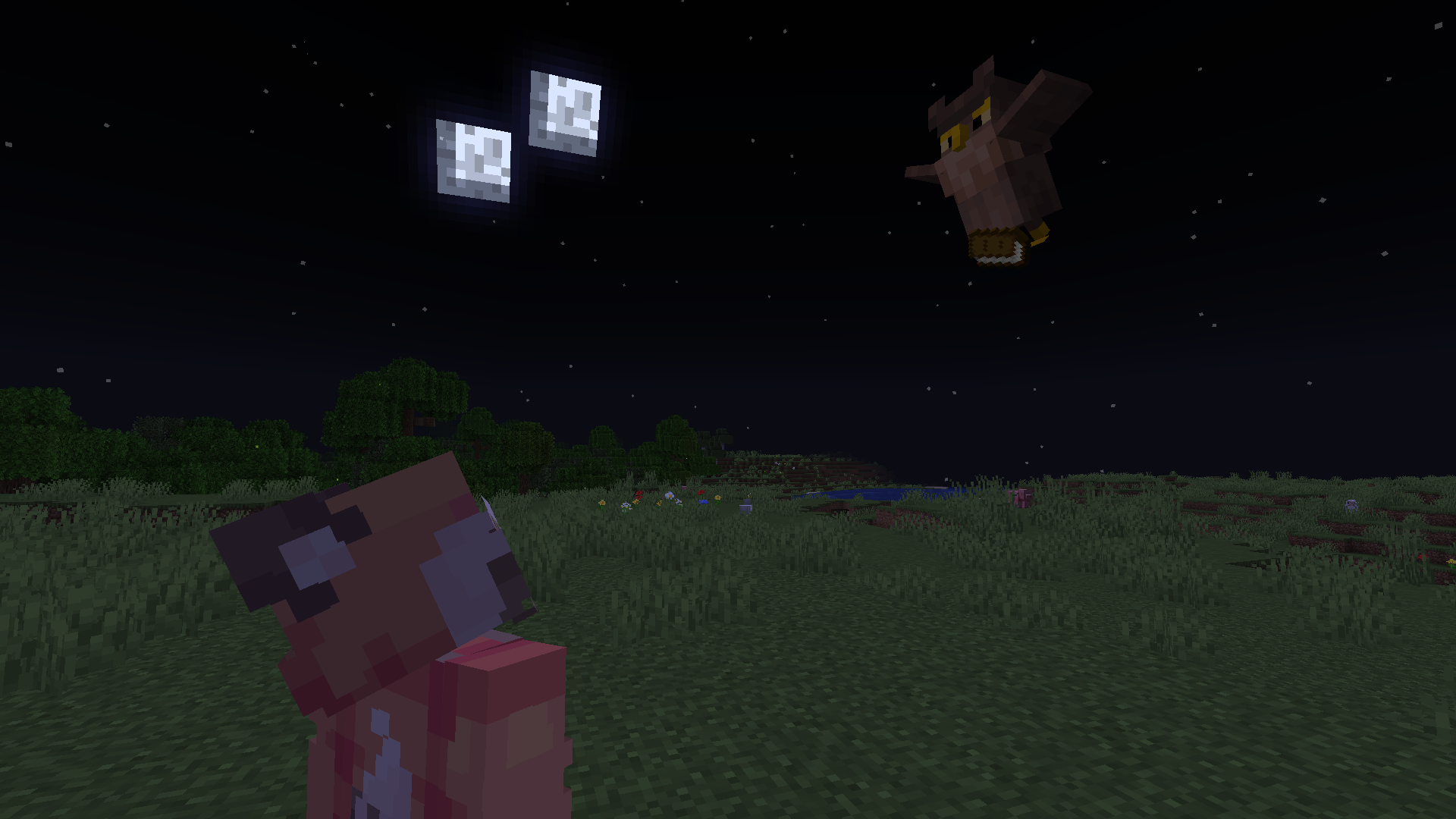
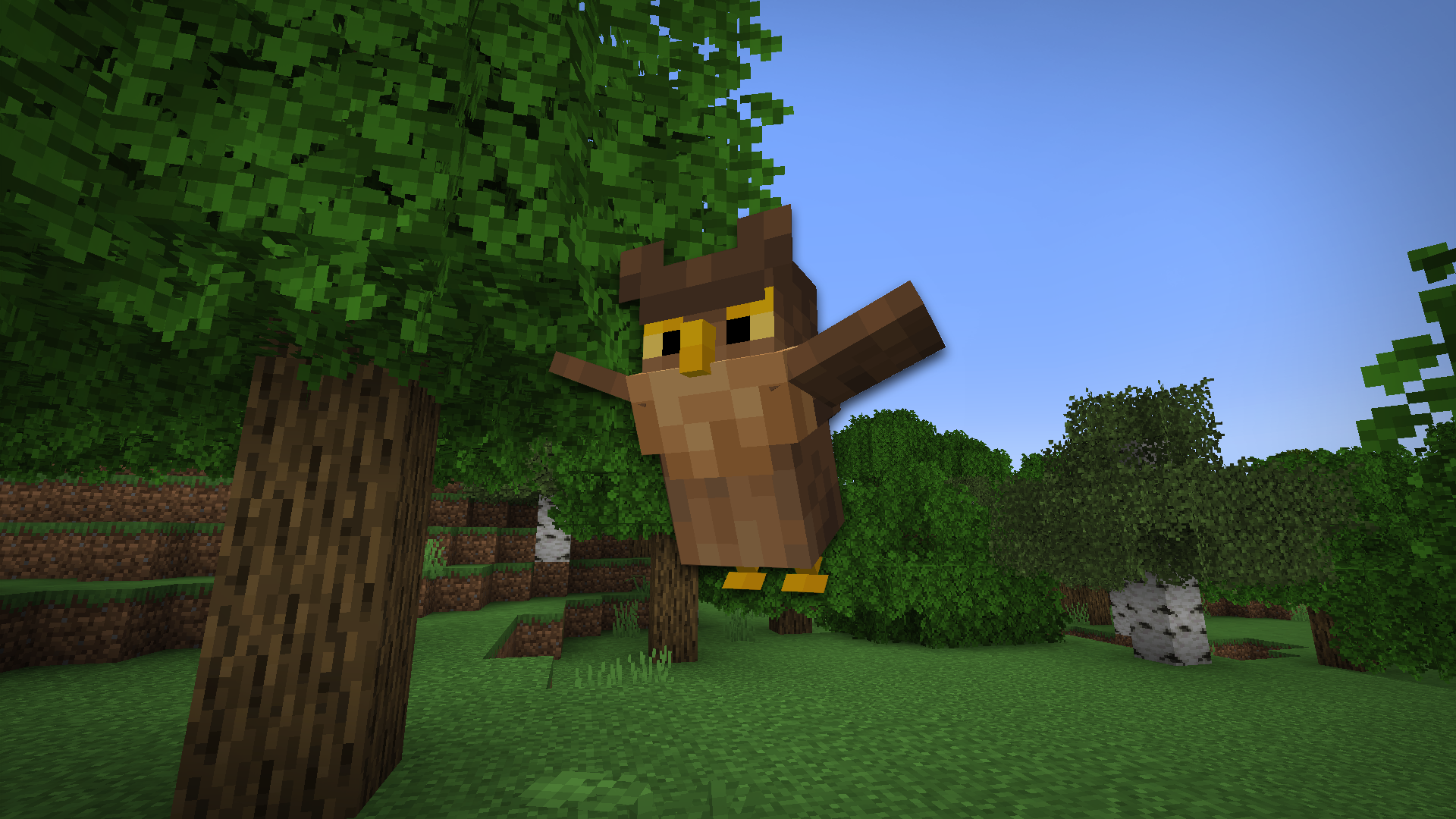
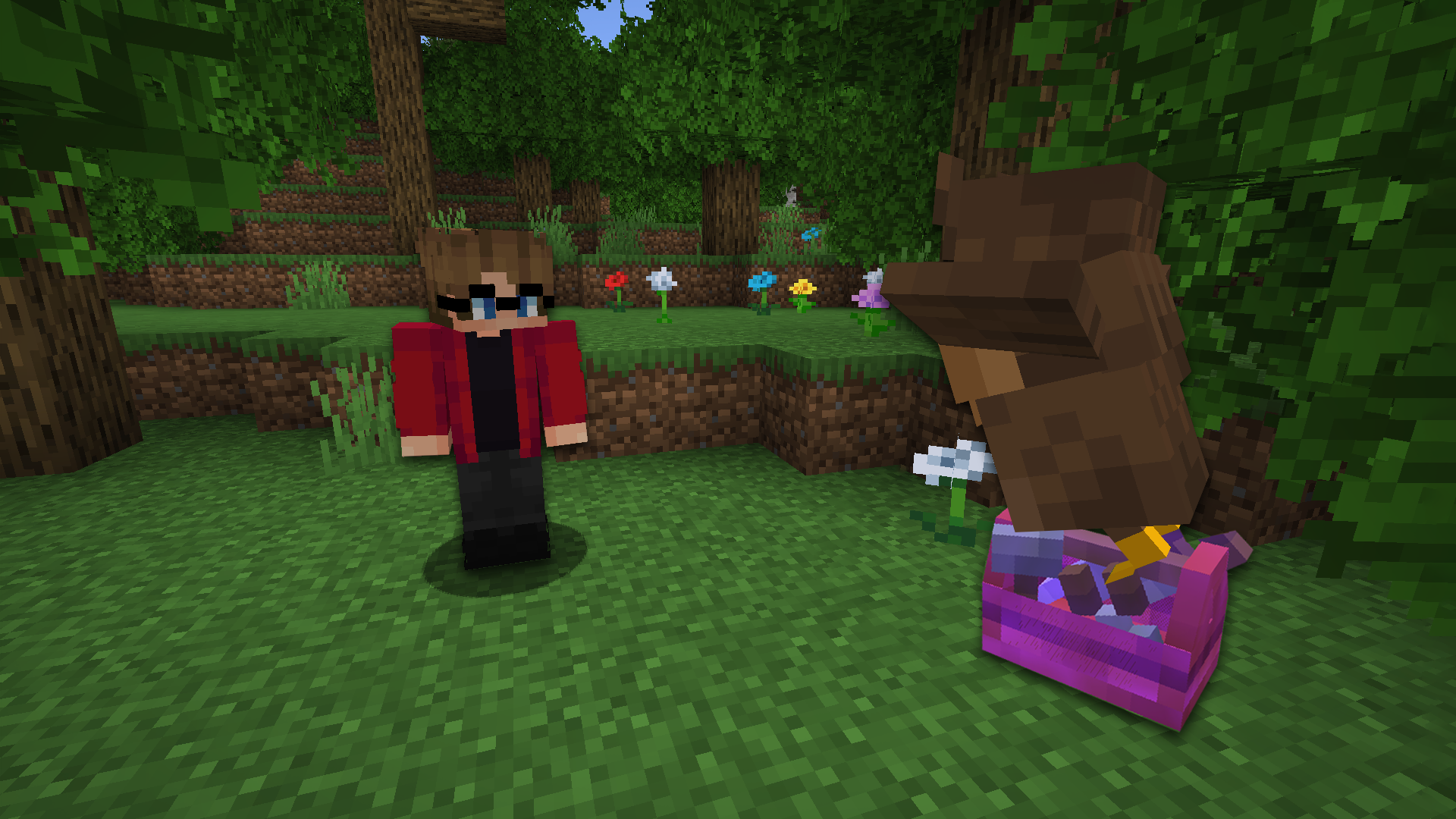
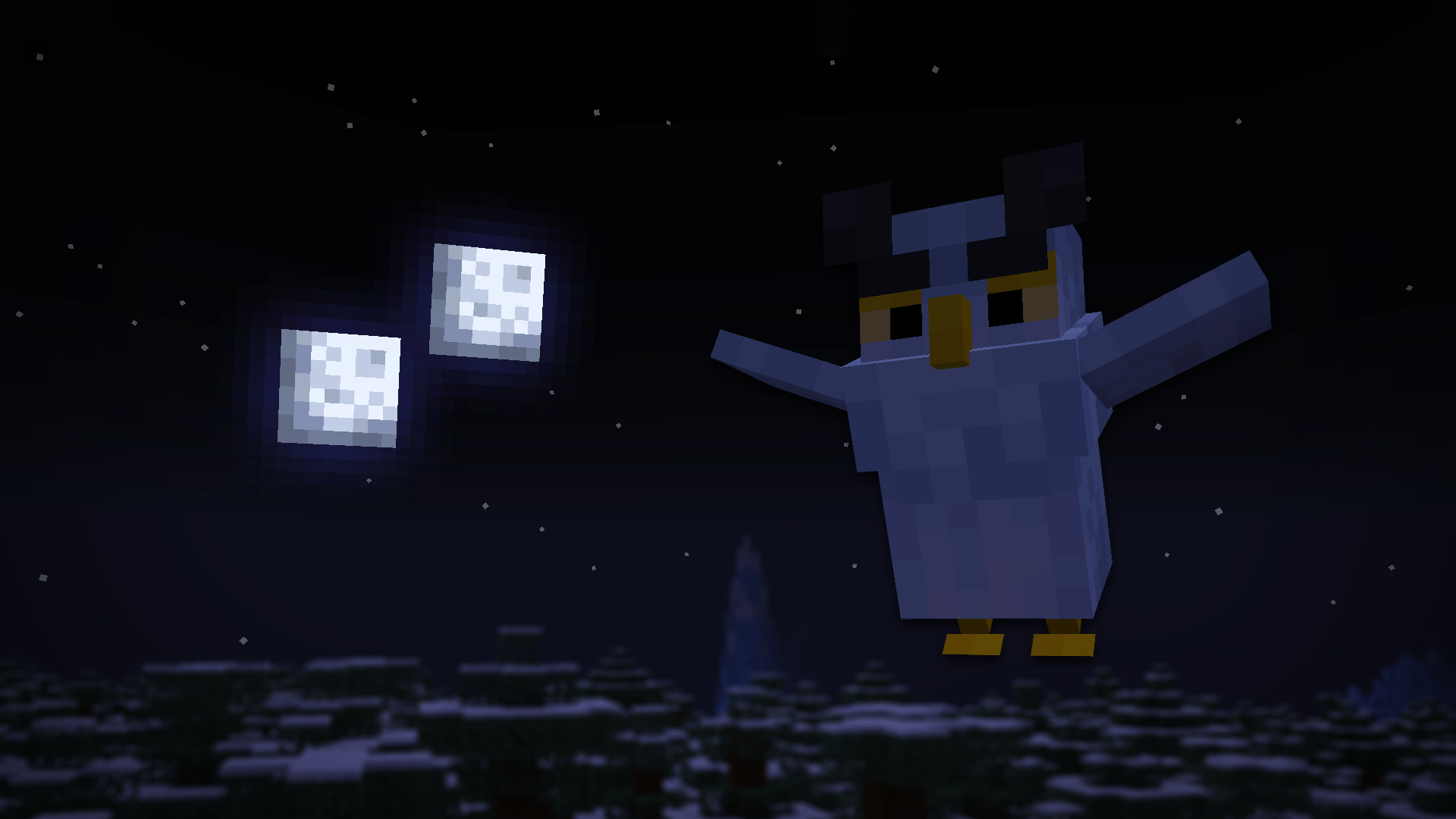
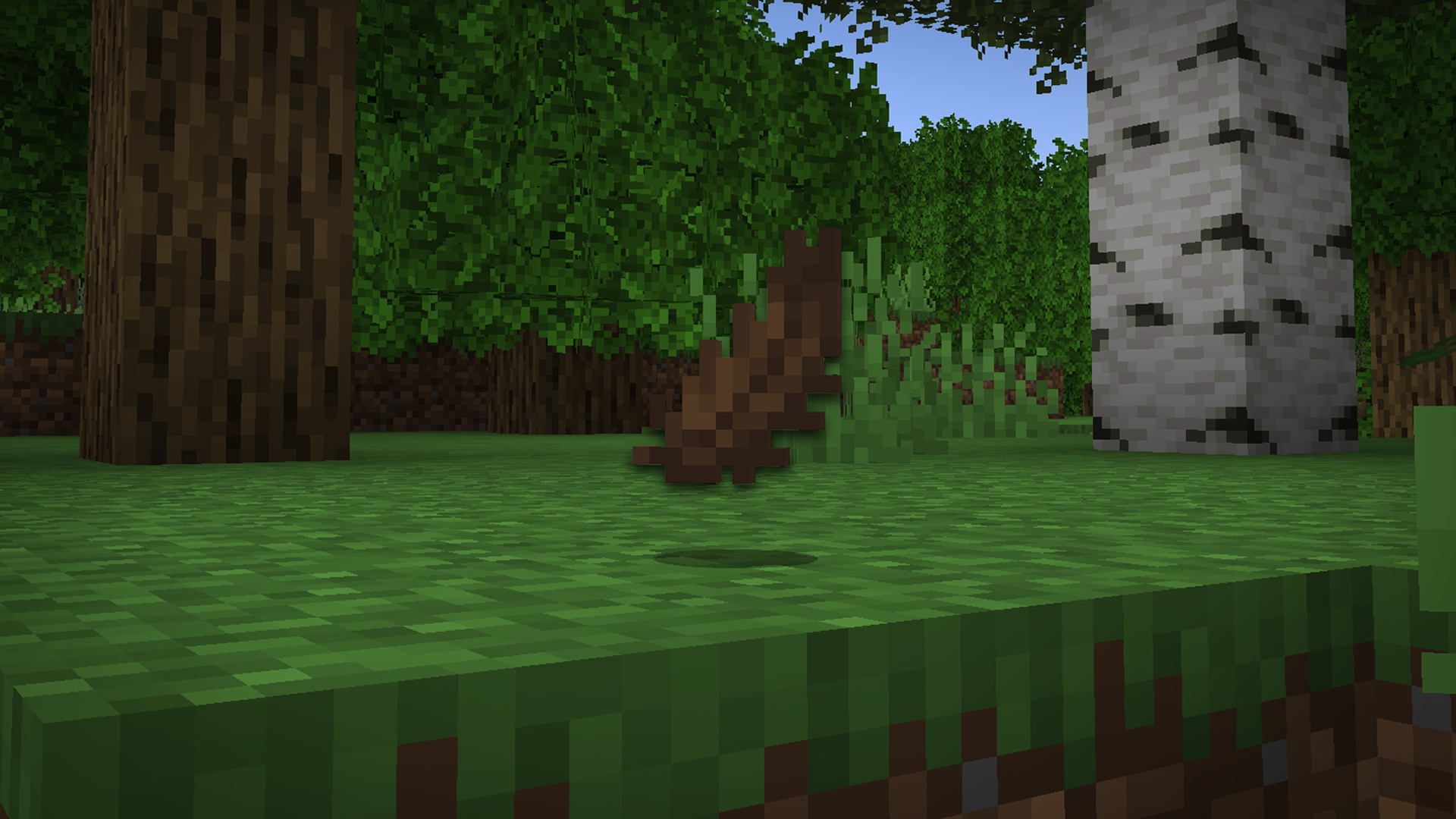
Feathery Messengers کے ساتھ آسمانوں کی طاقت کو آزاد کریں، وہ Minecraft موڈ جو آپ کی دنیا میں ڈیلیوری اُلّو لاتا ہے اور آپ کو صرف چند کلکس میں اپنے دوستوں اور اتحادیوں کو آئٹمز بھیجنے دیتا ہے!
- ویوز
- 29 ویوز
- اپ ڈیٹ شدہ
- اپ ڈیٹ شدہ 12.02.2023
- 1.19 — 1.19.3
 ڈیٹا پیک
- کلائنٹ اور سرور
Mod/Datapack for Minecraft: Java Edition
Unleash the power of the skies with Feathery Messengers, the Minecraft mod that brings delivery owls to your world and allows you to send items soaring to your friends and allies with just a few clicks!
Installation
Stable releases
The latest releases of Feathery Messengers is published to our GitHub release pages. Releases are considered to be suitable for general use, but they are not guaranteed to be free of bugs and other issues.

Community
We have an official Discord community. By joining, you can:
- Get installation help and technical support
- Be notified of the latest developments as they happen
- just hang out with the rest of our community.

License
This project is licensed under the Attribution-NonCommercial-ShareAlike 4.0 International (CC BY-NC-SA 4.0) license. Feel free to use and modify the mod/datapack as you see fit, as long as you give credit to the original authors, do not use it for commercial purposes, and share any modifications under the same license. See the LICENSE file for more details.
Website
Feel free to check out our website! https://lunareclipse.studio
Feathery Messengers کیسے انسٹال کریں
With Millida Launcher
Install Millida Launcher
The launcher is free: download it at millida.net/launcher and sign in with any nickname.
Click “Install” on this page
The launcher opens and installs the data pack for Minecraft 1.19–1.19.3 automatically.
Launch the game
A profile with it appears in the launcher: click “Play”.
Manually
Download the archive
Pick the file Feathery-Messengers-1.19-v1.3-Data-Resource-Pack.zip (194 KB) for your game version.
New world: “Data Packs”
When creating a world, click “Data Packs”, drag the archive into the window, then move it to “Selected”.
Existing world: the datapacks folder
Put the archive into saves/<world>/datapacks and type /reload in game.
On a server
Archive goes into the server world’s datapacks
The world/datapacks folder on the server; players do not need to install anything.
Reload the data
Type /reload in the server console or restart the server.
Use the “To server” button
On Millida Hosting, the button at the top of the page uploads the file to your server and restarts it for you.
ورژنز
ڈیپنڈنسیز کے ساتھ
| Minecraft | لوڈر | فائل | تاریخ | اقدامات |
|---|---|---|---|---|
| 1.19.2 | ڈیٹا پیک | 1.19.2194 KB |
عمومی سوالات
Which Minecraft versions does Feathery Messengers work on?
There are files for 1.19.3, 1.19.2, 1.19.1, 1.19. The newest is 1.19.3.
Does Feathery Messengers work on a server?
Yes: the data pack goes into the datapacks folder of the server world, and players do not need to install anything.
Where can I download Feathery Messengers safely?
On this page: the file Feathery-Messengers-1.19-v1.3-Data-Resource-Pack.zip (194 KB) is stored on Millida’s server, with no link shorteners. SHA-1 checksum: 0d5fd7c9d4ad8513699774a2fd3967e0fbbff6ab.
ریویوز
Feathery Messengers کو ریٹ کرنے والے پہلے شخص بنیں


