
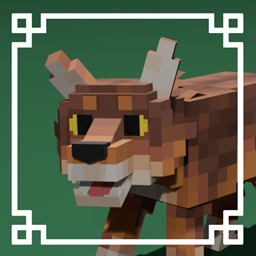
Minecraft 26.0.02 için Wild Wolves Kaynak paketi
Kurtları 340'tan fazla benzersiz kurt varyantıyla daha vahşi olacak şekilde yeniden modeller!

Wilder Wolves!
Remodeled Wolves with new features like random eye colors and floppy ears!
Features:
- Normal and folded ears
- New textures for all the nine varieties.
- Randomized eye shapes and colors.
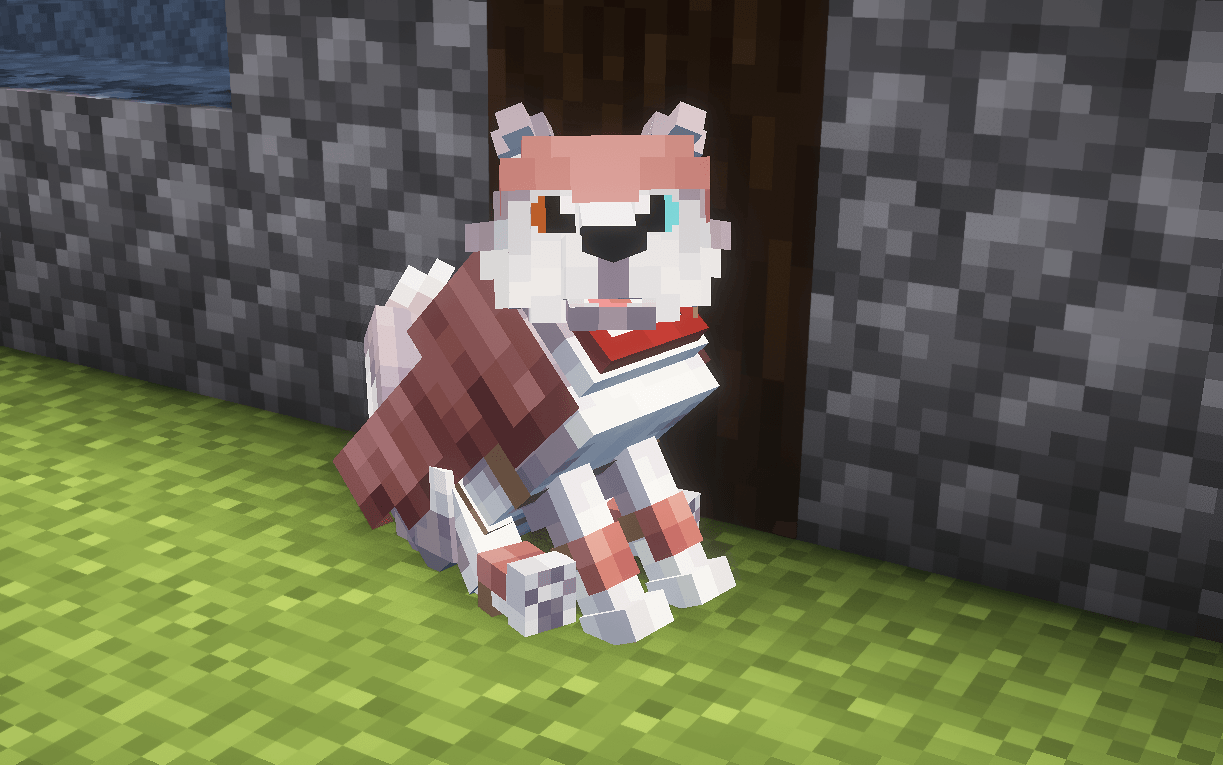
Subpack Settings:
- Vanilla Spawning: remodeled wild wolves but with vanilla variants only comes with ear up and ear down version
- Random Spawning: includes all 340+ possible unique wolf variants
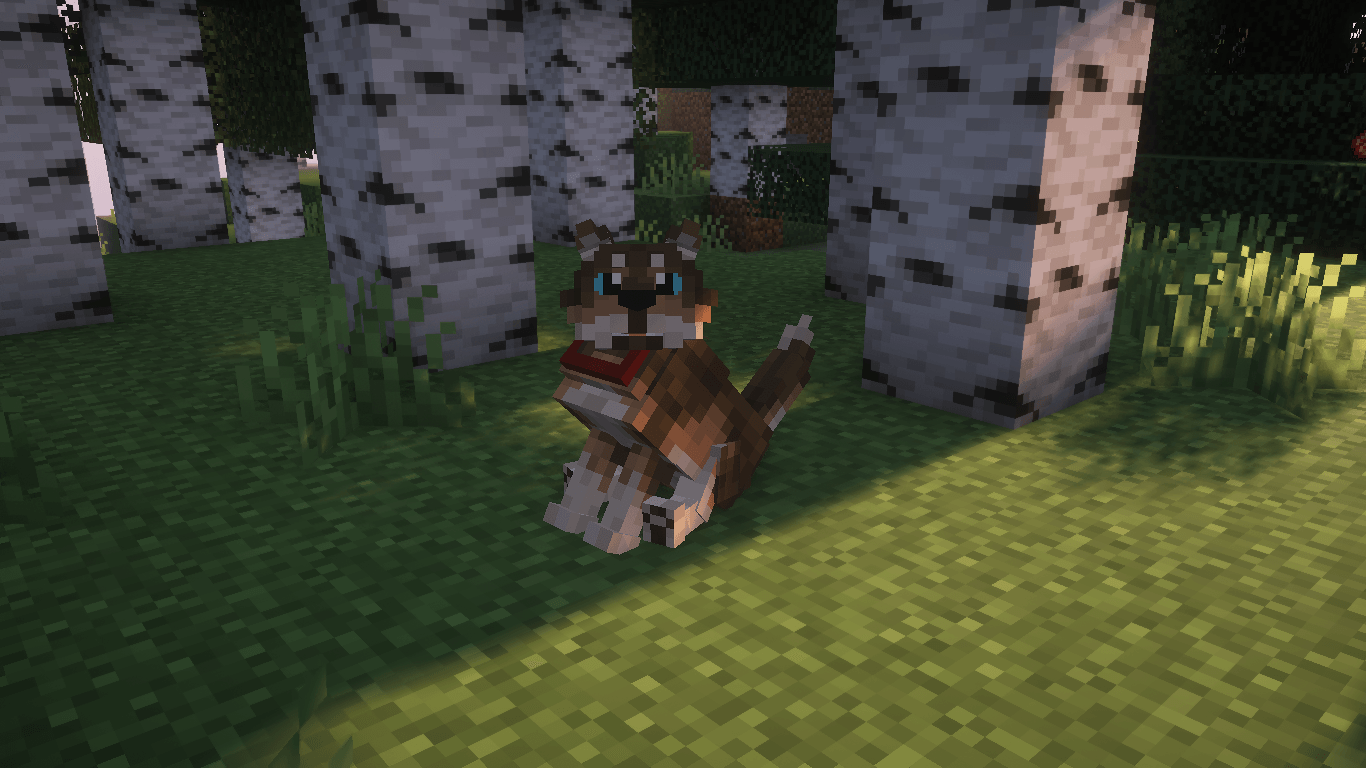
For the original Java Version:
Java Edition | Java Author's Profile
### Owner's Permission:

Wild Wolves nasıl kurulur
With Millida Launcher
Install Millida Launcher
The launcher is free: download it at millida.net/launcher and sign in with any nickname.
Click “Install” on this page
The launcher opens and installs the resource pack for Minecraft 26.0–26.0.02 automatically.
Launch the game
A profile with it appears in the launcher: click “Play”.
Manually
Download the archive
Pick the file wild_wolves-v1.1.1.mcpack (774 KB) for your game version. No need to unpack it.
Put it in the resourcepacks folder
The easiest way: “Options”, then “Resource Packs”, then “Open Pack Folder”, and drag the archive there.
Enable the pack
In the same window, move the pack to the right-hand “Selected” column and click “Done”.
Sürümler
Bağımlılıklarla
| Minecraft | Yükleyici | Dosya | Tarih | İşlemler |
|---|---|---|---|---|
| 26.0.02 | — | Wild Wolves v1.1.1774 KB |
SSS
Which Minecraft versions does Wild Wolves work on?
There are files for 26.0.02, 26.0. The newest is 26.0.02.
Where can I download Wild Wolves safely?
On this page: the file wild_wolves-v1.1.1.mcpack (774 KB) is stored on Millida’s server, with no link shorteners. SHA-1 checksum: 36c64aa180290ab1743d94eab67a1538fddad713.
Yorumlar
Wild Wolves için ilk puanı sen ver


