
Minecraft 1.21, 26.50 için water wave Kaynak paketi
Water Wave, gerçekçi animasyonlu su dalgaları ekleyen bir Minecraft Bedrock kaynak paketidir. Daha iyi performans için Smooth modunu veya daha büyük, daha görünür dalgalar için Dynamic modunu seçin.
Water Wave
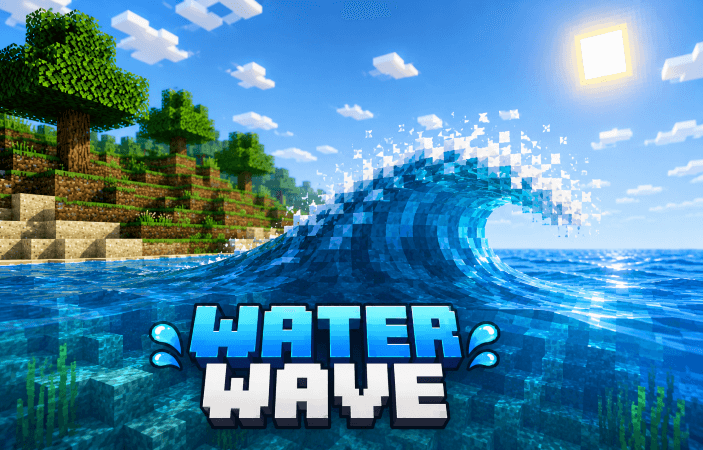
Water Wave is a Minecraft Bedrock pack that adds beautiful and realistic animated water waves to your world! 🌊
✨ Features:
• Realistic animated water waves
• Smooth water movement
• Dynamic wave effects
• Custom water textures
• Better and more immersive ocean, river, and lake visuals
• Performance-friendly options
• added particle
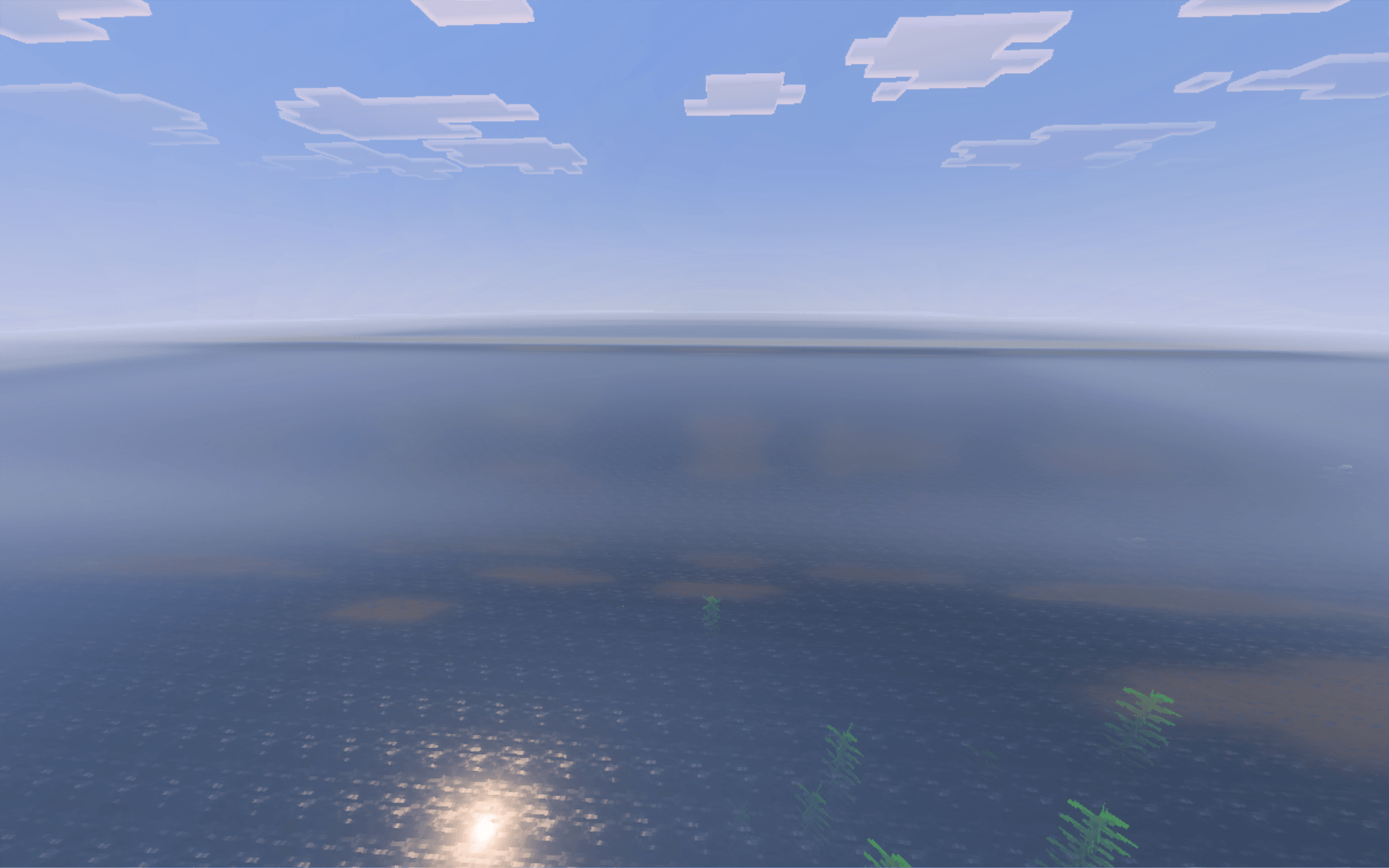
Choose Smooth Mode for better performance or Dynamic Mode for stronger and more visible waves.
Bring your Minecraft world to life with realistic moving water! 🌊💙
water wave nasıl kurulur
With Millida Launcher
Install Millida Launcher
The launcher is free: download it at millida.net/launcher and sign in with any nickname.
Click “Install” on this page
The launcher opens and installs the resource pack for Minecraft 1.20.40–26.50 automatically.
Launch the game
A profile with it appears in the launcher: click “Play”.
Manually
Download the archive
Pick the file Water Wave_v.1.5.mcpack (302 KB) for your game version. No need to unpack it.
Put it in the resourcepacks folder
The easiest way: “Options”, then “Resource Packs”, then “Open Pack Folder”, and drag the archive there.
Enable the pack
In the same window, move the pack to the right-hand “Selected” column and click “Done”.
Sürümler
Bağımlılıklarla
| Minecraft | Yükleyici | Dosya | Tarih | İşlemler |
|---|---|---|---|---|
| 1.20.40 | — | Water Wave_v.1.5.mcpack302 KB 2 |
Yorumlar
water wave için ilk puanı sen ver



