

Minecraft 26.20 için VFX VISUALS Kaynak paketi
CANLI GÖRSELLER için shader'lar
✨ VFX SHADERS V3 [REWORK] - Vibrant & Compatible
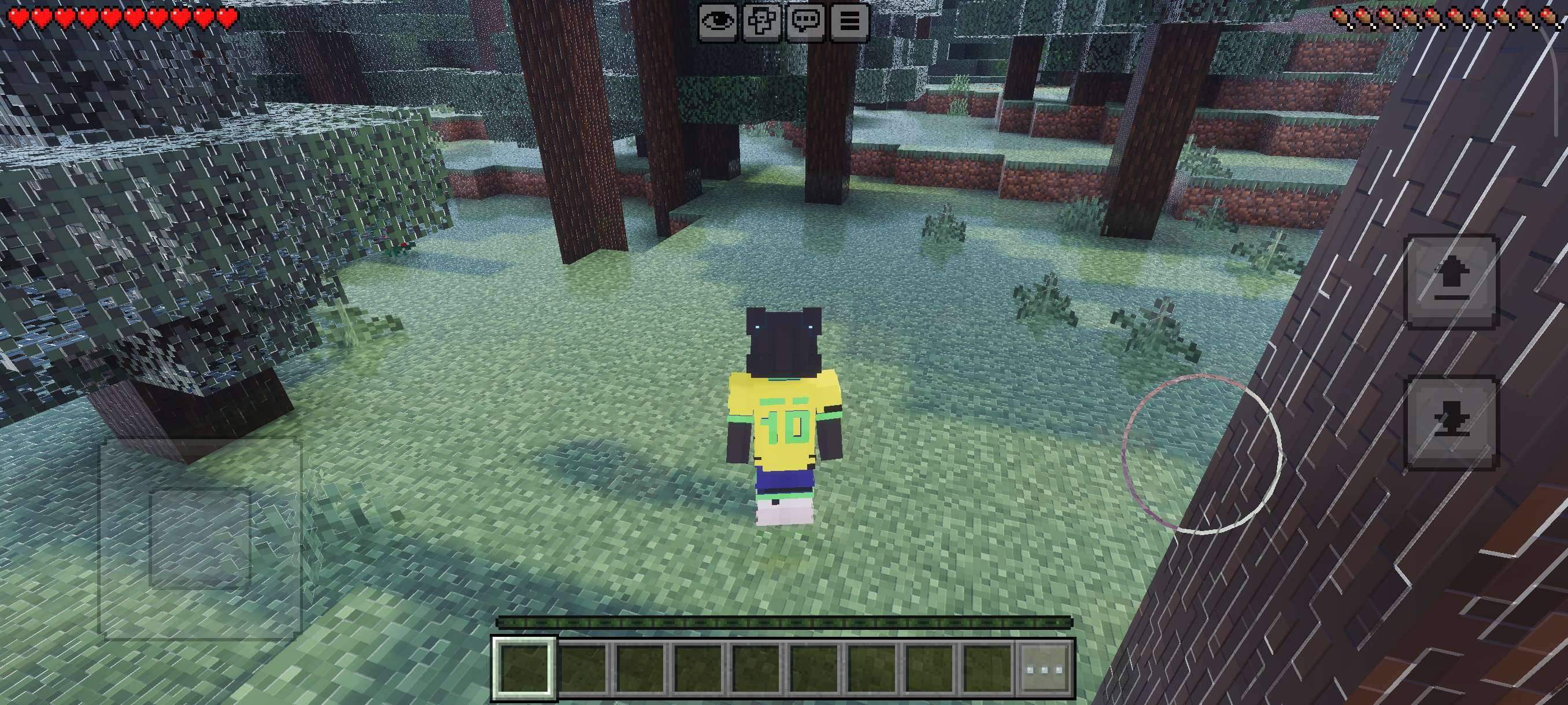
The evolution is here! VFX SHADERS V3 [REWORK] has been completely rebuilt to bring an extra charm to your Minecraft Bedrock gameplay. This version focuses on an immersive atmosphere, vibrant colors, and lighting that transforms every biome into a cinematic experience.
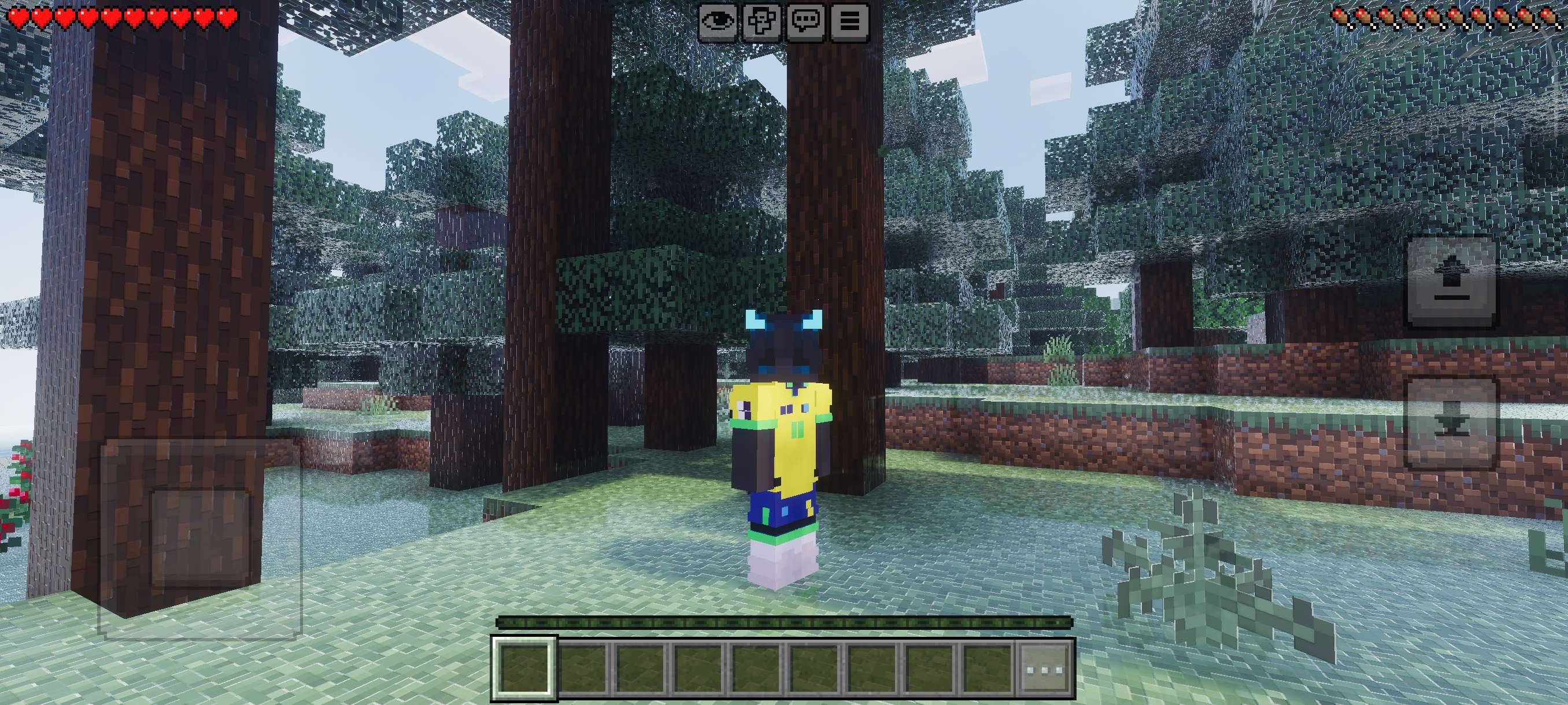
🌟 V3 Rework Highlights:
- Unique Visual Charm: Polished lighting that brings new life to your world.
- Full Compatibility: Use your favorite block textures without losing the shader effects.
- Optimized Performance: This "Rework" focuses on stability to keep your gameplay smooth.
⚠️ IMPORTANT: Load Order (Avoid Water Bugs!)
To ensure the shader works correctly and to prevent water rendering bugs, you must follow this order in your active packs list:
- VFX SHADERS V3 [REWORK] (Always at the TOP) ⬆️
- Your Texture Pack of choice (Below the shader) ⬇️
- Minecraft Original (Base)
Attention: If the shader is not at the top of the list, the water rendering and weather effects may glitch or not appear at all.
🛠️ Mandatory Requirements:
This pack utilizes the new deferred rendering technology. To work:
- Enable the Vibrant Visuals (Deferred Rendering) feature in the Video Settings.
- Available for Minecraft versions with support for Technical Graphics (Render Dragon/Deferred).
Transform your world with the power of VFX V3! Feedback and suggestions are always welcome in the comments.
VFX VISUALS nasıl kurulur
With Millida Launcher
Install Millida Launcher
The launcher is free: download it at millida.net/launcher and sign in with any nickname.
Click “Install” on this page
The launcher opens and installs the resource pack for Minecraft 26.12–26.20 automatically.
Launch the game
A profile with it appears in the launcher: click “Play”.
Manually
Download the archive
Pick the file vfx visuals[MIRAI].mcpack (726 KB) for your game version. No need to unpack it.
Put it in the resourcepacks folder
The easiest way: “Options”, then “Resource Packs”, then “Open Pack Folder”, and drag the archive there.
Enable the pack
In the same window, move the pack to the right-hand “Selected” column and click “Done”.
Sürümler
Bağımlılıklarla
| Minecraft | Yükleyici | Dosya | Tarih | İşlemler |
|---|---|---|---|---|
| 26.12 | — | vfx visuals[MIRAI].mcpack726 KB 3 |
SSS
Which Minecraft versions does VFX VISUALS work on?
There are files for 26.20, 26.13, 26.12. The newest is 26.20.
Where can I download VFX VISUALS safely?
On this page: the file vfx visuals[MIRAI].mcpack (726 KB) is stored on Millida’s server, with no link shorteners. SHA-1 checksum: 98f0b3d1b8db1cf449fddf9b8c14e564cfefe5cf.
Yorumlar
VFX VISUALS için ilk puanı sen ver



