

Minecraft 26.40 için Trusty Tools Kaynak paketi
Tamamen modellenmiş 3D aletler ve silahlar. Yaylar, topuz ve mızrak içerir!

About
This pack adds fully modeled 3D handheld models for pickaxes, shovels, swords, axes, and hoes, plus a few specials (like bow and mace) in a style similar to other fresh stuff. This pack was originally created by Zvezdov for Java Edition and was ported by me, Parzival_ to Bedrock Edition.
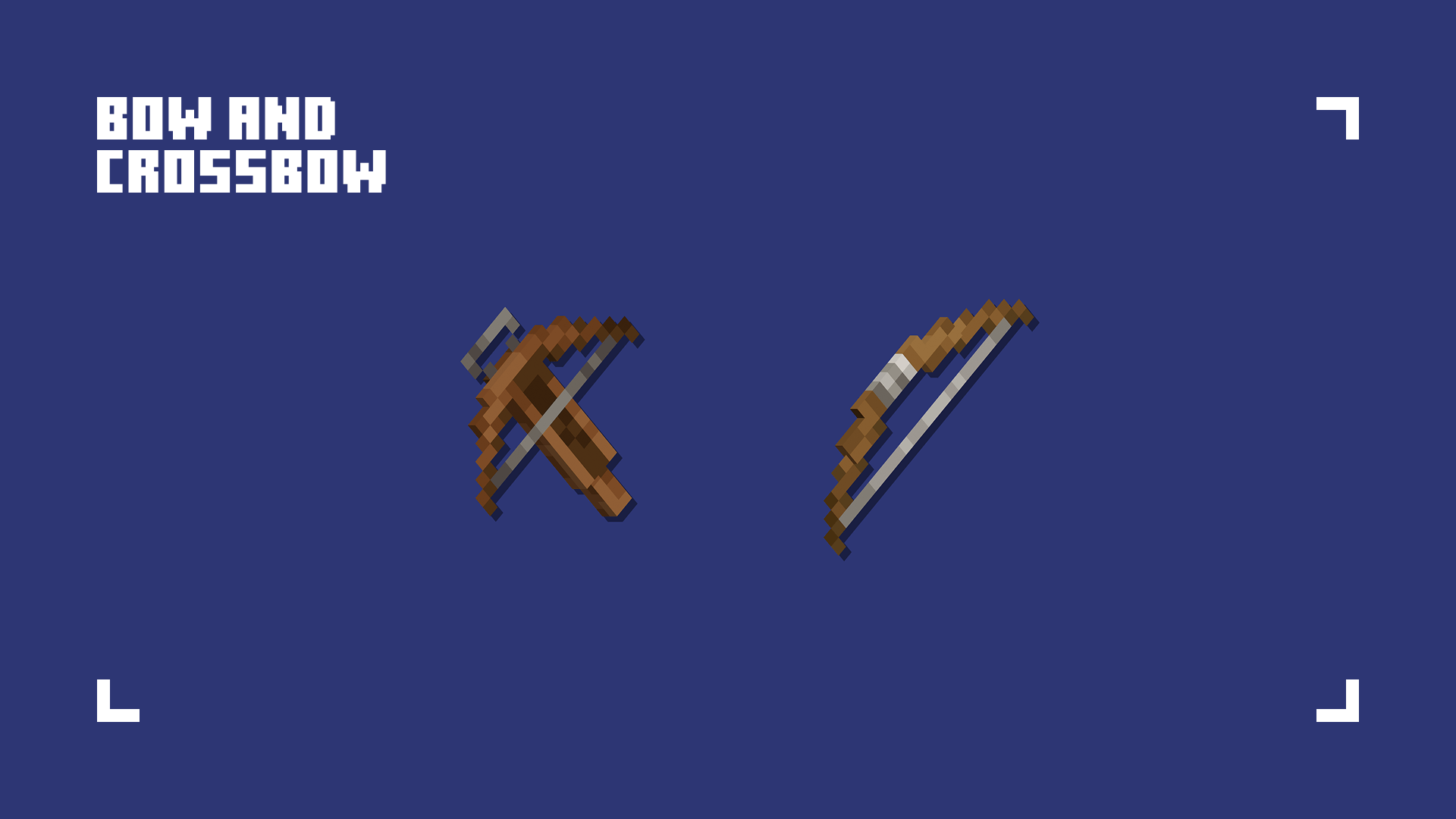
Features
- Added handheld models for pickaxes, shovels, swords, axes and hoes
- Added handheld models for bow and crossbow
- Added handheld model for a mace
- Added shield item texture
- Changed item textures for pickaxes, shovels, swords, axes, and hoes
- Changed item textures for bow, crossbow, and arrow
- Changed arrow entity texture
My Ooga Booga pack is a finalist in the CurseForge ModJam 2026 Community Vote. If you enjoy the pack, please consider supporting it with a vote!
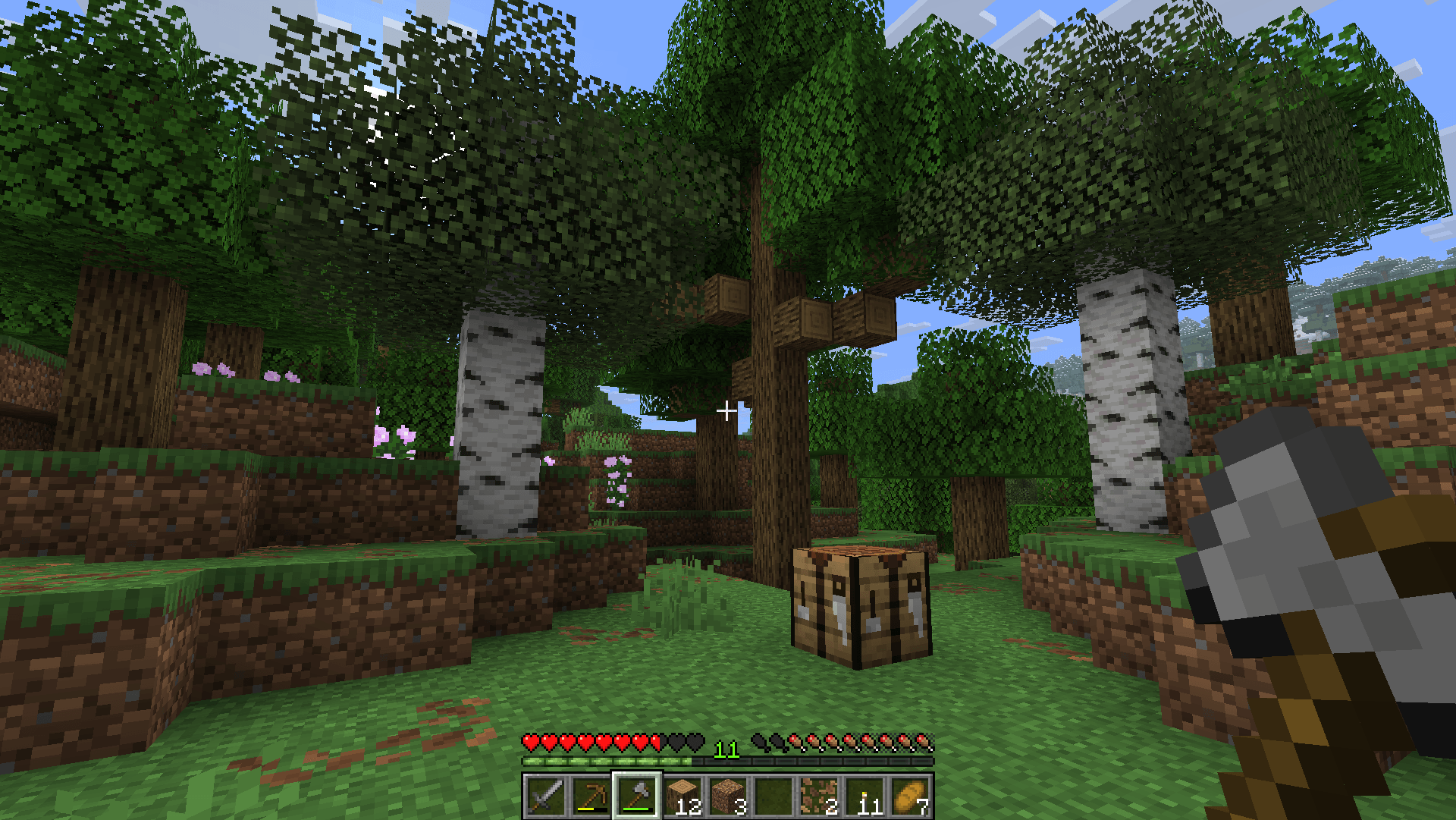
VOTE HERE
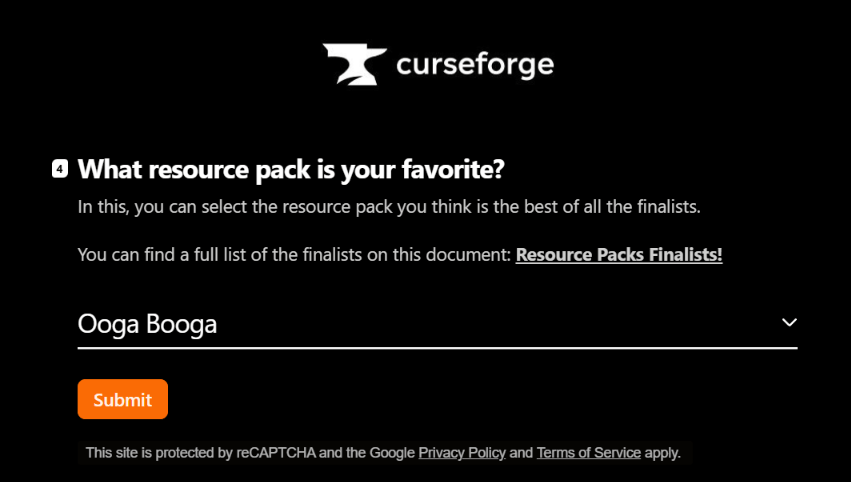
https://overwolfdevs.typeform.com/to/Wuuqwf3U
For the original Java Version:
Java Edition | Java Author's Profile
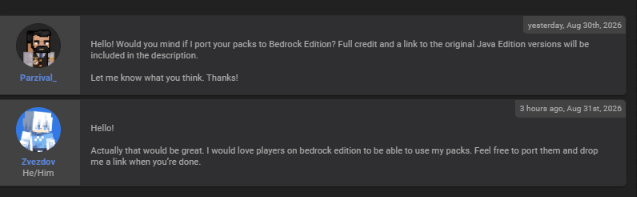
### Owner's Permission:
Trusty Tools nasıl kurulur
With Millida Launcher
Install Millida Launcher
The launcher is free: download it at millida.net/launcher and sign in with any nickname.
Click “Install” on this page
The launcher opens and installs the resource pack for Minecraft 26.20–26.40 automatically.
Launch the game
A profile with it appears in the launcher: click “Play”.
Manually
Download the archive
Pick the file trusty_tools-v1.2.2.mcpack (249 KB) for your game version. No need to unpack it.
Put it in the resourcepacks folder
The easiest way: “Options”, then “Resource Packs”, then “Open Pack Folder”, and drag the archive there.
Enable the pack
In the same window, move the pack to the right-hand “Selected” column and click “Done”.
Sürümler
Bağımlılıklarla
| Minecraft | Yükleyici | Dosya | Tarih | İşlemler |
|---|---|---|---|---|
| 26.20 | — | Trusty Tools v1.2.2249 KB 2 |
SSS
Which Minecraft versions does Trusty Tools work on?
There are files for 26.40, 26.30, 26.20. The newest is 26.40.
Where can I download Trusty Tools safely?
On this page: the file trusty_tools-v1.2.2.mcpack (249 KB) is stored on Millida’s server, with no link shorteners. SHA-1 checksum: 5ee67f1ecaebf42d2faf6c130406f7ecedcb8a8c.
Yorumlar
Trusty Tools için ilk puanı sen ver


