
Minecraft 1.21.120 için Simple Clean Kaynak paketi
Clean MC, Minecraft'ı daha net ve daha akıcı hale getiren bir pakettir. Berrak su, bağlantılı cam ve daha fazlasıyla görselleri iyileştirerek size temiz ve takılmasız bir deneyim sunar.
About this pack - Clean MC
Clean MC makes your Minecraft look clean and distraction-free. It simplifies the interface, removes or reduces fog, and gives clearer water so you can see farther and play with less clutter.
Key features:
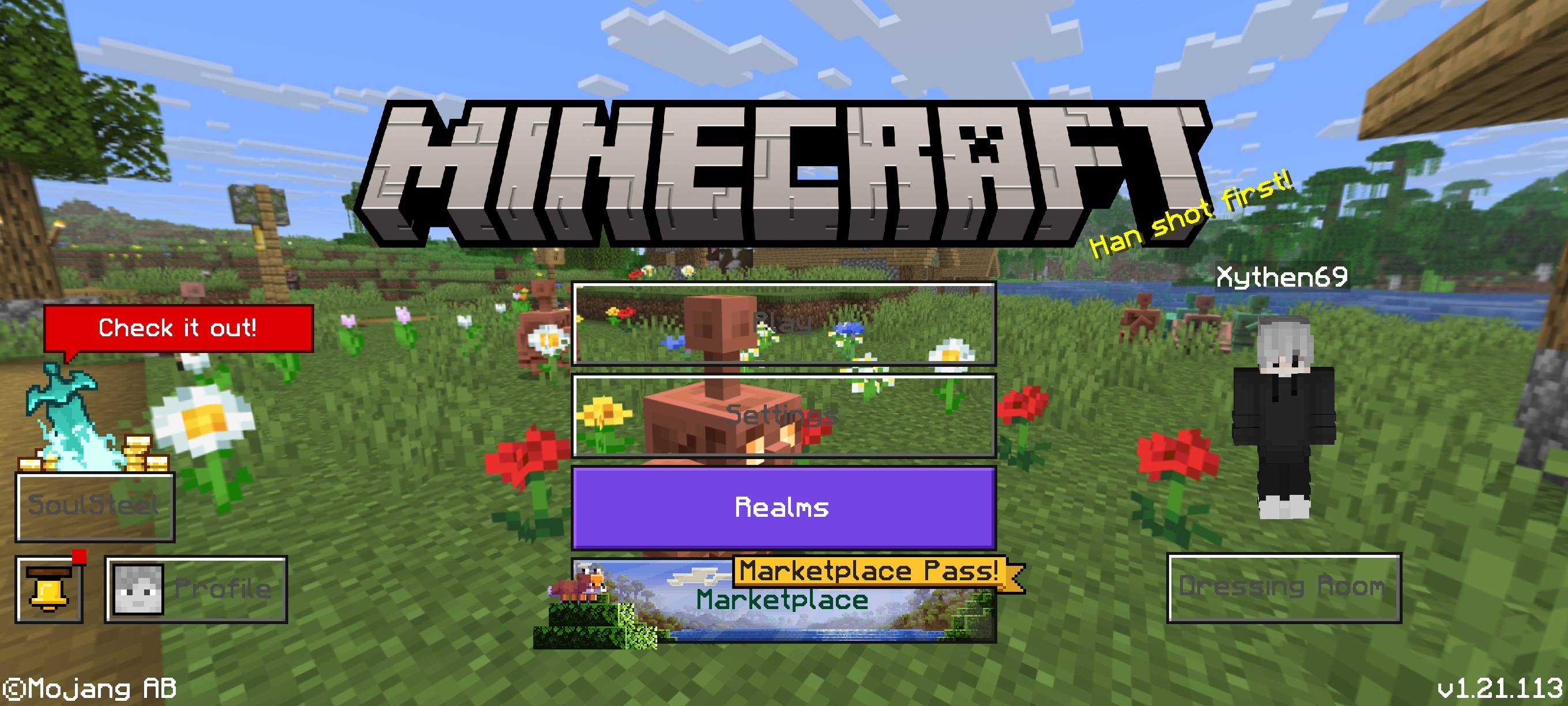
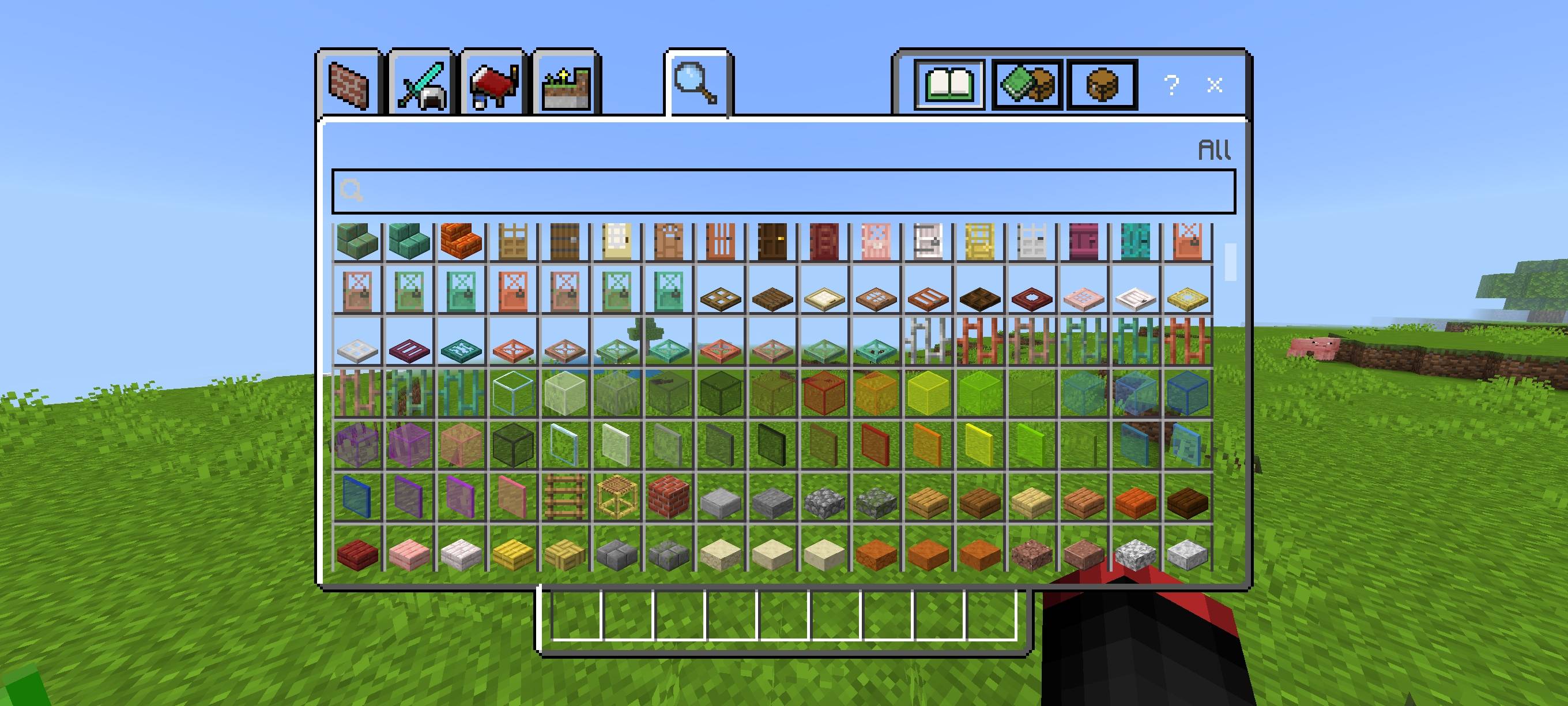
- Transparent and simplified UI for a minimal HUD
- Fog removed or reduced for clearer distant views
- Clearer, less-tinted water for better visibility
- Small visual tweaks that keep FPS stable
Ideal for players who want a neat, modern look without losing performance.
Simple Clean nasıl kurulur
With Millida Launcher
Install Millida Launcher
The launcher is free: download it at millida.net/launcher and sign in with any nickname.
Click “Install” on this page
The launcher opens and installs the resource pack for Minecraft 1.21.120 automatically.
Launch the game
A profile with it appears in the launcher: click “Play”.
Manually
Download the archive
Pick the file Clear_MC(v1.4).mcpack (599 KB) for your game version. No need to unpack it.
Put it in the resourcepacks folder
The easiest way: “Options”, then “Resource Packs”, then “Open Pack Folder”, and drag the archive there.
Enable the pack
In the same window, move the pack to the right-hand “Selected” column and click “Done”.
Sürümler
Bağımlılıklarla
| Minecraft | Yükleyici | Dosya | Tarih | İşlemler |
|---|---|---|---|---|
| 1.21.120 | — | Clear_MC(v1.4).mcpack599 KB |
SSS
Which Minecraft versions does Simple Clean work on?
Only Minecraft 1.21.120: there are no files for other versions.
Where can I download Simple Clean safely?
On this page: the file Clear_MC(v1.4).mcpack (599 KB) is stored on Millida’s server, with no link shorteners. SHA-1 checksum: 47e08170eacec0100de4443e6fa479469d7d19d5.
Yorumlar
Simple Clean için ilk puanı sen ver



