
Minecraft 1.13.2 için Silver Default Kaynak paketi
Silver Default, vanilla dokuların daha yüksek çözünürlüğe sahip olması ve bazı ek özellikler kazandırması amacıyla oluşturulmuş 32x çözünürlüklü bir kaynak paketidir.
Silver Default kaynak paketi hakkında
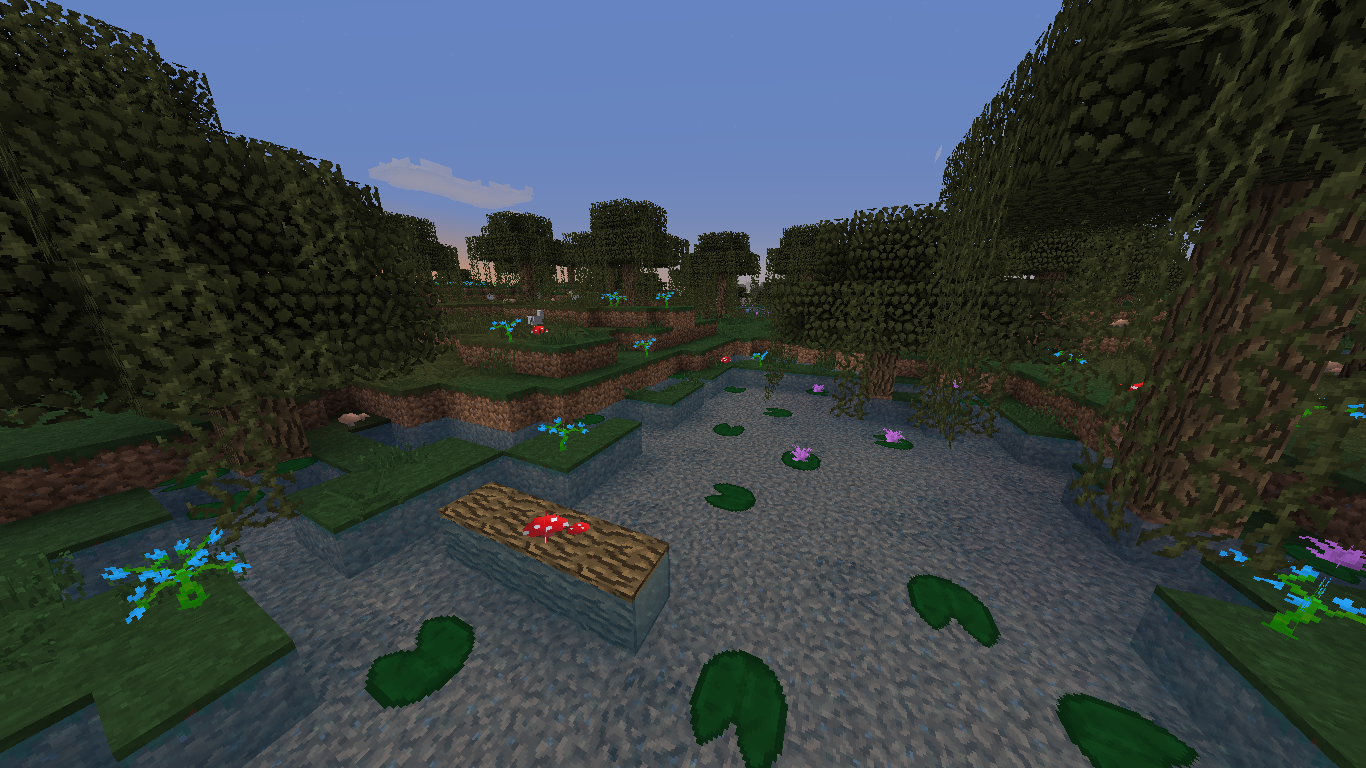
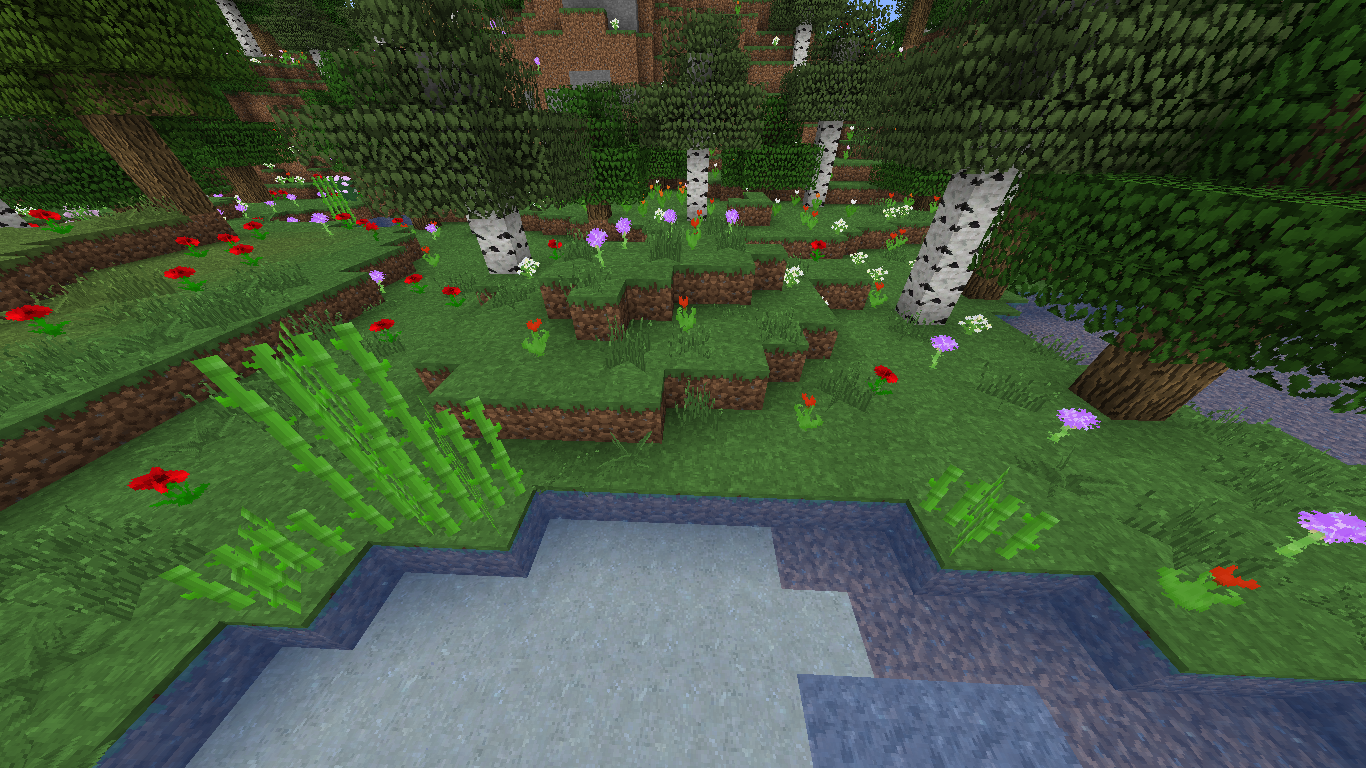
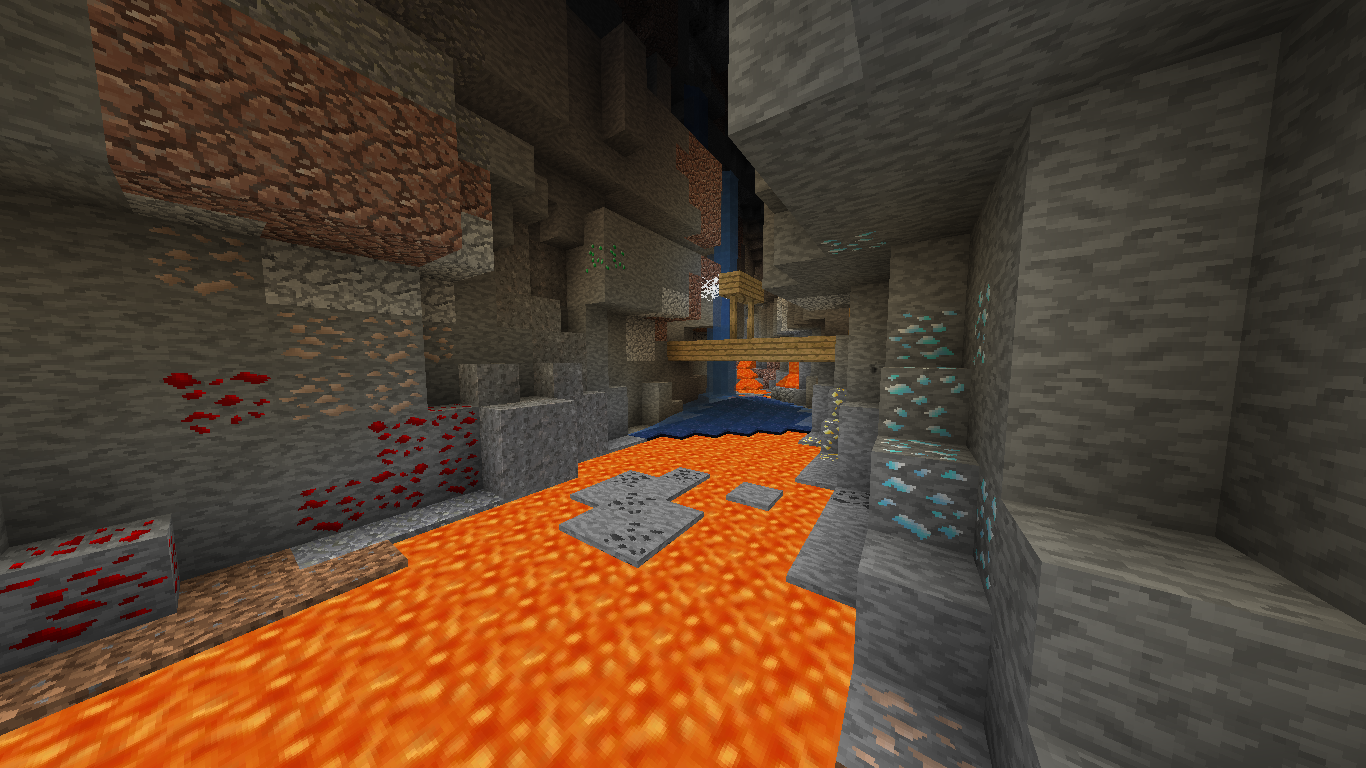
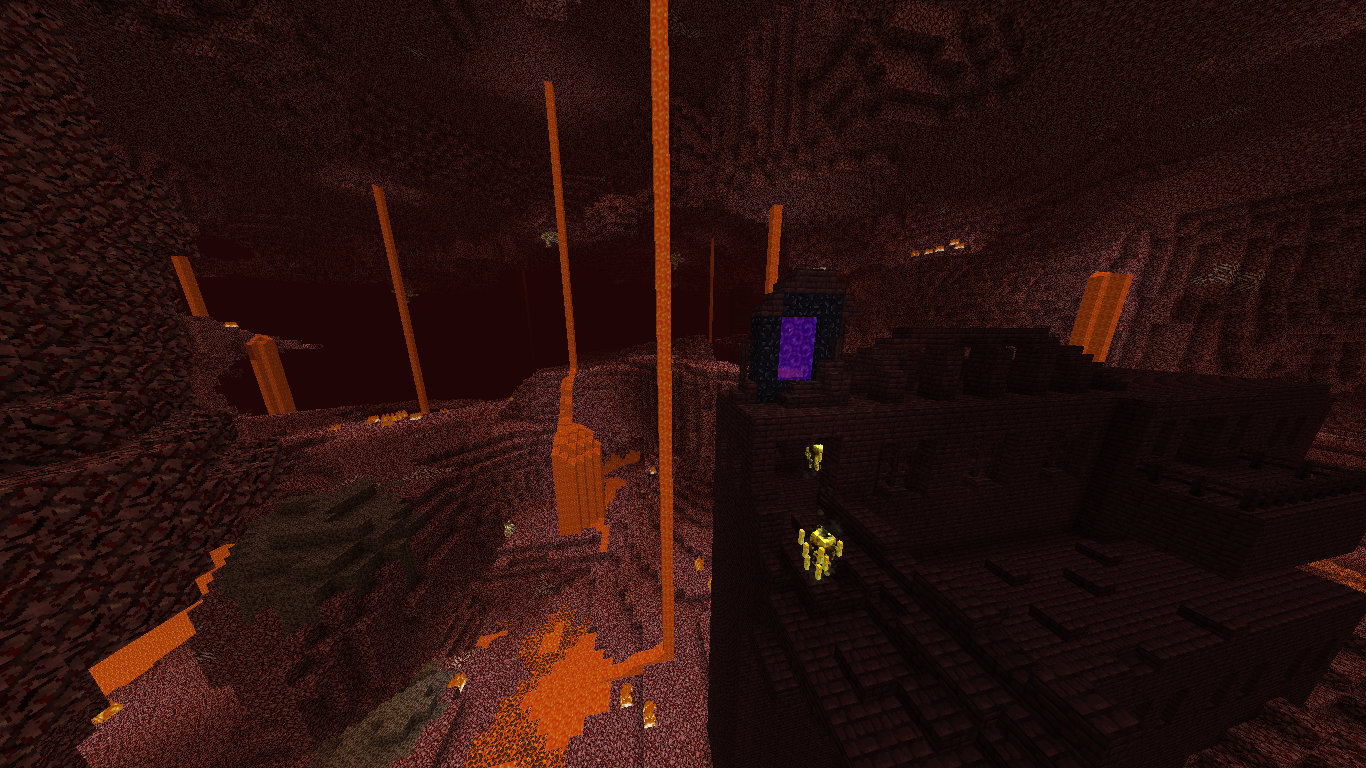
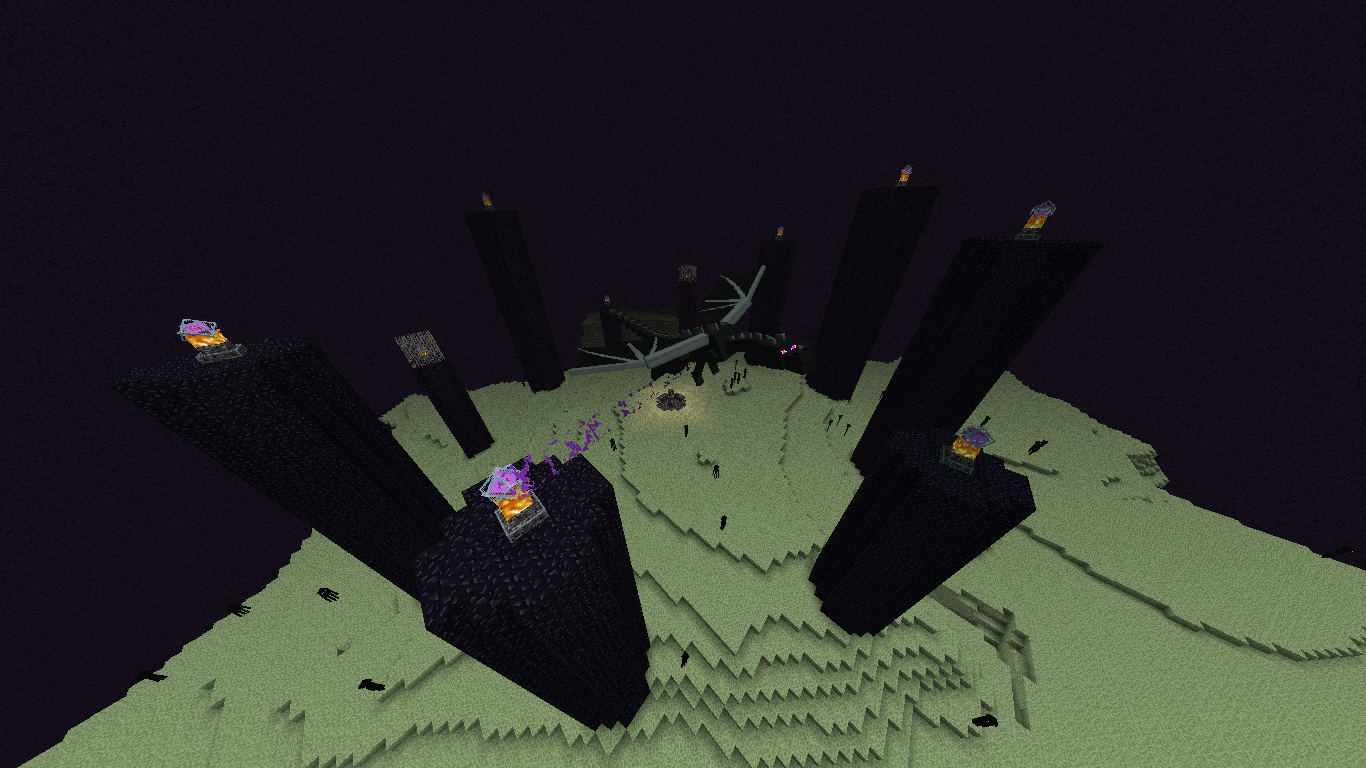
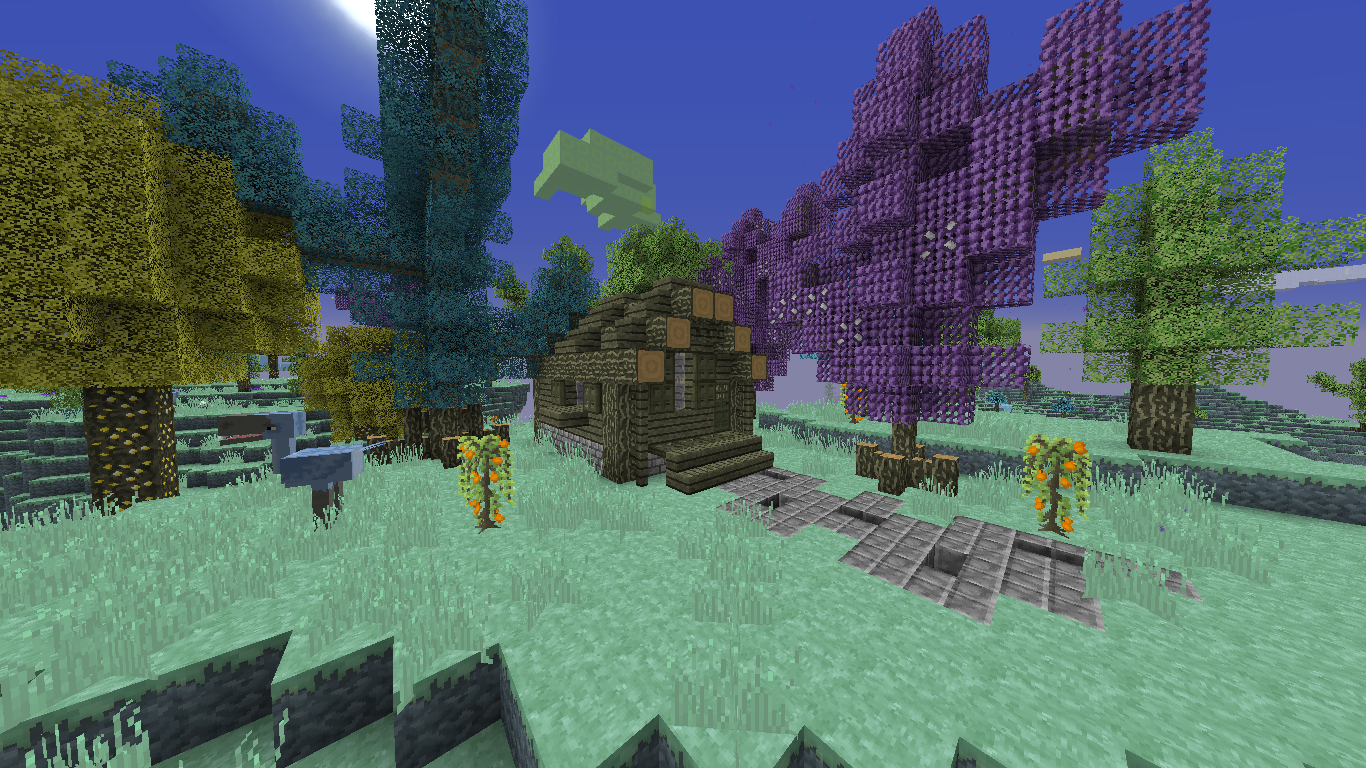
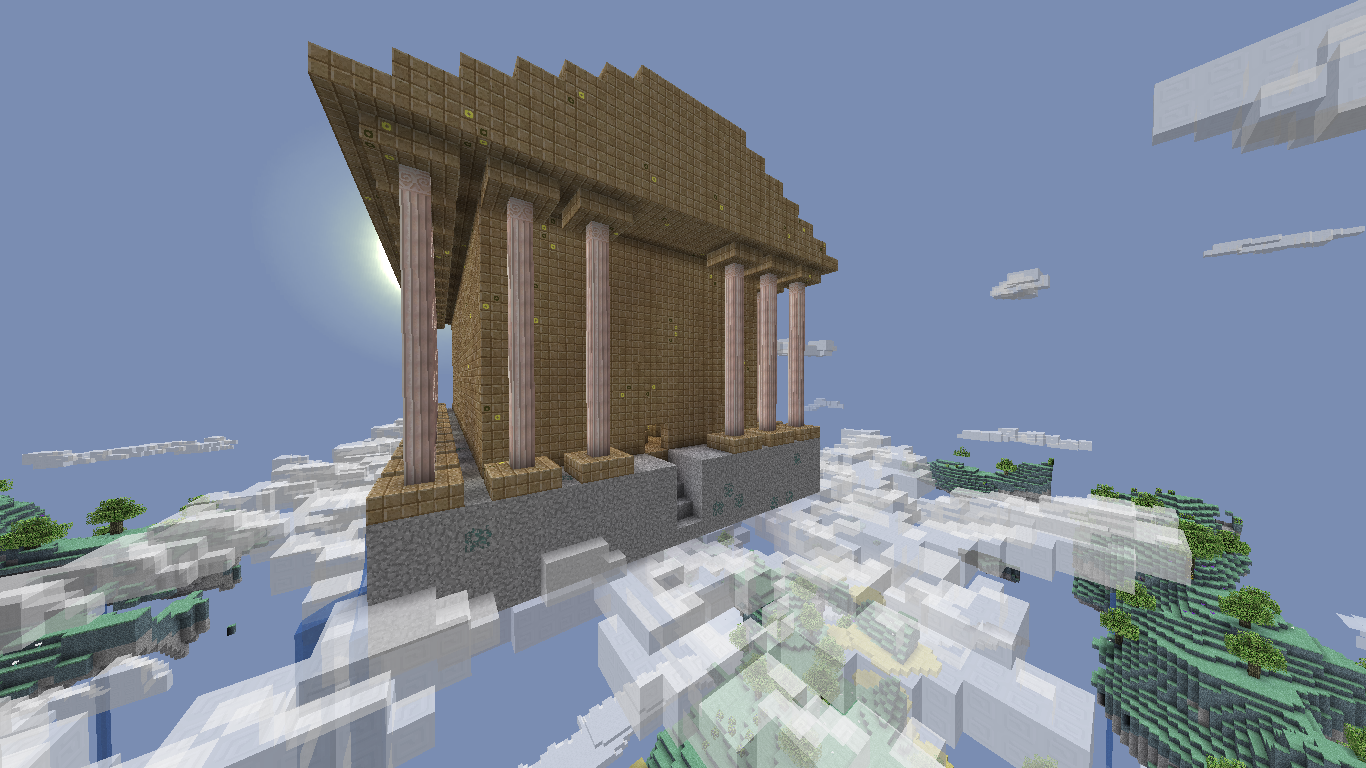
Hello everyone! I'm Silver David! If you're looking for a resource pack, I have one right here in the form of Silver Default: my own rendition of the default textures in a 32x format. My goal is to give players a version of default, with a higher resolution, but while keeping the base textures the same. Along with this, the pack features alternate textures, custom models, some animations, and a little mod support based on your suggestions and my personal choices. The changes will be posted in the change log below. To see a list of all of the features of interest in this resource pack, including models, alternate textures, and more, check the "Special Features" spoiler. Any mods that I support with this resource pack are linked in the "Supported Mods" spoiler. I highly recommend checking each of them out. If you notice any issues, or have complaints/suggestions, let me know! Here's my original MC Forum post if you want to use that for some reason.

Animated Textures
- beacon inside

- brewing stand middle piece
- dragon egg

- enchanting table corner pieces
- lit furnaces
- glowstone blocks and dust
- redstone blocks and dust
- redstone lamps
- jack o' lanterns
- lit redstone torches
- normal torches
- blaze powder/rod
- lava bucket
- dragon breath
- eye of ender
- ender pearl
- bottle o' enchanting
- fire charges
- nether star
- potion liquid
- prismarine crystals
- spectral arrow
- totem of undying
Alternate Textures (1.8 +) (1.7.10 for most of them if Optifine is installed)
- all wood planks/slabs/stairs
- all leaves
- all flowers
- carrots, potatoes, wheat, and beetroots
- clay
- bookshelves
- bricks (the ones made from clay, not stone)
- cacti (some have thinner models too)
- all ores
- cobblestone
- mossy cobblestone
- cobblestone walls
- mossy cobblestone walls
- end stone
- end stone bricks
- ice, packed ice, and frosted ice (1.9)
- glowstone blocks
- tall grass
- sides of grass, podzol, mycelium, grass paths (1.9), and grass with snow.
- lily pads (some have a flower on top)
- lit furnaces
- magma blocks
- nether wart
- obsidian
- red nether bricks
- sandstone
- soul sand
- stone bricks (stairs and slabs included), mossy bricks, cracked bricks, and their respective monster eggs (silver fish blocks)
- stone variants (granite, andesite, polished, etc)
Custom Models (1.8 +)
- bed
- brewing stand
- cactus
- doors (all of them)
- enchantment table
- ladders
- rails (all)
- trap doors (all of them)

1.7.10
- Optifine
- Not Enough Items (NEI)
- Aether II - v1.6
1.8.9
- Optifine
- Forge (buckets)
- Just Enough Items (JEI)
- Chisel and Bits
- Iron Chests
- Aether Legacy (unreleased)
1.9
- Optifine
- Forge (buckets)
- Just Enough Items (JEI)
- Aether Legacy (unreleased)
1.10
- Optifine
- Forge (buckets)
- Just Enough Items (JEI)
- Aether Legacy (unreleased)
- Moolands (unreleased)




Silver Default nasıl kurulur
With Millida Launcher
Install Millida Launcher
The launcher is free: download it at millida.net/launcher and sign in with any nickname.
Click “Install” on this page
The launcher opens and installs the resource pack for Minecraft 1.13.2 automatically.
Launch the game
A profile with it appears in the launcher: click “Play”.
Manually
Download the archive
Pick the file Silver Default 1.13 v5.zip (11 MB) for your game version. No need to unpack it.
Put it in the resourcepacks folder
The easiest way: “Options”, then “Resource Packs”, then “Open Pack Folder”, and drag the archive there.
Enable the pack
In the same window, move the pack to the right-hand “Selected” column and click “Done”.
Sürümler
Bağımlılıklarla
| Minecraft | Yükleyici | Dosya | Tarih | İşlemler |
|---|---|---|---|---|
| 1.13.2 | — | Silver Default 1.13 v5.zip10.9 MB |
SSS
Which Minecraft versions does Silver Default work on?
Only Minecraft 1.13.2: there are no files for other versions.
Where can I download Silver Default safely?
On this page: the file Silver Default 1.13 v5.zip (11 MB) is stored on Millida’s server, with no link shorteners. SHA-1 checksum: 4fb54b9478d4503e789d54de1ed6ac2ea1ca50a9.
Yorumlar
Silver Default için ilk puanı sen ver



