

Minecraft 1.21.1, 1.21 için ReShaded Kaynak paketi
Modsuz veya FPS kaybı olmayan gölgelendiriciler. 26.1-1.20.5 Vanilla, Sodium ve diğer modlarla uyumluluk!
- indirme
- 51 indirme
- görüntülenme
- 169 görüntülenme
- Güncellendi
- Güncellendi 04.09.2026
- 1.20.5 — 26.2
 Vanilla oyun
- İstemci
Shaders for Minecraft, with no FPS loss!
New Shading System
- For Sodium Compatibility (Currently only available in versions 1.21.11-1.21.5), this Resource Pack requires Sodium Core Shader Support Mod
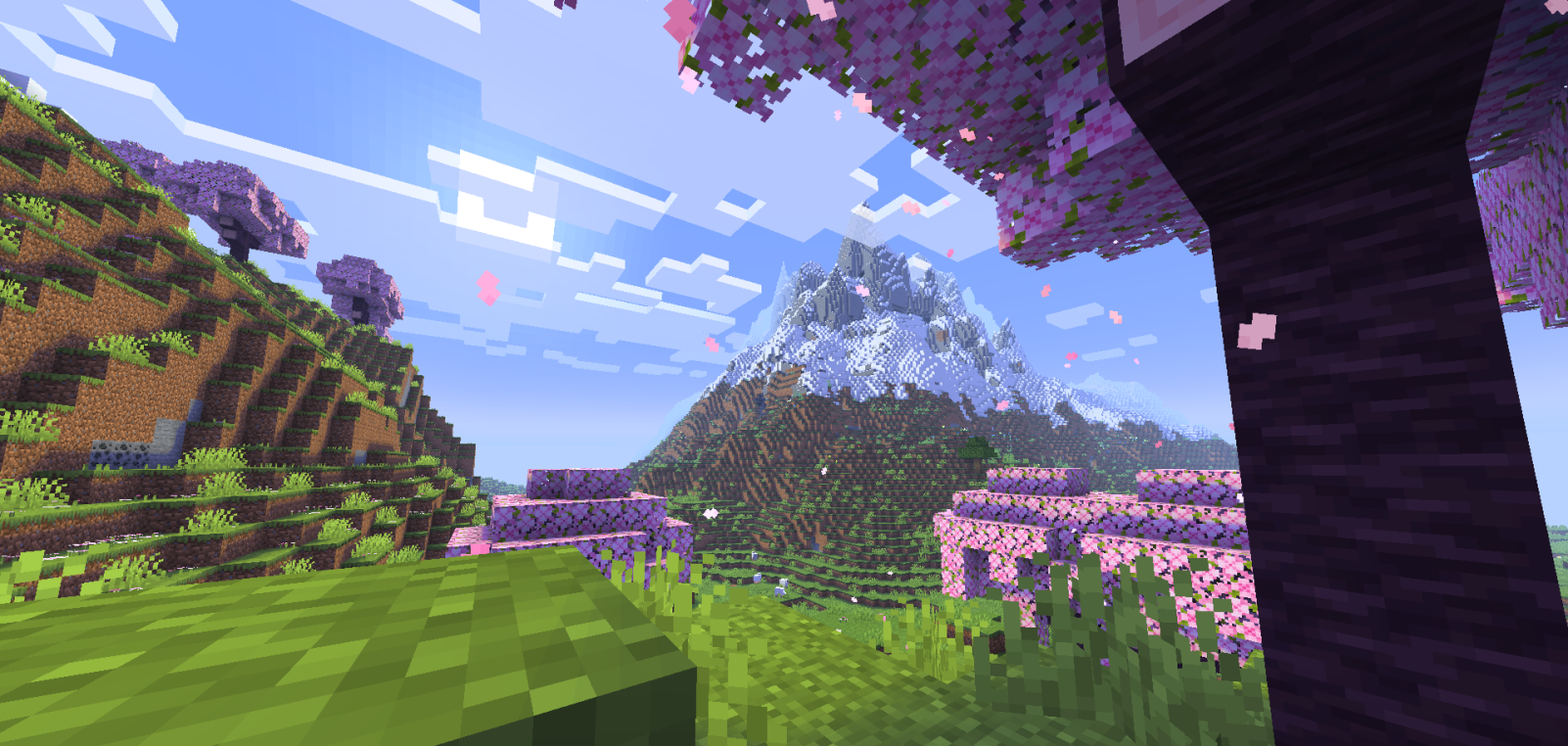
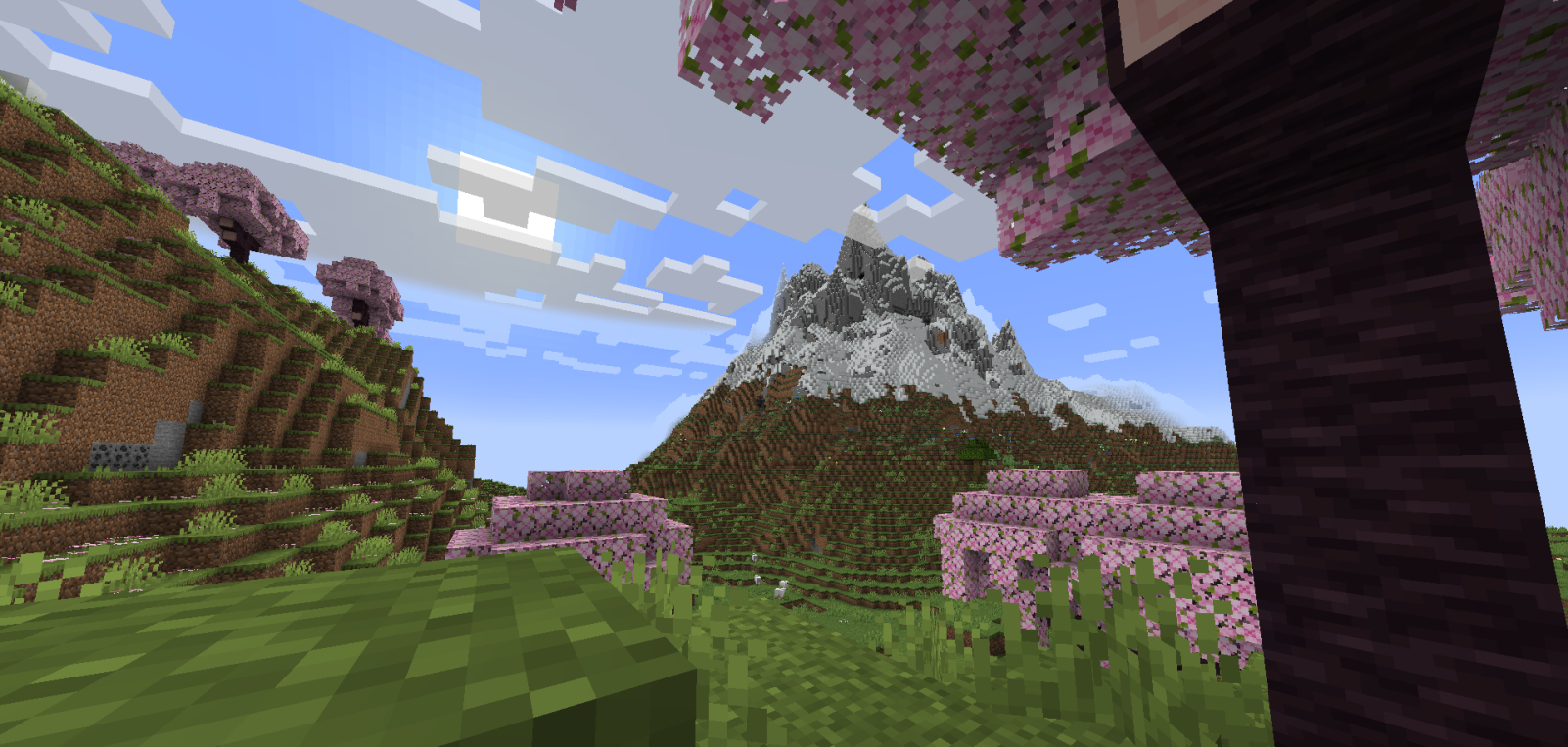
This Resource Pack gives the game a very similar experience to Optifine or Iris Shaders, drawing shadows over blocks in strategic and well-used ways.
Support me on Ko-Fi! (Donations)

Youtube Channel ^^
Discord Server! ^^
- It causes no FPS loss, which is a good choice for people who want to enjoy Shaders without compromising their PC's performance.
- It's also good for users who prefer Shaders that enhance the game's vanilla aesthetic without looking too exaggerated.
- The lighting balance is very well balanced; the cave lighting is very playable, and the sunlit areas don't look too bright, giving the Shader a pleasant visual stability.
- This Resource Pack works based on Core Shaders (terrain.fsh, entity.fsh, fog.glsl, etc.), which allows you to add basic Shaders or Utilities to Minecraft.
- Thank you very much for supporting this project. If it receives support, I'll make many more and improve this one.
-DR7

ReShaded nasıl kurulur
With Millida Launcher
Install Millida Launcher
The launcher is free: download it at millida.net/launcher and sign in with any nickname.
Click “Install” on this page
The launcher opens and installs the resource pack for Minecraft 1.20.5–26.2 automatically.
Launch the game
A profile with it appears in the launcher: click “Play”.
Manually
Download the archive
Pick the file ReShaded [v.1.4.2] 26.1.zip (137 KB) for your game version. No need to unpack it.
Put it in the resourcepacks folder
The easiest way: “Options”, then “Resource Packs”, then “Open Pack Folder”, and drag the archive there.
Enable the pack
In the same window, move the pack to the right-hand “Selected” column and click “Done”.
Sürümler
Bağımlılıklarla
| Minecraft | Yükleyici | Dosya | İşlemler |
|---|---|---|---|
| 26.2 | — | 26.2137 KB 7 | |
| 26.1 | — | 26.1137 KB | |
| 1.21.11 | — | 1.21.11134 KB 41 | |
| 1.21 | — | 1.21132 KB |
SSS
Which Minecraft versions does ReShaded work on?
There are files for 1.20.5–26.2, 9 versions in total. The newest is 26.2.
Does ReShaded need mods?
No, the resource pack works in the plain game without loaders: put it into the resourcepacks folder and enable it in the options.
How do I download ReShaded?
With Millida Launcher: it installs ReShaded into a modpack by itself, for the right game version and loader. The launcher is free.
Yorumlar
ReShaded için ilk puanı sen ver



