
Minecraft 1.18.2 için Offline Skins Kaynak paketi
Çevrimdışıyken bile size skininizi veren bir paket
Offline Skins kaynak paketi hakkında
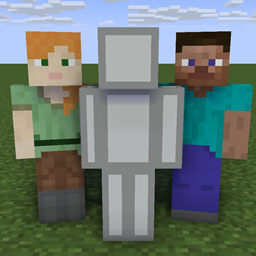
This resource pack changes the default Steve and Alex skin to yours.
Have you ever tried to record a video in third person when you were offline. The you know that you will always get the default skin corresponding to your UUID, which can be very annoying.
Since I didn't find anyone else who had done this before, I just made this pack myself.
Offline Skins nasıl kurulur
With Millida Launcher
Install Millida Launcher
The launcher is free: download it at millida.net/launcher and sign in with any nickname.
Click “Install” on this page
The launcher opens and installs the resource pack for Minecraft 1.18–1.18.2 automatically.
Launch the game
A profile with it appears in the launcher: click “Play”.
Manually
Download the archive
Pick the file Offline Skin Changer (1.18).zip (34 KB) for your game version. No need to unpack it.
Put it in the resourcepacks folder
The easiest way: “Options”, then “Resource Packs”, then “Open Pack Folder”, and drag the archive there.
Enable the pack
In the same window, move the pack to the right-hand “Selected” column and click “Done”.
Sürümler
Bağımlılıklarla
| Minecraft | Yükleyici | Dosya | Tarih | İşlemler |
|---|---|---|---|---|
| 1.18.1 | — | Offline Skin Changer (1.18)34.4 KB |
SSS
Which Minecraft versions does Offline Skins work on?
There are files for 1.18.2, 1.18.1, 1.18. The newest is 1.18.2.
Where can I download Offline Skins safely?
On this page: the file Offline Skin Changer (1.18).zip (34 KB) is stored on Millida’s server, with no link shorteners. SHA-1 checksum: df39aaa30d63e5a29227df2f85b1112a188f24bb.
Yorumlar
Offline Skins için ilk puanı sen ver



