
Minecraft 26.30 için Newb Explementary Edition Kaynak paketi
Geleneksel Minecraft deneyimini canlı gökyüzüyle fantastik bir tema aracılığıyla yükseltmek için tasarlanmış bir Newb varyantı.
A Newb variant designed to elevate the traditional Minecraft experience with a fantasy theme through vibrant firmaments.
This shader is a variant of the open-source Newb Shader by Devendrn
Features & Screenshots
Sunset
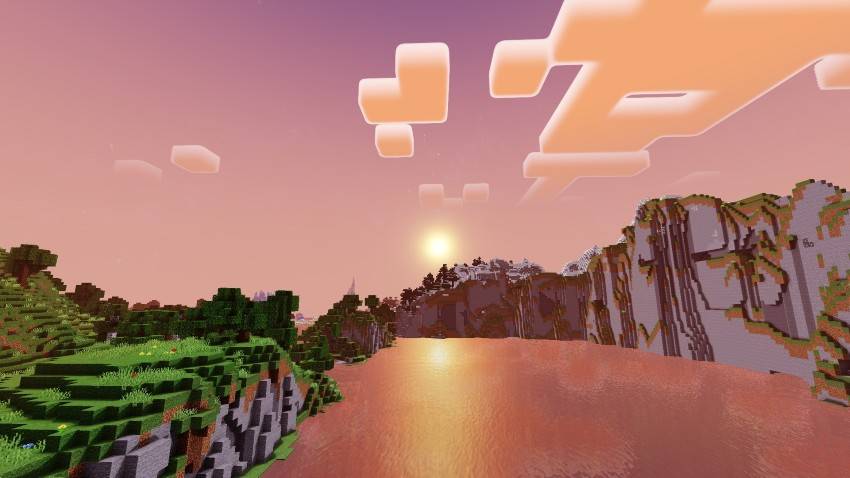
Day
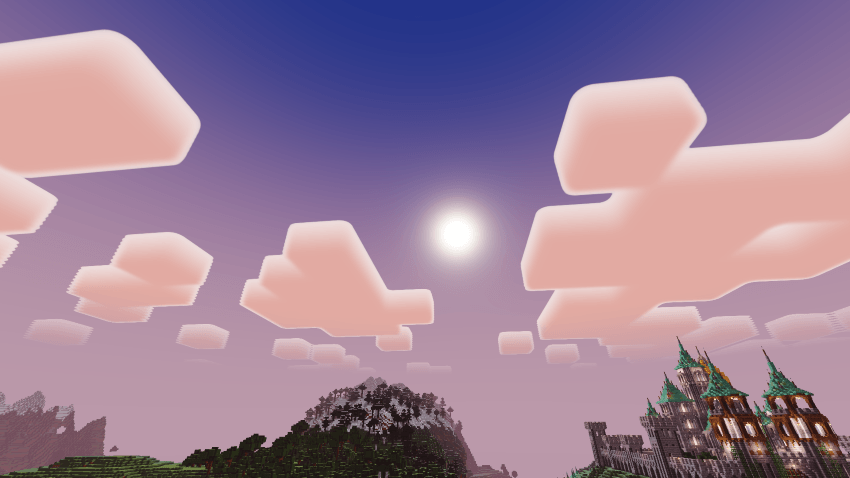
Sun & Sun Reflection (Clouds turned off for Sun visibility)
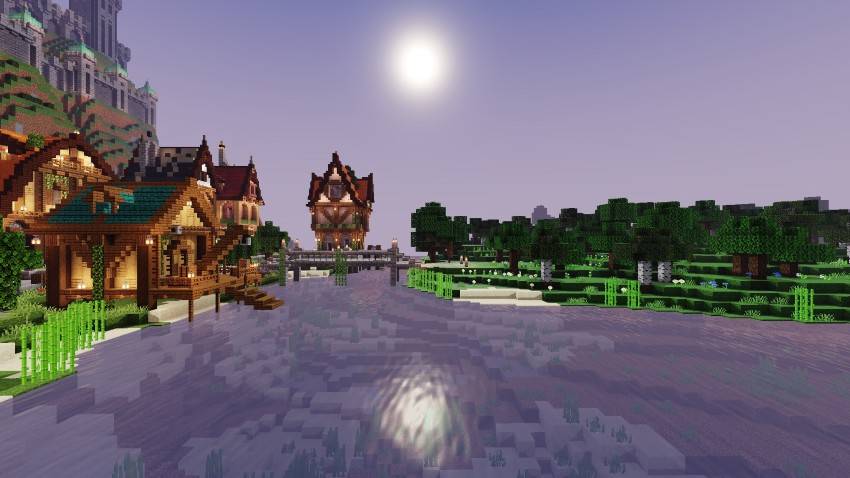
Night Sky & Water Reflection
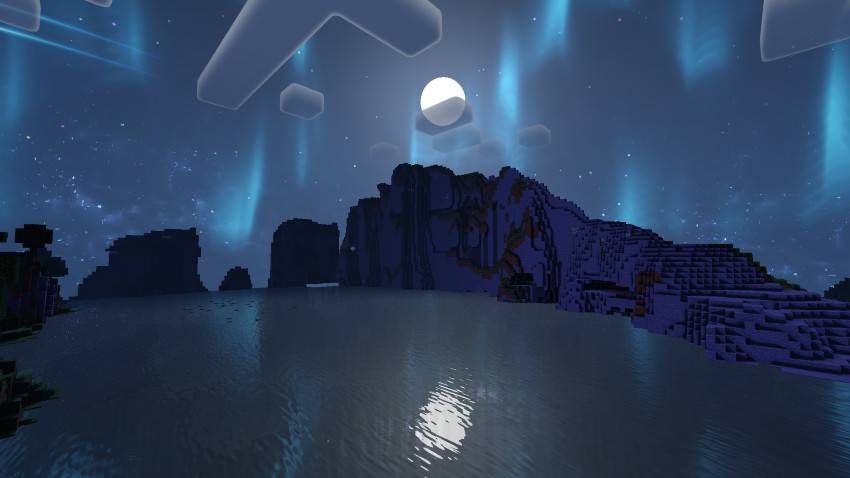
End Sky
Rain in Night
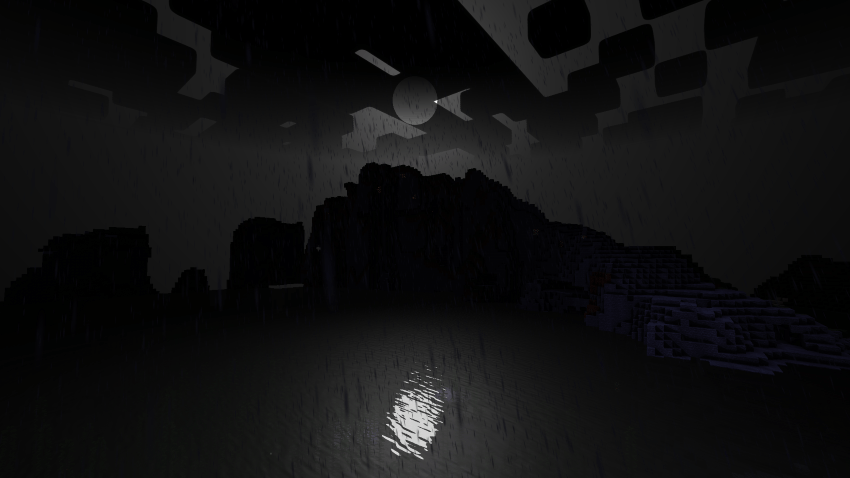
Rain in Day
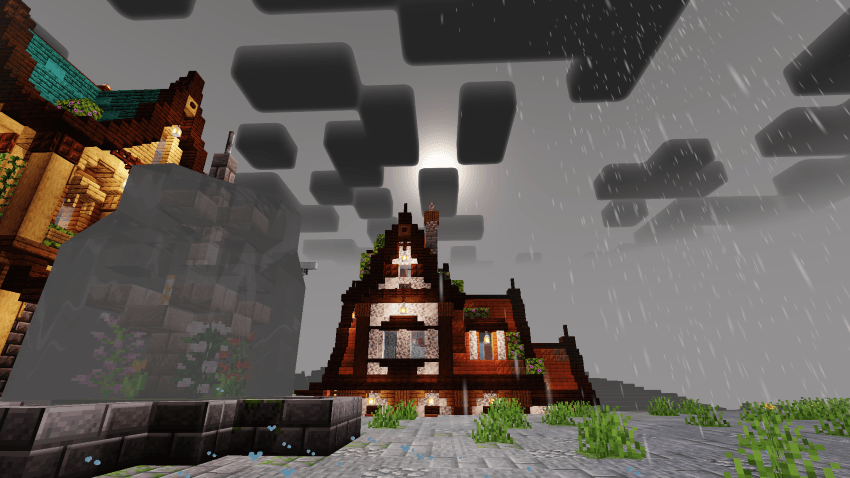
Terrain Lighting in Day
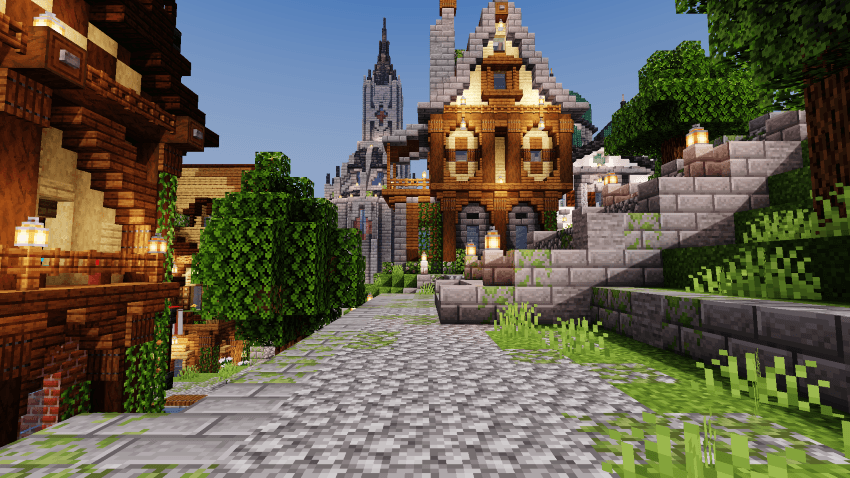
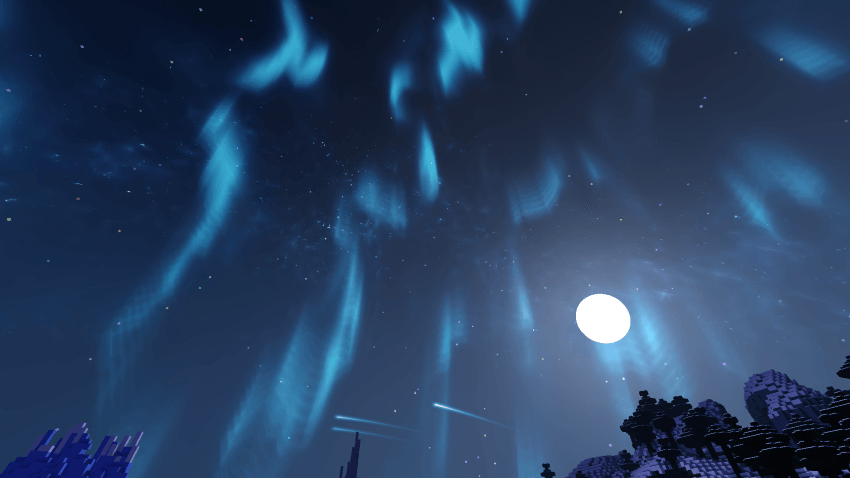
Aurora & Stars
Underwater Caustics
Shadows
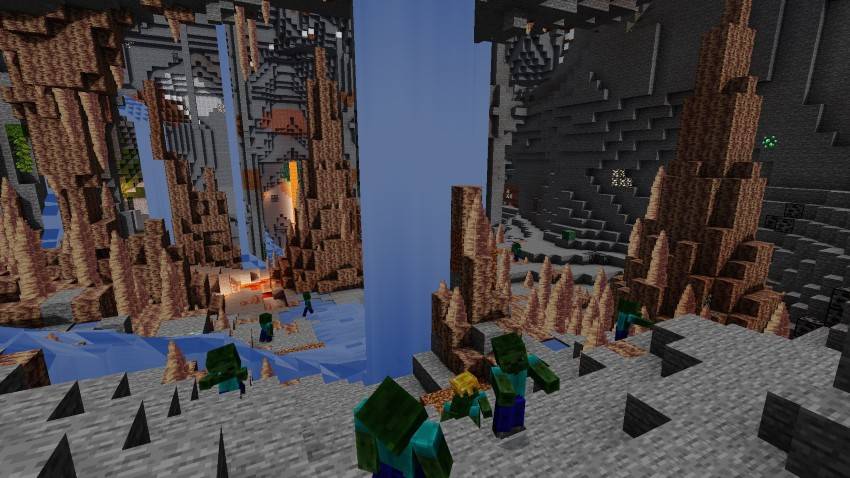
Cave
Nether
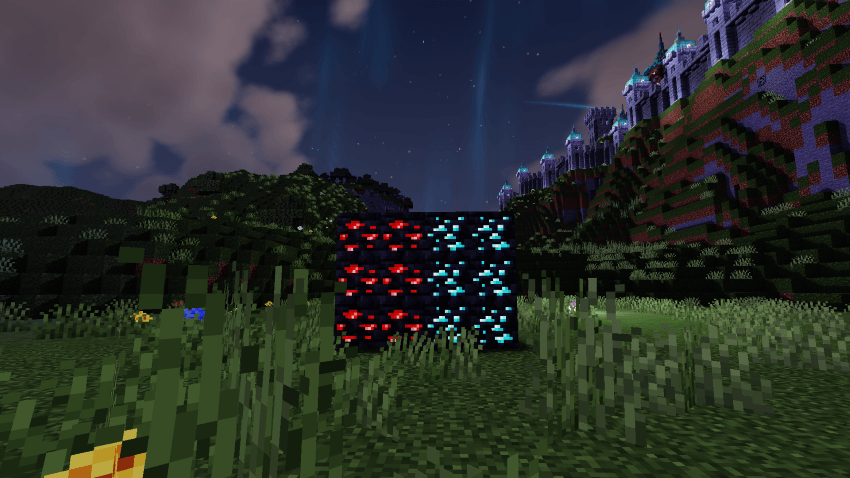
Glowing Ores
Subpacks
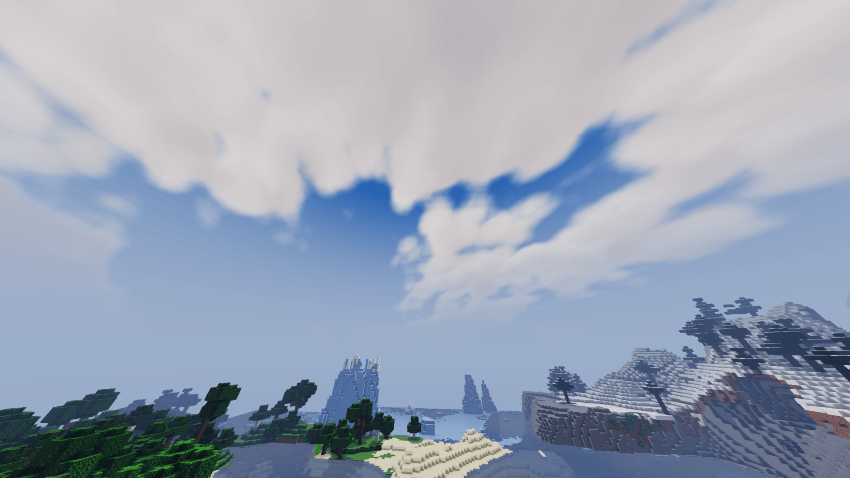
Realistic Newb Clouds
FullBright
**No Chunk Loading Animation (cannot be shown with images)
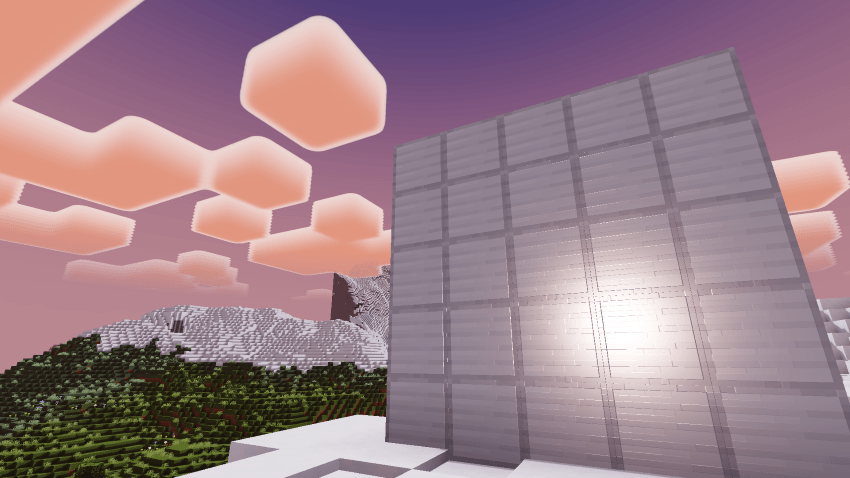
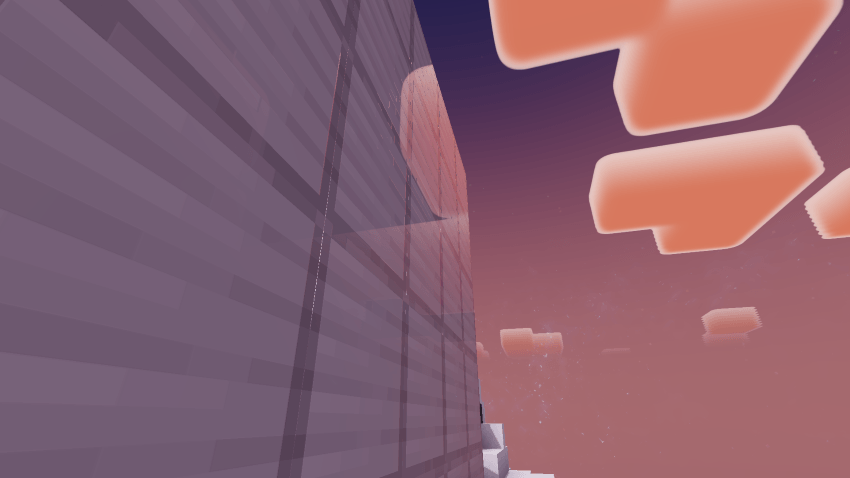
HIGH Version Exclusives
- Metal Block Reflections
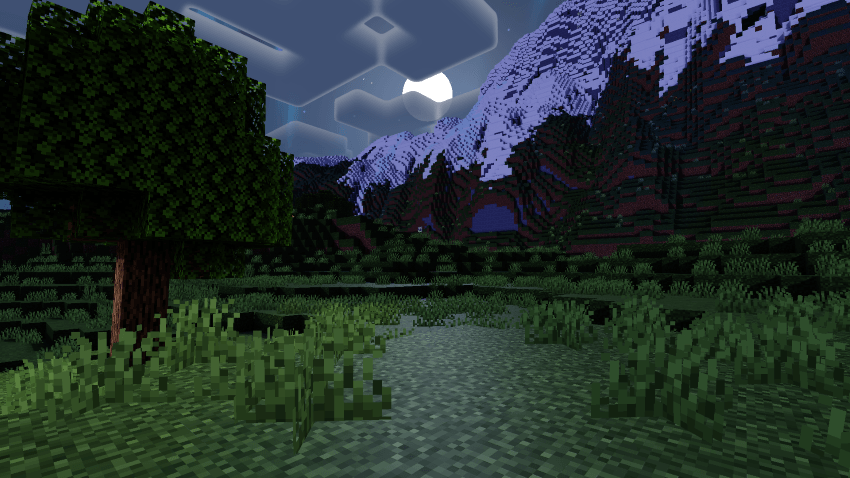
**Specular Highlights(Moonlight on Terrain)
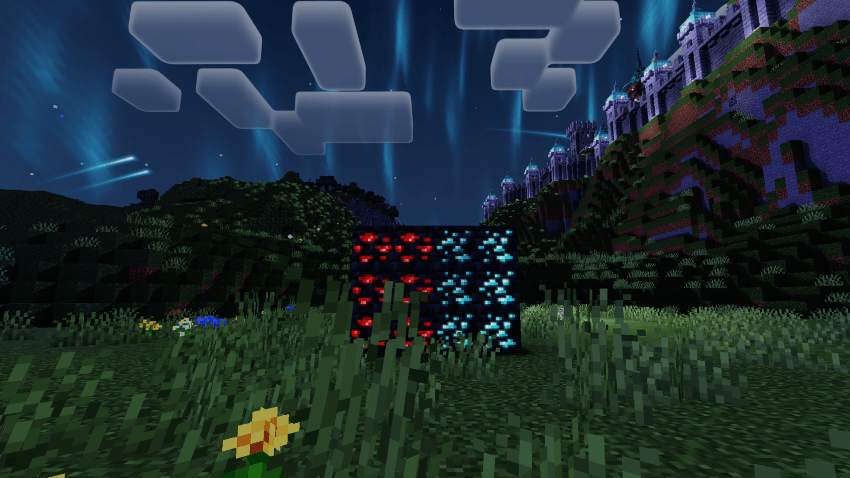
Better Glowing Ores
Feature List
- Round Sun & Moon
- Realistic Clouds
- Complementary styled Clouds
- Shadows
- Side block shadows
- Aurora
- Shooting Stars
- Galaxy Stars
- Realistic Water with reflections
- Starfield End Sky
- Metallic Reflections
- Underwater streaks & caustics
- Entity shading
- Glowing ores
- Waving Leaves, foliage & Lanterns
- Underwater wave distortion
- Specular highlights
- End Streaks sky
- Glowing particles
INSTALLATION
Disclaimer: Minecraft Bedrock does not officially support loading custom shaders. The following are unofficial ways to load shaders.
Android
- Install MB Loader app from Play Store.
- Import the resource pack to Minecraft and activate it in global resources.
- Launch Minecraft through MB Loader app.
Windows
- BetterRenderDragon
- Guide
- Matject
- Guide
- Manual Replacement
- Extract the .mcpack
- Go to renderer/materials
- Copy the files
- Go to C:\XboxGames\Minecraft for Windows\Content\data\renderer\materials. (Note: Most people have Minecraft installed in C:; if you have it elsewhere, go there.)
- Back up the files in a safe place.
- Paste the files you copied from the mcpack in C:\XboxGames\Minecraft for Windows\Content\data\renderer\materials
- To go back to vanilla, paste the backed-up materials or files back.
iOS
- Sorry. There isn't an easy method to install shaders on iOS devices. You either require jailbreak or would have to install an untrusted IPA.
If you are having trouble following this guide, you can ask for support in Newb discord server.
Newb Explementary Edition nasıl kurulur
With Millida Launcher
Install Millida Launcher
The launcher is free: download it at millida.net/launcher and sign in with any nickname.
Click “Install” on this page
The launcher opens and installs the resource pack for Minecraft 26.30 automatically.
Launch the game
A profile with it appears in the launcher: click “Play”.
Manually
Download the archive
Pick the file Newb Explementary Edition v2.3 [HIGH].mcpack (10 MB) for your game version. No need to unpack it.
Put it in the resourcepacks folder
The easiest way: “Options”, then “Resource Packs”, then “Open Pack Folder”, and drag the archive there.
Enable the pack
In the same window, move the pack to the right-hand “Selected” column and click “Done”.
Sürümler
Bağımlılıklarla
| Minecraft | Yükleyici | Dosya | Tarih | İşlemler |
|---|---|---|---|---|
| 26.30 | — | Newb Explementary Edition v2.3 [HIGH].mcpack10.2 MB | ||
| 26.30 | — | Newb Explementary Edition v2.2 [HIGH].mcpack10.2 MB |
SSS
Which Minecraft versions does Newb Explementary Edition work on?
Only Minecraft 26.30: there are no files for other versions.
Where can I download Newb Explementary Edition safely?
On this page: the file Newb Explementary Edition v2.3 [HIGH].mcpack (10 MB) is stored on Millida’s server, with no link shorteners. SHA-1 checksum: f284650a062fdddeb9ea5192e7f38c15a5d5deaf.
Yorumlar
Newb Explementary Edition için ilk puanı sen ver



