
Minecraft 1.21, 26.30 için Krypton Kaynak paketi
Krypton – Minecraft Bedrock için FPS'yi artıran, gecikmeyi azaltan ve oynanıştan ödün vermeden daha akıcı bir deneyim sunan yüksek performanslı bir optimizasyon paketi.
Krypton
Krypton - The Ultimate Performance Optimization Pack for Minecraft Bedrock
Krypton is a lightweight yet powerful resource pack designed to maximize your game's performance without compromising the visual experience you love. Whether you're playing on a low-end device or simply want buttery-smooth gameplay on high-end hardware, Krypton fine-tunes every corner of Minecraft to give you the best FPS possible.
What Krypton does for you:
· Intelligent particle management - Reduces or removes unnecessary particles that drain your device's resources, while keeping essential visual effects intact.
· Optimized animations and textures - Tweaks entity animations, mipmap levels, and block textures to reduce GPU and CPU load.
· Improved render distance for entities - Lowers the render distance of certain mobs and items (like experience orbs) so your game stays responsive even in crowded areas.
· Smarter water and biome rendering - Adjusts water opacity and biome blending for better performance without ruining the aesthetic.
· Removed visual clutter - Eliminates unnecessary UI distractions and advertising, so you focus solely on the game.
Default Plus Mode - Maximum Performance
Krypton comes with a single, high-performance subpack: Default Plus. This mode applies the most aggressive optimizations to squeeze every drop of performance from your device. It may slightly alter the game's visual fidelity (e.g., transparent water, opaque leaves) to achieve the highest FPS boost, making it ideal for PvP, minigames, or any situation where every frame matters.
Why choose Krypton?
· No bloat - No intrusive UI changes, no ads, no fluff. Just performance.
· Created by Jeishoon - A developer who understands the balance between optimization and playability.
· Regular updates - Stay tuned for future improvements and compatibility with new Minecraft versions.
· Community-driven - Join the official Discord to report issues, suggest features, and connect with other users.
Ready to boost your gameplay?
Download Krypton today and experience Minecraft the way it was meant to be played - fast, fluid, and frustration-free.
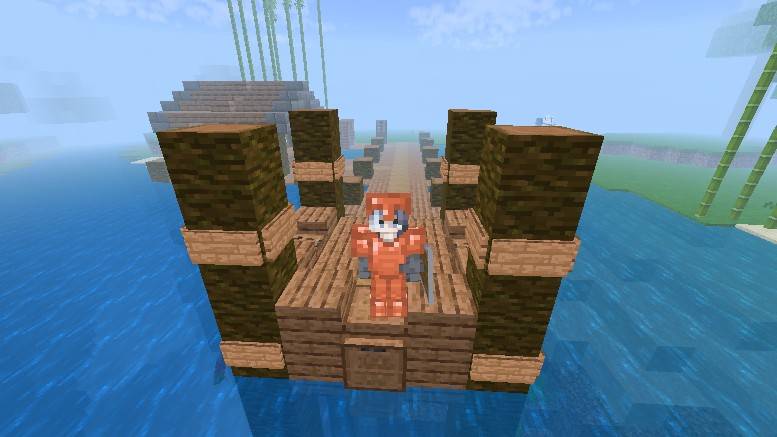
Join our community: https://discord.gg/7ZGPbqZxKp
Krypton nasıl kurulur
With Millida Launcher
Install Millida Launcher
The launcher is free: download it at millida.net/launcher and sign in with any nickname.
Click “Install” on this page
The launcher opens and installs the resource pack for Minecraft 1.21–26.30 automatically.
Launch the game
A profile with it appears in the launcher: click “Play”.
Manually
Download the archive
Pick the file Krypton v1.0.mcpack (225 KB) for your game version. No need to unpack it.
Put it in the resourcepacks folder
The easiest way: “Options”, then “Resource Packs”, then “Open Pack Folder”, and drag the archive there.
Enable the pack
In the same window, move the pack to the right-hand “Selected” column and click “Done”.
Sürümler
Bağımlılıklarla
| Minecraft | Yükleyici | Dosya | Tarih | İşlemler |
|---|---|---|---|---|
| 1.21.30 | — | Krypton v1.0225 KB 2 |
Yorumlar
Krypton için ilk puanı sen ver



