
Glowing Visuals kaynak paketi hakkında

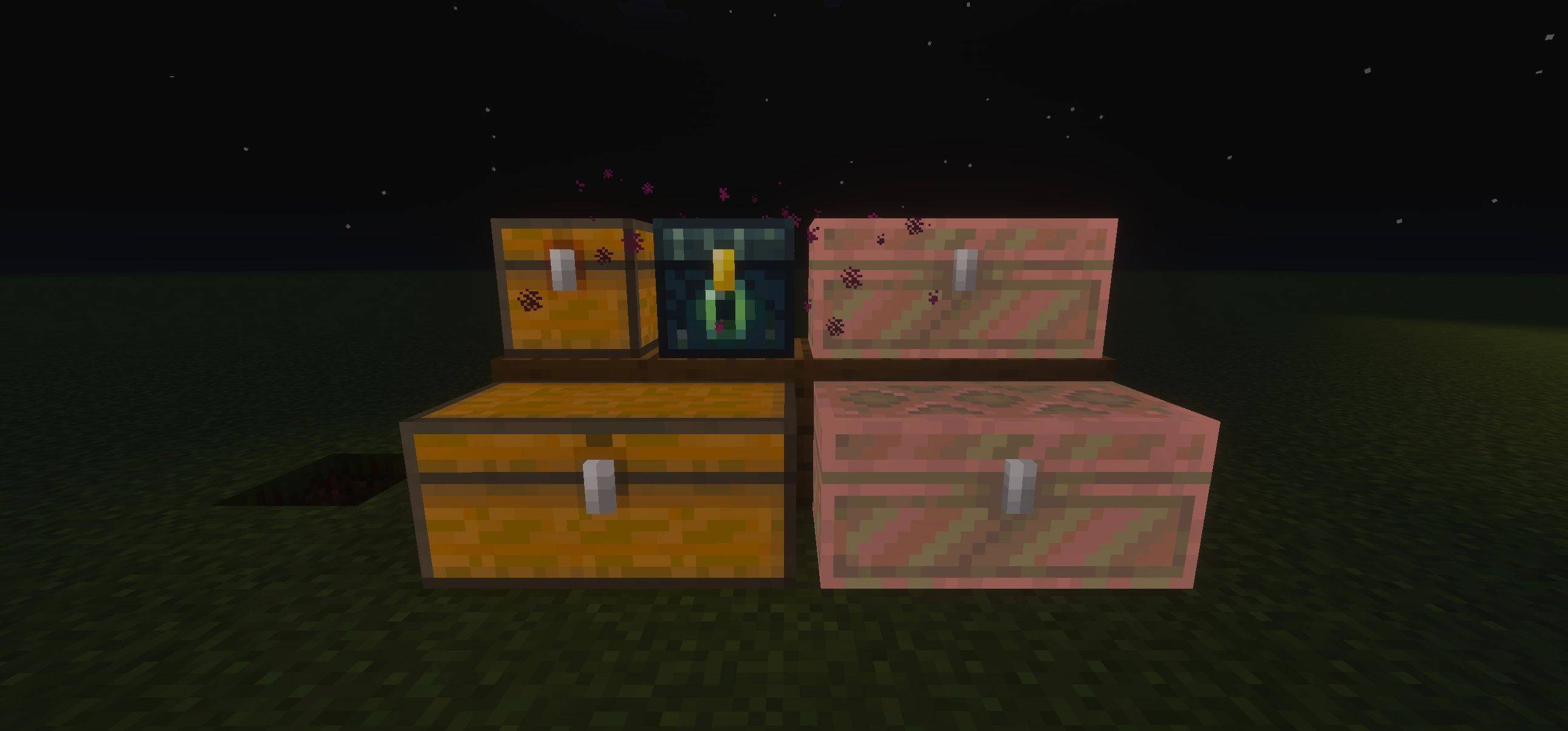
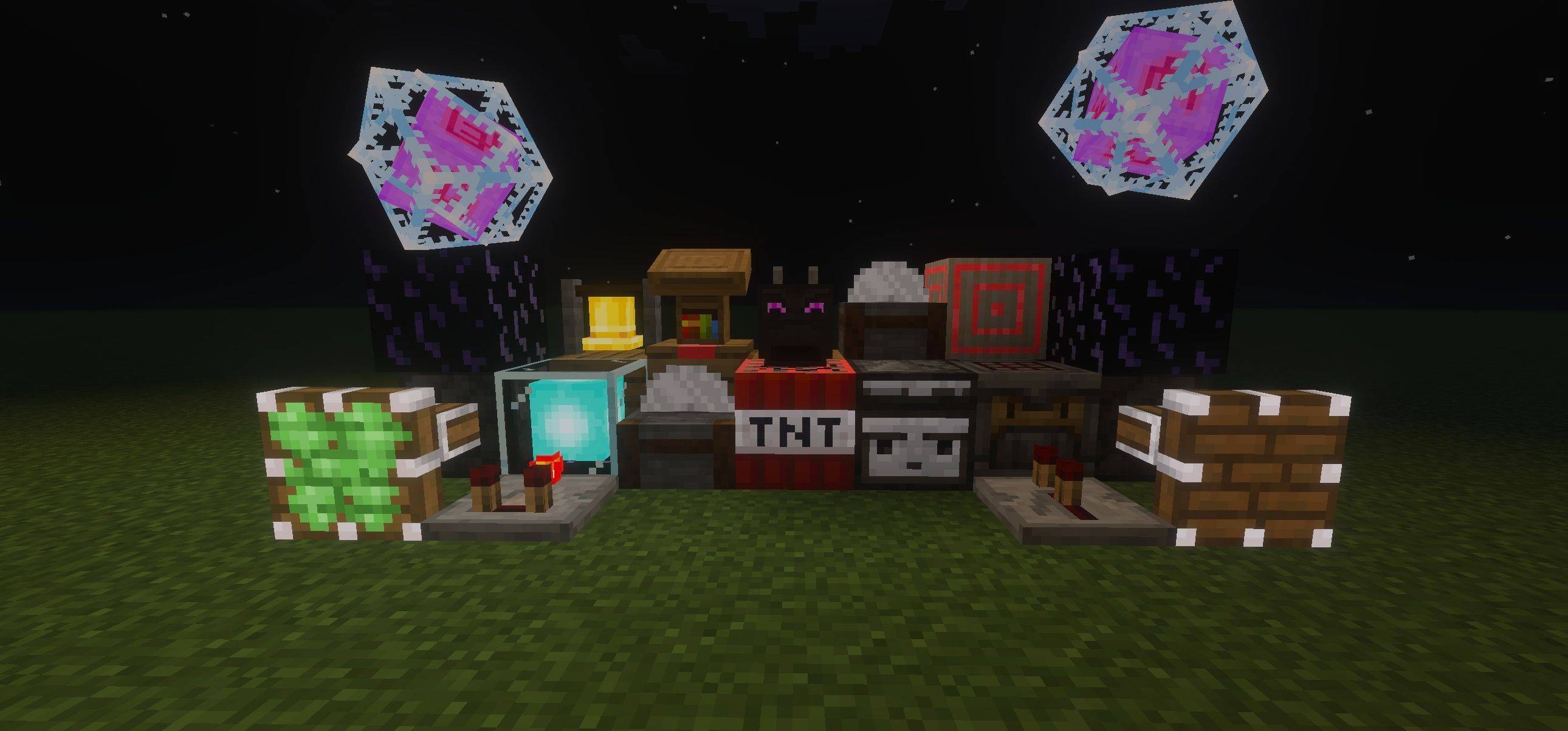
Glowing Visuals is a clean, lightweight texture pack that adds a soft glow to items, blocks, and mobs. This pack helps you spot things easily in dark places and makes the game look more lively.
Benefits: This pack gives your game a better visual look and also helps you easily spot things in dark areas.
Subpacks:
- Mobs Glow ON - Blocks, items, and mobs will all glow.
- Mobs Glow OFF - Only blocks and items glow; mobs stay normal.
Important: Make sure Vibrant Visuals is ON in your game settings. The glowing effects will not work properly if it is turned off.
Glowing Visuals nasıl kurulur
With Millida Launcher
Install Millida Launcher
The launcher is free: download it at millida.net/launcher and sign in with any nickname.
Click “Install” on this page
The launcher opens and installs the resource pack for Minecraft 1.21.122 automatically.
Launch the game
A profile with it appears in the launcher: click “Play”.
Manually
Download the archive
Pick the file Glowing-Visuals.mcpack (3.2 MB) for your game version. No need to unpack it.
Put it in the resourcepacks folder
The easiest way: “Options”, then “Resource Packs”, then “Open Pack Folder”, and drag the archive there.
Enable the pack
In the same window, move the pack to the right-hand “Selected” column and click “Done”.
Sürümler
Bağımlılıklarla
| Minecraft | Yükleyici | Dosya | Tarih | İşlemler |
|---|---|---|---|---|
| 1.21.122 | — | Glowing-Visuals.mcpack3.2 MB |
SSS
Which Minecraft versions does Glowing Visuals work on?
Only Minecraft 1.21.122: there are no files for other versions.
Where can I download Glowing Visuals safely?
On this page: the file Glowing-Visuals.mcpack (3.2 MB) is stored on Millida’s server, with no link shorteners. SHA-1 checksum: ec1b86b20ce07b322ed04d860951c62ea00e3397.
Yorumlar
Glowing Visuals için ilk puanı sen ver


