

Minecraft 26.40 için Dungeons UI Kaynak paketi
Minecraft Bedrock için yapılmış Minecraft Dungeons arayüzünün yakın bir kopyası. [Açıklamayı Okuyun]
Dungeons UI V-0.2.1
It's a close replica of the Minecraft Dungeons UI. It's still an early version so not all screens are remade. Here's a list of all the screens that have been remade:
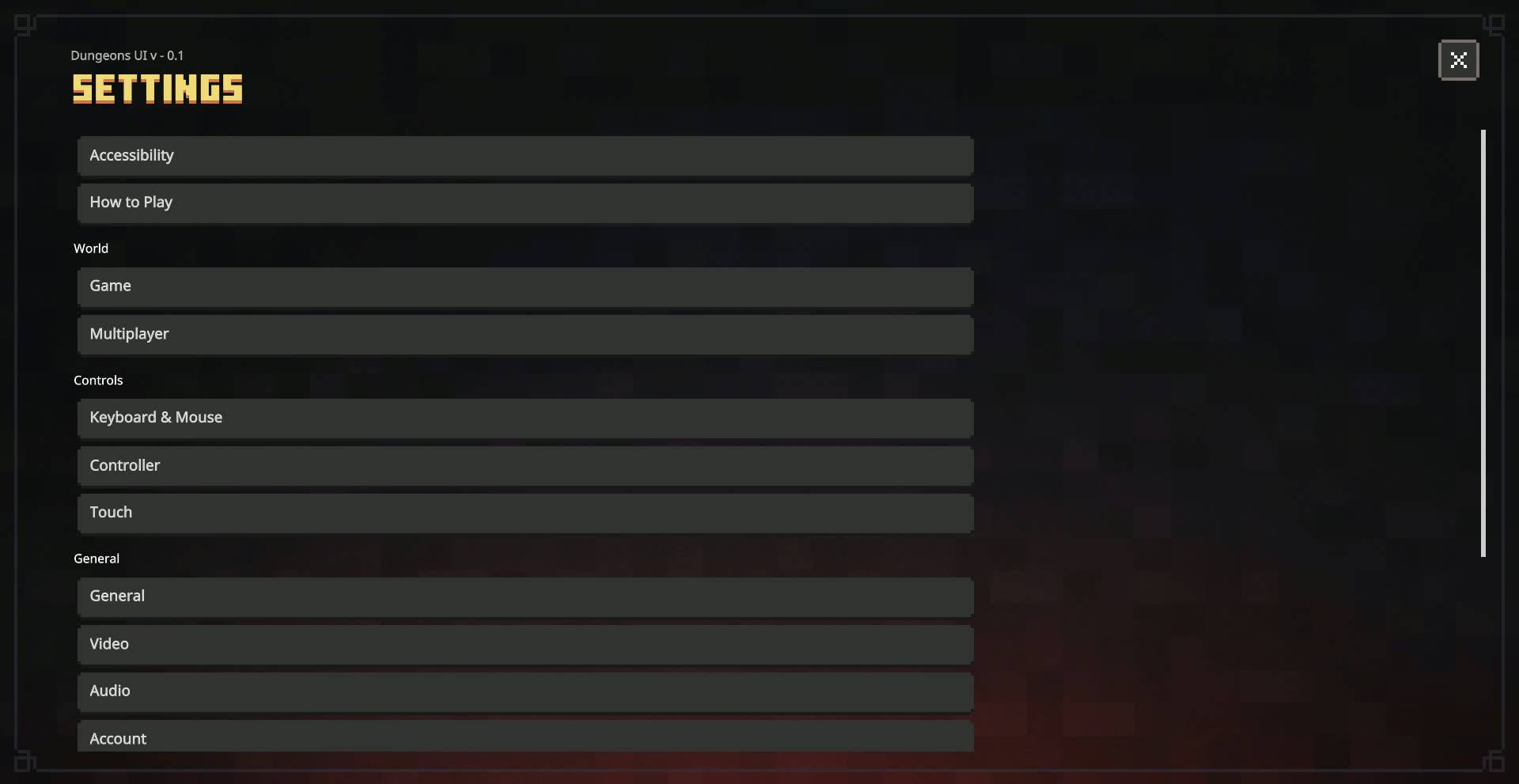
Screens modified:
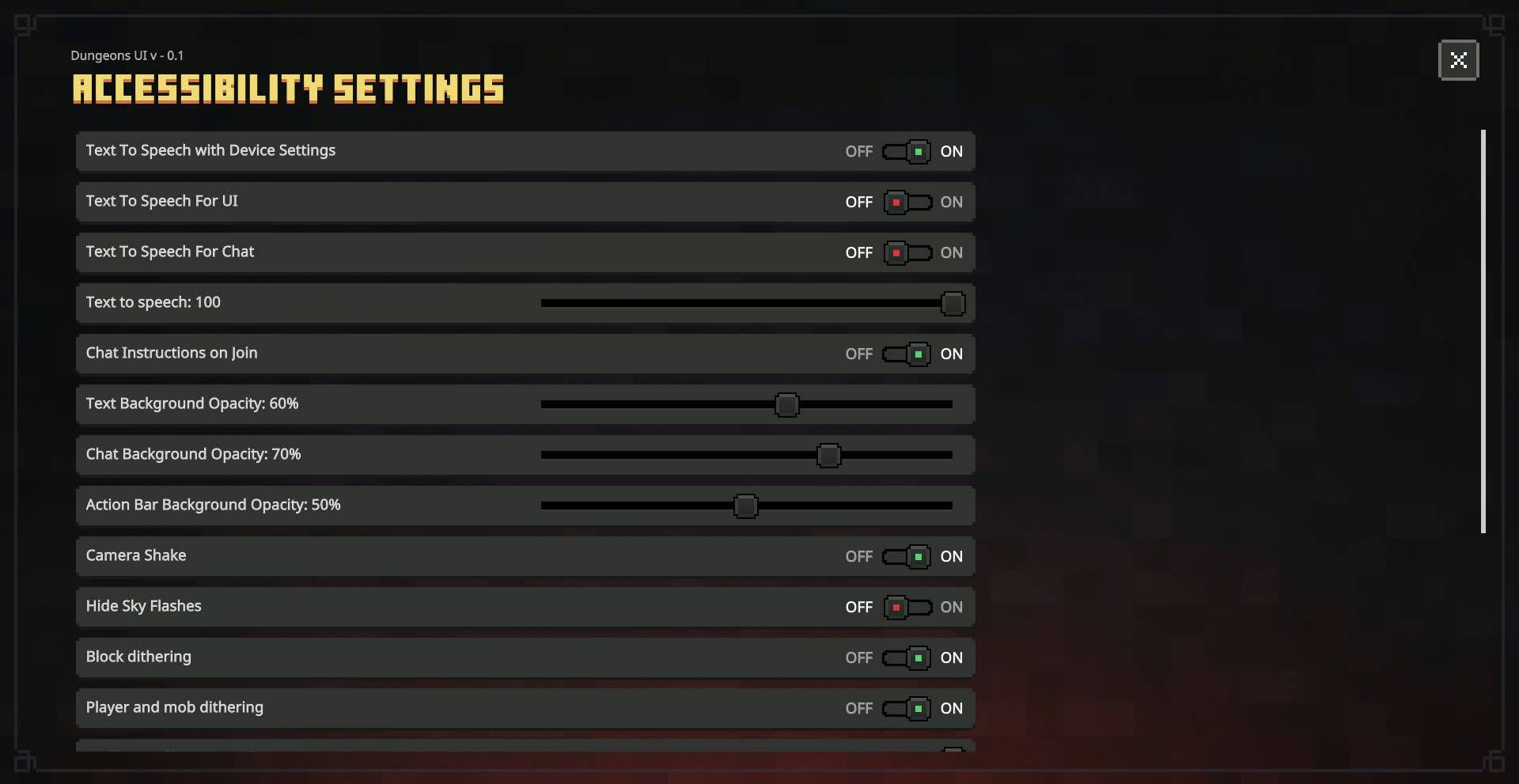
- Settings Screen (Complete Overhaul)
- Start Screen
- Inventory Screen (New!)
- Crafting Screen (New!)
- Furnace Screen (New!)
- Blast Furnace Screen (New!)
- Smoker Screen (New!)
- Pack Settings
- Manifest Validation Screen
- HUD Screen
- Chat Screen
- Invite Screen
- Content Log Screen
- Pause Screen
- Progress Screen
- Resource Pack Screen
- Safe Zone Screen
- Server Form
- Improved Popups
- Structure Editor Screen
- Command Block Screen
Notes: (Don't ignore)
There is an animated background pack for this which you can use by activating Animated Background pack and keeping it above Dungeons UI Pack. This might impact performance, beware of that.
Some of the screens will be replaced with Ore UI very soon. Until then enjoy this overhauled version!
Recommended GUI Scale: -1 or lower
Download extra packs:
- Animated Background
MCPEDL link - Dungeons UI
- You can modify the pack for your personal use only.
- You cannot use any code without permission or reupload the pack.
- If you find any bugs or have any suggestions for new features, feel free to contact me on Discord or join my Server!
Dungeons UI nasıl kurulur
With Millida Launcher
Install Millida Launcher
The launcher is free: download it at millida.net/launcher and sign in with any nickname.
Click “Install” on this page
The launcher opens and installs the resource pack for Minecraft 26.30–26.40 automatically.
Launch the game
A profile with it appears in the launcher: click “Play”.
Manually
Download the archive
Pick the file Dungeons UI V - 0.2.1.mcpack (2.8 MB) for your game version. No need to unpack it.
Put it in the resourcepacks folder
The easiest way: “Options”, then “Resource Packs”, then “Open Pack Folder”, and drag the archive there.
Enable the pack
In the same window, move the pack to the right-hand “Selected” column and click “Done”.
Sürümler
Bağımlılıklarla
| Minecraft | Yükleyici | Dosya | Tarih | İşlemler |
|---|---|---|---|---|
| 26.30 | — | Dungeons UI V - 0.2.12.8 MB 1 |
Yorumlar
Dungeons UI için ilk puanı sen ver



