
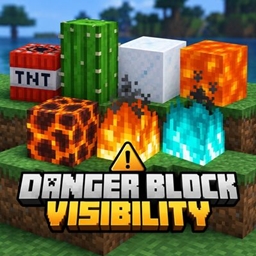
Minecraft 26.40 için Danger Block Visibility Kaynak paketi
Danger Block Visibility, TNT, lav, magma, kaktüs, ateş, ruh ateşi ve toz kar gibi tehlikeli blokların görünürlüğünü artırırken orijinal vanilla Minecraft stilini korur. Gavti tarafından oluşturuldu.
⚠️ Danger Block Visibility
Spot danger faster. Keep Minecraft vanilla.
⚡ Clear Hazards • 🎮 Vanilla Feel • 🪶 Lightweight • 🚫 No Scripts
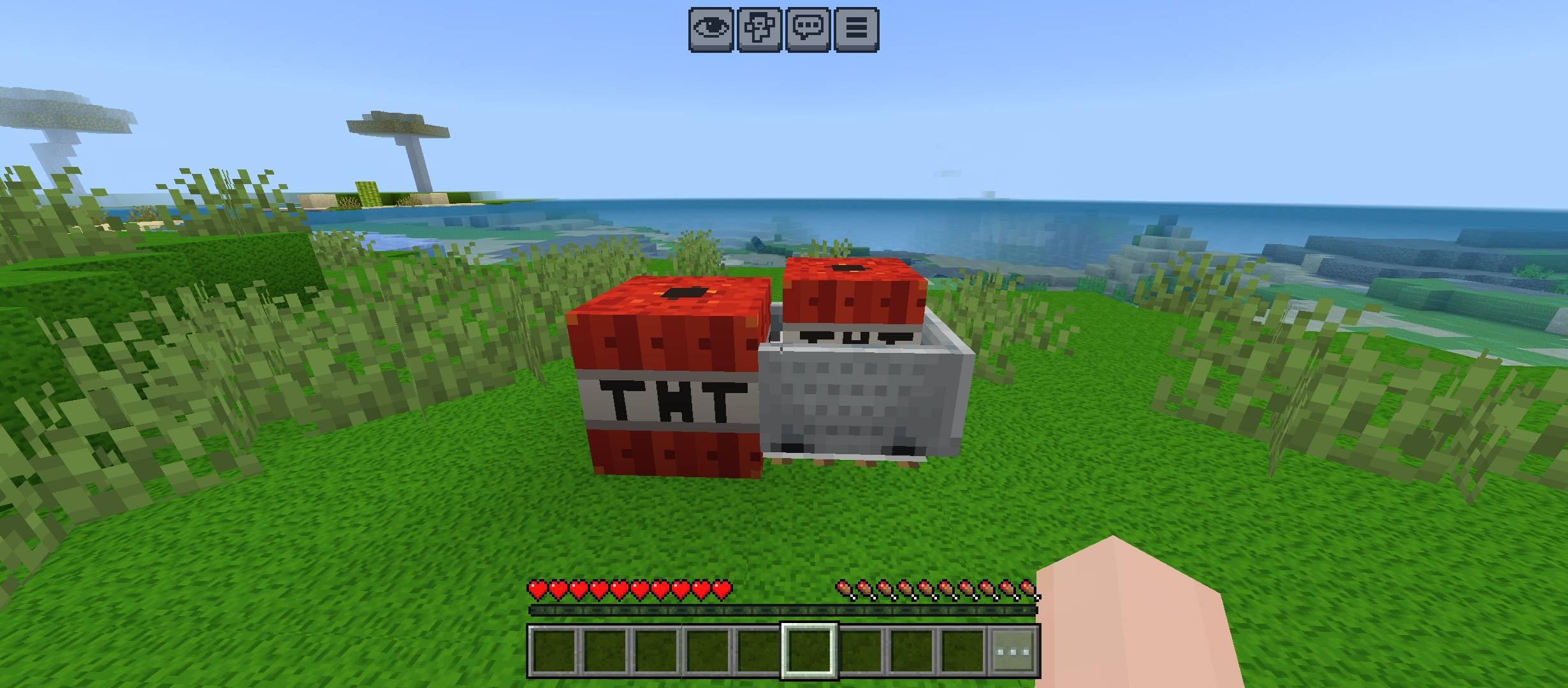
🔥 What It Improves
💣 TNT • 🌋 Magma • ❄️ Powder Snow • 🌵 Cactus
🌊 Lava • 🔥 Fire • 🔷 Soul Fire
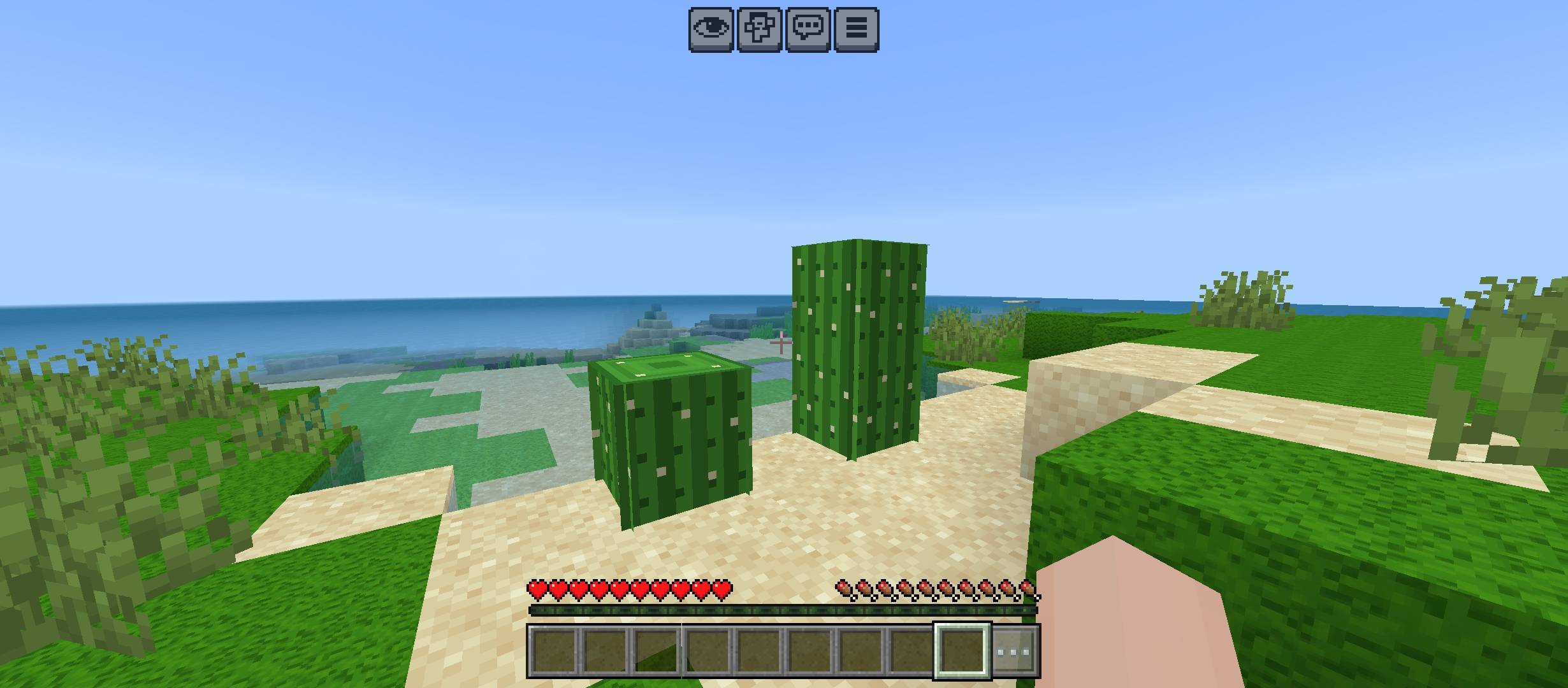
✨ Pack Highlights
👀 Faster hazard recognition • 🧱 Original block style preserved • 🎯 Cleaner visibility
🌿 Survival friendly • 📦 Resource Pack only • ⚙️ No gameplay changes
🛡️ Vanilla-Friendly Design
✅ No major redesigns • ✅ No unnecessary effects • ✅ Simple visual upgrades
✅ Easy to understand • ✅ Useful in normal gameplay • ✅ Clean Minecraft look
💡 Best For
⛏️ Survival • 🗺️ Exploration • 🔥 Nether Trips • 🎥 Gameplay Videos
👑 Credits
Created by Gavti All rights and credits belong to Gavti.
Danger Block Visibility nasıl kurulur
With Millida Launcher
Install Millida Launcher
The launcher is free: download it at millida.net/launcher and sign in with any nickname.
Click “Install” on this page
The launcher opens and installs the resource pack for Minecraft 26.20–26.40 automatically.
Launch the game
A profile with it appears in the launcher: click “Play”.
Manually
Download the archive
Pick the file Danger_Block_Visibility.mcpack (379 KB) for your game version. No need to unpack it.
Put it in the resourcepacks folder
The easiest way: “Options”, then “Resource Packs”, then “Open Pack Folder”, and drag the archive there.
Enable the pack
In the same window, move the pack to the right-hand “Selected” column and click “Done”.
Sürümler
Bağımlılıklarla
| Minecraft | Yükleyici | Dosya | Tarih | İşlemler |
|---|---|---|---|---|
| 26.20 | — | Danger_Block_Visibility.mcpack379 KB |
Yorumlar
Danger Block Visibility için ilk puanı sen ver


