
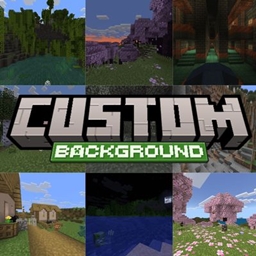
Minecraft 1.21, 26.40 için ý Custom Panorama / Background Kaynak paketi
Bu paketle farklı Minecraft Bedrock panoramalarını kolayca seçip aralarında geçiş yapabilirsiniz!

Custom Panorama Is A Pack That Adds The Features To Change The Minecraft Bedrock Panorama. With This Pack, You Can Easily Choose And Change Minecraft Bedrock Panorama!
Features:
- Select and change according to taste
- Compatible with Vibrant Visuals
- Vibrant Visuals auto connected
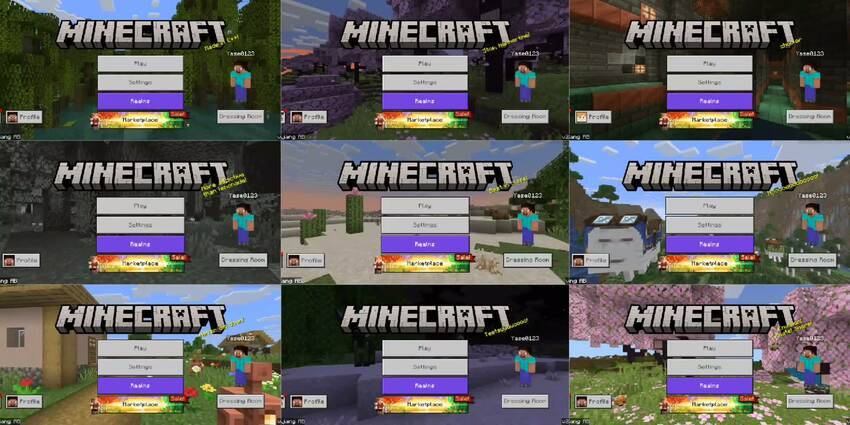
Showcase
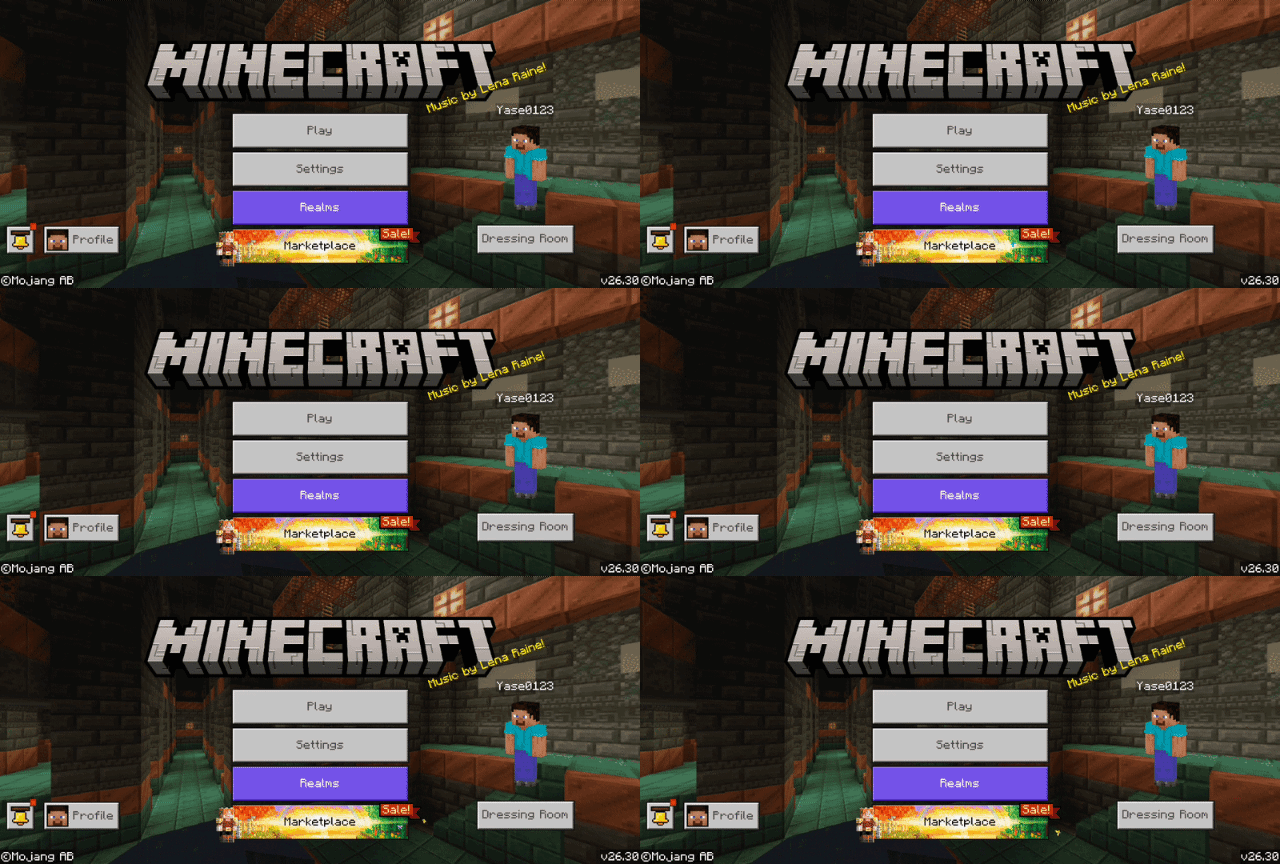
Vibrant Visuals Panorama
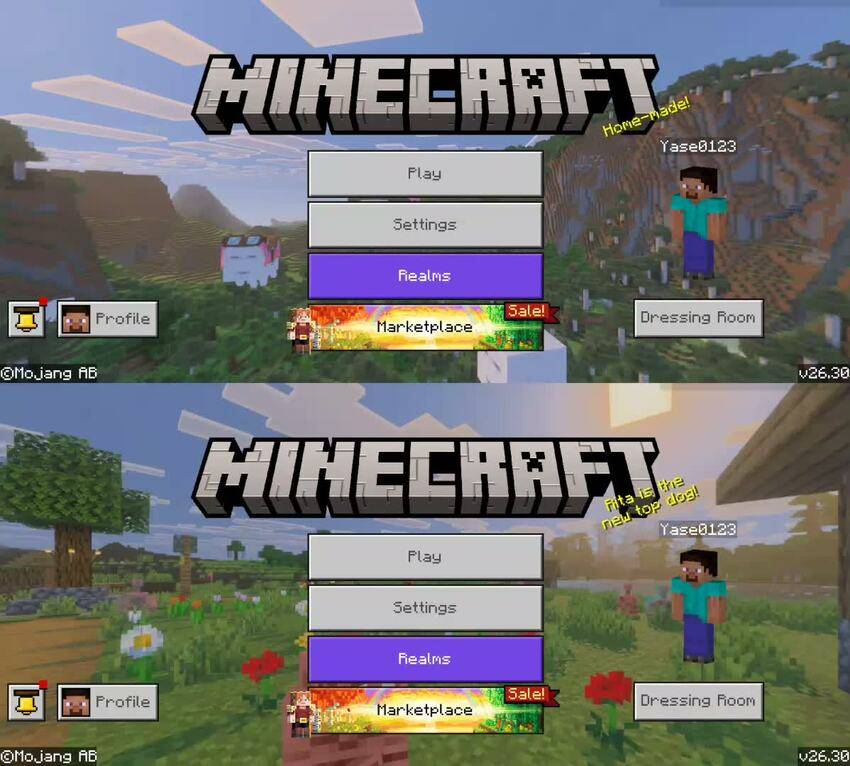
Panorama Available:
- Chaos Cubed
- Tiny Takeover
- Mounts of Mayhem
- The Copper Age
- Chase the Skies
- Spring to Life
- The Garden Awakens
- Tricky Trials
- Trails & Tales
- The Wild Update
Packs available with & without vibrant visuals!
- Custom-Panorama = with vibrant visual
- Custom-Panorama-Classic = without vibrant visual
- The advantage of without is a smaller size!
Notes: Spiring to Life and below do not have vibrant visuals, because at that time vibrant visuals had not been added.
- CurseForge ýCustom Panorama
- MCPEDL ýCustom Panorama
ý Custom Panorama / Background nasıl kurulur
With Millida Launcher
Install Millida Launcher
The launcher is free: download it at millida.net/launcher and sign in with any nickname.
Click “Install” on this page
The launcher opens and installs the resource pack for Minecraft 1.21–26.40 automatically.
Launch the game
A profile with it appears in the launcher: click “Play”.
Manually
Download the archive
Pick the file Custom-Panorama v1.2.mcpack (43 MB) for your game version. No need to unpack it.
Put it in the resourcepacks folder
The easiest way: “Options”, then “Resource Packs”, then “Open Pack Folder”, and drag the archive there.
Enable the pack
In the same window, move the pack to the right-hand “Selected” column and click “Done”.
Sürümler
Bağımlılıklarla
| Minecraft | Yükleyici | Dosya | Tarih | İşlemler |
|---|---|---|---|---|
| 1.21.30 | — | Custom-Panorama v1.242.6 MB |
SSS
Which Minecraft versions does ý Custom Panorama / Background work on?
There are files for 1.21–26.40, 25 versions in total. The newest is 26.40.
Where can I download ý Custom Panorama / Background safely?
On this page: the file Custom-Panorama v1.2.mcpack (43 MB) is stored on Millida’s server, with no link shorteners. SHA-1 checksum: c2f412e9537c0b48031d57266c69ddd072d90a64.
Yorumlar
ý Custom Panorama / Background için ilk puanı sen ver



