
Minecraft 26.40 için Colored Lighting Kaynak paketi
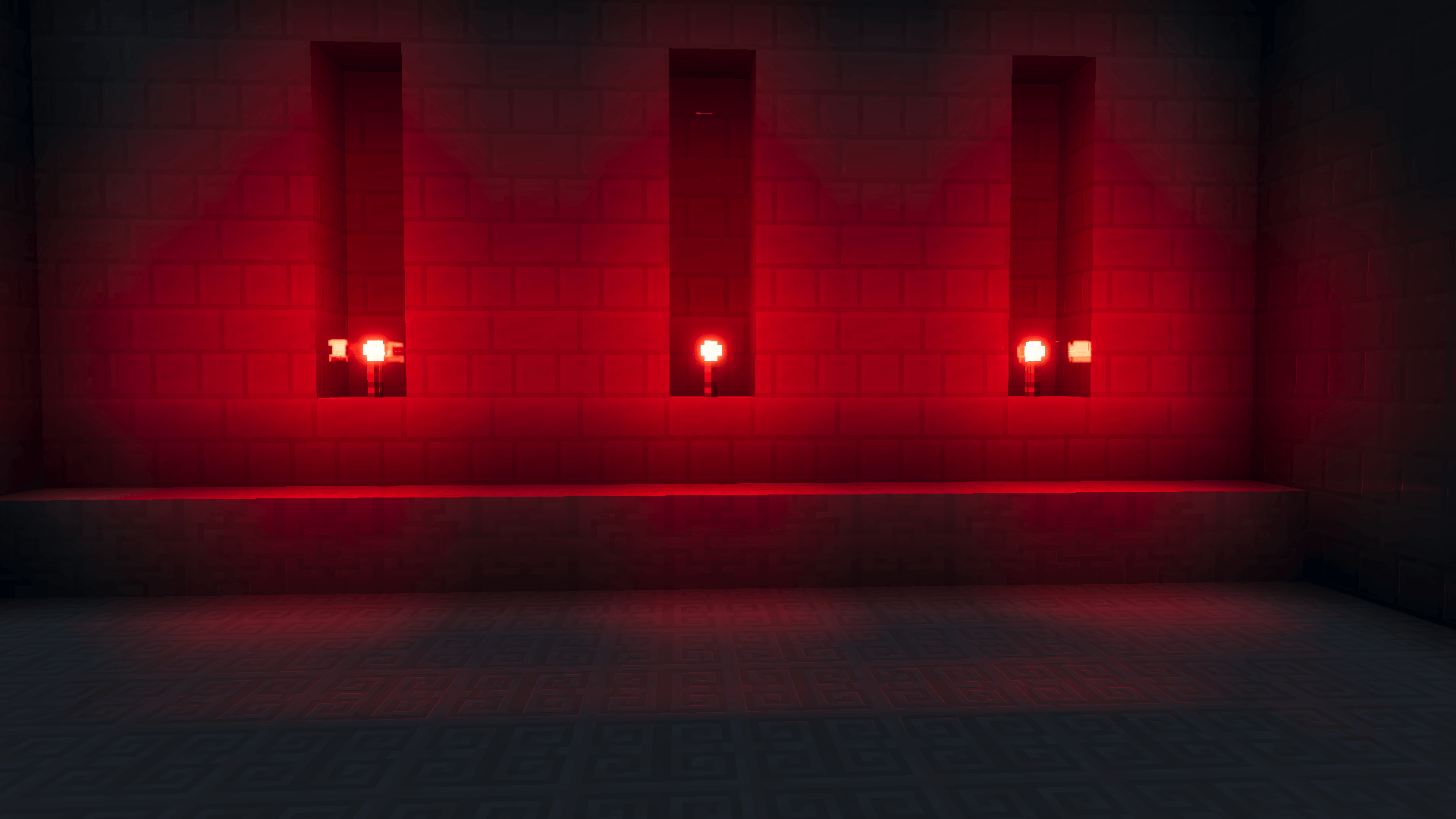
Colored Lighting, Vibrant Visuals için Minecraft Bedrock'a meşalelerden, fenerlerden, mumlardan, portallardan ve daha fazlasından canlı RGB ışığı ekler.
Colored Lighting kaynak paketi hakkında
Colored Lighting brings stunning RGB colored light to Minecraft Bedrock. Simply place the Colored Lighting pack above any Vibrant Visuals shader to add immersive colored glow from over 100 light sources, without replacing your visuals.
✅ Compatible with any Vibrant Visuals pack:
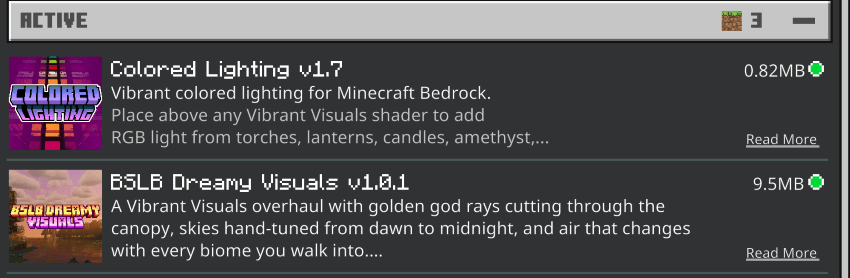
BSLB Dreamy Visuals
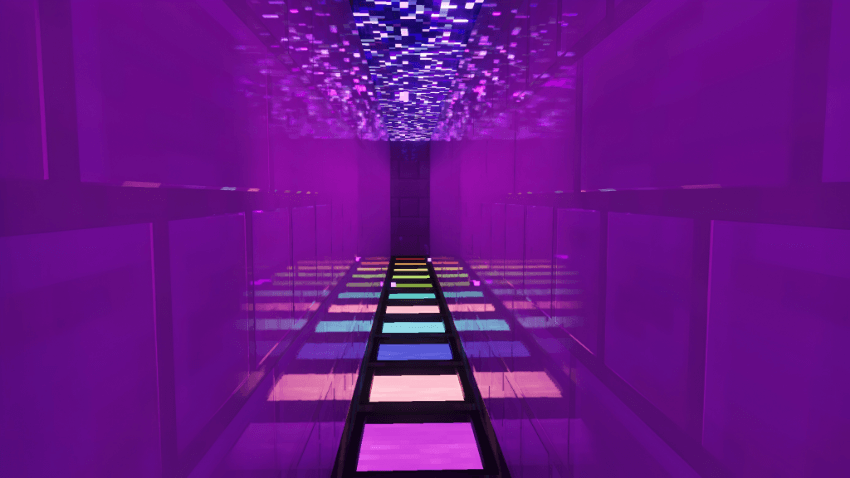
🎨 What Gets Colored:
112 light sources, each given its own colour.
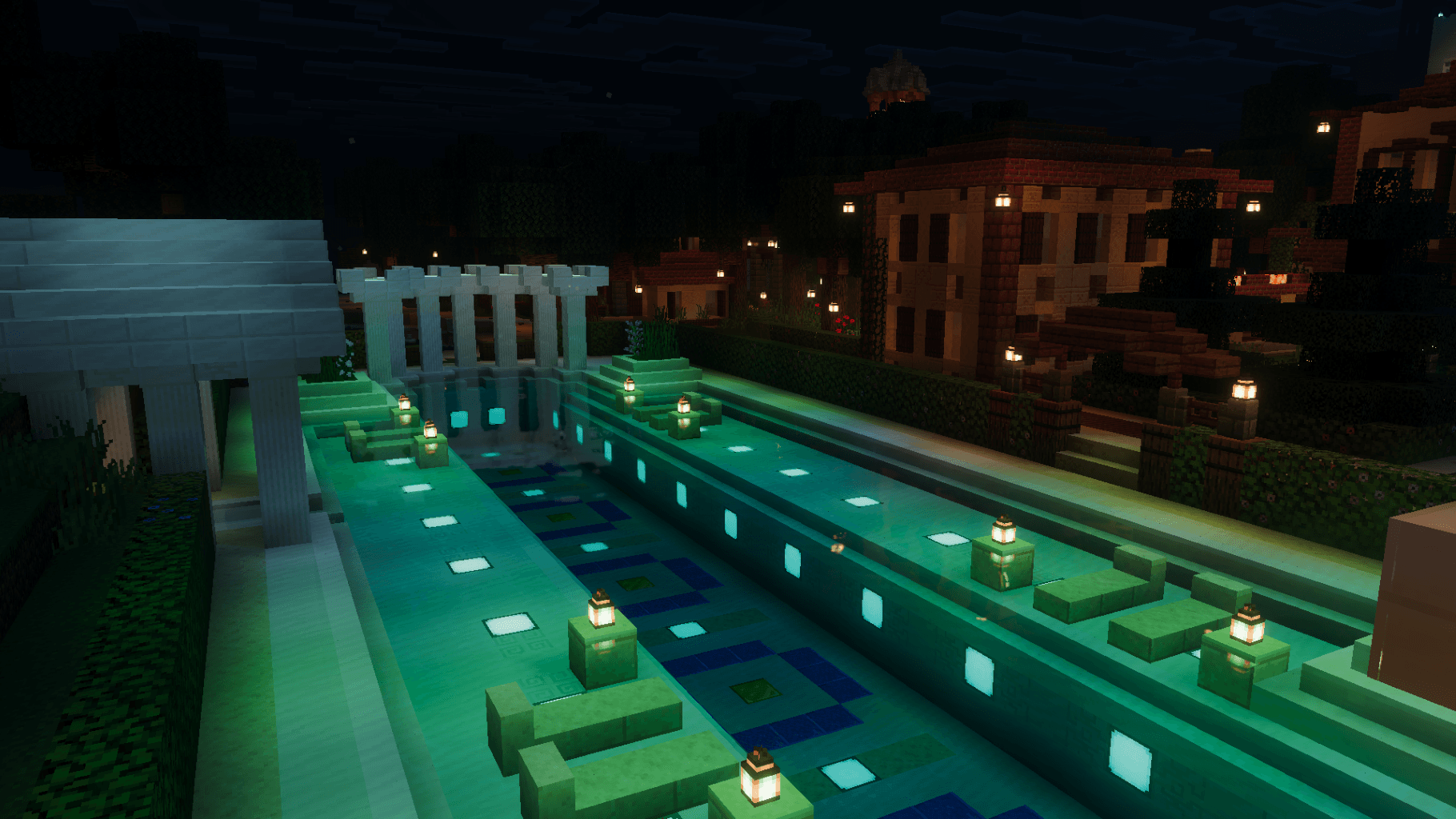
- Torches - regular, redstone, soul, copper, underwater and all four colored torches
- Lanterns - regular, soul, and every copper lantern across all oxidation and waxed states
- Candles - all 16 dyed colours, plus all 16 candle cakes
- Copper bulbs - all eight oxidation and waxed states, each dimmer and warmer as it ages
- Fire & flame - fire, soul fire, campfires, lava and flowing lava, magma
- Froglights - ochre, verdant and pearlescent
- Amethyst - buds, clusters and budding amethyst
- Sculk - catalyst, sensor, calibrated sensor and shrieker
- Portals & the End - nether portal, end portal, end gateway, respawn anchor, crying obsidian, ender chest, dragon egg
- And more - glowstone, shroomlight, sea lantern, sea pickle, glow lichen, cave vines, jack o'lantern, beacon, conduit, brewing stand, enchanting table, firefly bush, vault, trial spawner, redstone ore, furnaces
Light sources use point lights where the glow should follow the block and static lights where it should sit still, so a candle flickers where a lava pool doesn't.
📦 Installation:
1.Download the .mcpack 2.Open to import 3.Turn on Vibrant Visuals in Video Settings 4.In your world's resource packs, place Colored Lighting above your shader pack 5.Choose Ores Glow ON or OFF
Order matters. Colored Lighting only replaces lighting data, so it must sit on top for your shader to keep its fog, sky and water.
Colored Lighting nasıl kurulur
With Millida Launcher
Install Millida Launcher
The launcher is free: download it at millida.net/launcher and sign in with any nickname.
Click “Install” on this page
The launcher opens and installs the resource pack for Minecraft 1.21.120–26.40 automatically.
Launch the game
A profile with it appears in the launcher: click “Play”.
Manually
Download the archive
Pick the file Colored Lighting v1.7.1.mcpack (955 KB) for your game version. No need to unpack it.
Put it in the resourcepacks folder
The easiest way: “Options”, then “Resource Packs”, then “Open Pack Folder”, and drag the archive there.
Enable the pack
In the same window, move the pack to the right-hand “Selected” column and click “Done”.
Sürümler
Bağımlılıklarla
| Minecraft | Yükleyici | Dosya | Tarih | İşlemler |
|---|---|---|---|---|
| 1.21.120 | — | Colored Lighting v1.7.1.mcpack955 KB |
SSS
Which Minecraft versions does Colored Lighting work on?
There are files for 1.21.120–26.40, 18 versions in total. The newest is 26.40.
Where can I download Colored Lighting safely?
On this page: the file Colored Lighting v1.7.1.mcpack (955 KB) is stored on Millida’s server, with no link shorteners. SHA-1 checksum: 350039b150a9f696c4885068bc35c3857e33bb2c.
Yorumlar
Colored Lighting için ilk puanı sen ver



