

Minecraft 26.20 için clayfull texture
Bu kaynak paketi Minecraft dünyanızı ultra yüksek 512x512 çözünürlükte pürüzsüz, kil benzeri (plastisin) bir başyapıta dönüştürür. Temiz, minimalist ve modern bir estetik isteyen oyuncular için mükemmeldir
Clayful 512x - Bedrock Edition Port
Welcome to the Bedrock Edition port of the highly popular Clayful 512x resource pack!
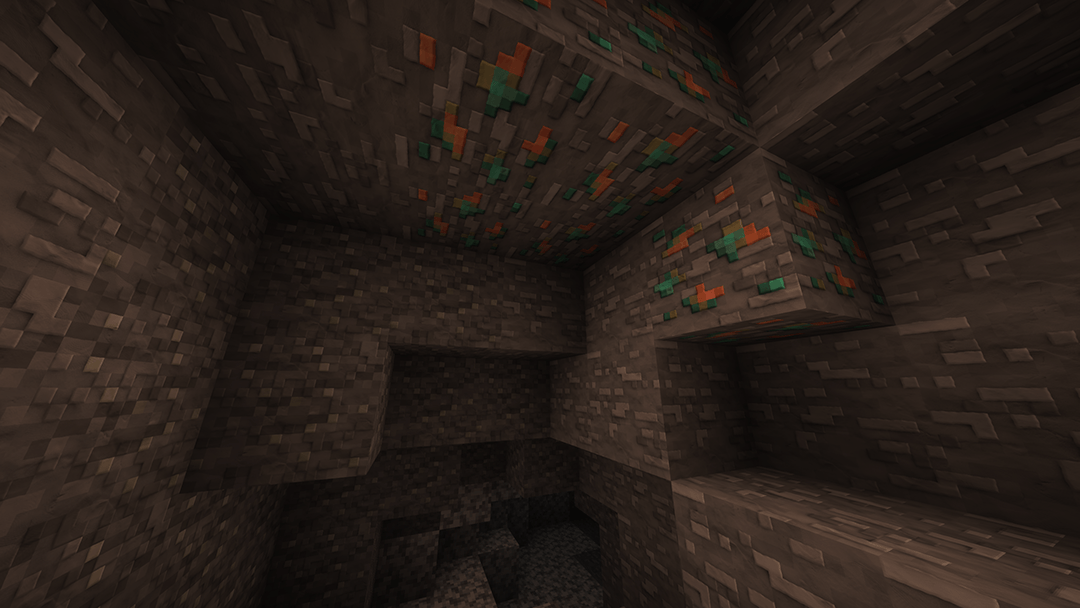
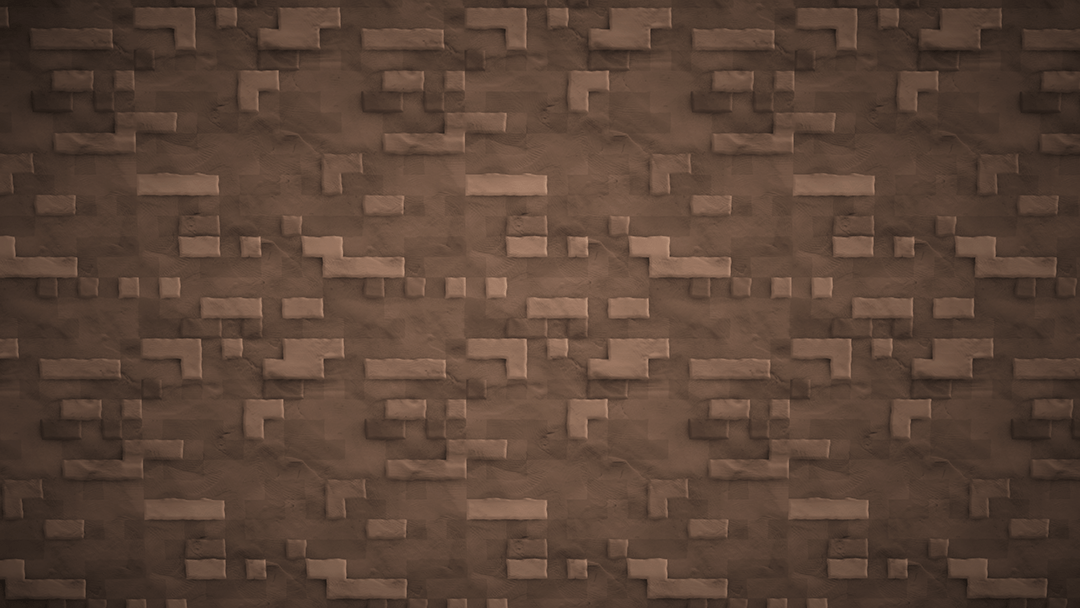
This resource pack completely transforms your Minecraft world into a smooth, clay-like (plasticine) masterpiece at an ultra-high 512x512 resolution. It is perfect for players who want a clean, minimalist, and modern aesthetic while maintaining razor-sharp textures and eye-candy visuals.
Now, Android, iOS, Windows 10/11, and Console players can finally experience the beautiful, soft aesthetic of Clayful without needing Java Edition!
✨ Features
Ultra-HD 512x Resolution: Crystal-clear, smooth textures that give your world a premium 3D animated look.
Clay & Plasticine Aesthetic: Removes all the default noisy patterns from vanilla Minecraft, replacing them with clean, solid, and satisfying surfaces.
Optimized for Bedrock: Correctly compressed .mcpack file structure to ensure optimal stability and reduce chunk rendering issues.
Clean UI & HUD: User interface elements tailored to match the minimalist vibe of the Clayful style.
🛠️ How to Install
Download: Grab the .mcpack file from the "Files" tab on this CurseForge page.
Import to Minecraft:
Windows 10/11: Double-click the downloaded .mcpack file. Minecraft will launch automatically and import the pack.
Android / iOS: Open the file using your preferred File Manager app and select "Open with Minecraft".
Activation: Go to Settings > Global Resources > Find Clayful 512x under "My Packs" and click Activate.
⚠️ Technical Notes & Device Specifications
Because this pack utilizes an extremely high resolution (512x512), a minimum of 4GB RAM is highly recommended-especially for mobile devices (Android/iOS)-to prevent performance lag, crashes, or visual bugs like pink textures.
clayfull texture nasıl kurulur
With Millida Launcher
Install Millida Launcher
The launcher is free: download it at millida.net/launcher and sign in with any nickname.
Click “Install” on this page
The launcher opens and installs the resource pack for Minecraft 1.21.130–26.20 automatically.
Launch the game
A profile with it appears in the launcher: click “Play”.
Manually
Download the archive
Pick the file Clayful512.mcpack (30 MB) for your game version. No need to unpack it.
Put it in the resourcepacks folder
The easiest way: “Options”, then “Resource Packs”, then “Open Pack Folder”, and drag the archive there.
Enable the pack
In the same window, move the pack to the right-hand “Selected” column and click “Done”.
Sürümler
Bağımlılıklarla
| Minecraft | Yükleyici | Dosya | Tarih | İşlemler |
|---|---|---|---|---|
| 1.21.130 | — | Clayful512.mcpack29.7 MB |
SSS
Which Minecraft versions does clayfull texture work on?
There are files for 1.21.130–26.20, 11 versions in total. The newest is 26.20.
Where can I download clayfull texture safely?
On this page: the file Clayful512.mcpack (30 MB) is stored on Millida’s server, with no link shorteners. SHA-1 checksum: 61d89380fecdb8e1e4861b57a6fbedfd0827c114.
Yorumlar
clayfull texture için ilk puanı sen ver



