

Minecraft 26.1.2 için Optifine Old Lighting Shader'lar
Bu proje Optifine'ın dahili shader'larından eski aydınlatmayı ekler.
- görüntülenme
- 13 görüntülenme
- Güncellendi
- Güncellendi 29.09.2026
- 26.1.2
 Fabric
- İstemci
Optifine Old Lighting shader'ları hakkında
Adds OptiFine's (internal) shader with Old Lighting to Iris, recreating the look without needing Optifine installed.
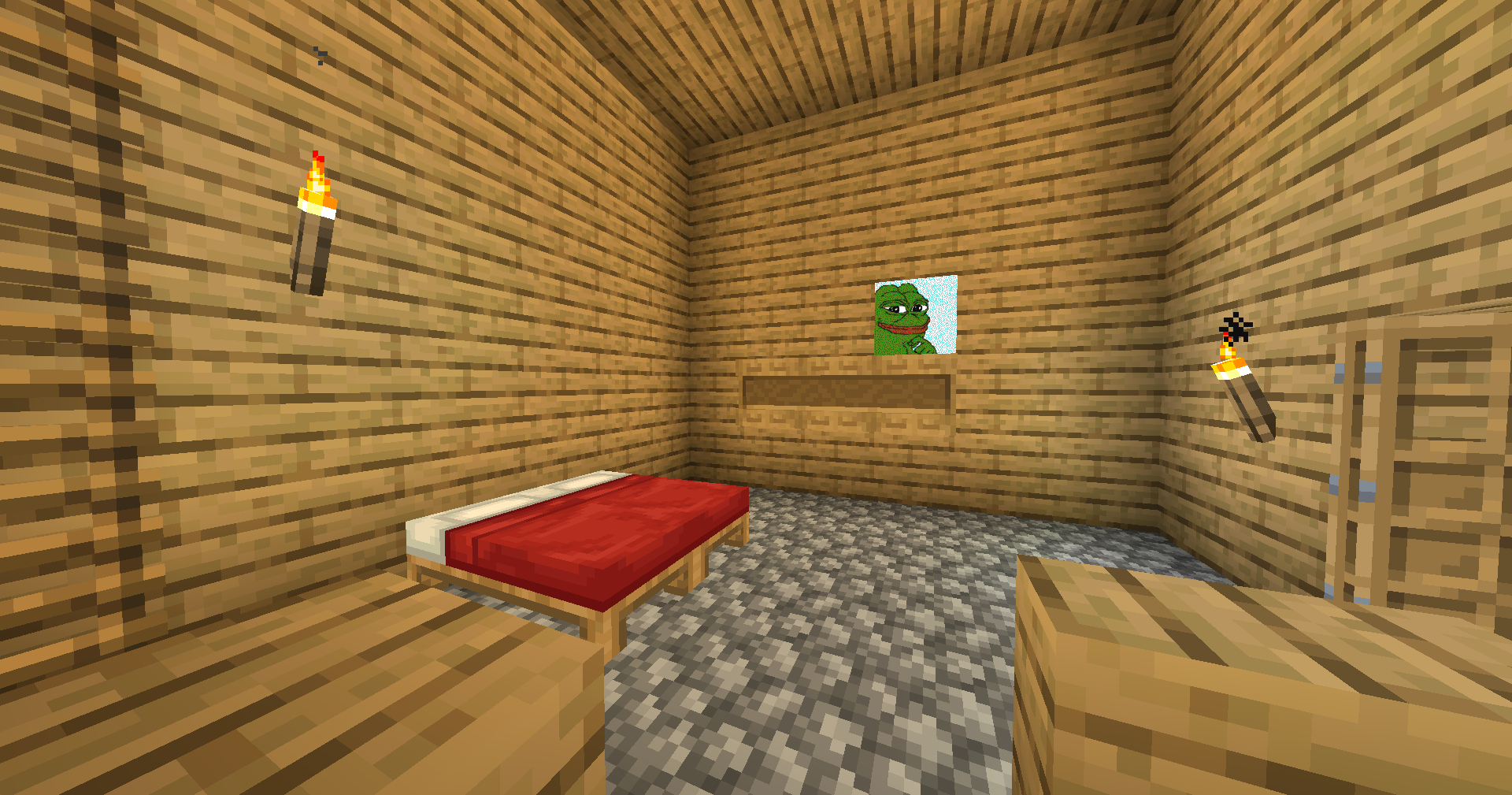
The performance impact is near zero.
We've tested it on 26.1.2, but it should also work on other versions.

Optifine Old Lighting nasıl kurulur
With Millida Launcher
Install Millida Launcher
The launcher is free: download it at millida.net/launcher and sign in with any nickname.
Click “Install” on this page
The launcher opens and installs the shaders for Minecraft 26.1.2 automatically.
Launch the game
A profile with it appears in the launcher: click “Play”.
Manually
Install Iris
Without a shader mod the game cannot see shaders. Install it for the same Minecraft version.
Download the shader archive
Pick the file Internal.zip (15 KB) and do not unpack it.
Put it in the shaderpacks folder
“Options”, then “Video Settings”, then “Shader Packs”, then “Open Shader Pack Folder”, and drag the archive there.
Select the shaders
In the same window, click the pack name and “Apply”.
Sürümler
Bağımlılıklarla
| Minecraft | Yükleyici | Dosya | Tarih | İşlemler |
|---|---|---|---|---|
| 26.1.2 | Iris | 26.1.215.1 KB |
SSS
Which Minecraft versions does Optifine Old Lighting work on?
Only Minecraft 26.1.2: there are no files for other versions.
What do I need to run Optifine Old Lighting?
Shaders are loaded through Iris: without it the game cannot see them.
Where can I download Optifine Old Lighting safely?
On this page: the file Internal.zip (15 KB) is stored on Millida’s server, with no link shorteners. SHA-1 checksum: fdae9c731d428d4f0c0904ec6612c44c6b17fb47.
Yorumlar
Optifine Old Lighting için ilk puanı sen ver


