
Minecraft için Tropic Eklenti
Tropik/yağmur ormanı görünümü için dünya oluşturucu
Tropic
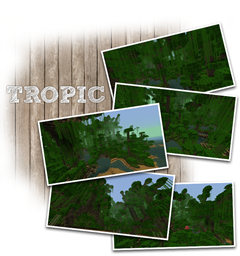
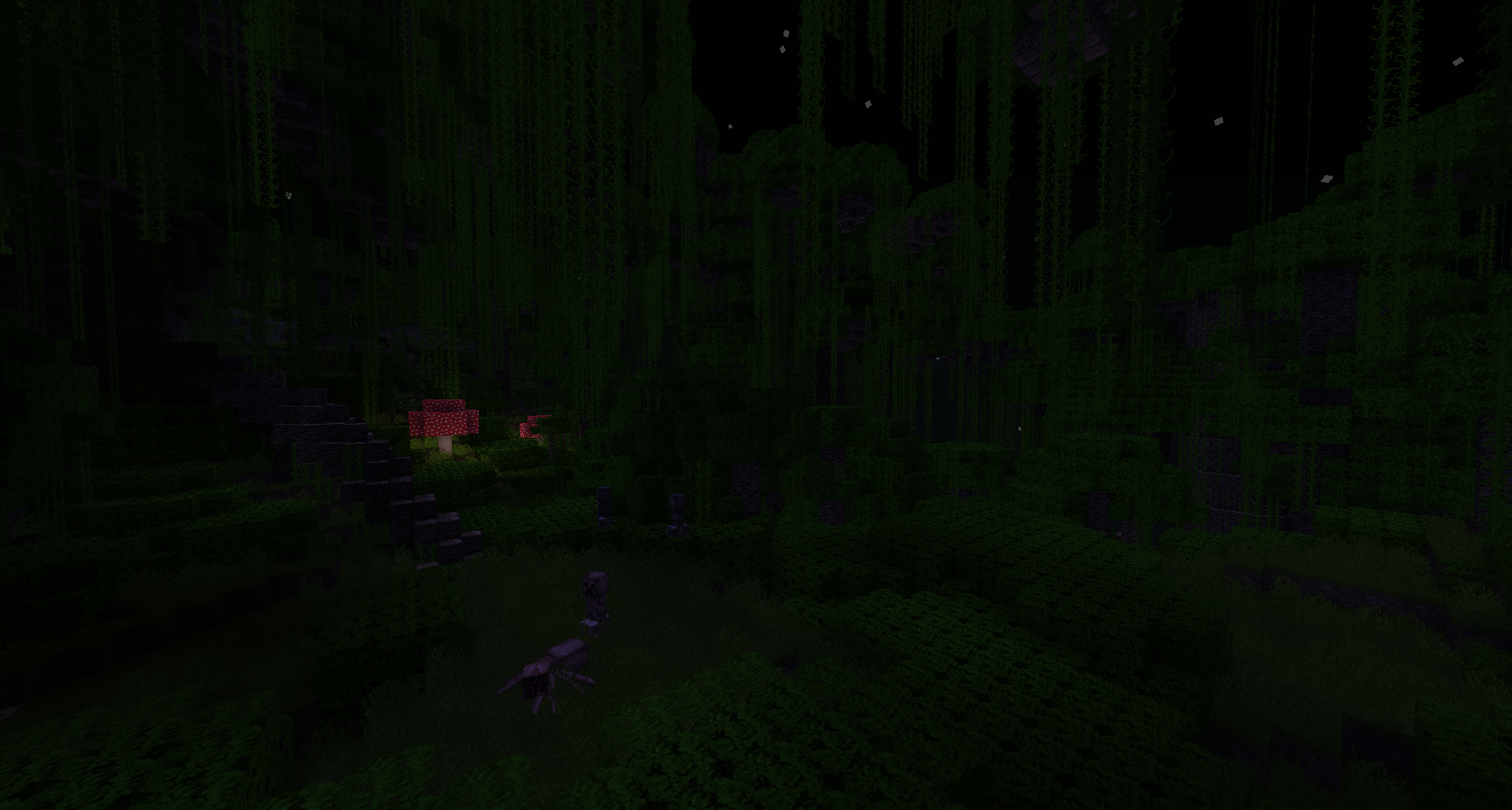
is a wgen plugin i was working for some time now and with the new jungle biomes being out i decided to complete it. So what does Tropic do? Well it generates a world that is fully covered with a thick rainforest. The Terrain has some nice hills/beaches, but also pretty high mountains. The Generator features a lot of unique BlockPopulators for a individual look:
- 3 Different, fully custom tree types featuring generated world-trees
- Lakes and small creeks
- "Glowshrooms"
- Bushes and all other foliage that can be found in minecraft
- All ores/lava/gravel/etc you need
- Custom caves
Screenshots: https://imgur.com/a/5XFQA
Also thanks alot to @codename_B for allowing me to use his BlockPopulators.
And as always, feedback and suggestions are always welcome, hope you like it.
1.2.3-R0.2 is required, this plugin won't work with earlier craftbukkit versions!
WARNING:
As the structures that are generated by this plugin are pretty huge and the bukkit server doesn't really support multi threading for wgens, the generation is pretty slow. Also i had to split the population of the chucks into two steps, otherwise the server would crash. This results in you seenig only the base terrain after world creation, the foliage is generated later. I hope to fix this in future releases, but for now you should know that you shouldn't run this plugin on a large live server while people are playing. Use a plugin like Worldborder.

COMMANDS
/tropic <worldname> <seed>
Creates a new Tropic world and ports you in the world. If there already is a world with the given name, you will just be ported in the world.
PERMISSIONS
tropic.command
Gives access to the /tropic command
HOW TO USE WITH A MULTIWORLD MANAGER
For Pinapp see: Link
For Multiverse see: Link
For My Worlds see: Link
The tutorials above were written for my other wgen plugin nordic, but it works the same way for Tropic
Any others multiworld manager that supports generators should provide information on how to do it. Everything you need from Nordic apart from the .jar file is the Generatorname, which is Tropic
bukkit.yml
you have to add the following to your bukkit.yml file if you aren't using pinapp or a similar plugin:
worlds: yourworldname: generator: Tropic
Tropic nasıl kurulur
A server on Paper or Spigot
The plugin runs on the server core; players do not need to install anything.
File goes into the plugins folder
Download the file Tropic.jar (121 KB) and put it into the server’s plugins folder.
Restart the server
On startup the plugin creates its own settings folder in plugins.
Use the “To server” button
On Millida Hosting, the button at the top of the page uploads the file to your server and restarts it for you.
Sürümler
Bağımlılıklarla
| Minecraft | Yükleyici | Dosya | Tarih | İşlemler |
|---|---|---|---|---|
| — | — | 0.0.2121 KB |
Yorumlar
Tropic için ilk puanı sen ver



