
Minecraft 1.20.1, 1.21.1 için Windswept! Mod
Oyunun karlı ve ormanlık bölgelerine geniş bir genişleme.
 NeoForge
 Forge
Forge
📖 About:
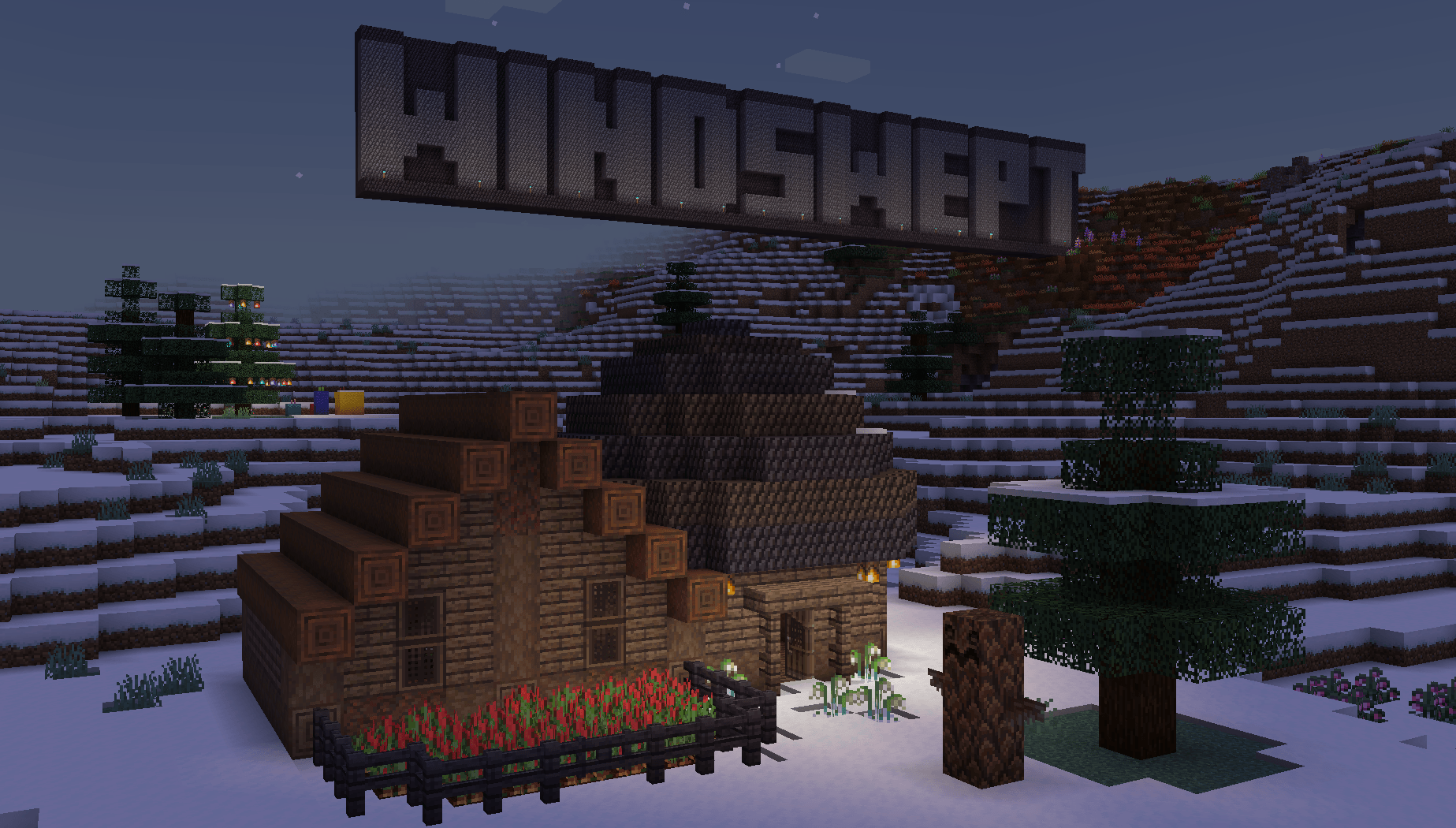
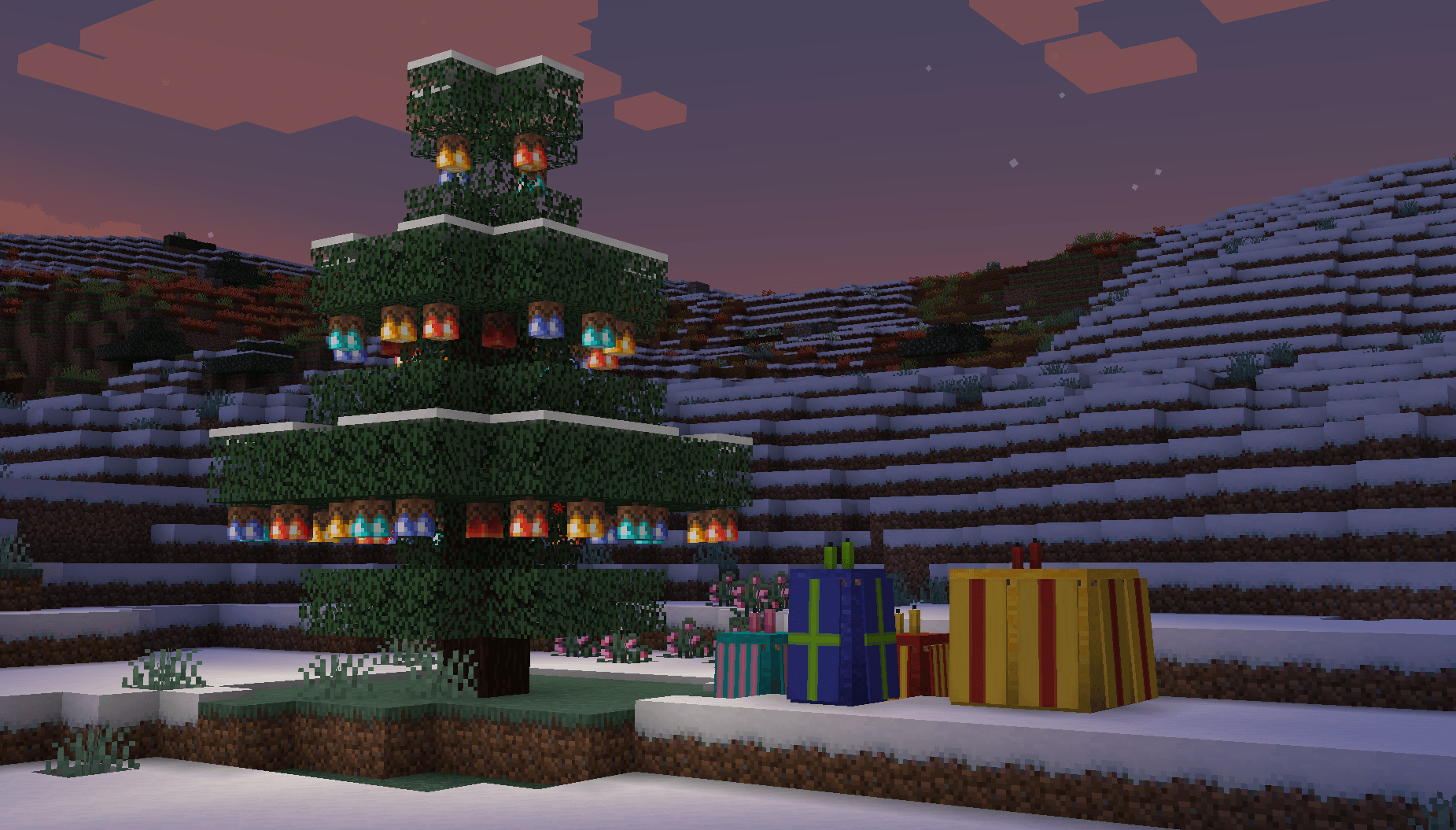
- Windswept is a vanilla-esque mod that vastly expands colder regions of the game. It adds new biomes such as Tundras, Pine Barrens, Chestnut Forests, Lavender Fields, and Flowering Savannas, along with new flowers, enemies, and much more-basically a whole bunch of content related to winter!
📖 Cross Content:
- Caverns & Chasms - Cupric Fairy Light, Frozen Flesh Block, Chilled will Spawn with Silver Armour, Dry Mossy Cobblestone Bricks/Tiles
- Create - Honey/Chocolate Wooden Buckets
- Berry Good - Wild Berry Pips
- Boatload - Additional Boat Variants for new Woodtypes
- Dye Depot - Some Flowers can be crafted into the new Dyes, Pinecone Shingle Colour Variants when Dye The World! is installed (1.21.1 only)
- Gallery - Item Textures for all 7 paintings
- Quark - Wooden Block Variants for new Woodtypes
- The Endergetic Expansion - Ender Fairy Light
- Woodworks - Wooden Block Variants for new Woodtypes, Sawmill Recipes for all Wood blocks
📖 Addons:
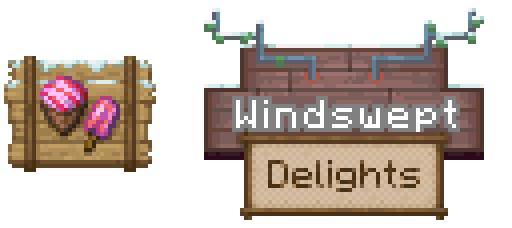
- Looking for Farmer's Delight Compat? We have our own addon called Windswept Delights
Windswept! nasıl kurulur
With Millida Launcher
Install Millida Launcher
The launcher is free: download it at millida.net/launcher and sign in with any nickname.
Click “Install” on this page
The launcher opens and installs the mod for Minecraft 1.20.1–1.21.1 on Forge or NeoForge automatically.
Launch the game
A profile with it appears in the launcher: click “Play”.
Manually
Install Forge or NeoForge
The loader must match the game version of the mod file, for example Minecraft 1.21.1. After installing it, a separate profile appears in your launcher.
Download the file for your version
In the version list above, pick the file windswept-1.21.1-4.0.3.jar (9.9 MB) for your game version and loader.
Put it in the mods folder
The folder is inside .minecraft (Windows: %appdata%\.minecraft\mods). If it does not exist, create it.
Launch the loader profile
Open “Mods” in the main menu: Windswept! should be in the list.
Minecraft 1.21.1 runs on Java 21: with a different Java version the game may close right after launch.
Sürümler
Bağımlılıklarla
| Minecraft | Yükleyici | Dosya | Tarih | İşlemler |
|---|---|---|---|---|
| 1.21.1 | NeoForge | windswept-1.21.1-4.0.3.jar9.9 MB | ||
| 1.20.1 | Forge, NeoForge | windswept-1.20.1-3.0.4.jar9.8 MB |
SSS
Which Minecraft versions does Windswept! work on?
There are files for 1.21.1, 1.20.1. The newest is 1.21.1.
Is Windswept! for Forge or Fabric?
There are files for Forge: 1.20.1 and for NeoForge: 1.20.1–1.21.1. There are no files for Fabric: a mod for another loader will not start.
Does Windswept! need other mods?
The author lists no required dependencies: the Forge or NeoForge loader is enough.
Which Java does Windswept! need?
Minecraft 1.21.1 runs on Java 21. If the game closes right after launch, the usual cause is the wrong Java version in the profile settings.
Where can I download Windswept! safely?
On this page: the file windswept-1.21.1-4.0.3.jar (9.9 MB) is stored on Millida’s server, with no link shorteners. SHA-1 checksum: 9b0a7eebb1ade5280a3ffdd1003835e18353679f.
Yorumlar
Windswept! için ilk puanı sen ver


