

Minecraft 1.20.1, 1.21.1 için Verity JE Mod
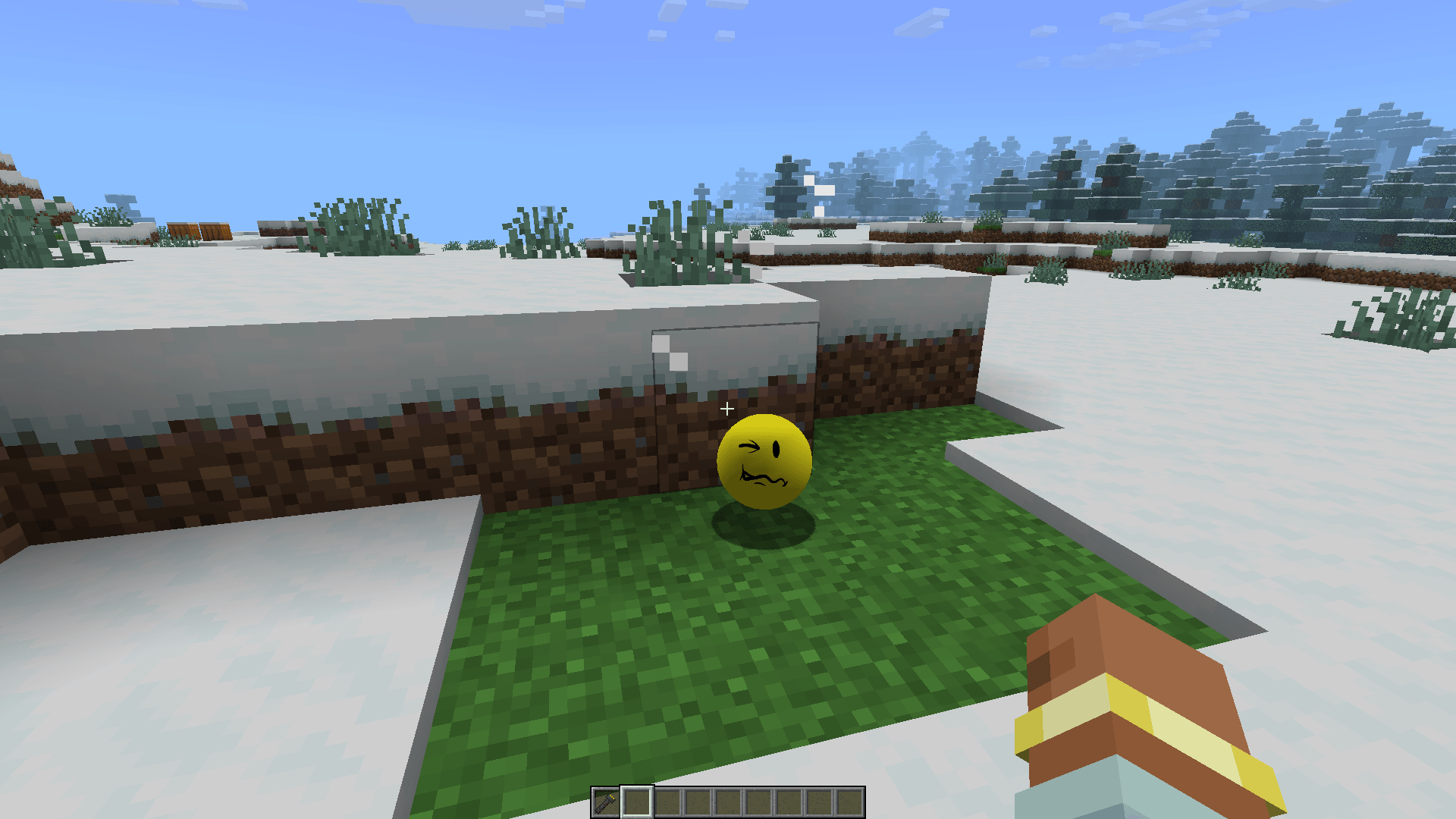
Merhaba, ben Verity! Kişisel yardımcı arkadaşınız. Bana her şeyi sorun, her şeyi bilirim.
 NeoForge
 Forge
ForgeVerity JE modu hakkında

Discord
Hello, im Verity! Your personal helper friend!
This mod adds Verity, a yellow shaped ball made to assist you for the best, and for the worst.
Verity JE is an official adaptation of ThatMob's "Something" YouTube ARG video series for Minecraft Java Edition.
⚠️ NOTE: THIS MOD USES LLMs (Large Language Models) to function, meaning that additional setups are REQUIRED.
Made with explicit permission from the series creator
Setup
To play this mod, some setting up is required. Here's a tutorial:
Setup Tutorial
Features
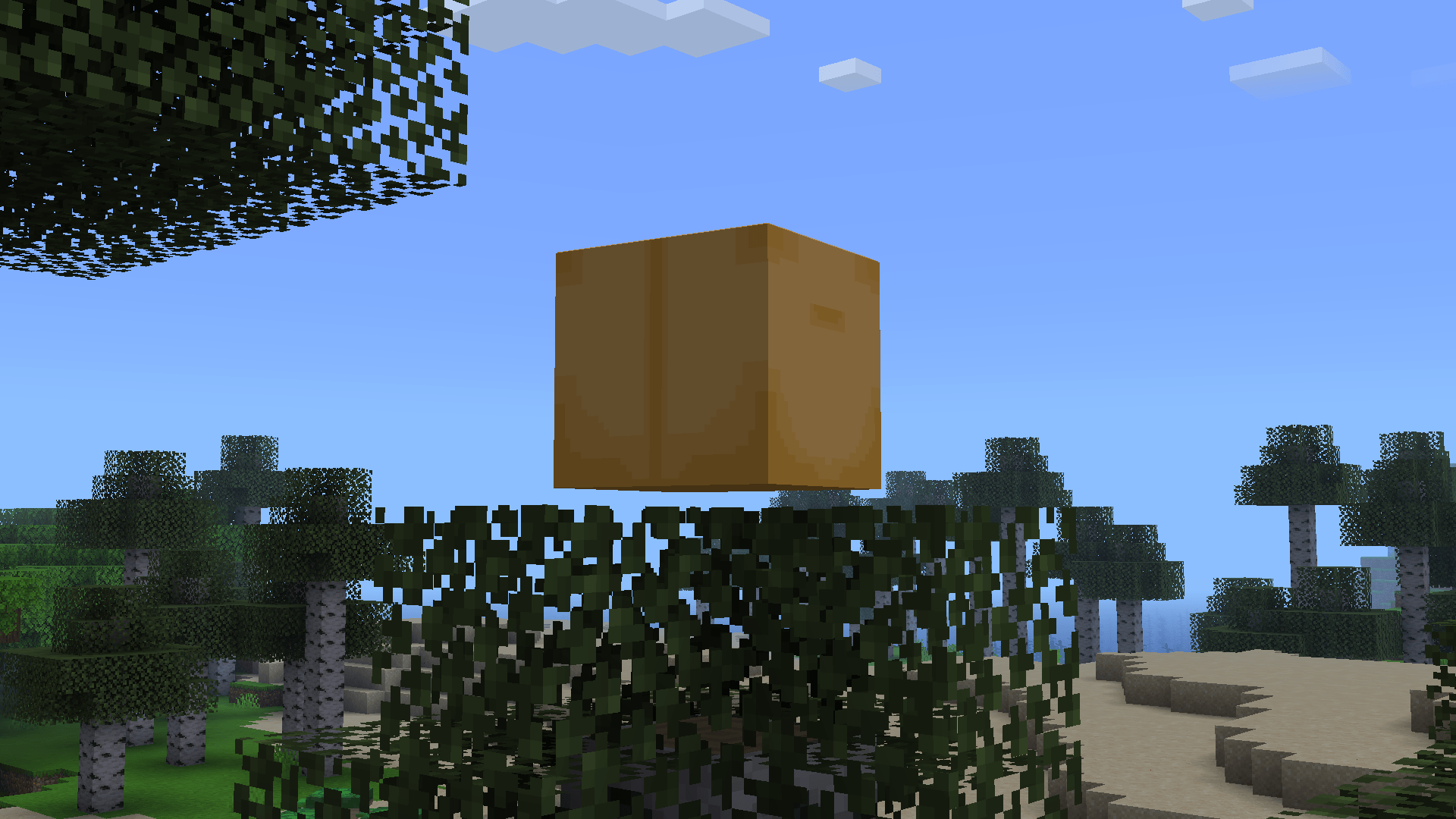
- Verity and his box - Your personal helper friend delivered from a special box
- The Demon - A monster lurking your world, Verity seems to know something
- Gameplay Changes - Extreme darkness, flashlight and more
Language Support
The AI supports all languages, but Speech To Text and Text To Speech has only been tested with English.
Playthrough
If you want to support the channel and watch an epic playthrough:
Adding guns to the Verity mod...
Official Trailer
Trailer
Verity Textures by @muhfanaccount (X) Demon model from version 5 made by RoseRocket
Verity JE nasıl kurulur
With Millida Launcher
Install Millida Launcher
The launcher is free: download it at millida.net/launcher and sign in with any nickname.
Click “Install” on this page
The launcher opens and installs the mod for Minecraft 1.20.1–1.21.1 on Forge or NeoForge automatically.
Launch the game
A profile with it appears in the launcher: click “Play”.
Manually
Install Forge or NeoForge
The loader must match the game version of the mod file, for example Minecraft 1.21.1. After installing it, a separate profile appears in your launcher.
Download the file for your version
In the version list above, pick the file verity-3.4.1.jar (156 MB) for your game version and loader.
Put it in the mods folder
The folder is inside .minecraft (Windows: %appdata%\.minecraft\mods). If it does not exist, create it.
Launch the loader profile
Open “Mods” in the main menu: Verity JE should be in the list.
Minecraft 1.21.1 runs on Java 21: with a different Java version the game may close right after launch.
Sürümler
Bağımlılıklarla
| Minecraft | Yükleyici | Dosya | Tarih | İşlemler |
|---|---|---|---|---|
| 1.20.1 | Forge | v6.0.0-beta.9246 MB 776 | ||
| 1.20.1 | Forge | verity-5.7.4.jar235 MB 11 | ||
| 1.21.1 | NeoForge | verity-3.4.1.jar156 MB 298 |
SSS
Which Minecraft versions does Verity JE work on?
There are files for 1.21.1, 1.20.1. The newest is 1.21.1.
Is Verity JE for Forge or Fabric?
There are files for Forge: 1.20.1 and for NeoForge: 1.21.1. There are no files for Fabric: a mod for another loader will not start.
Does Verity JE need other mods?
The author lists no required dependencies: the Forge or NeoForge loader is enough.
Which Java does Verity JE need?
Minecraft 1.21.1 runs on Java 21. If the game closes right after launch, the usual cause is the wrong Java version in the profile settings.
Where can I download Verity JE safely?
On this page: the file verity-3.4.1.jar (156 MB) is stored on Millida’s server, with no link shorteners. SHA-1 checksum: c5ce7248d1594bb1059e5de54ae9b4adf4de0d2a.
Yorumlar
Verity JE için ilk puanı sen ver


