
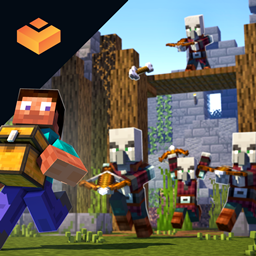
Minecraft 1.20.1, 1.16.5 için Valhelsia Structures Mod
Dünyanıza düzgün bir şekilde entegre edilmiş yeni yapılar ve zindanlar ekler.
 NeoForge
 Forge
Valhelsia Structures modu hakkında
Valhelsia Structures, terk edilmiş binalar ve zindanlar gibi yeni yapılar oluşturan bir moddur; bazı vanilla yapılar da yeniden düzenlenir ve bizim sürümümüzle değiştirilir. Ayrıca evinizin dekorasyonu için çok kullanışlı olabilecek farklı bloklar ekler. Valhelsia Structures, Valhelsia Furniture ile uyumlu olacak şekilde oluşturulmuştur. Mod, güncellemeler yapıldıkça yeni yapılar, bloklar, yaratıklar, bosslar ve özellikler alacaktır.
En son haberleri, değişiklik günlüğünü almak ve herhangi bir sorun yaşarsanız destek almak için Discord sunucumuza katılın. Ayrıca son derece aktif bir sohbet kanalımız ve topluluk üyeleri tarafından gönderilen bir görsel galerimiz var.
BisectHosting, dünya çapında ondan fazla konumla düşük gecikme sağlayan hızlı, basit ve yüksek kaliteli sunucu barındırma sunar. Satın alımınızdan sonra sunucu zaten yapılandırılmış ve kullanıma hazırdır.
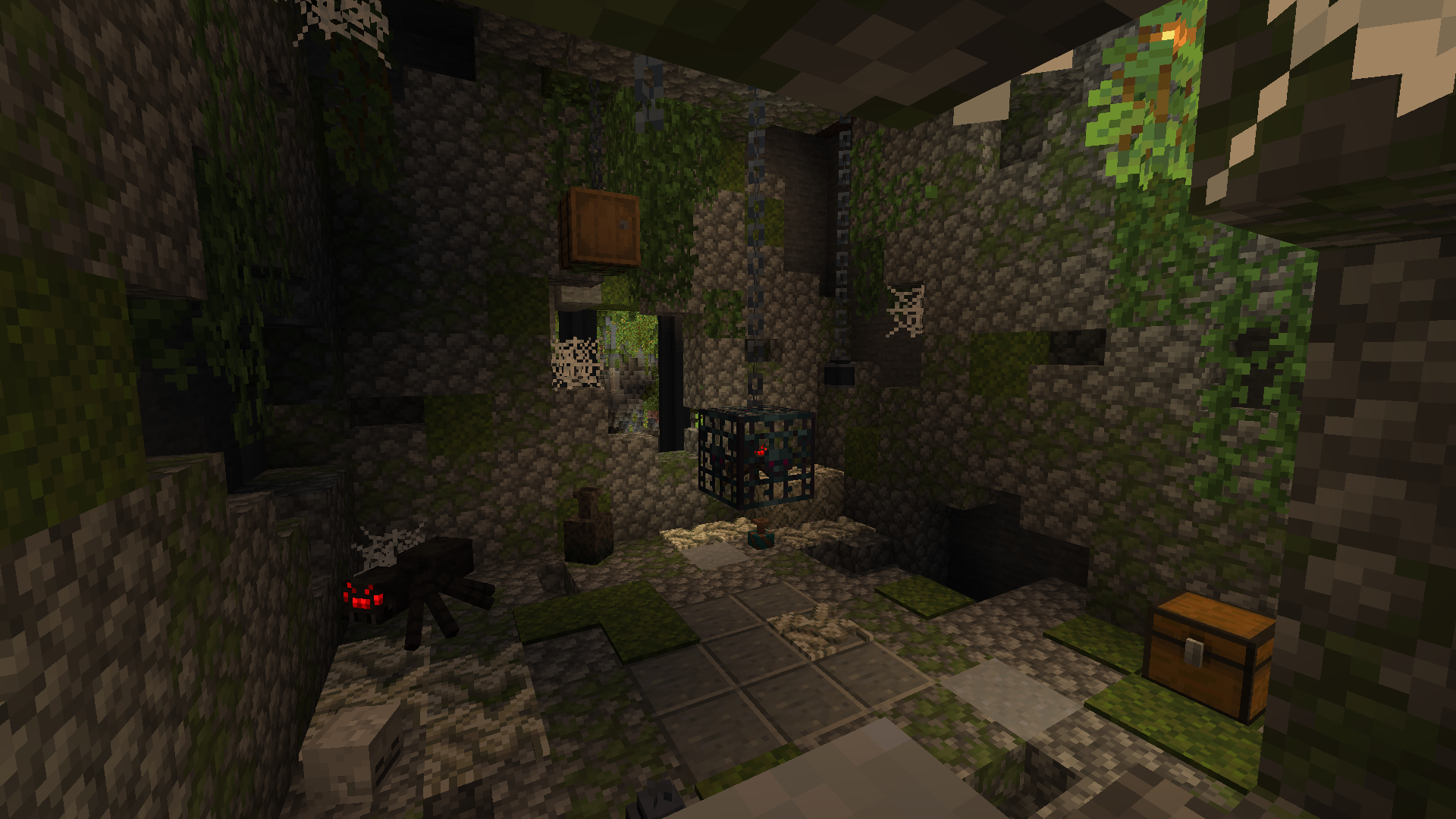
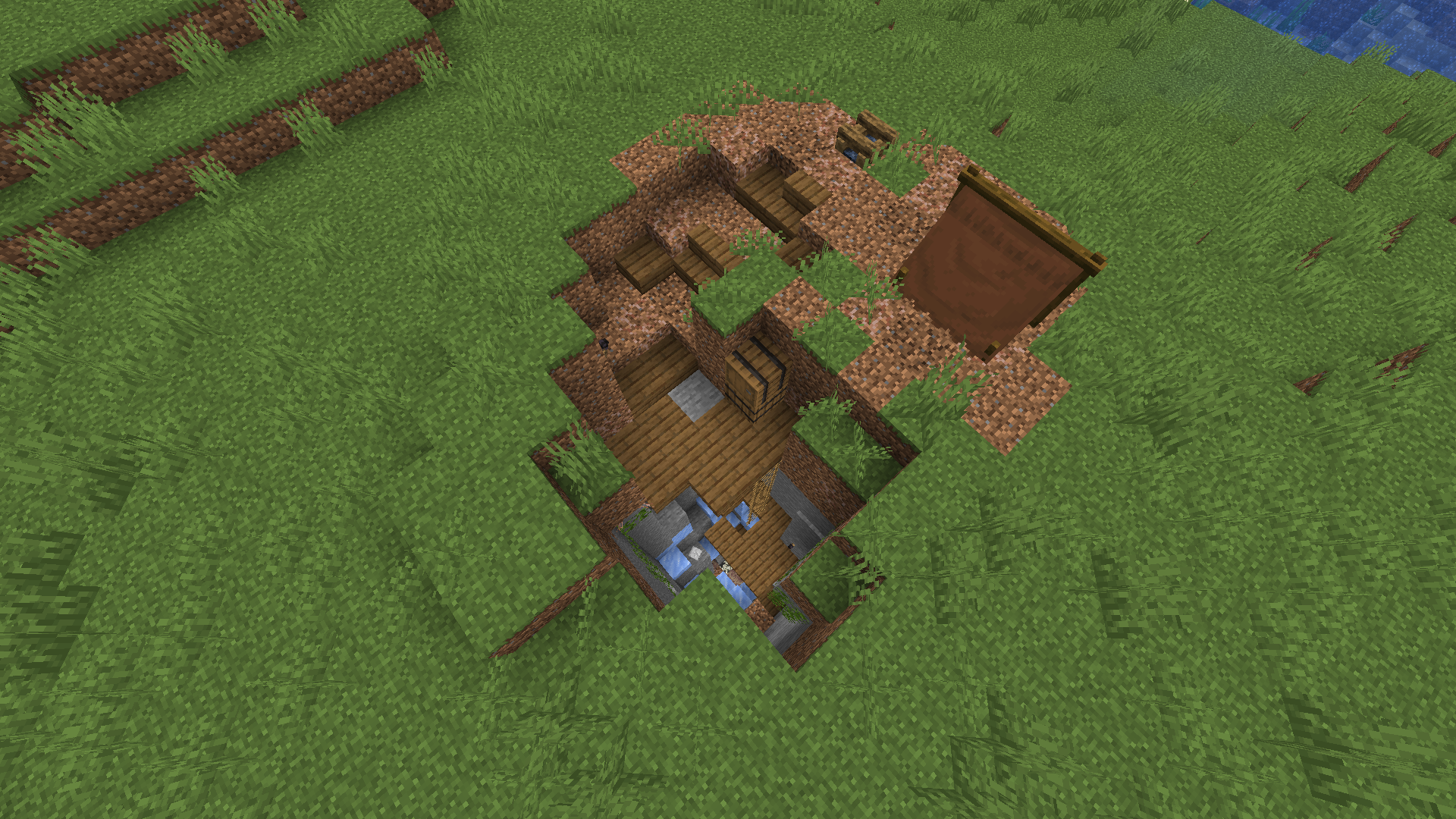
İşte dünyanızda bulabileceğiniz bazı yapılar. Ayrıca ekran görüntülerinde yapılarla birlikte eklenen bazı yeni blokları da bulabilirsiniz; galeride daha fazla ekran görüntüsü mevcuttur.
Güncellemeler yayınlandıkça yeni özellikler eklenecek; örneğin sürekli aynı yapılarla karşılaşmamak için birkaç tür yapı varyantı, yeni yapılar, yeni zindanlar, yeni bosslar ve canavarlar.
Projelerimize Göz Atın:
Valhelsia Structures nasıl kurulur
With Millida Launcher
Install Millida Launcher
The launcher is free: download it at millida.net/launcher and sign in with any nickname.
Click “Install” on this page
The launcher opens and installs the mod for Minecraft 1.16.1–1.21.9 on Forge or NeoForge automatically.
Launch the game
A profile with it appears in the launcher: click “Play”.
Manually
Install Forge or NeoForge
The loader must match the game version of the mod file, for example Minecraft 1.21.9. After installing it, a separate profile appears in your launcher.
Download the file for your version
In the version list above, pick the file valhelsia_structures-neoforge-1.21.9-1.1.0.jar (2.2 MB) for your game version and loader.
Put it in the mods folder
The folder is inside .minecraft (Windows: %appdata%\.minecraft\mods). If it does not exist, create it.
Launch the loader profile
Open “Mods” in the main menu: Valhelsia Structures should be in the list.
Minecraft 1.21.9 runs on Java 21: with a different Java version the game may close right after launch.
Sürümler
Bağımlılıklarla
| Minecraft | Yükleyici | Dosya | Tarih | İşlemler |
|---|---|---|---|---|
| 1.21.9 | NeoForge | [NeoForge] Valhelsia Structures - 1.1.02.2 MB 1 | ||
| 1.20.1 | Forge | [Forge] Valhelsia Structures - 1.1.22.5 MB 34 | ||
| 1.16.3 | — | Valhelsia Structures - 16.0.5600 KB 4 | ||
| 1.16.1 | Forge | Valhelsia Structures - 16.0.1609 KB |
SSS
Which Minecraft versions does Valhelsia Structures work on?
There are files for 1.21.9, 1.20.1, 1.16.5, 1.16.4, 1.16.3, 1.16.1. The newest is 1.21.9.
Is Valhelsia Structures for Forge or Fabric?
There are files for Forge: 1.16.1–1.20.1 and for NeoForge: 1.21.9. There are no files for Fabric: a mod for another loader will not start.
Does Valhelsia Structures need other mods?
The author lists no required dependencies: the Forge or NeoForge loader is enough.
Which Java does Valhelsia Structures need?
Minecraft 1.21.9 runs on Java 21. If the game closes right after launch, the usual cause is the wrong Java version in the profile settings.
Where can I download Valhelsia Structures safely?
On this page: the file valhelsia_structures-neoforge-1.21.9-1.1.0.jar (2.2 MB) is stored on Millida’s server, with no link shorteners. SHA-1 checksum: 100a6a7e18cba04a1ef360b8a97b8d53d6327b8e.
Yorumlar
Valhelsia Structures için ilk puanı sen ver


