

Minecraft 1.16.5 için Transport Mod
Her türlü taşıma (şu anda öncelikli olarak Maden Arabaları)
- görüntülenme
- 10 görüntülenme
- Güncellendi
- Güncellendi 18.10.2026
- 1.16.5
 Forge
Forge
Transport modu hakkında
Transport is combined mod for all of my ideas having to deal with Minecarts/Boats. Right now the mod supports a few additional minecart tracks and loaders, the plan is to not only expand that, but add trains, cart linking, automated boats, and even further ideas as such horse paths, submarines and more.
This mod is meant to include my further ideas such as Vehicular Engineering, OpenTransport, Magical Railways and other mods that I had, without things turning into 20 mods.
There are current two sets of features implemented.
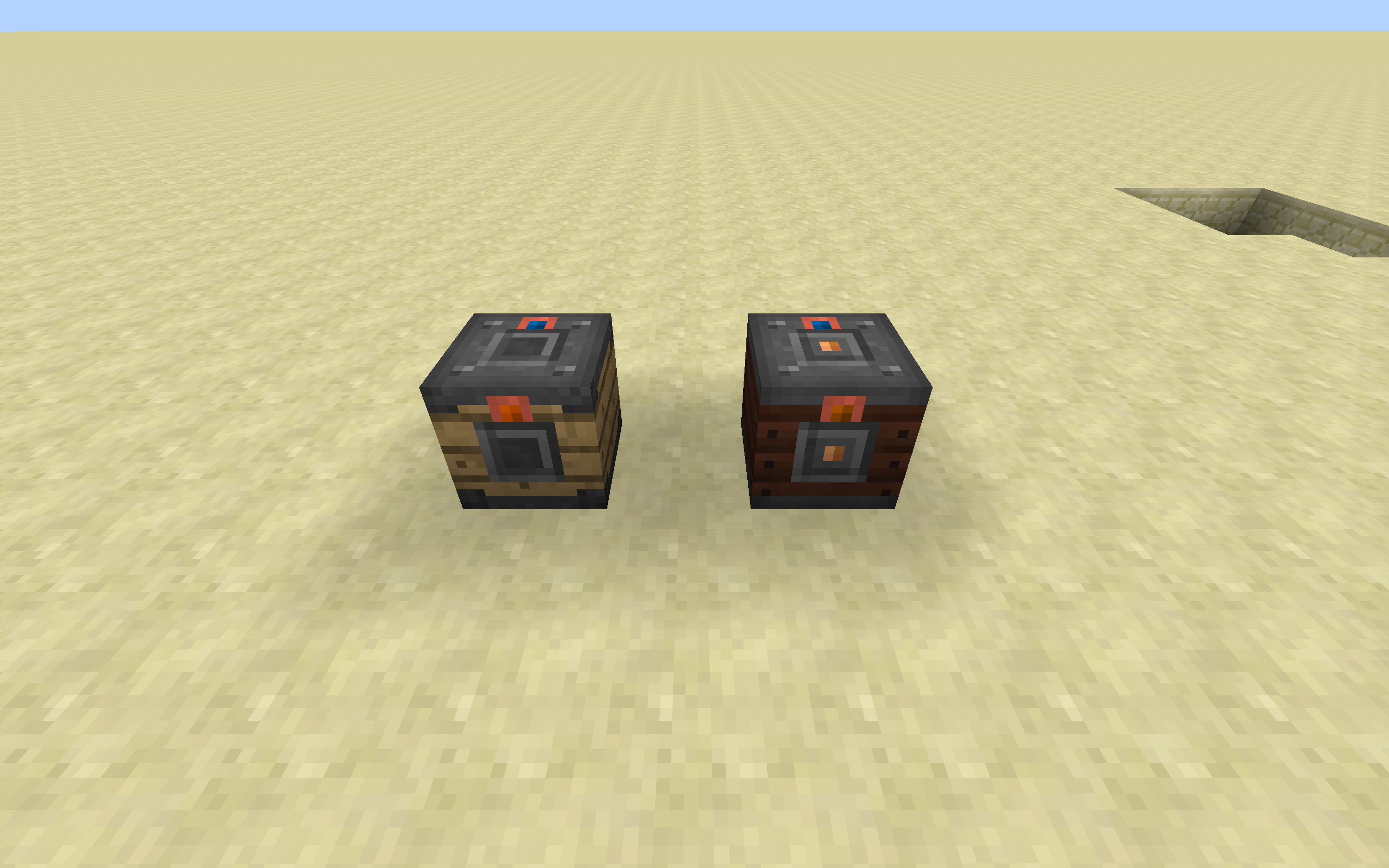
Rails: Holding, Diamond Crossing, Elevator Switch, Scaffolding Rail
Loaders: Inventory, Forge Energy, Fluid Tank
Carts: Inventory, Forge Energy, Fluid Tank
With Loaders they start off as having no inputs or export sides. Using any item marked with a tag of "forge:wrenches" (Note this defaults to a stick), you can configure the sides to either be inputs or outputs. The sides support both Blocks and Entities (Players included).
Join us in Discord: https://discordapp.com/invite/0h9DNazfyABqZMeC
Transport nasıl kurulur
With Millida Launcher
Install Millida Launcher
The launcher is free: download it at millida.net/launcher and sign in with any nickname.
Click “Install” on this page
The launcher opens and installs the mod for Minecraft 1.16.5 on Forge automatically.
Launch the game
A profile with it appears in the launcher: click “Play”.
Manually
Install Forge
The loader must match the game version of the mod file, for example Minecraft 1.16.5. After installing it, a separate profile appears in your launcher.
Download the file for your version
In the version list above, pick the file Transport-1.16.5-3.7.0.jar (1.1 MB) for your game version.
Put it in the mods folder
The folder is inside .minecraft (Windows: %appdata%\.minecraft\mods). If it does not exist, create it.
Launch the loader profile
Open “Mods” in the main menu: Transport should be in the list.
Minecraft 1.16.5 runs on Java 8: with a different Java version the game may close right after launch.
Sürümler
Bağımlılıklarla
| Minecraft | Yükleyici | Dosya | Tarih | İşlemler |
|---|---|---|---|---|
| 1.16.5 | Forge | Transport-1.16.5-3.7.0.jar1.1 MB | ||
| 1.16.5 | — | Transport-1.16.5-3.5.1.jar1005 KB |
SSS
Which Minecraft versions does Transport work on?
Only Minecraft 1.16.5: there are no files for other versions.
Is Transport for Forge or Fabric?
Only for Forge: 1.16.5. There are no files for Fabric or NeoForge: a mod for another loader will not start.
Does Transport need other mods?
The author lists no required dependencies: the Forge loader is enough.
Which Java does Transport need?
Minecraft 1.16.5 runs on Java 8. If the game closes right after launch, the usual cause is the wrong Java version in the profile settings.
Where can I download Transport safely?
On this page: the file Transport-1.16.5-3.7.0.jar (1.1 MB) is stored on Millida’s server, with no link shorteners. SHA-1 checksum: 1bb22c300d636feafb2da3462470429955f61c10.
Yorumlar
Transport için ilk puanı sen ver


