

Minecraft 1.20.1, 1.21.1 için Storage Labels Mod
Eşya depolarınız için mükemmel, Şık Eşya Etiketleri
 NeoForge
 Fabric
 Forge
ForgeStorage Labels modu hakkında
Storage Labels
📖 About 📖
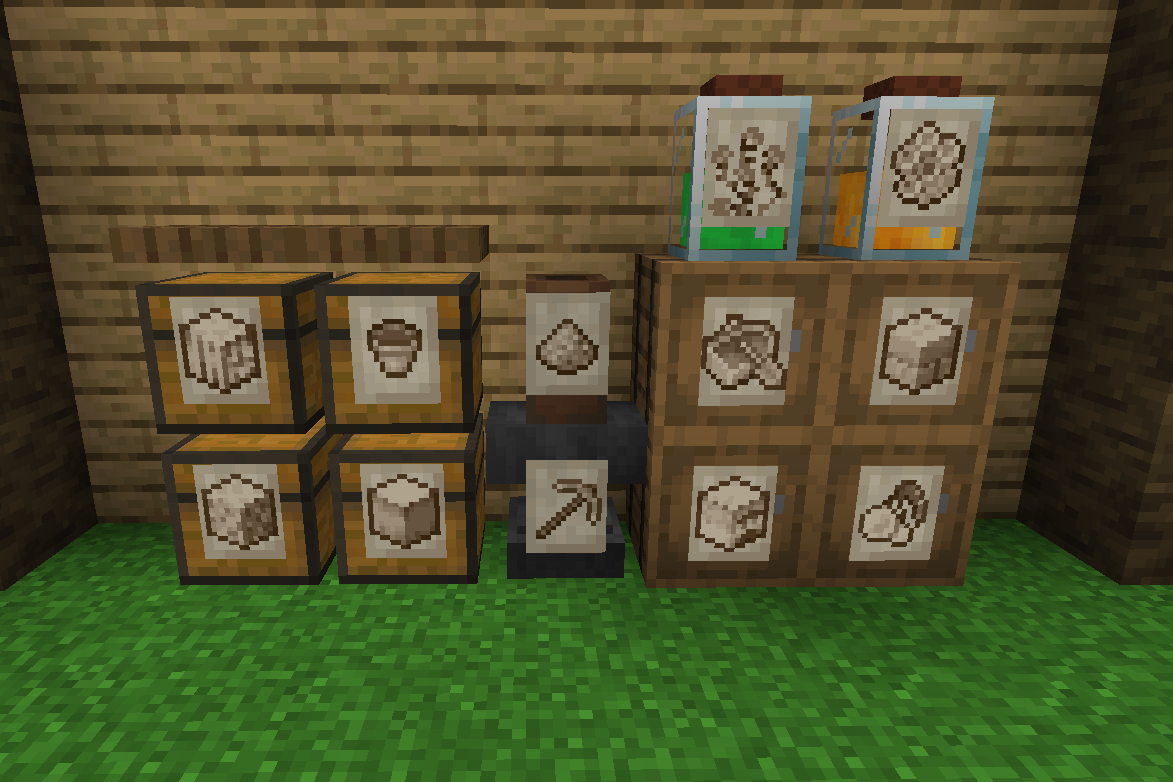
Storage Labels This is a simple mod that adds one item, the Label:
- Labels functions similar to Item Frames but can adapt to all surfaces and be physically connected to any solid block no matter the shape.
- By shift-clicking on a Label with an item you'll be able to change its image, showing that item you selected.
- Clicking on a Label will let the player interact with the block behind, making it perfect for your storage systems.
- Images shown by Labels are pixelated and colored to better fit Minecraft style. This works seamlessly for any item.
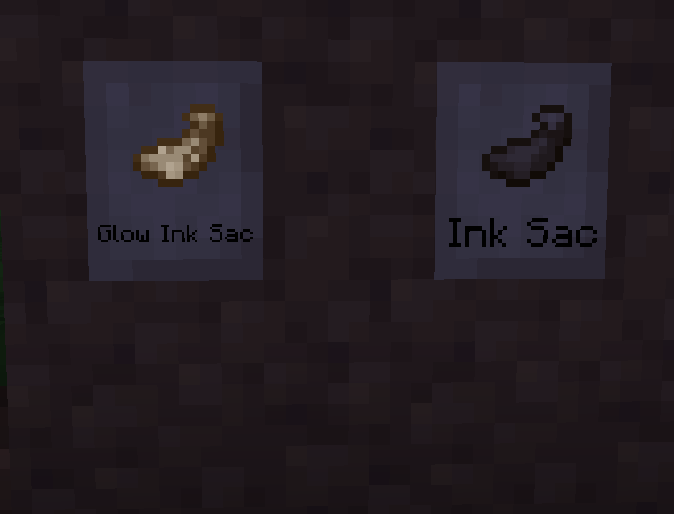
- Can accept Glow Ink Sacks to make then glow in the dark.
- Can be colored with any dye.
- Using a Feather on them will display the item name.
- Visuals can he heavily customized with the configs and texture packs.
❤️Support Me❤️
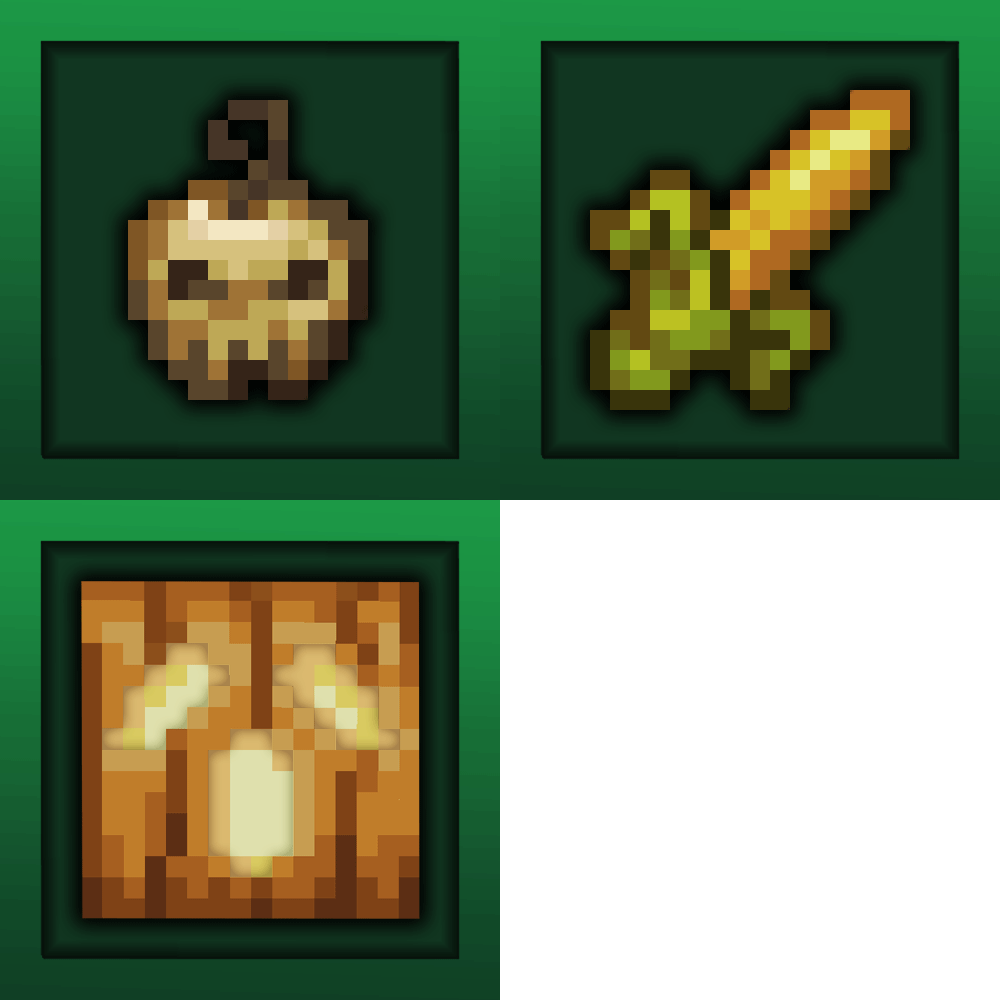
Modding is taking a lot of my time, so if you like what I do, and you would like to support me, you can do so here. If you do, you'll receive a custom Globe and or Statue just for you! This also applies if you purchase a server from Akliz using "supplementaries" code.
Need a server? Check out Akliz, they have top brand servers just for modded minecraft.
They really have a cozy community with great support and the servers wonderfully Use code "supplementaries" to get 20% off and also support me in the process!
🦉 Our Mods🦉



Storage Labels nasıl kurulur
With Millida Launcher
Install Millida Launcher
The launcher is free: download it at millida.net/launcher and sign in with any nickname.
Click “Install” on this page
The launcher opens and installs the mod for Minecraft 1.20.1–26.1.2 on Fabric, Forge or NeoForge automatically.
Launch the game
A profile with it appears in the launcher: click “Play”.
Manually
Install Fabric, Forge or NeoForge
The loader must match the game version of the mod file, for example Minecraft 26.1.2. After installing it, a separate profile appears in your launcher.
Download the file for your version
In the version list above, pick the file labels-26.1.2-3.0.0-neoforge.jar (107 KB) for your game version and loader.
Put it in the mods folder
The folder is inside .minecraft (Windows: %appdata%\.minecraft\mods). If it does not exist, create it.
Launch the loader profile
Open “Mods” in the main menu: Storage Labels should be in the list.
Sürümler
Bağımlılıklarla
| Minecraft | Yükleyici | Dosya | Tarih | İşlemler |
|---|---|---|---|---|
| 26.1.2 | NeoForge | labels-26.1.2-3.0.0-neoforge107 KB | ||
| 26.1.2 | Fabric | labels-26.1.2-3.0.0-fabric110 KB | ||
| 1.21.1 | Fabric | labels-1.21-2.1.1-fabric107 KB | ||
| 1.21.1 | NeoForge | labels-1.21-2.1.1-neoforge106 KB 1 | ||
| 1.20.1 | Forge | labels-1.20-2.0.0.jar247 KB |
SSS
Which Minecraft versions does Storage Labels work on?
There are files for 26.1.2, 1.21.1, 1.20.1. The newest is 26.1.2.
Is Storage Labels for Forge or Fabric?
There are files for Fabric: 1.21.1–26.1.2, for Forge: 1.20.1 and for NeoForge: 1.21.1–26.1.2.
Does Storage Labels need other mods?
The author lists no required dependencies: the Fabric, Forge or NeoForge loader is enough.
Where can I download Storage Labels safely?
On this page: the file labels-26.1.2-3.0.0-neoforge.jar (107 KB) is stored on Millida’s server, with no link shorteners. SHA-1 checksum: fe5e813c2b198eeb9c64f1bf11cd9addf0826e13.
Yorumlar
Storage Labels için ilk puanı sen ver


