

Minecraft 1.20.1 için Spelunkery Mod
Bir madencilik ilerleme revizyonu ile araçlar ve yardımcı programlar
 Forge
Forge Fabric
Spelunkery modu hakkında
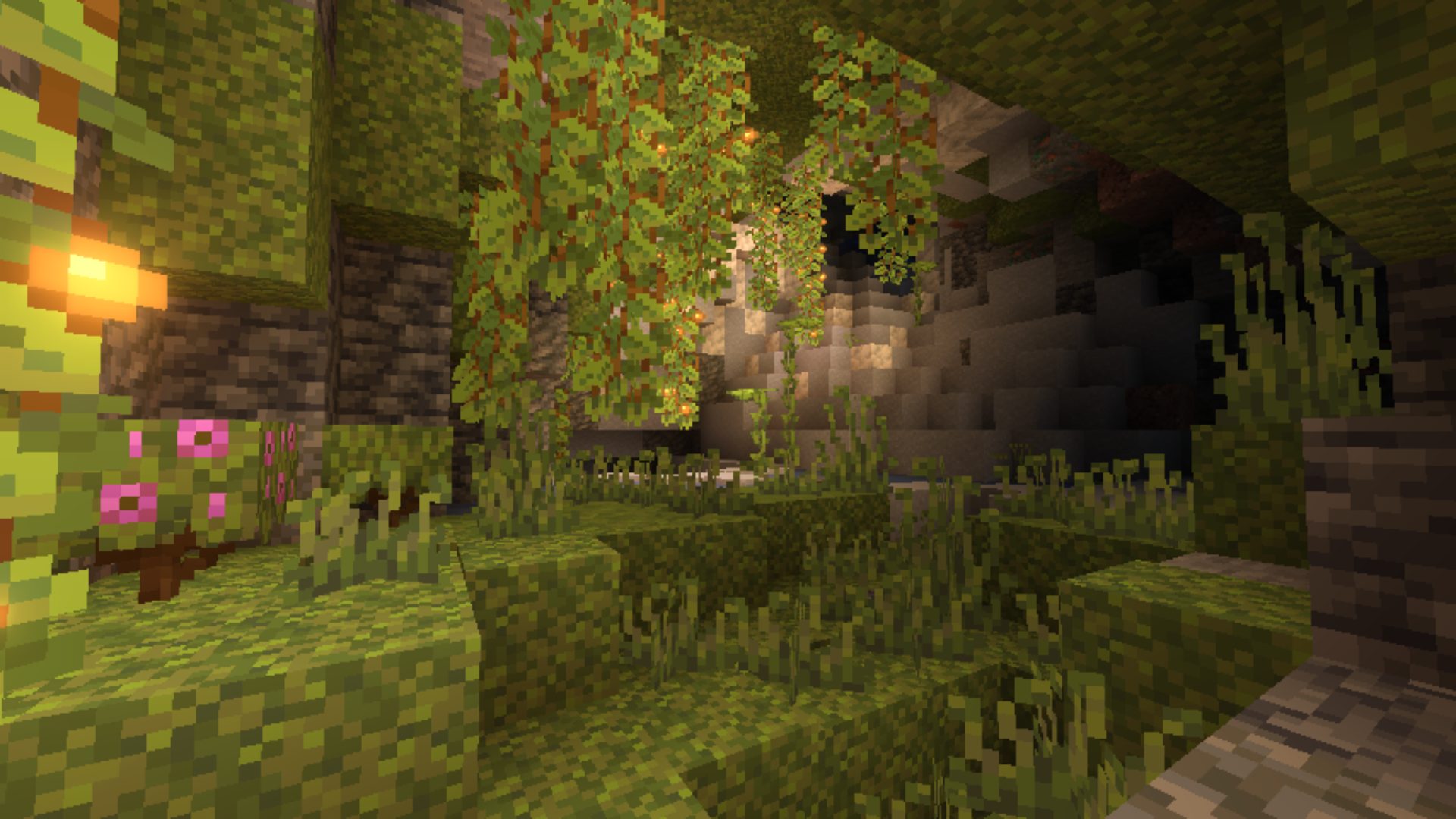
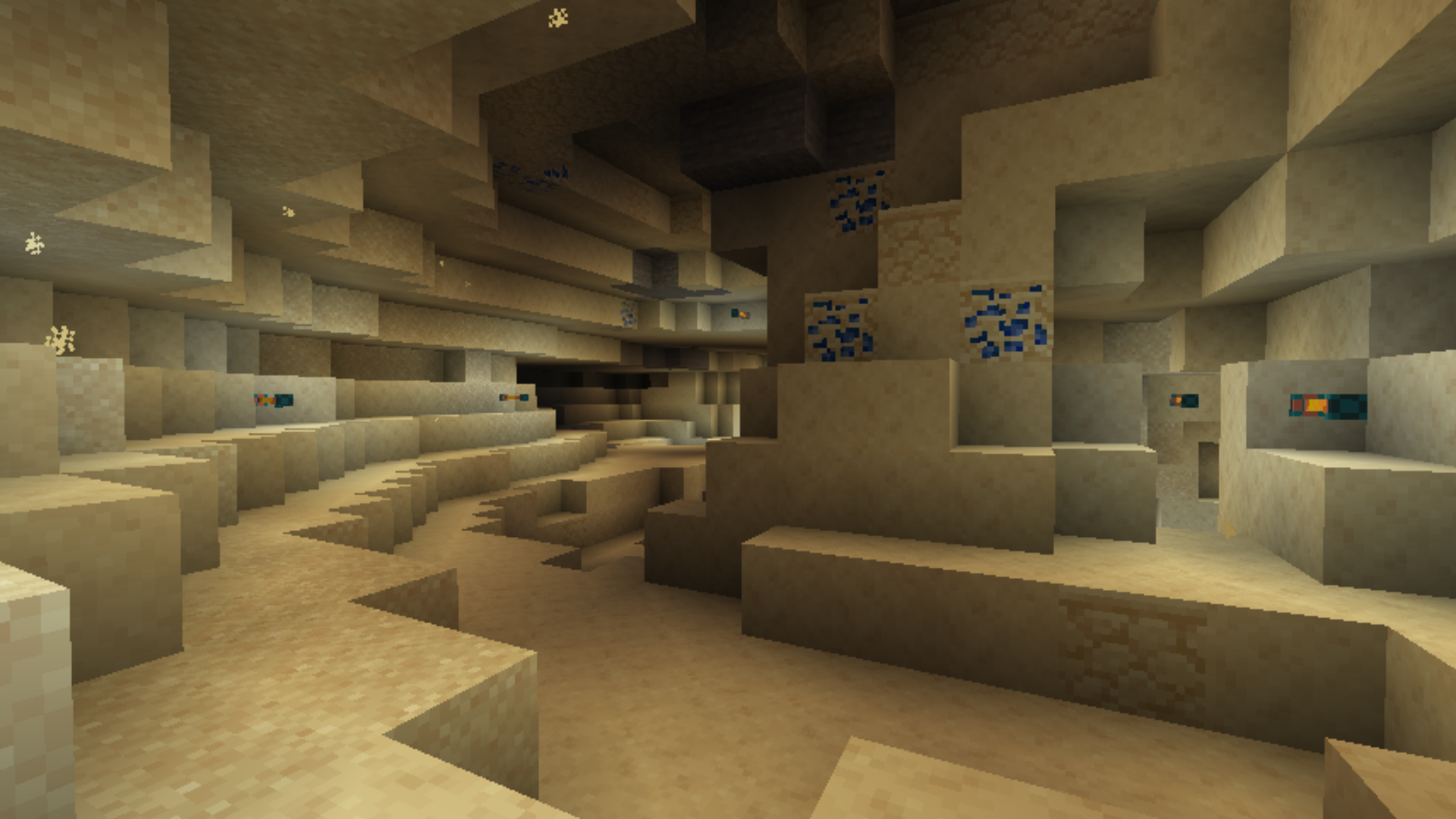
Spelunkery is a mod that reworks the resource mining process in Minecraft. It introduces new progression stages during mining, changing the familiar sequence of materials. New points of interest appear underground: unique cave structures, altered ore generation patterns, as well as new blocks and resources that appear at different depths. This makes every expedition into caves more varied and tangible. The mod also adds useful tools, such as reinforced pickaxes and lanterns that work more efficiently and look different.
It works on Fabric and Forge, both versions are compatible with Minecraft 1.20.1. The files are not interchangeable: Fabric needs its own jar, Forge needs a different one. Installation requires the corresponding loader. The mod works on both the client and the server, both sides must have it. It has no required dependencies, but it can be used as part of modpacks with other mods that improve world generation or the crafting system. It will be useful for those who are tired of monotonous mining and want a deeper, more structured cave progression.
Frequently asked questions
Which loader is required?
The mod is available for both Fabric and Forge, choose the version that matches your loader.
Does it need to be installed on the server?
Yes, the mod works on both the client and the server, both sides must have it.
Which game version is it suitable for?
It works only on Minecraft 1.20.1, no versions for other builds were released.
Spelunkery nasıl kurulur
With Millida Launcher
Install Millida Launcher
The launcher is free: download it at millida.net/launcher and sign in with any nickname.
Click “Install” on this page
The launcher opens and installs the mod for Minecraft 1.20.1 on Fabric or Forge automatically.
Launch the game
A profile with it appears in the launcher: click “Play”.
Manually
Install Fabric or Forge
The loader must match the game version of the mod file, for example Minecraft 1.20.1. After installing it, a separate profile appears in your launcher.
Download the file for your version
In the version list above, pick the file spelunkery-1.20.1-0.3.16-forge.jar (2.6 MB) for your game version and loader.
Put it in the mods folder
The folder is inside .minecraft (Windows: %appdata%\.minecraft\mods). If it does not exist, create it.
Launch the loader profile
Open “Mods” in the main menu: Spelunkery should be in the list.
Minecraft 1.20.1 runs on Java 17: with a different Java version the game may close right after launch.
Sürümler
Bağımlılıklarla
| Minecraft | Yükleyici | Dosya | Tarih | İşlemler |
|---|---|---|---|---|
| 1.20.1 | Forge | spelunkery-1.20.1-0.3.16-forge.jar2.6 MB 1 | ||
| 1.20.1 | Fabric | spelunkery-1.20.1-0.3.16-fabric.jar2.6 MB 2 |
SSS
Which Minecraft versions does Spelunkery work on?
Only Minecraft 1.20.1: there are no files for other versions.
Is Spelunkery for Forge or Fabric?
There are files for Fabric: 1.20.1 and for Forge: 1.20.1. There are no files for NeoForge: a mod for another loader will not start.
Does Spelunkery need other mods?
The author lists no required dependencies: the Fabric or Forge loader is enough.
Which Java does Spelunkery need?
Minecraft 1.20.1 runs on Java 17. If the game closes right after launch, the usual cause is the wrong Java version in the profile settings.
Where can I download Spelunkery safely?
On this page: the file spelunkery-1.20.1-0.3.16-forge.jar (2.6 MB) is stored on Millida’s server, with no link shorteners. SHA-1 checksum: d6de614c207775d0522e53d88dea75226e34955b.
Yorumlar
Spelunkery için ilk puanı sen ver


