
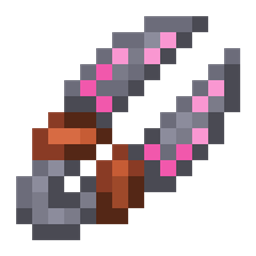
Minecraft 1.21.1, 1.12.2 için Roots 4 Mod
Doğa, ekinler ve hayvancılığa odaklanan bir büyü modu!
 NeoForge
 Forge
ForgeRoots 4 modu hakkında
Roots 4, NeoForge 1.21.1 için alfa sürümünde mevcut ve herhangi bir ek kütüphane gerektirmiyor.
Destek için lütfen Roots Wiki'ye, özellikle de Getting Started sayfasına göz atın.
Oyunu tartışmak ve geri bildirimde bulunmak için Mystic Modding Discord sunucusuna göz atın.
Hataları bildirmek için GitHub sayfamızı kullanabilirsiniz.
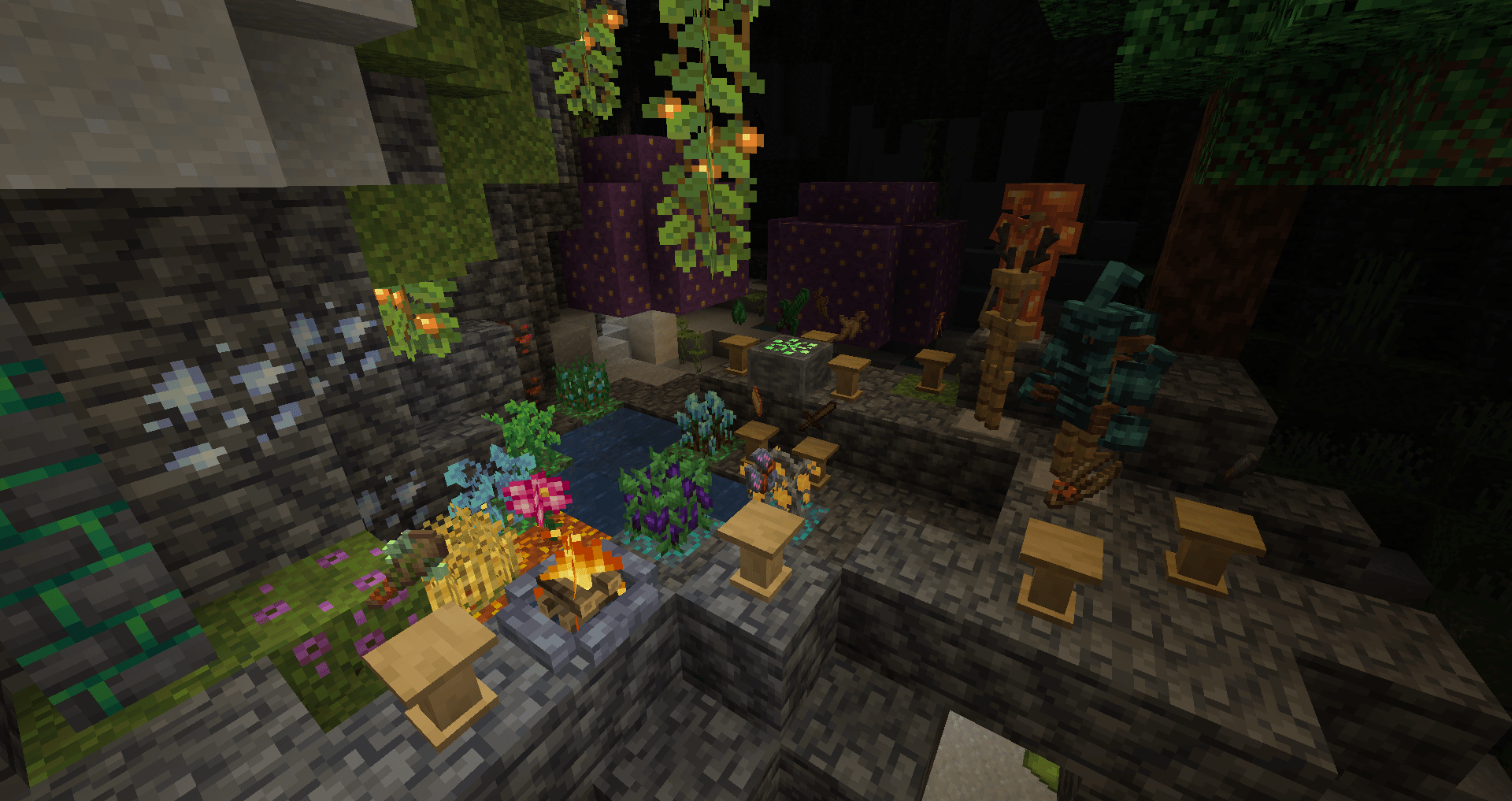
Roots, doğa, çiftçilik, ekinler ve hayvancılık temalı bir büyü modudur!
Kayıp bir büyü çağından kalan wildroot ve grove moss'u toplayın ve bunları büyülü ekipmanlar üretmek için kullanın:
- Bir havan ve tokmakla malzemeleri parçalayın ve büyüler üretin.
- Hayvanlara zarar vermeden düşürmeler elde etmek için büyülü ritüelleri serbest bırakın, kayıp büyülü bitkileri bir pyre ile yeniden yaratın.
- Ekinlerinizi yetiştirmek ve hasat etmek için büyüler yapın, bir asa ile kendinizi saldırılardan ve daha fazlasından koruyun!
- Bir grove stone'u etkinleştirerek ve gücünü bir grove crafter ile büyülü zırha, aletlere ve ekipmanlara yönlendirerek dünyanın ormanlık geçmişinin sırlarını açığa çıkarın.
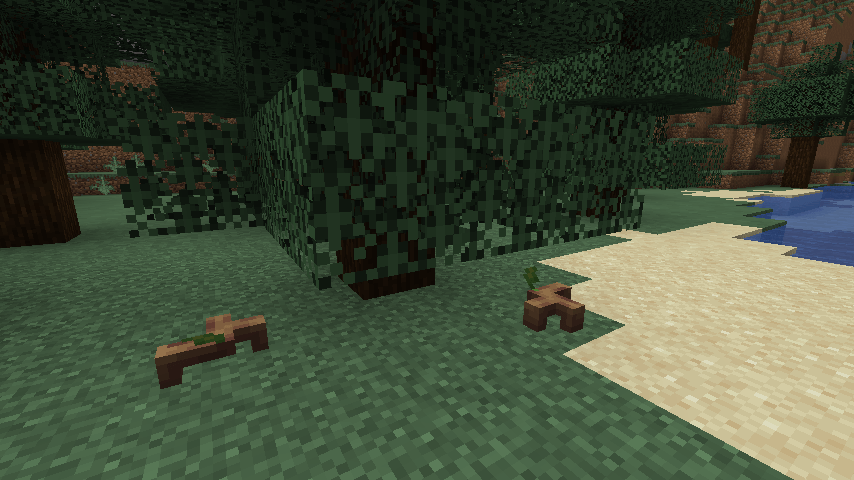
- Geyikler, böcekler, baykuşlar ve sevimli sprouts adlı bilinçli bitkiler dahil olmak üzere çok çeşitli hayvanlarla arkadaş olun.
Roots 4 nasıl kurulur
With Millida Launcher
Install Millida Launcher
The launcher is free: download it at millida.net/launcher and sign in with any nickname.
Click “Install” on this page
The launcher opens and installs the mod for Minecraft 1.12.2–1.21.1 on Forge or NeoForge automatically.
Launch the game
A profile with it appears in the launcher: click “Play”.
Manually
Install Forge or NeoForge
The loader must match the game version of the mod file, for example Minecraft 1.21.1. After installing it, a separate profile appears in your launcher.
Download the file for your version
In the version list above, pick the file roots-4.0.0.31-alpha.jar (4.5 MB) for your game version and loader.
Put it in the mods folder
The folder is inside .minecraft (Windows: %appdata%\.minecraft\mods). If it does not exist, create it.
Launch the loader profile
Open “Mods” in the main menu: Roots 4 should be in the list.
Minecraft 1.21.1 runs on Java 21: with a different Java version the game may close right after launch.
Sürümler
Bağımlılıklarla
| Minecraft | Yükleyici | Dosya | Tarih | İşlemler |
|---|---|---|---|---|
| 1.21.1 | NeoForge | Roots-1.21 4.0.0.31-alpha4.5 MB 2 | ||
| 1.12.2 | Forge | Roots-1.12.2-3.1.9.2.jar3.4 MB 3 | ||
| 1.12.2 | — | Roots-1.12.2-3.0.4.jar1.3 MB | ||
| 1.12.2 | — | roots-2-0.104.jar699 KB |
SSS
Which Minecraft versions does Roots 4 work on?
There are files for 1.21.1, 1.12.2. The newest is 1.21.1.
Is Roots 4 for Forge or Fabric?
There are files for Forge: 1.12.2 and for NeoForge: 1.21.1. There are no files for Fabric: a mod for another loader will not start.
Does Roots 4 need other mods?
The author lists no required dependencies: the Forge or NeoForge loader is enough.
Which Java does Roots 4 need?
Minecraft 1.21.1 runs on Java 21. If the game closes right after launch, the usual cause is the wrong Java version in the profile settings.
Where can I download Roots 4 safely?
On this page: the file roots-4.0.0.31-alpha.jar (4.5 MB) is stored on Millida’s server, with no link shorteners. SHA-1 checksum: 51d7065d0c3475ad95beca00d731f7efaec08f4c.
Yorumlar
Roots 4 için ilk puanı sen ver


