
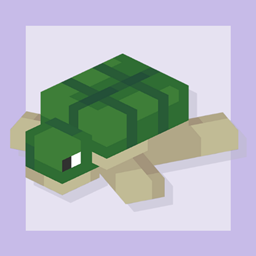
Minecraft 1.20.1 için Perfect Plushies Mod
Minecraft'a çeşitli dekoratif peluş oyuncaklar ve bazı Easter Egg'ler ekler!
 Fabric
 Forge
ForgeAll versions of this mod past and including 1.1.0 require GeckoLib.
General Info
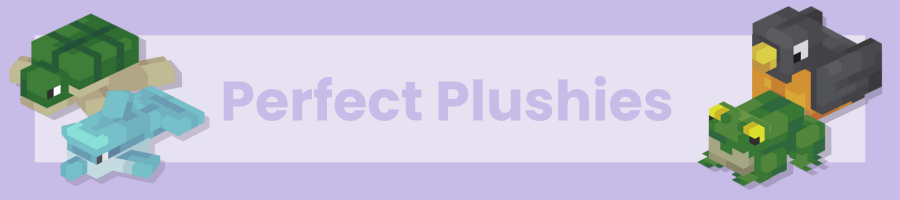
Perfect Plushies is a simple mod that adds multiple high-quality animal plushie variants into Minecraft, which can be used for any sort of decoration purposes. Decorate your bedroom, living room, garden, or quite literally anything with them, which is always sure to plaster a smile on your face! If you are using v1.9 or later, you can even wear all of them on your head to take the cuteness around with you! The mod also adds various collectable player plushies, and even some rare variants. Read their tooltip to find out who they are!
More Details
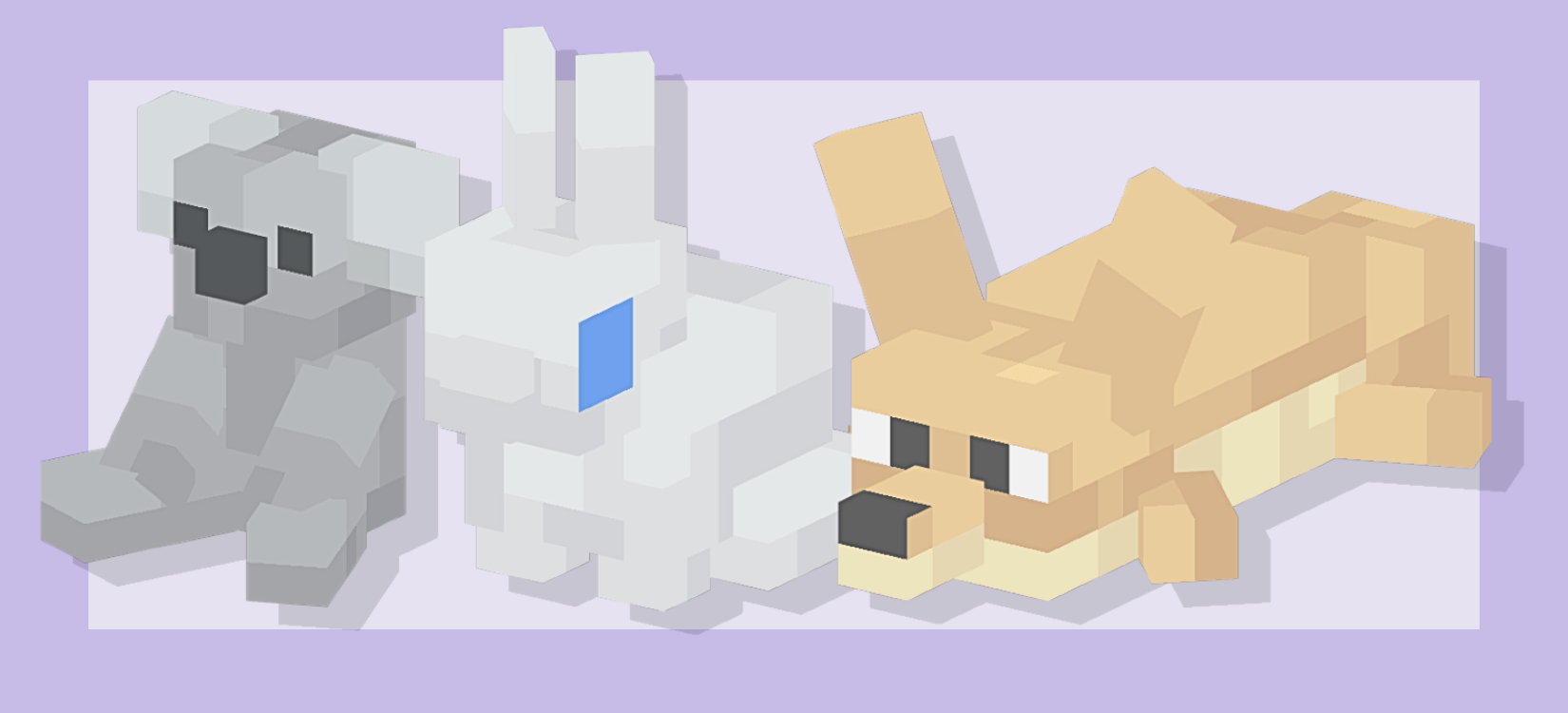
Each of these plushies cannot be crafted in the game. In survival, animal plushies are found in village chests, and player plushies can be found in treasure chests and shipwrecks around the world. These blocks don’t do nothing, however. Try right clicking them. The hidden easter eggs are bound to put a smile on your face :) This mod supports both Forge and Fabric and has respective file downloads for each! See the Images section of the mod for a gallery of all the plushies.
What's planned for the future?
We plan to add a more well-rounded collection of plushies which you can obtain in survival, as well as various other perks and interactive features to the plushies!
Links
Discord server: https://discord.gg/wM4CKTbFVN Perfect Birbs: https://www.curseforge.com/minecraft/mc-mods/perfect-birbs
Perfect Plushies nasıl kurulur
With Millida Launcher
Install Millida Launcher
The launcher is free: download it at millida.net/launcher and sign in with any nickname.
Click “Install” on this page
The launcher opens and installs the mod for Minecraft 1.20.1 on Fabric or Forge automatically.
Launch the game
A profile with it appears in the launcher: click “Play”.
Manually
Install Fabric or Forge
The loader must match the game version of the mod file, for example Minecraft 1.20.1. After installing it, a separate profile appears in your launcher.
Download the file for your version
In the version list above, pick the file perfectplushies-fabric-1.20.1-1.13.3.jar (1.2 MB) for your game version and loader.
Put it in the mods folder
The folder is inside .minecraft (Windows: %appdata%\.minecraft\mods). If it does not exist, create it.
Launch the loader profile
Open “Mods” in the main menu: Perfect Plushies should be in the list.
Minecraft 1.20.1 runs on Java 17: with a different Java version the game may close right after launch.
Sürümler
Bağımlılıklarla
| Minecraft | Yükleyici | Dosya | Tarih | İşlemler |
|---|---|---|---|---|
| 1.20.1 | Fabric | Perfect Plushies 1.13.3 [Fabric]1.2 MB 3 | ||
| 1.20.1 | Forge | Perfect Plushies 1.13.3 [Forge]427 KB 1 | ||
| 1.20.1 | Forge | Perfect Plushies 1.10.0 [Forge]308 KB |
SSS
Which Minecraft versions does Perfect Plushies work on?
Only Minecraft 1.20.1: there are no files for other versions.
Is Perfect Plushies for Forge or Fabric?
There are files for Fabric: 1.20.1 and for Forge: 1.20.1. There are no files for NeoForge: a mod for another loader will not start.
Does Perfect Plushies need other mods?
The author lists no required dependencies: the Fabric or Forge loader is enough.
Which Java does Perfect Plushies need?
Minecraft 1.20.1 runs on Java 17. If the game closes right after launch, the usual cause is the wrong Java version in the profile settings.
Where can I download Perfect Plushies safely?
On this page: the file perfectplushies-fabric-1.20.1-1.13.3.jar (1.2 MB) is stored on Millida’s server, with no link shorteners. SHA-1 checksum: 1d16c42e67b4ff65a94ca9b695bfe7dee8011a8e.
Yorumlar
Perfect Plushies için ilk puanı sen ver


