
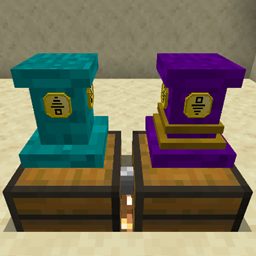
Minecraft 1.19.2, 1.19.4 için Pedestals Mod
Eşyaları görüntüler, Eşya, Enerji, Sıvı, Exp aktarır ve diğer eşya toplama görevlerini kolaylaştırır!
- görüntülenme
- 17 görüntülenme
- Güncellendi
- Güncellendi 18.10.2026
- 1.19 — 1.19.4
 Forge
Forge
Pedestals modu hakkında
Now Released for Minecraft Forge 1.16.1!
Beta Release Now for Minecraft Forge 1.19 - 41.0.28 (Pedestals 1.19+ Now Requires MowLib) Link Here
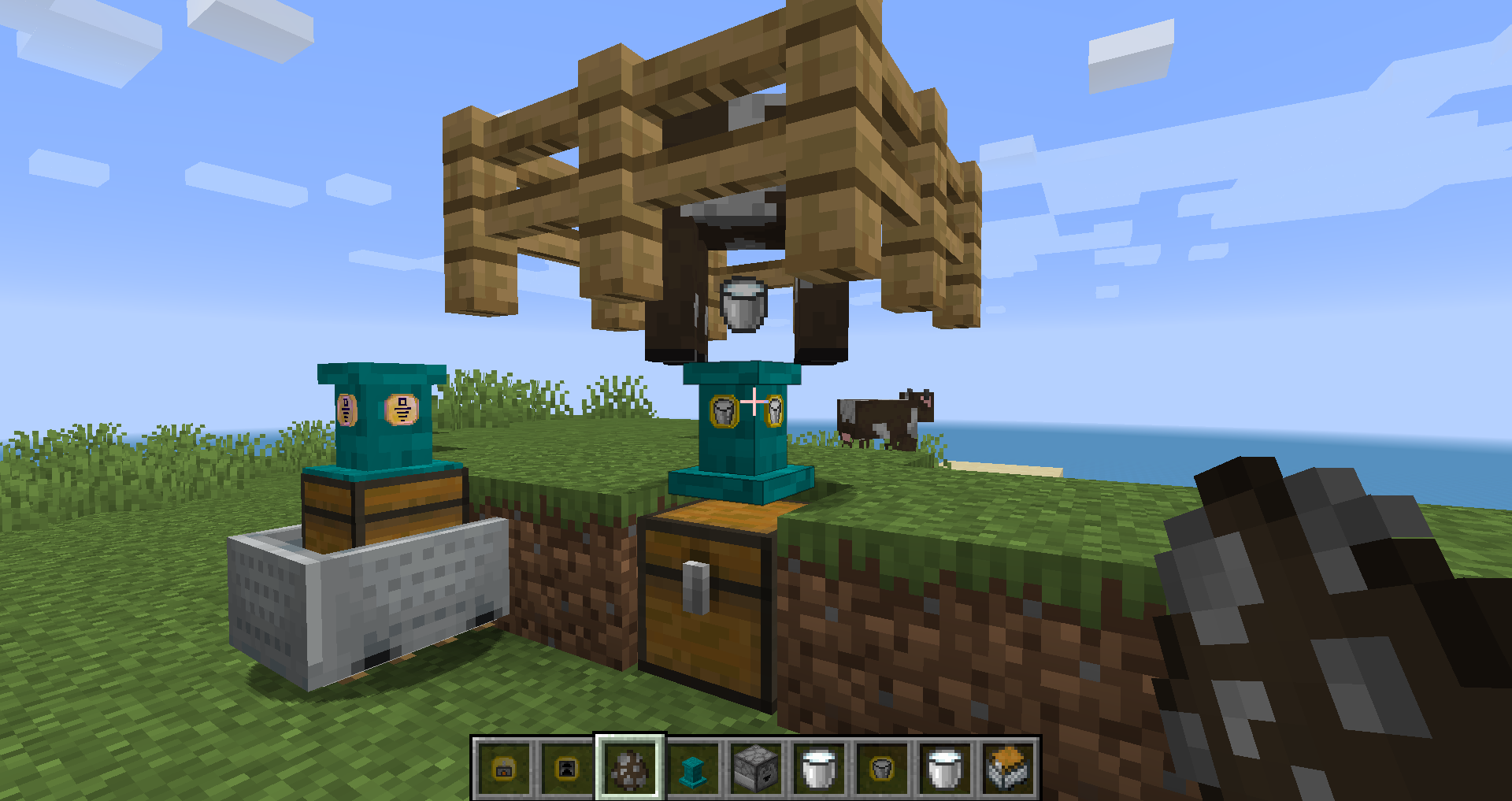
You can find a lot of modded Posts, Images and Videos on twitter, searching for #PedestalsMod
Pedestals is a Simple and Lightweight mod with 6 main purposes.
- Display your items and fancy loot.
- Transfer, Sort, Store, and Process your Items.
- Transfer, Store, and Use Energy.
- Transfer, Store, and Use Exp.
- Transfer, Sort, Store, and Use Fluids.
- Creative ways to get you more items.
A video that details the mods future and how to get started using Pedestals: A Guide To Pedestals v1.16+
The Wiki is [WIP] but being worked on, this is the entry for how to get started: Getting Started (Wiki)
If you have the Patchouli Mod installed there is a craftable ingame Pedestals Guide you can use.
Lastly with JEI installed, there is a blue "!" tab when looking up an items recipe, pedestals gives a small description for each of its items.
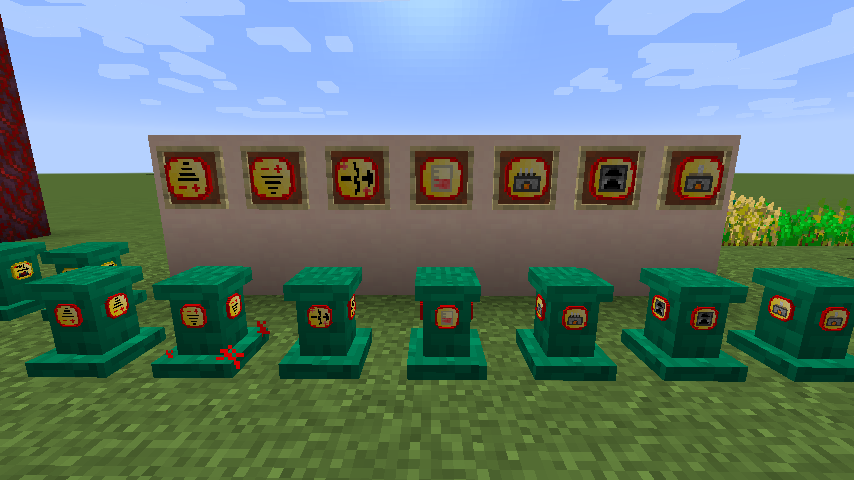
Currently there are 64 Colors of pedestals.
Over 30 Functional Upgrades that interact with inventories, the world, and you the player.
1 Tool that is used to do about everything in the mod, from crafting to directly interacting with pedestals.
A way to change the color of your pedestals from 1 color to any of the other 64.
A way to use pedestals as a light source (Use glowstone block on a pedestal)
Use pedestals on the walls and ceilings, even under water!
Speed up how fast and how many items your pedestals can transfer, just takes diamonds or emeralds crafted with the Linking Tool. The fastest is 64 items transferred per in game tick!
If you have any questions, there is a discord link in the mods list in game.
Pedestals nasıl kurulur
With Millida Launcher
Install Millida Launcher
The launcher is free: download it at millida.net/launcher and sign in with any nickname.
Click “Install” on this page
The launcher opens and installs the mod for Minecraft 1.19–1.19.4 on Forge automatically.
Launch the game
A profile with it appears in the launcher: click “Play”.
Manually
Install Forge
The loader must match the game version of the mod file, for example Minecraft 1.19.4. After installing it, a separate profile appears in your launcher.
Download the file for your version
In the version list above, pick the file pedestals-0.2.58.jar (1.2 MB) for your game version.
Put it in the mods folder
The folder is inside .minecraft (Windows: %appdata%\.minecraft\mods). If it does not exist, create it.
Launch the loader profile
Open “Mods” in the main menu: Pedestals should be in the list.
Minecraft 1.19.4 runs on Java 17: with a different Java version the game may close right after launch.
Sürümler
Bağımlılıklarla
| Minecraft | Yükleyici | Dosya | Tarih | İşlemler |
|---|---|---|---|---|
| 1.19.2 | Forge | Pedestals 1.19.2 - 0.2.591.2 MB | ||
| 1.19.3 | Forge | Pedestals 1.19.2 - 0.2.581.2 MB | ||
| 1.19.2 | Forge | Pedestals 1.19.2 - 0.2.28806 KB |
SSS
Which Minecraft versions does Pedestals work on?
There are files for 1.19.4, 1.19.3, 1.19.2, 1.19.1, 1.19. The newest is 1.19.4.
Is Pedestals for Forge or Fabric?
Only for Forge: 1.19–1.19.4. There are no files for Fabric or NeoForge: a mod for another loader will not start.
Does Pedestals need other mods?
The author lists no required dependencies: the Forge loader is enough.
Which Java does Pedestals need?
Minecraft 1.19.4 runs on Java 17. If the game closes right after launch, the usual cause is the wrong Java version in the profile settings.
How do I download Pedestals?
With Millida Launcher: it installs Pedestals into a modpack by itself, for the right game version and loader. The launcher is free.
Yorumlar
Pedestals için ilk puanı sen ver


