
Minecraft 1.21.1, 1.21 için Options Profiles Mod
Ayarlarınızı oyun içinden yüklemenizi ve kaydetmenizi sağlayan bir Minecraft modu.
 Forge
Forge Fabric
 NeoForge
Options Profiles
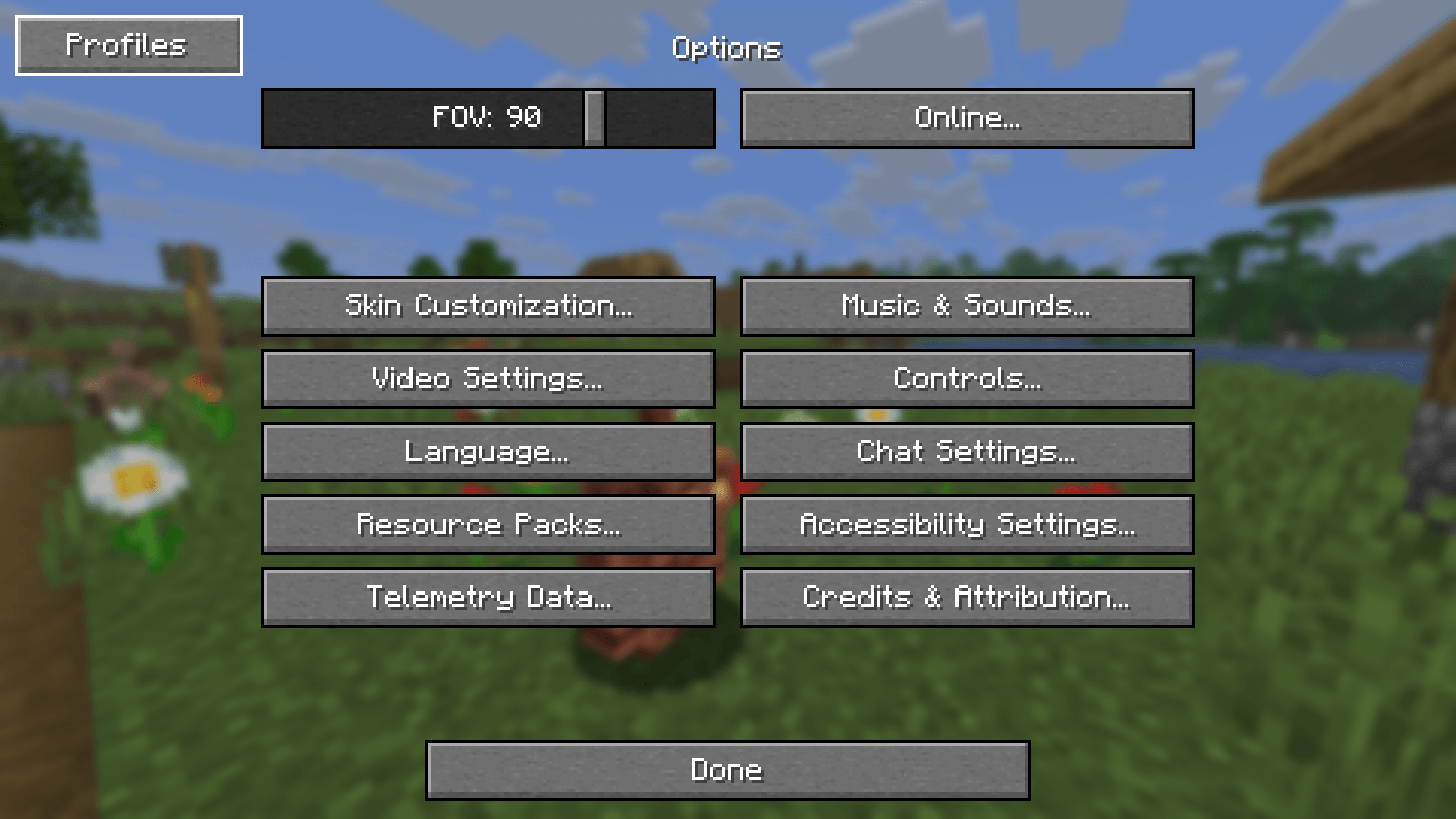
Options Profiles is a Minecraft mod that lets you load and save your options as profiles from in-game.
Features
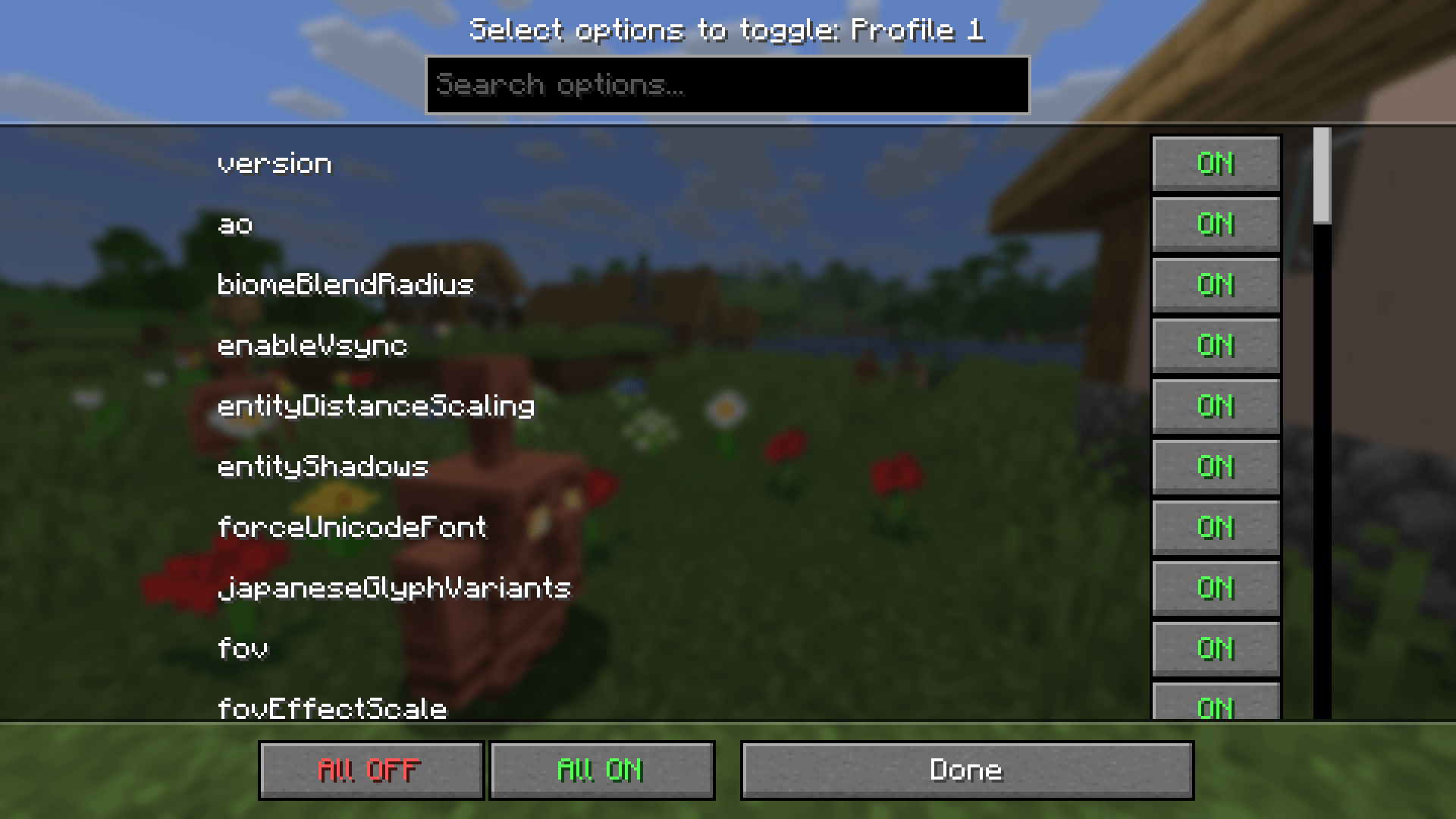
- Save and load profiles in-game
- Load specific options (e.g. only load keybinds, resource packs, FOV, etc.)
- Load profiles when joining a certain server
- Edit profiles in-game (deleting, renaming, overwriting, pick options to only load)
- Fabric, NeoForge support
- Third party mod support (see below)
Mod Support
Options Profiles supports these mods which means you can create and load profiles with them and the mod will load their configuration.
If you would like support for another mod, open an issue.
Frequently Asked Questions
- How to open profiles menu without going to options?
You can open the profiles menu by using the command /optionsprofiles or by accessing it from Mod Menu
- Can you port [version]? Open an issue in the GitHub repository.
- Can I use this in my modpack? You may use this mod in modpacks with credit.
- Where are the profiles saved? Profiles are saved in a folder called "options-profiles" in the specified ".minecraft" directory.
- Where can I find the source code for older versions? You can find them in the branches.
- Dependencies? Architectury API and Fabric API (if on Fabric)
- For any other questions, create an issue or contact me at hello@trafficlunar.net
Options Profiles nasıl kurulur
With Millida Launcher
Install Millida Launcher
The launcher is free: download it at millida.net/launcher and sign in with any nickname.
Click “Install” on this page
The launcher opens and installs the mod for Minecraft 1.21–1.21.5 on Fabric, Forge or NeoForge automatically.
Launch the game
A profile with it appears in the launcher: click “Play”.
Manually
Install Fabric, Forge or NeoForge
The loader must match the game version of the mod file, for example Minecraft 1.21.5. After installing it, a separate profile appears in your launcher.
Download the file for your version
In the version list above, pick the file optionsprofiles-1.21.4-forge-v1.3.2.jar (57 KB) for your game version and loader.
Put it in the mods folder
The folder is inside .minecraft (Windows: %appdata%\.minecraft\mods). If it does not exist, create it.
Launch the loader profile
Open “Mods” in the main menu: Options Profiles should be in the list.
Minecraft 1.21.5 runs on Java 21: with a different Java version the game may close right after launch.
Sürümler
Bağımlılıklarla
| Minecraft | Yükleyici | Dosya | Tarih | İşlemler |
|---|---|---|---|---|
| 1.21.4 | Fabric | Options Profiles 1.4.468 KB 1 | ||
| 1.21.4 | NeoForge | Options Profiles 1.4.468.1 KB | ||
| 1.21.5 | Forge | Options Profiles 1.3.257.1 KB | ||
| 1.21 | Fabric | [Fabric 1.21.x] Options Profiles 1.3.268.9 KB |
Yorumlar
Options Profiles için ilk puanı sen ver


