
Minecraft 1.20.1, 1.16.5 için MythicBotany Mod
botania dünyasına daha derinlemesine dalın
- indirme
- 6 indirme
- görüntülenme
- 28 görüntülenme
- Güncellendi
- Güncellendi 17.10.2026
- 1.16.3 — 1.20.1
 Forge
Forge
MythicBotany modu hakkında
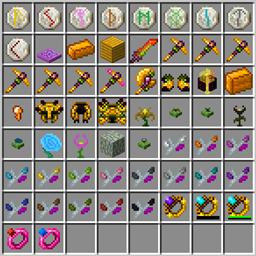
MythicBotania, botania'yı biraz genişleten bir moddur. Özelliklerinden bazıları aşağıda listelenmiştir:
- Mana infuser: Altında altın ve shimmerrock gerektiren, yanında Terrasteel olduğunda Alfsteel oluşturulmasını sağlayan terrestrial agglommeration plate yükseltmesi.
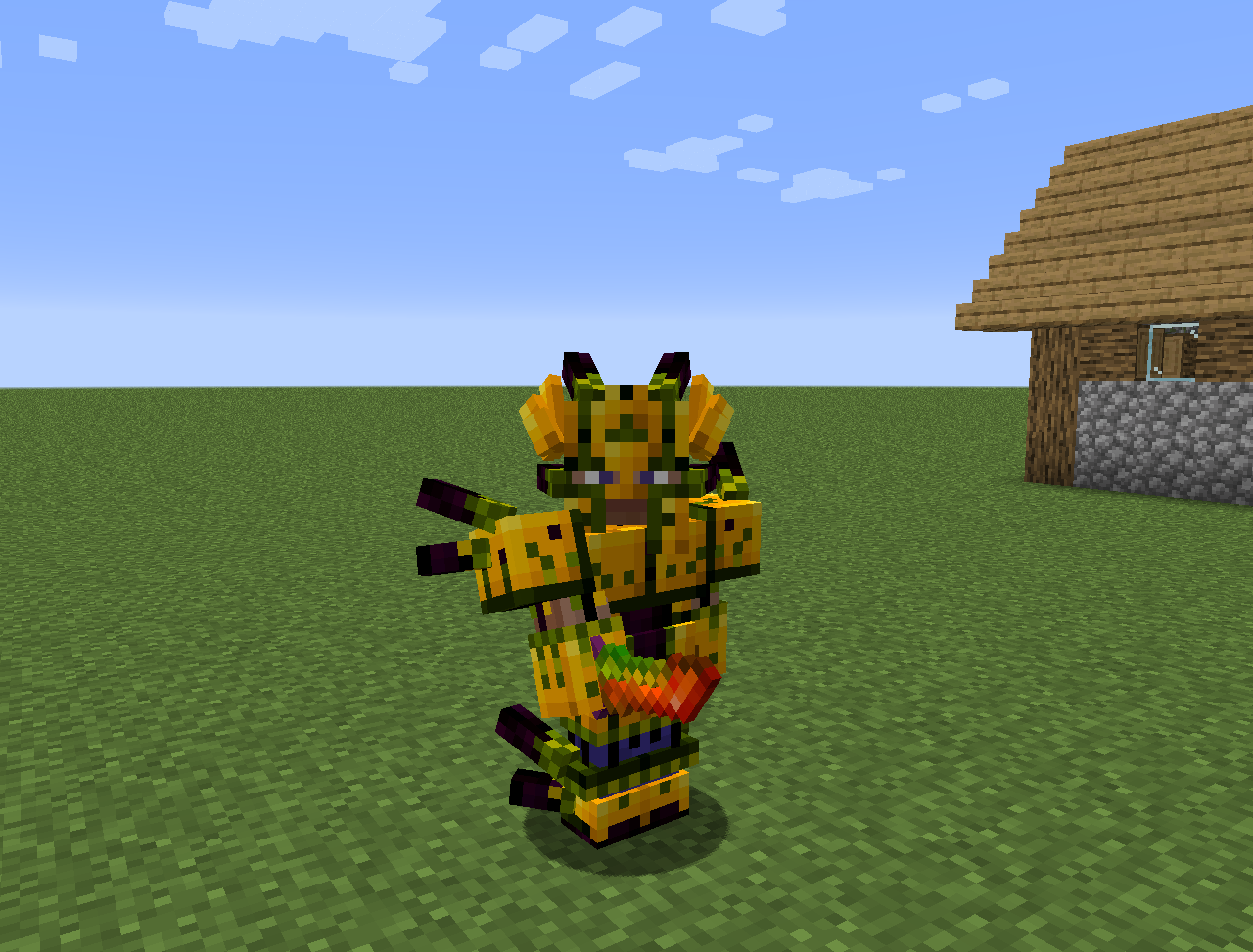
- Alfsteel: Terrasteel gibi yapılır ancak alfheim kaynaklarıyla. Daha iyi bir zırh, pylonlar ve başka şeyler yapmak için kullanılabilir.
- Bazı yeni çiçekler:
- Wither Aconite: Nether yıldızlarından Mana üretir
- Exoblaze: Brewing standlerin yakıtını mana ile doldurur
- Hellebore: Piglins ve hoglins'in overworld'de zombileşmesini engeller
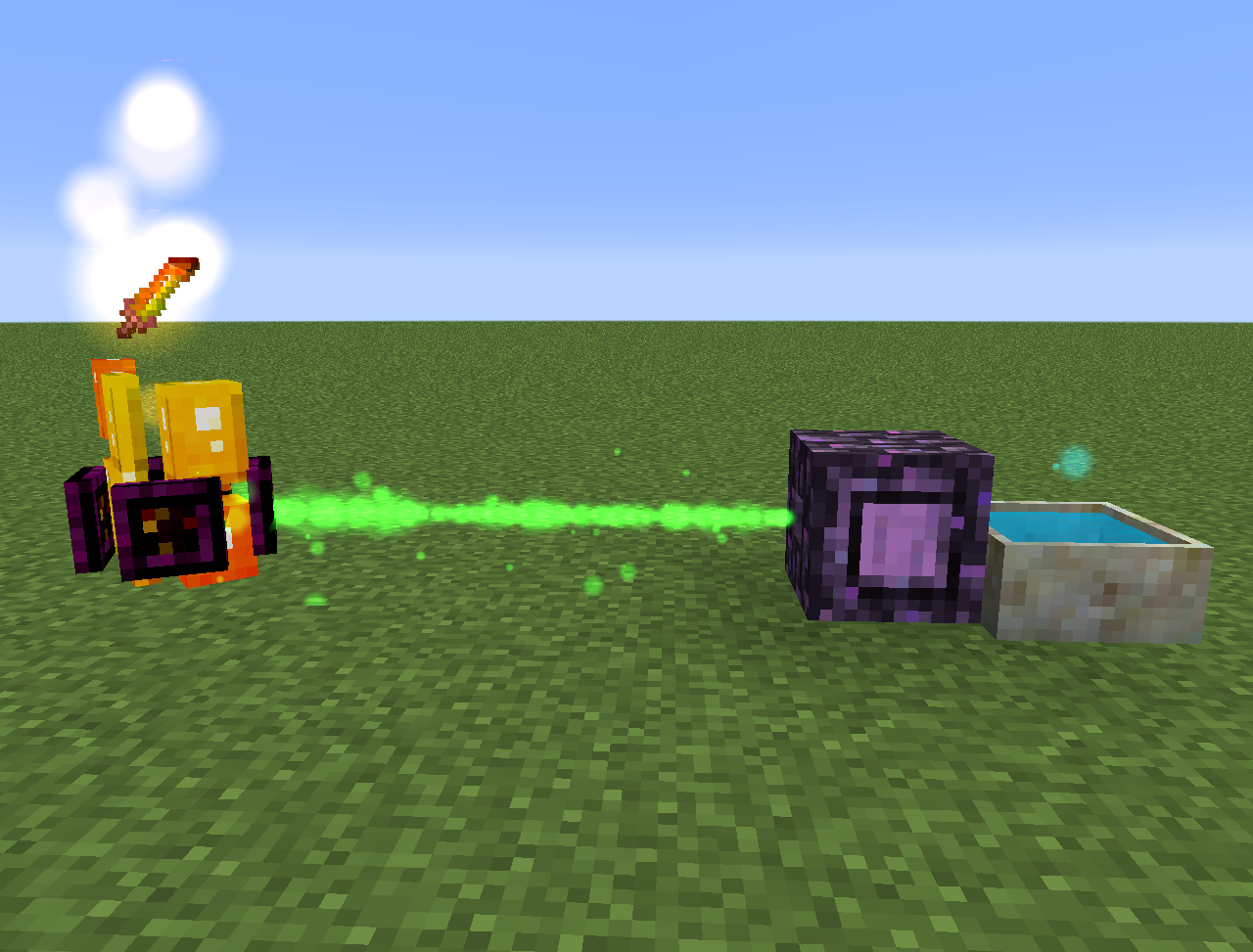
- Aquapanthus: Yakındaki petal apothecary'leri ve cauldron'ları doldurur.
- Raindeletia: Yağmur yağdığında mana üretir. Gökyüzüne açık bir görüşü olmalıdır. Daha fazla mana üretmesi için vivid grass veya enchanted soil üzerine yerleştirin.
- Ayrıca bir alfheim boyutu ve İskandinav mitolojisinden bazı içerikler ekler
Her şey lexica botania'da da bulunabilir.
MythicBotany nasıl kurulur
With Millida Launcher
Install Millida Launcher
The launcher is free: download it at millida.net/launcher and sign in with any nickname.
Click “Install” on this page
The launcher opens and installs the mod for Minecraft 1.16.3–1.20.1 on Forge automatically.
Launch the game
A profile with it appears in the launcher: click “Play”.
Manually
Install Forge
The loader must match the game version of the mod file, for example Minecraft 1.20.1. After installing it, a separate profile appears in your launcher.
Download the file for your version
In the version list above, pick the file MythicBotany-1.20.1-4.0.4.jar (2.1 MB) for your game version.
Put it in the mods folder
The folder is inside .minecraft (Windows: %appdata%\.minecraft\mods). If it does not exist, create it.
Launch the loader profile
Open “Mods” in the main menu: MythicBotany should be in the list.
Minecraft 1.20.1 runs on Java 17: with a different Java version the game may close right after launch.
Sürümler
Bağımlılıklarla
| Minecraft | Yükleyici | Dosya | Tarih | İşlemler |
|---|---|---|---|---|
| 1.20.1 | Forge | MythicBotany-1.20.1-4.0.4.jar2.1 MB 4 | ||
| 1.18.1 | Forge | MythicBotany-1.18.1-2.0.2.jar2 MB | ||
| 1.16.5 | Forge | MythicBotany-1.16.4-1.3.7.jar2 MB 2 | ||
| 1.16.3 | — | MythicBotany-1.16.3-1.0.0.jar403 KB |
SSS
Which Minecraft versions does MythicBotany work on?
There are files for 1.20.1, 1.18.1, 1.16.5, 1.16.4, 1.16.3. The newest is 1.20.1.
Is MythicBotany for Forge or Fabric?
Only for Forge: 1.16.4–1.20.1. There are no files for Fabric or NeoForge: a mod for another loader will not start.
Does MythicBotany need other mods?
The author lists no required dependencies: the Forge loader is enough.
Which Java does MythicBotany need?
Minecraft 1.20.1 runs on Java 17. If the game closes right after launch, the usual cause is the wrong Java version in the profile settings.
Where can I download MythicBotany safely?
On this page: the file MythicBotany-1.20.1-4.0.4.jar (2.1 MB) is stored on Millida’s server, with no link shorteners. SHA-1 checksum: b616c118d611459a0711931c51c9c4d41408abb4.
Yorumlar
MythicBotany için ilk puanı sen ver


