
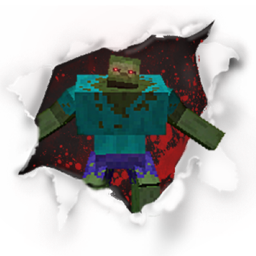
Mutant Beasts modu hakkında
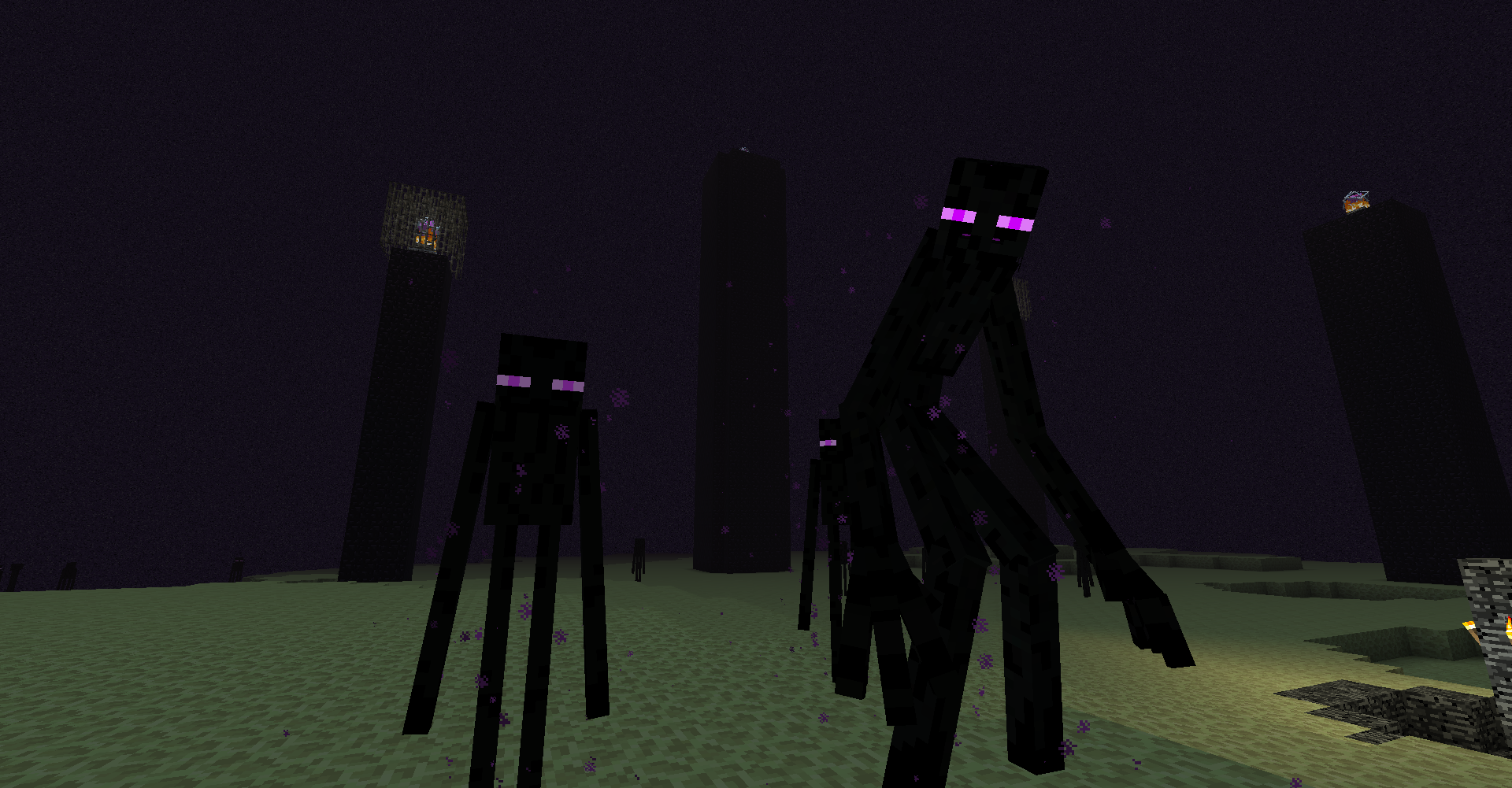
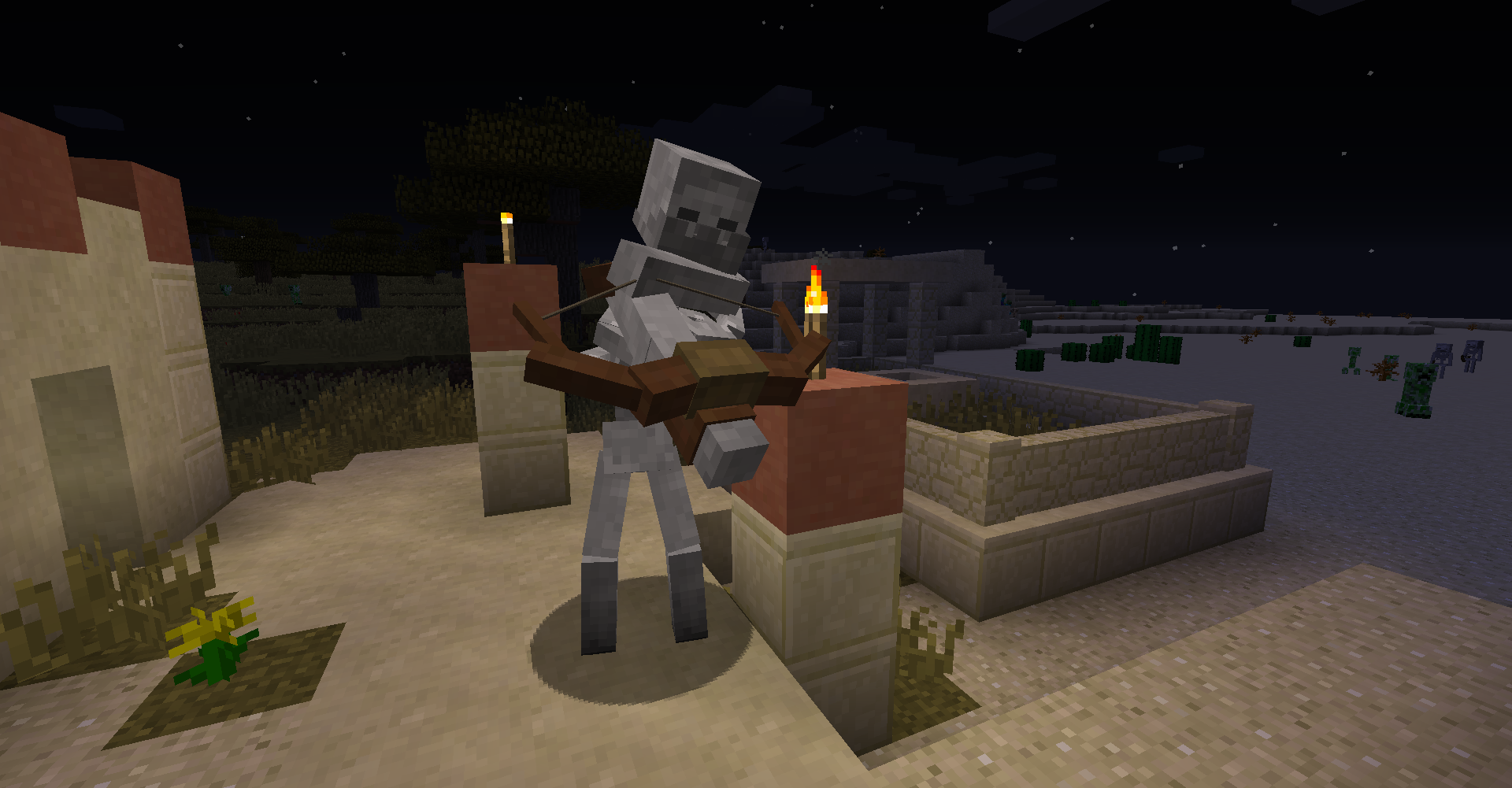
Mutant Beasts, dört yıldır güncelleme almamış popüler Mutant Creatures modunu modern Minecraft'a geri getiriyor.
Orijinal yaratıcı ben değilim; yapılan içeriğin tüm kredisi shcott21/thehippomaster21'e aittir.
Bu portu oluşturmak için izin istemek üzere yazarla özel olarak iletişime geçtim, ancak yazar henüz yanıt vermedi, yani resmi iznim yok.
Orijinal modun çalışması için AnimationAPI adında başka bir mod gerekiyordu, bu da Mutant Creatures yaratıcısının eseridir, ancak bu mod için gerekli değildir.
Aşağıda orijinalin CurseForge sayfasına ve Minecraft Forum sayfasına bağlantılar bulunmaktadır. Forum sayfası, bu mod hakkında bilmeniz gereken çoğu bilgiyi içerir. Ayrıca bu proje için logoyu ve modlar ekranındaki oyun içi logoyu da oradan aldım ve bunların kredisi ilgili yaratıcılarına aittir.
Minecraft Forge gerektirir
Chemical X nasıl oluşturulur
https://thumbs.gfycat.com/FragrantSingleArcherfish-mobile.mp4
Bir Spider-Pig oluşturma
https://thumbs.gfycat.com/BraveAromaticAdmiralbutterfly-mobile.mp4
Bir Spider-Pig evcilleştirme
https://thumbs.gfycat.com/ElderlyBadJabiru-mobile.mp4
CurseForge:
Mutant Creatures Mod
Minecraft Forum:
Mutant Creatures - Spider Pig, Spider Pig [v1.4.9]
Mutant Beasts nasıl kurulur
With Millida Launcher
Install Millida Launcher
The launcher is free: download it at millida.net/launcher and sign in with any nickname.
Click “Install” on this page
The launcher opens and installs the mod for Minecraft 1.15.2 automatically.
Launch the game
A profile with it appears in the launcher: click “Play”.
Manually
Download the file for your version
In the version list above, pick the file MutantBeasts-1.15.2-1.0.9.jar (1.2 MB) for your game version.
Put it in the mods folder
The folder is inside .minecraft (Windows: %appdata%\.minecraft\mods). If it does not exist, create it.
Launch the loader profile
Open “Mods” in the main menu: Mutant Beasts should be in the list.
Minecraft 1.15.2 runs on Java 8: with a different Java version the game may close right after launch.
Sürümler
Bağımlılıklarla
| Minecraft | Yükleyici | Dosya | Tarih | İşlemler |
|---|---|---|---|---|
| 1.15.2 | — | MutantBeasts-1.15.2-1.0.9.jar1.2 MB 3 |
SSS
Which Minecraft versions does Mutant Beasts work on?
Only Minecraft 1.15.2: there are no files for other versions.
Which Java does Mutant Beasts need?
Minecraft 1.15.2 runs on Java 8. If the game closes right after launch, the usual cause is the wrong Java version in the profile settings.
Where can I download Mutant Beasts safely?
On this page: the file MutantBeasts-1.15.2-1.0.9.jar (1.2 MB) is stored on Millida’s server, with no link shorteners. SHA-1 checksum: cb04a35031895b7072b177562378a724f353de20.
Yorumlar
Mutant Beasts için ilk puanı sen ver


