
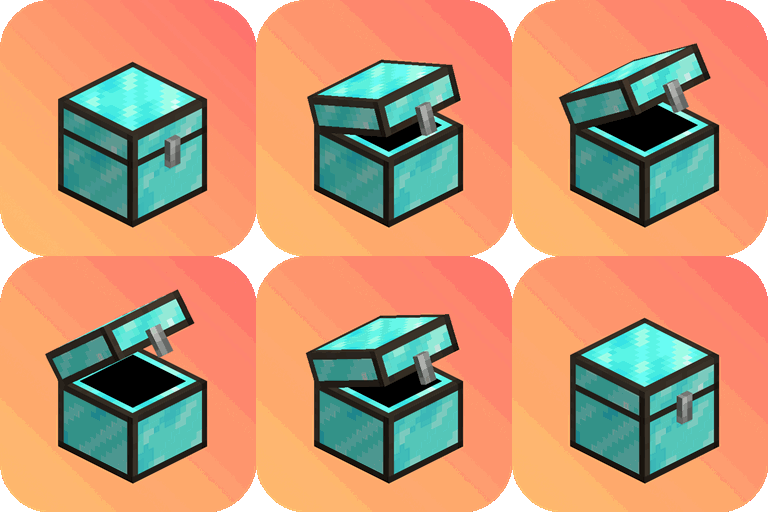
Minecraft 1.21.1, 1.21 için More Chests Mod
Minecraft'a daha fazla Sandık ekler
 Fabric
 Quilt
Quilt Forge
ForgeMore Chests
This mod adds more chests to the game with bigger inventory sizes, so you can store even more items. No longer will you have to worry about running out of space for all of your valuable resources and materials. With this mod, you'll be able to keep everything organized and easily accessible. Plus, the additional chests look great and add a fun new element to the game. Try it out today and see for yourself just how much easier it can make your Minecraft experience.
To upgrade your chests in world, simply sneak-click on the chest with the required ingredients in hand.

What's new in 2.0.0?
Double Chests!
Double Chests are now available for all plank, wool, and copper chest types.
Wool Chests!
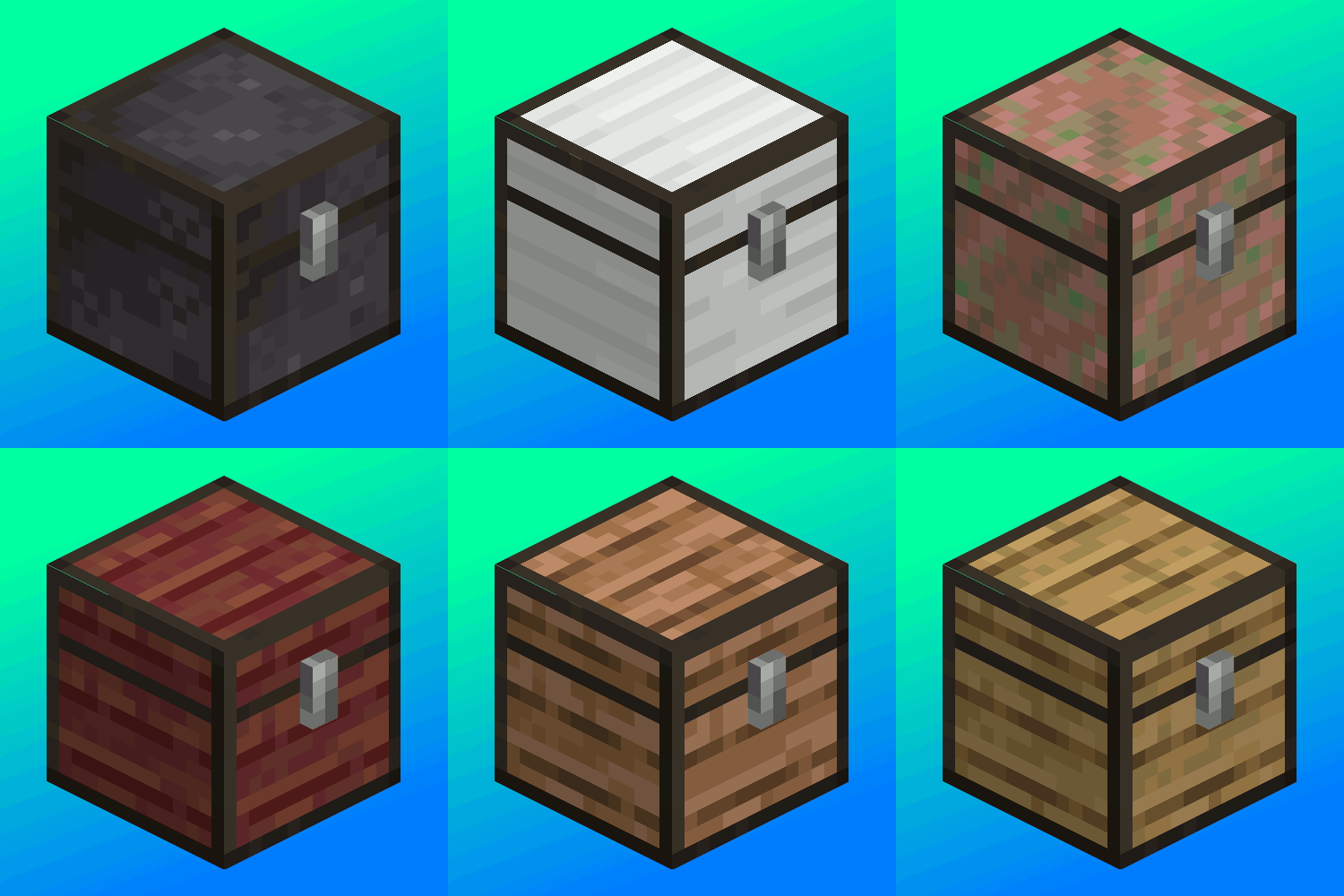
Wool Chests and Wool Double Chests are now available for all wool colors. Wool Chests feature a custom GUI based on the wool color, and can be dyed.
New Plank Chests!
- Cherry Chest
- Bamboo Chest
Dark Mode Resource Pack
A dark mode resource pack is available for download on Modrinth or Curseforge
Upgrade Ingredients:
Upgrade your chests in the world by sneaking and clicking on the chest with the necessary ingredients in hand. <pre> Wool Chest ➤ Copper Chest = 8 Copper Ingots Wool Chest ➤ Iron Chest = 8 Iron Ingots Wooden Chest ➤ Copper Chest = 8 Copper Ingots Wooden Chest ➤ Iron Chest = 8 Iron Ingots Copper Chest ➤ Gold Chest = 8 Gold Ingots Iron Chest ➤ Gold Chest = 8 Gold Ingots Gold Chest ➤ Diamond Chest = 8 Diamonds Diamond Chest ➤ Netherite Chest = 1 Netherite Ingot </pre>
Metal Chests have higher inventory storage sizes:
- Copper Chest (4 x 9) 36 Slots
- Iron Chest (6 x 9) 54 Slots
- Gold Chest (6 x 12) 72 Slots
- Diamond Chest (9 x 12) 108 Slots
- Netherite Chest (9 x 18) 162 Slots
More Chests nasıl kurulur
With Millida Launcher
Install Millida Launcher
The launcher is free: download it at millida.net/launcher and sign in with any nickname.
Click “Install” on this page
The launcher opens and installs the mod for Minecraft 1.18.2–1.21.1 on Fabric, Forge or Quilt automatically.
Launch the game
A profile with it appears in the launcher: click “Play”.
Manually
Install Fabric, Forge or Quilt
The loader must match the game version of the mod file, for example Minecraft 1.21.1. After installing it, a separate profile appears in your launcher.
Download the file for your version
In the version list above, pick the file morechestsfabric-2.1.jar (748 KB) for your game version and loader.
Put it in the mods folder
The folder is inside .minecraft (Windows: %appdata%\.minecraft\mods). If it does not exist, create it.
Launch the loader profile
Open “Mods” in the main menu: More Chests should be in the list.
Minecraft 1.21.1 runs on Java 21: with a different Java version the game may close right after launch.
Sürümler
Bağımlılıklarla
| Minecraft | Yükleyici | Dosya | Tarih | İşlemler |
|---|---|---|---|---|
| 1.21 | Fabric, Quilt | v2.1+1.21.1 Fabric748 KB 5 | ||
| 1.18.2 | Forge | v1.0.3 Forge 1.18.2461 KB |
Yorumlar
More Chests için ilk puanı sen ver


