
Minecraft 1.20.1, 1.21.1 için Lukas' Weapon Leveling Mod
Bu mod zırhınızı ve silahlarınızı seviye atlatmanızı mümkün kılar. Ayrıca eşyaların kırıldığında kaybolmamasını sağlar.
 Fabric
 NeoForge
 Forge
ForgeLukas' Weapon Leveling modu hakkında
Gear up. Level up. Power up.
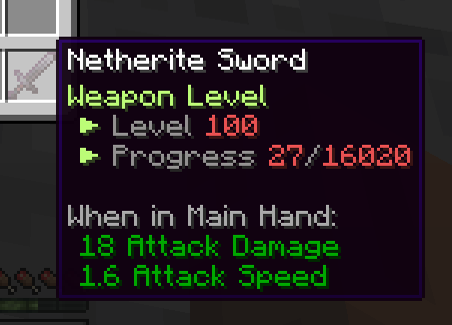
Level all your Combat Gear by killing and fighting monsters and bosses!
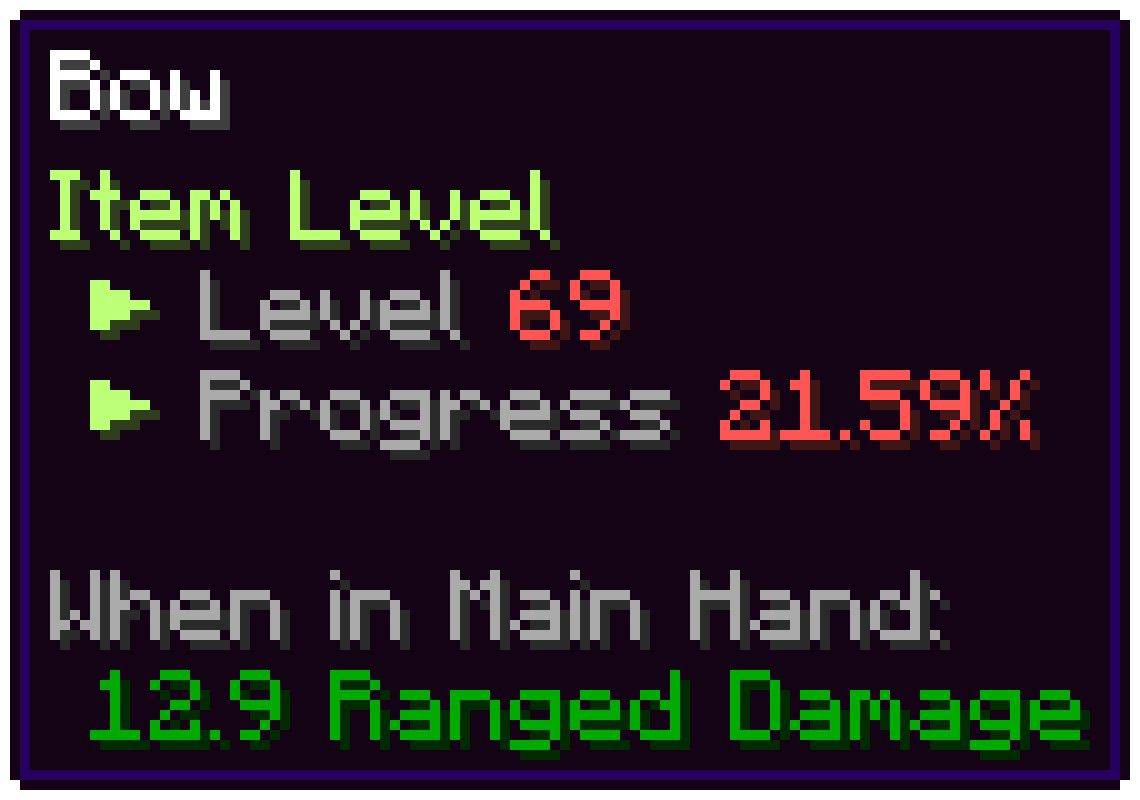
Repair them even when broken by using an anvil and their material!
New Ranged Damage Attribute for weapons like Bows, Crossbows and Tridents
Configure the mod to your heart's content using datapacks, the config or even the LevelingAPI!
You can find the official documentation here
You can also generate levelable item files here
Addons
Info Commands Change the level of a weapon using /itemlevel <set|add> <player> <level|points> <amount>
List all tags of an item using /print_tag_list item <selected|of> (<item>)
List all tags of an entity using /print_tag_list entity <looking|of> (<entity>)
Mod Support While some mods may still work, official builtin support has been dropped in favour of addons. This allows for quicker and more precise updates to these and the main mod.
Showcases and Reviews Spotlight by Noxus - Outdated
Supported Languages
Lukas' Weapon Leveling nasıl kurulur
With Millida Launcher
Install Millida Launcher
The launcher is free: download it at millida.net/launcher and sign in with any nickname.
Click “Install” on this page
The launcher opens and installs the mod for Minecraft 1.20.1–1.21.1 on Fabric, Forge or NeoForge automatically.
Launch the game
A profile with it appears in the launcher: click “Play”.
Manually
Install Fabric, Forge or NeoForge
The loader must match the game version of the mod file, for example Minecraft 1.21.1. After installing it, a separate profile appears in your launcher.
Download the file for your version
In the version list above, pick the file weaponleveling-1.21.1-fabric-3.2.0-beta.1.jar (1.3 MB) for your game version and loader.
Put it in the mods folder
The folder is inside .minecraft (Windows: %appdata%\.minecraft\mods). If it does not exist, create it.
Launch the loader profile
Open “Mods” in the main menu: Lukas' Weapon Leveling should be in the list.
Minecraft 1.21.1 runs on Java 21: with a different Java version the game may close right after launch.
Sürümler
Bağımlılıklarla
| Minecraft | Yükleyici | Dosya | Tarih | İşlemler |
|---|---|---|---|---|
| 1.21.1 | Fabric | weaponleveling-1.21.1-fabric-3.2.0-beta.1.jar1.3 MB | ||
| 1.21.1 | NeoForge | weaponleveling-1.21.1-neoforge-3.2.0-beta.1.jar1.3 MB 1 | ||
| 1.20.1 | Fabric | weaponleveling-1.20.1-3.2.0-fabric.jar1.4 MB 1 | ||
| 1.20.1 | Forge | weaponleveling-1.20.1-3.2.0-forge.jar1.5 MB 2 | ||
| 1.20.1 | NeoForge, Forge | weaponleveling-1.20.1-2.0.2-forge.jar136 KB |
SSS
Which Minecraft versions does Lukas' Weapon Leveling work on?
There are files for 1.21.1, 1.20.1. The newest is 1.21.1.
Is Lukas' Weapon Leveling for Forge or Fabric?
There are files for Fabric: 1.20.1–1.21.1, for Forge: 1.20.1 and for NeoForge: 1.20.1–1.21.1.
Does Lukas' Weapon Leveling need other mods?
The author lists no required dependencies: the Fabric, Forge or NeoForge loader is enough.
Which Java does Lukas' Weapon Leveling need?
Minecraft 1.21.1 runs on Java 21. If the game closes right after launch, the usual cause is the wrong Java version in the profile settings.
Where can I download Lukas' Weapon Leveling safely?
On this page: the file weaponleveling-1.21.1-fabric-3.2.0-beta.1.jar (1.3 MB) is stored on Millida’s server, with no link shorteners. SHA-1 checksum: 3113bcbe2955eacce4484eff806d7bc2e528e141.
Yorumlar
Lukas' Weapon Leveling için ilk puanı sen ver


