
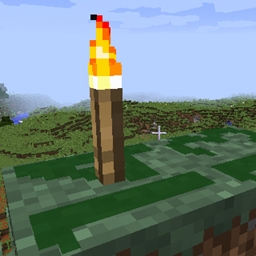
Minecraft 1.14.4 için Light Level Overlay Reloaded Mod
Blokların üzerindeki ışık seviyesini görselleştiren bir mod.
Light Level Overlay Reloaded modu hakkında
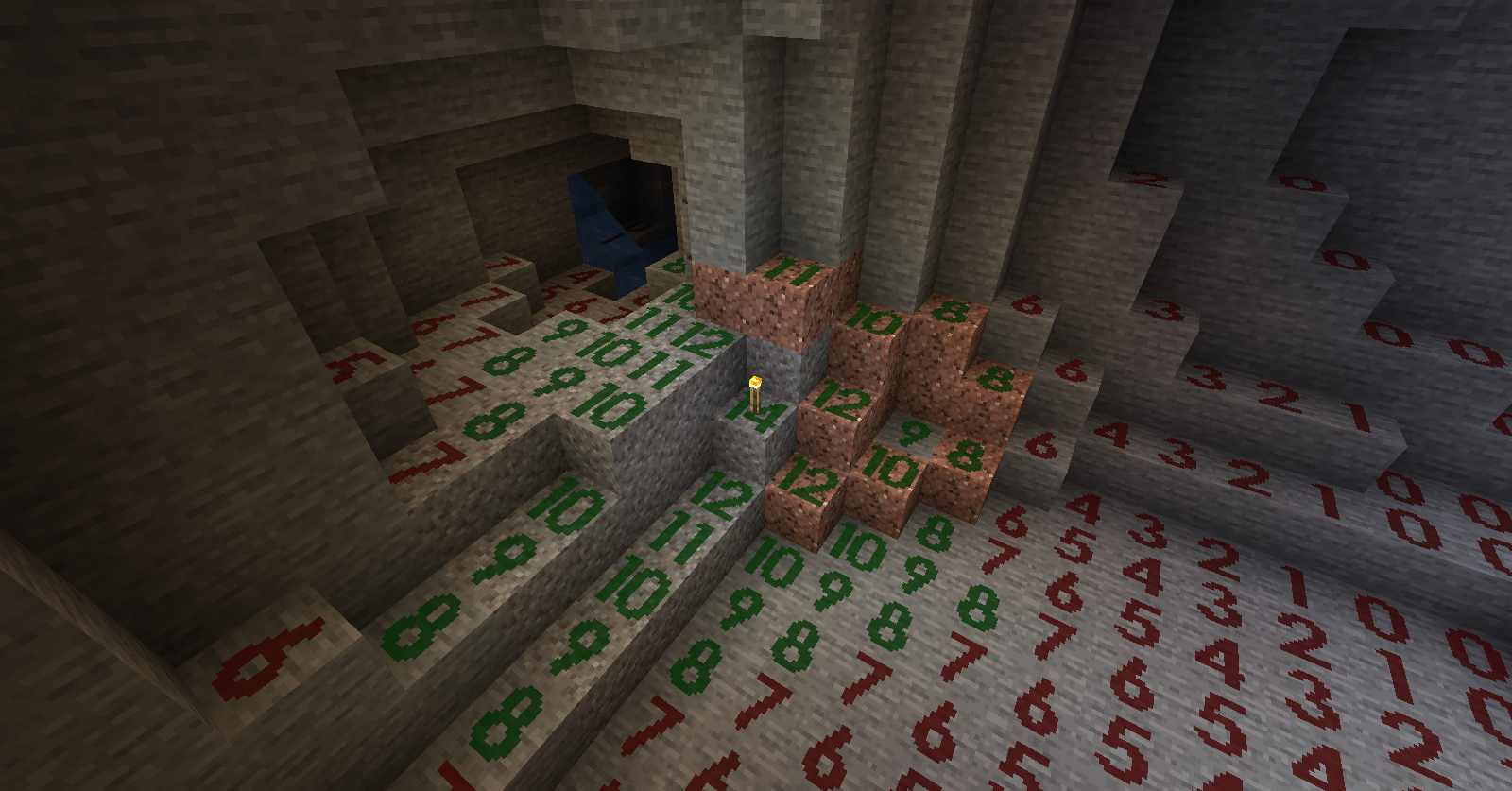
This is a mod visualizes light levels on nearby blocks.
Usage:
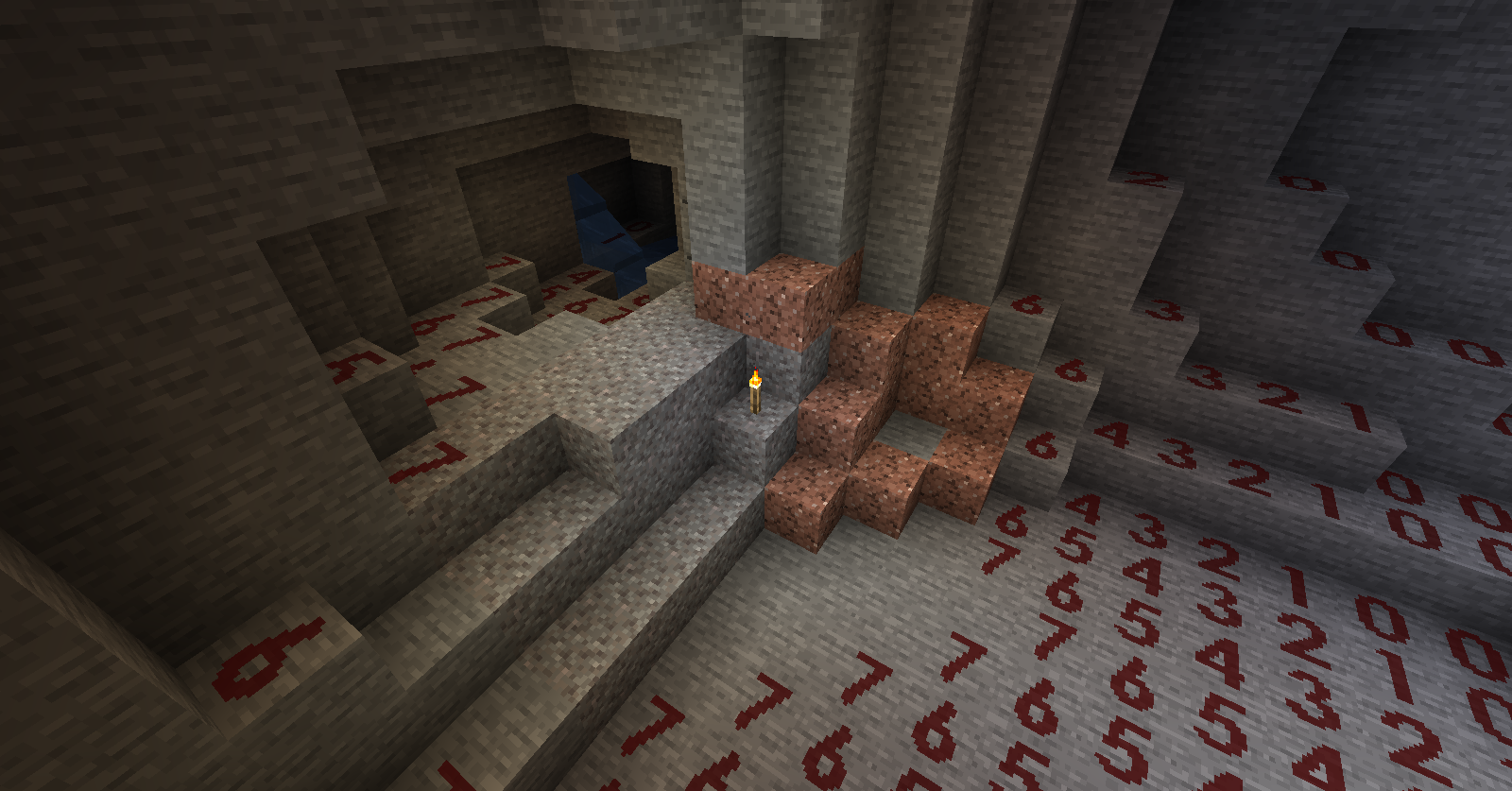
- The default shortcut key to turn on/off light level overlay is F4.
- Use Shift + F4 to switch overlay display mode.
- Key bindings can be changed it in "Options -> Controls".
- Textures and display modes can be customized using texture packs.
About Modpack: You are welcome to include this mod in modpacks as long as you provide credit by linking back to this page.
Kudos: The original mod "Light Level Overlay" was created by 4poc for Minecraft 1.6.4 and earlier versions. http://www.minecraftforum.net/forums/mapping-and-modding/minecraft-mods/1284971-light-level-overlay
Other mods you may like:
- Better Auto Jump: Auto-jump when holding Sprint key.
- No Mob Spawning on Trees: A mob spawn control mod with easy and powerful configurations.
Light Level Overlay Reloaded nasıl kurulur
With Millida Launcher
Install Millida Launcher
The launcher is free: download it at millida.net/launcher and sign in with any nickname.
Click “Install” on this page
The launcher opens and installs the mod for Minecraft 1.14.3–1.14.4 automatically.
Launch the game
A profile with it appears in the launcher: click “Play”.
Manually
Download the file for your version
In the version list above, pick the file LLOverlayReloaded-1.2.4-mc1.14.4.jar (121 KB) for your game version.
Put it in the mods folder
The folder is inside .minecraft (Windows: %appdata%\.minecraft\mods). If it does not exist, create it.
Launch the loader profile
Open “Mods” in the main menu: Light Level Overlay Reloaded should be in the list.
Minecraft 1.14.4 runs on Java 8: with a different Java version the game may close right after launch.
Sürümler
Bağımlılıklarla
| Minecraft | Yükleyici | Dosya | Tarih | İşlemler |
|---|---|---|---|---|
| 1.14.4 | — | LLOverlayReloaded-1.2.4-mc1.14.4.jar121 KB | ||
| 1.14.3 | — | LLOverlayReloaded-1.2.0-mc1.14.3.jar124 KB |
SSS
Which Minecraft versions does Light Level Overlay Reloaded work on?
There are files for 1.14.4, 1.14.3. The newest is 1.14.4.
Which Java does Light Level Overlay Reloaded need?
Minecraft 1.14.4 runs on Java 8. If the game closes right after launch, the usual cause is the wrong Java version in the profile settings.
Where can I download Light Level Overlay Reloaded safely?
On this page: the file LLOverlayReloaded-1.2.4-mc1.14.4.jar (121 KB) is stored on Millida’s server, with no link shorteners. SHA-1 checksum: f4b93b9c51c85e476becc54fc784d1baa066bd06.
Yorumlar
Light Level Overlay Reloaded için ilk puanı sen ver


