
Minecraft 1.20.1, 26.1.2 için Iron's Lib Mod
Iron'ın modları için ortak işlevsellik ve içerik sağlar
 NeoForge
 Forge
ForgeIron's Lib modu hakkında
Iron's Lib is a library adding easy-to-reuse frameworks for my mods, as well as a Patreon Integration API layer.
Transmogs
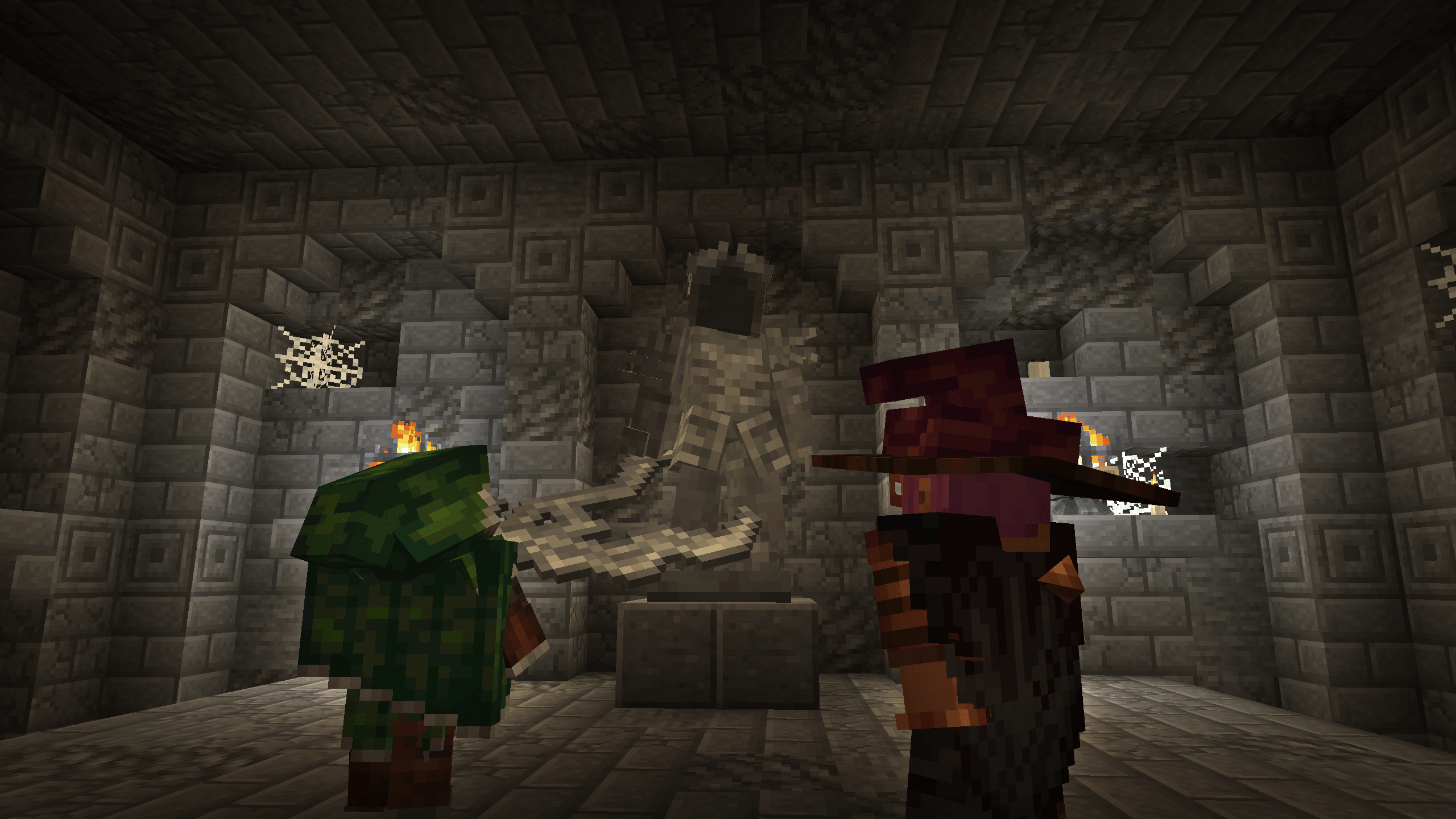
- Apply unique armor models to items
- Highly customizable Armor interfaces
- Automatic cape physics handling
Statues
- Dynamic Player statue asset generation
- Dynamic multiblock handling
- Static model rendering
Attributes
- Lightweight and non-intrusive implementation of common RPG-style attributes
- Armor Pierce, Mining Speed, Experience Gained, Arrow Damage, Crit Damage, Dodge Chance, Healing Received, Projectile Damage
- Attribute Remapper to dynamically hotswap item attributes in game for maximum compatibility
- Native compat with Apothic Attributes
- Entrypoints for both code and datapacks
Kinetic Weapon (Spear) Component Backport
- On 1.20.1 and 1.21.1, adds a full-parity backport of the spear's charge attack component suite (kinetic_weapon, use_effects, attack_range).
- Surpassing vanilla, also includes a KineticAnimation interface for custom first or third person charge animations
Soul Fire Burning
- Lightweight and visual-only Soul Fire Burning implementation
- Mark a creature's next burn as soul fire, and they will burn blue
Patreon Integration
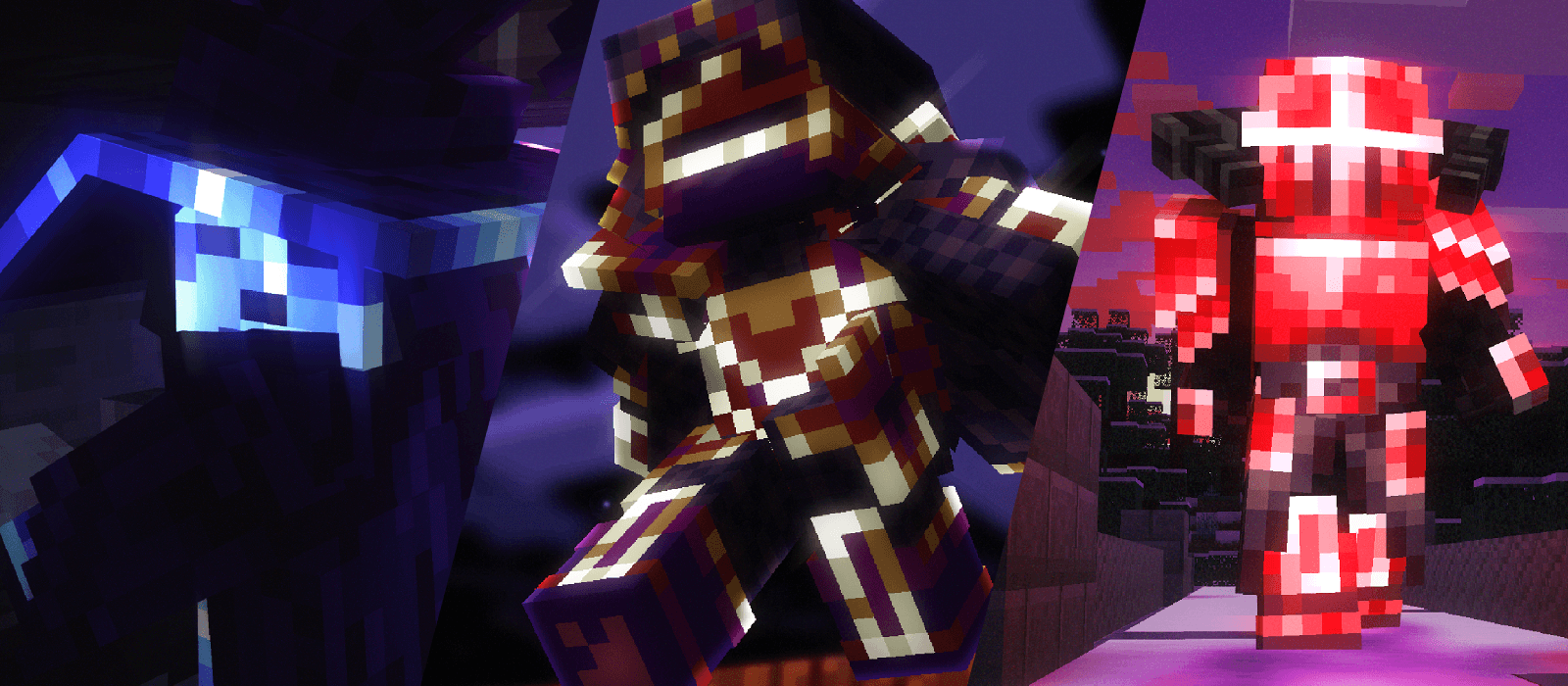
- Patreon integration services for all of the above features
Iron's Lib nasıl kurulur
With Millida Launcher
Install Millida Launcher
The launcher is free: download it at millida.net/launcher and sign in with any nickname.
Click “Install” on this page
The launcher opens and installs the mod for Minecraft 1.20.1–26.1.2 on Forge or NeoForge automatically.
Launch the game
A profile with it appears in the launcher: click “Play”.
Manually
Install Forge or NeoForge
The loader must match the game version of the mod file, for example Minecraft 26.1.2. After installing it, a separate profile appears in your launcher.
Download the file for your version
In the version list above, pick the file irons_lib-26.1.2-2.2.0.jar (398 KB) for your game version and loader.
Put it in the mods folder
The folder is inside .minecraft (Windows: %appdata%\.minecraft\mods). If it does not exist, create it.
Launch the loader profile
Open “Mods” in the main menu: Iron's Lib should be in the list.
Sürümler
Bağımlılıklarla
| Minecraft | Yükleyici | Dosya | Tarih | İşlemler |
|---|---|---|---|---|
| 1.20.1 | Forge | irons_lib-1.20.1-2.2.0479 KB 136 | ||
| 26.1.2 | NeoForge | irons_lib-26.1.2-2.2.0398 KB 9 |
SSS
Which Minecraft versions does Iron's Lib work on?
There are files for 26.1.2, 1.20.1. The newest is 26.1.2.
Is Iron's Lib for Forge or Fabric?
There are files for Forge: 1.20.1 and for NeoForge: 26.1.2. There are no files for Fabric: a mod for another loader will not start.
Does Iron's Lib need other mods?
The author lists no required dependencies: the Forge or NeoForge loader is enough.
How do I download Iron's Lib?
With Millida Launcher: it installs Iron's Lib into a modpack by itself, for the right game version and loader. The launcher is free.
Yorumlar
Iron's Lib için ilk puanı sen ver


