

Minecraft 1.7.10 için Forbidden Magic Mod
Thaumcraft'a biraz karanlık katmak için bir mod
Forbidden Magic modu hakkında
This is a small Thaumcraft 4 addon I've been working on to add a little "darkness" to Thaumcraft.
Some of the current features include:
- Five new wand cores, three of which add cross-mod interactions
- Creative-only wand with infinite vis, for testing or shenanigans
- New tools
- New enchantments
- A new craftable spawner that actually works without players nearby
- Magical scribing tools to help with research
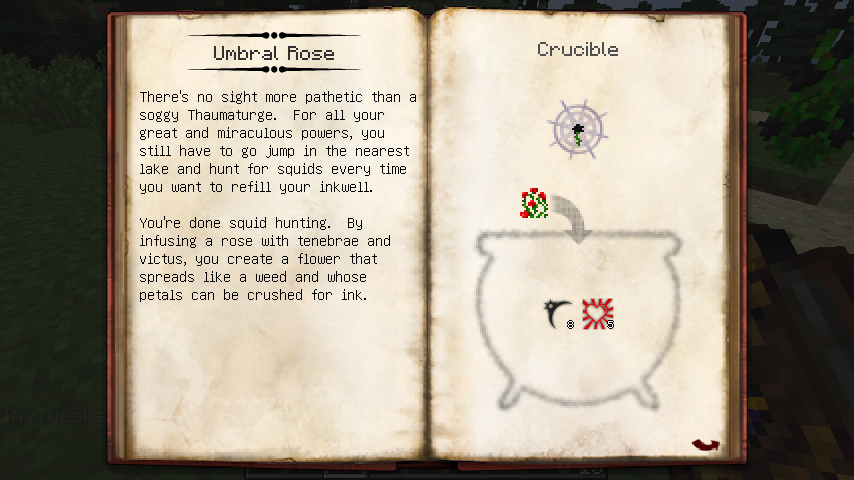
- New flowers to help your thaumaturgy when Botania is installed
- A new Blood Magic ritual to protect you from Warp
- A new blood orb for blood mages who like to delve into the unspeakable
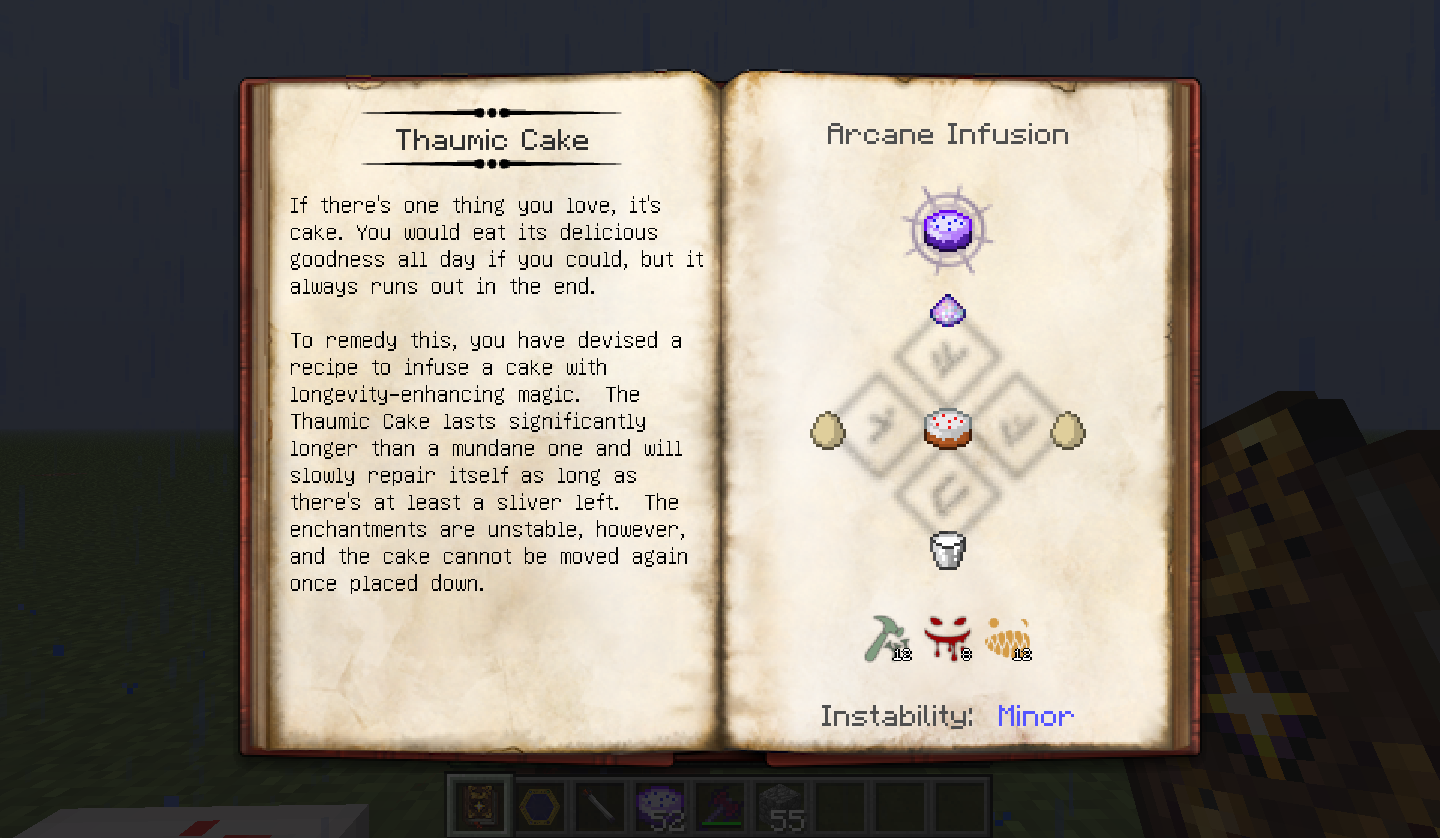
For more info, check out the forum thread. Screenshots:
Install Instructions:
Install Forge and Thaumcraft 4, and then drop this mod's .jar file into your mods folder.
Modpacks: I like modpacks. A lot. Like, I can't even remember the last time I played a single mod by itself. I grant blanket permission to use my mod in any modpack, but reserve the right to change my mind.
Keep in mind that my mod requires Thaumcraft to run and I do not have the authority to grant permission for that.
FAQ:
Q: Will you update to (newer Minecraft version) ? A: No.
Forbidden Magic nasıl kurulur
With Millida Launcher
Install Millida Launcher
The launcher is free: download it at millida.net/launcher and sign in with any nickname.
Click “Install” on this page
The launcher opens and installs the mod for Minecraft 1.7.10 automatically.
Launch the game
A profile with it appears in the launcher: click “Play”.
Manually
Download the file for your version
In the version list above, pick the file Forbidden Magic-1.7.10-0.575.jar (632 KB) for your game version.
Put it in the mods folder
The folder is inside .minecraft (Windows: %appdata%\.minecraft\mods). If it does not exist, create it.
Launch the loader profile
Open “Mods” in the main menu: Forbidden Magic should be in the list.
Minecraft 1.7.10 runs on Java 8: with a different Java version the game may close right after launch.
Sürümler
Bağımlılıklarla
| Minecraft | Yükleyici | Dosya | Tarih | İşlemler |
|---|---|---|---|---|
| 1.7.10 | — | Forbidden Magic-1.7.10-0.575.jar632 KB 1 | ||
| 1.7.10 | — | Forbidden Magic-1.7.10-0.571.jar601 KB | ||
| 1.7.10 | — | Forbidden Magic-1.7.10-0.561.jar577 KB |
SSS
Which Minecraft versions does Forbidden Magic work on?
Only Minecraft 1.7.10: there are no files for other versions.
Which Java does Forbidden Magic need?
Minecraft 1.7.10 runs on Java 8. If the game closes right after launch, the usual cause is the wrong Java version in the profile settings.
Where can I download Forbidden Magic safely?
On this page: the file Forbidden Magic-1.7.10-0.575.jar (632 KB) is stored on Millida’s server, with no link shorteners. SHA-1 checksum: dfe376c08c4fa43ec7491128ae26a65b9d4106c9.
Yorumlar
Forbidden Magic için ilk puanı sen ver


