
 Forge
Forge NeoForge
Floor Mats modu hakkında
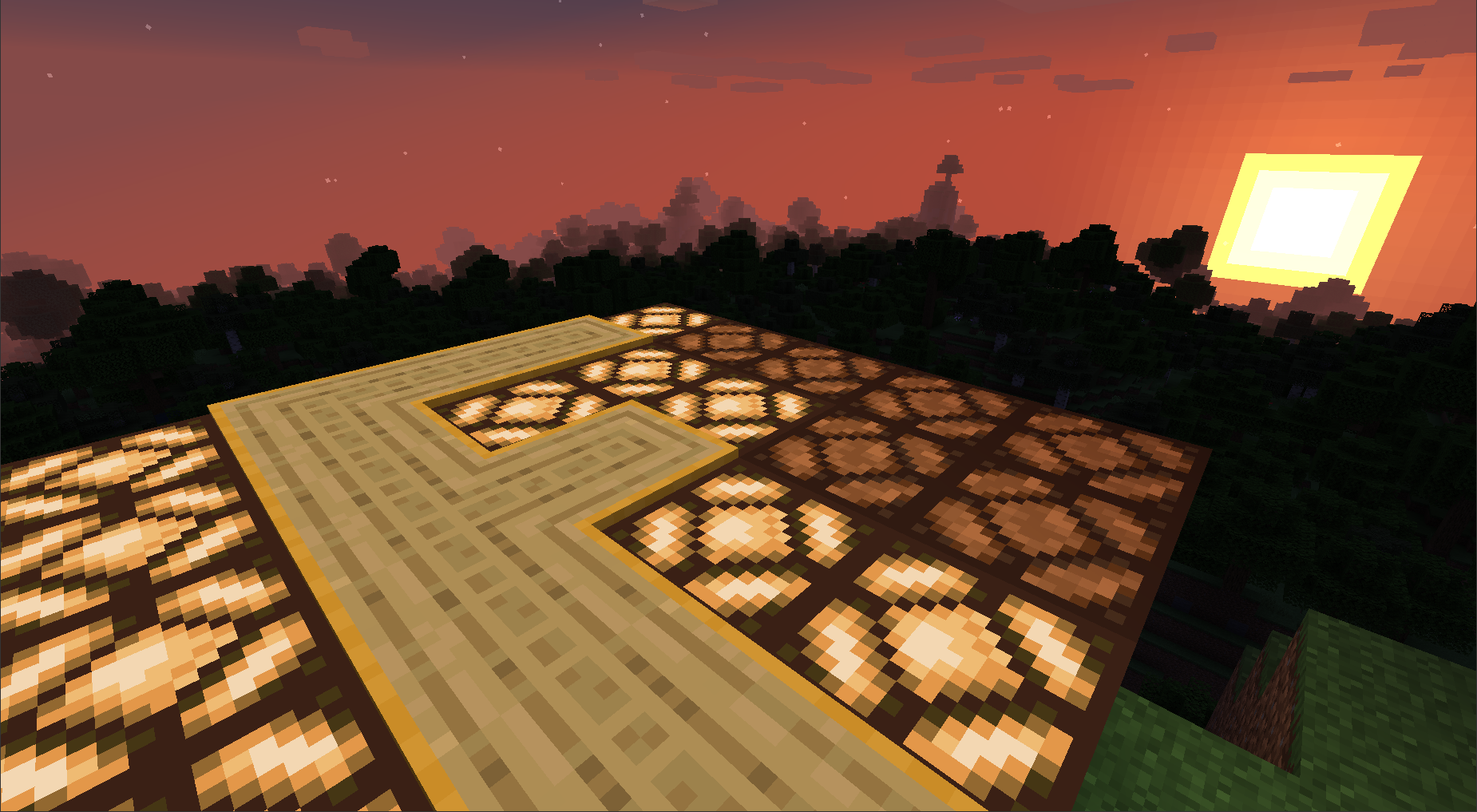
Floor Mats adds multiblock pressure plates.
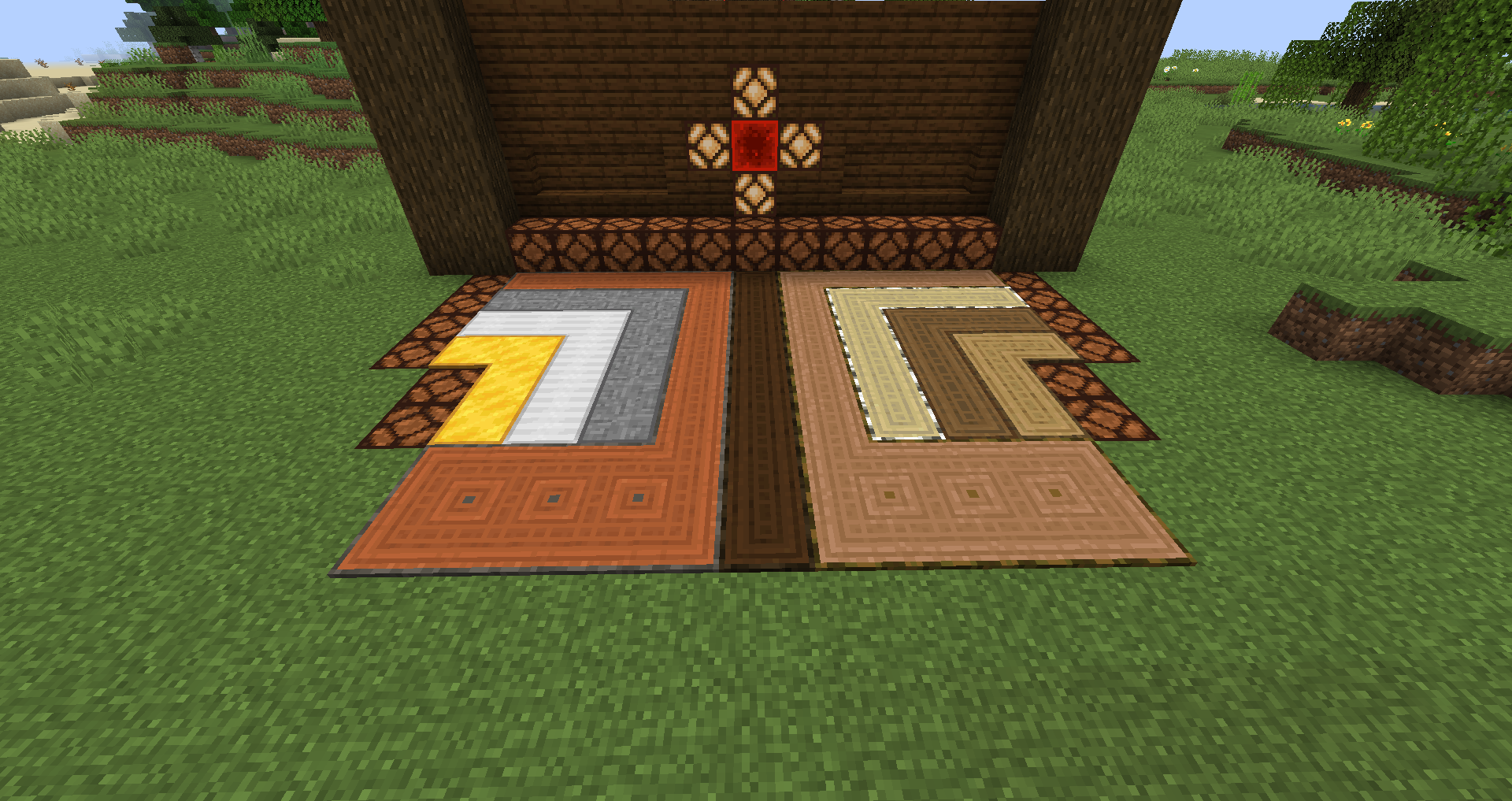
Now with Gilded Wood variants! The look of wood, the player-specific action of gold. (added in version 1.2.0)
And Treated Wood too.... when used with Immersive Engineering. (added in version 1.3.0)
Also, Connected blocks! A decorative block in the style of Floor Mats. (added in version 1.4.0)
Camouflage Floor Mats! Player-specific Floor Mats that take the appearance of the blocks they are placed on. (added in version 1.5.0)
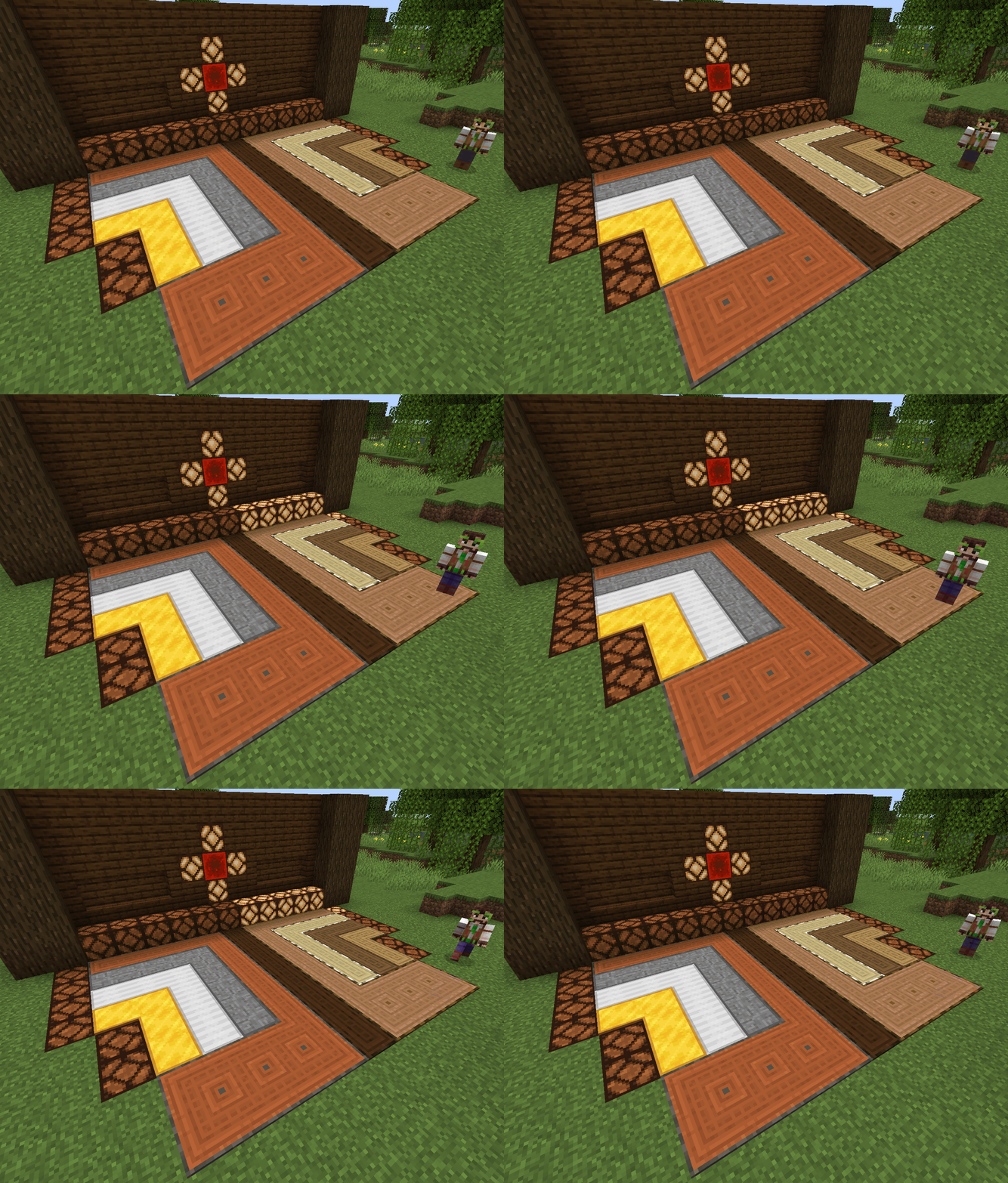
The ability to modify Floor Mats was also added. Floor Mats can now be muffled (silent), inverted (changes player-specific into only other players) and opened (changes player-specific into any player).
Each type of floor mat will only connect to other floor mats of the same type. The wooden and stone floor mats behave like the pressure plate of the same material. The metal floor mats are only activated by players, with the gold floor mats only being activated by players that placed the floor mats. Floor mats also pulse when a block they are on receives a redstone signal from another source.
For more details, check out the Floor Mats wiki on github.com:
https://github.com/D0CTOR-ZED/FloorMats/wiki
This mod is released under the MIT Licence and may be used in any modpack.
Floor Mats was reviewed by Boodlyneck in a Mods of the Week video:
(at the 3:04 mark, but why not take the time to check out all the other great mods.)
Thank you, Boodlyneck, for your kind review. (Click here for Boodlyneck's YouTube channel.)
Mod compatibility:
Performant (Floor Mats v1.1.0 and earlier): This performance enhancing core mod alters the way collisions are handled, in addition to other things. The collision handling changes are not compatible with Floor Mats. To use both mods, edit the config file for Performant and set fastCollisions to false to prevent internal server errors. (Fixed for version v1.1.1+ when using performant-1.15-3.12m or later)
Floor Mats nasıl kurulur
With Millida Launcher
Install Millida Launcher
The launcher is free: download it at millida.net/launcher and sign in with any nickname.
Click “Install” on this page
The launcher opens and installs the mod for Minecraft 1.20.1 on Forge or NeoForge automatically.
Launch the game
A profile with it appears in the launcher: click “Play”.
Manually
Install Forge or NeoForge
The loader must match the game version of the mod file, for example Minecraft 1.20.1. After installing it, a separate profile appears in your launcher.
Download the file for your version
In the version list above, pick the file floormats-1.20.1-1.6.1.jar (2.4 MB) for your game version and loader.
Put it in the mods folder
The folder is inside .minecraft (Windows: %appdata%\.minecraft\mods). If it does not exist, create it.
Launch the loader profile
Open “Mods” in the main menu: Floor Mats should be in the list.
Minecraft 1.20.1 runs on Java 17: with a different Java version the game may close right after launch.
Sürümler
Bağımlılıklarla
| Minecraft | Yükleyici | Dosya | Tarih | İşlemler |
|---|---|---|---|---|
| 1.20.1 | Forge, NeoForge | Floor Mats 1.20.1 v1.6.12.4 MB |
SSS
Which Minecraft versions does Floor Mats work on?
Only Minecraft 1.20.1: there are no files for other versions.
Is Floor Mats for Forge or Fabric?
There are files for Forge: 1.20.1 and for NeoForge: 1.20.1. There are no files for Fabric: a mod for another loader will not start.
Does Floor Mats need other mods?
The author lists no required dependencies: the Forge or NeoForge loader is enough.
Which Java does Floor Mats need?
Minecraft 1.20.1 runs on Java 17. If the game closes right after launch, the usual cause is the wrong Java version in the profile settings.
Where can I download Floor Mats safely?
On this page: the file floormats-1.20.1-1.6.1.jar (2.4 MB) is stored on Millida’s server, with no link shorteners. SHA-1 checksum: 1d8e8bda65a2c640eef434fef0c4f84eb39b85d4.
Yorumlar
Floor Mats için ilk puanı sen ver


