

Minecraft 1.20.1, 1.21.1 için Fast IP Ping Mod
Gerçek IP sunucu adresleri için gecikmeye neden olan ters DNS aramasını kaldırın
 Fabric
 Forge
Forge NeoForge
Fast IP Ping modu hakkında
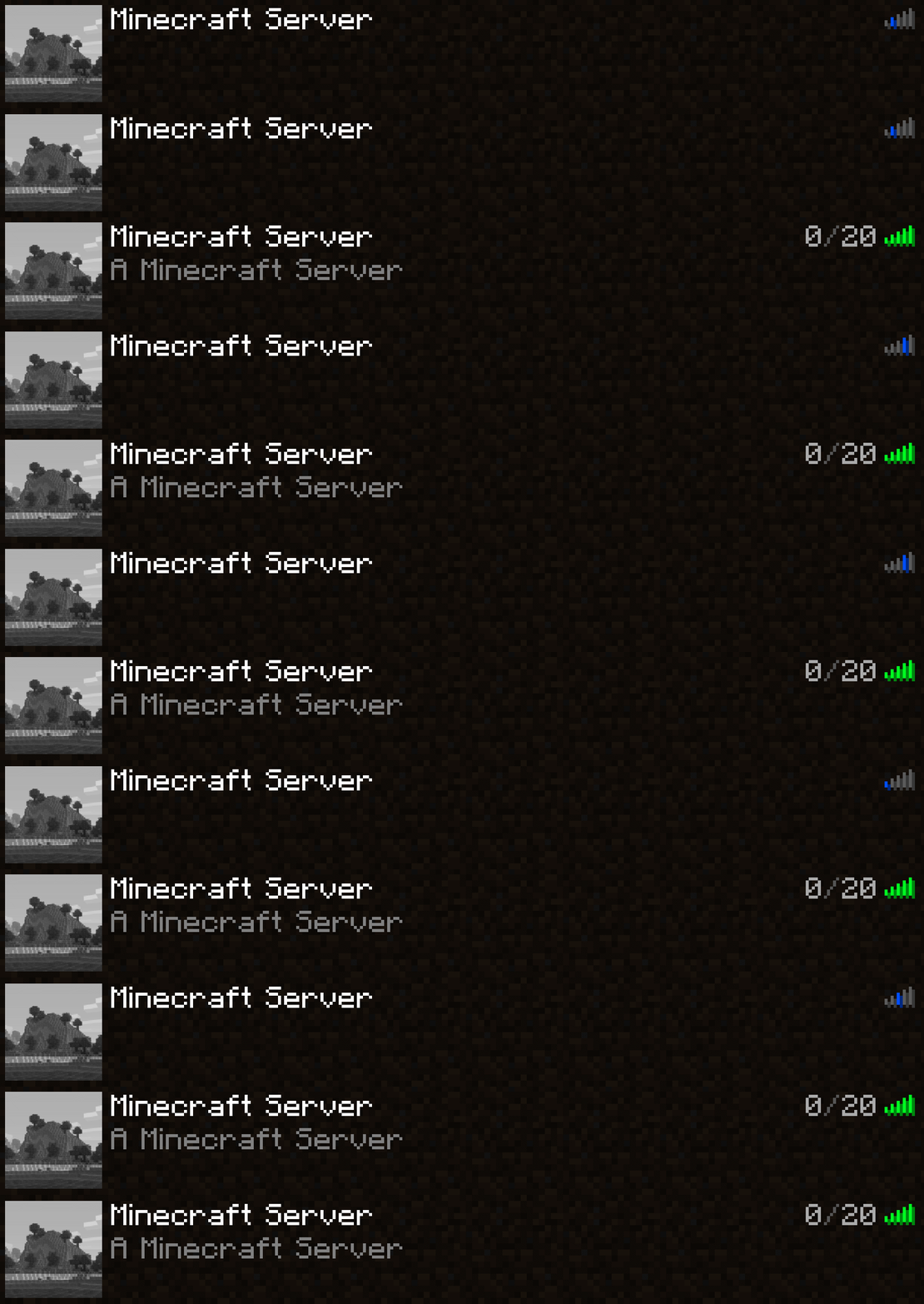
Literal IP sunucu adresleri için gecikmeye neden olan ters DNS sorgusunu yeet'le
TweakerMore Modundaki yeetServerIpReversedDnsLookup seçeneğinden çıkarıldı
Ne & Neden & Nasıl
Adresleri yalnızca bir literal IP ile temsil edilen sunucular için, örneğin 192.168.2.10:25565, ilgili InetAddress nesnesinde ters DNS sorgularını devre dışı bırak
Birçok loopback olmayan IP'nin ilişkili alan adı yoktur, bu da ters sorguları zaman alıcı hale getirir
// java.net.InetAddressgetHostName(boolean) String getHostName(boolean check) { if (holder().getHostName() == null) { // InetAddress.getByName() bir literal IP aldıysa null olur holder().hostName = InetAddress.getHostFromNameService(this, check); // <-- sonsuza kadar sürer } return holder().getHostName(); }
Bu seçenek, bu sunucuların alan adını doğrudan IP'lerine ayarlar ve ters DNS kontrolünü atlar
Bu, literal IP adresine sahip sunucular için sürede 1s ~ 5s azalma sağlar. Aşağıdaki ortamları etkiler:
- Sunucu listesi ekranında sunucuya ping atma
- Sunucuya bağlanma
Ortam
- Yalnızca istemci tarafı
- Fabric / Forge / NeoForge mod yükleyici. Ek bir gereksinim gerekmez
Fast IP Ping nasıl kurulur
With Millida Launcher
Install Millida Launcher
The launcher is free: download it at millida.net/launcher and sign in with any nickname.
Click “Install” on this page
The launcher opens and installs the mod for Minecraft 1.16.4–26.2 on Fabric, Forge or NeoForge automatically.
Launch the game
A profile with it appears in the launcher: click “Play”.
Manually
Install Fabric, Forge or NeoForge
The loader must match the game version of the mod file, for example Minecraft 26.2. After installing it, a separate profile appears in your launcher.
Download the file for your version
In the version list above, pick the file fast-ip-ping-v1.0.11-mc26.1.2.jar (11 KB) for your game version and loader.
Put it in the mods folder
The folder is inside .minecraft (Windows: %appdata%\.minecraft\mods). If it does not exist, create it.
Launch the loader profile
Open “Mods” in the main menu: Fast IP Ping should be in the list.
Fast IP Ping works on the player’s side only: there is no need to install it on a server.
Sürümler
Bağımlılıklarla
| Minecraft | Yükleyici | Dosya | Tarih | İşlemler |
|---|---|---|---|---|
| 1.21.11 | NeoForge | 1.21.1110.2 KB 5 | ||
| 1.21.4 | NeoForge | 1.21.410.2 KB | ||
| 1.21.10 | NeoForge | 1.21.1010.2 KB 3 | ||
| 1.21.5 | NeoForge | 1.21.510.2 KB | ||
| 1.21.8 | NeoForge | 1.21.810.2 KB | ||
| 1.21.3 | NeoForge | 1.21.310.2 KB | ||
| 1.21.1 | NeoForge | 1.21.110.2 KB 7 | ||
| 1.20.6 | NeoForge | 1.20.610.2 KB |
SSS
Which Minecraft versions does Fast IP Ping work on?
There are files for 1.16.4–26.2, 31 versions in total. The newest is 26.2.
Is Fast IP Ping for Forge or Fabric?
There are files for Fabric: 26.1–26.2, for Forge: 1.16.4–26.2 and for NeoForge: 1.20.5–26.2.
Does Fast IP Ping need other mods?
The author lists no required dependencies: the Fabric, Forge or NeoForge loader is enough.
Do I need to install Fast IP Ping on a server?
No. Fast IP Ping works on the player’s side only: there is no need to install it on a server.
Where can I download Fast IP Ping safely?
On this page: the file fast-ip-ping-v1.0.11-mc26.1.2.jar (11 KB) is stored on Millida’s server, with no link shorteners. SHA-1 checksum: 6b69eaa6323da9f7933206d55cdb09ea3299cde3.
Yorumlar
Fast IP Ping için ilk puanı sen ver


