
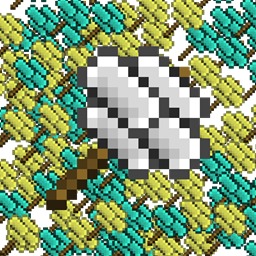
Minecraft 1.21.1, 1.16.5 için Ex Compressum Mod
Sıkıştırılmış çekiçler ve otomasyon araçları ekleyerek zahmeti azaltan Ex Nihilo Eklentisi.
 NeoForge
 Fabric
 Forge
ForgeEx Compressum modu hakkında
Ex Compressum, skyblock oyunlarında başlangıçtaki zahmeti dengeli bir şekilde azaltmak için araçlar sunan bir Ex Nihilo eklentisidir.
Minecraft 1.10.2'de hem Ex Nihilo Omnia hem de Ex Nihilo Adscensio'yu destekler.
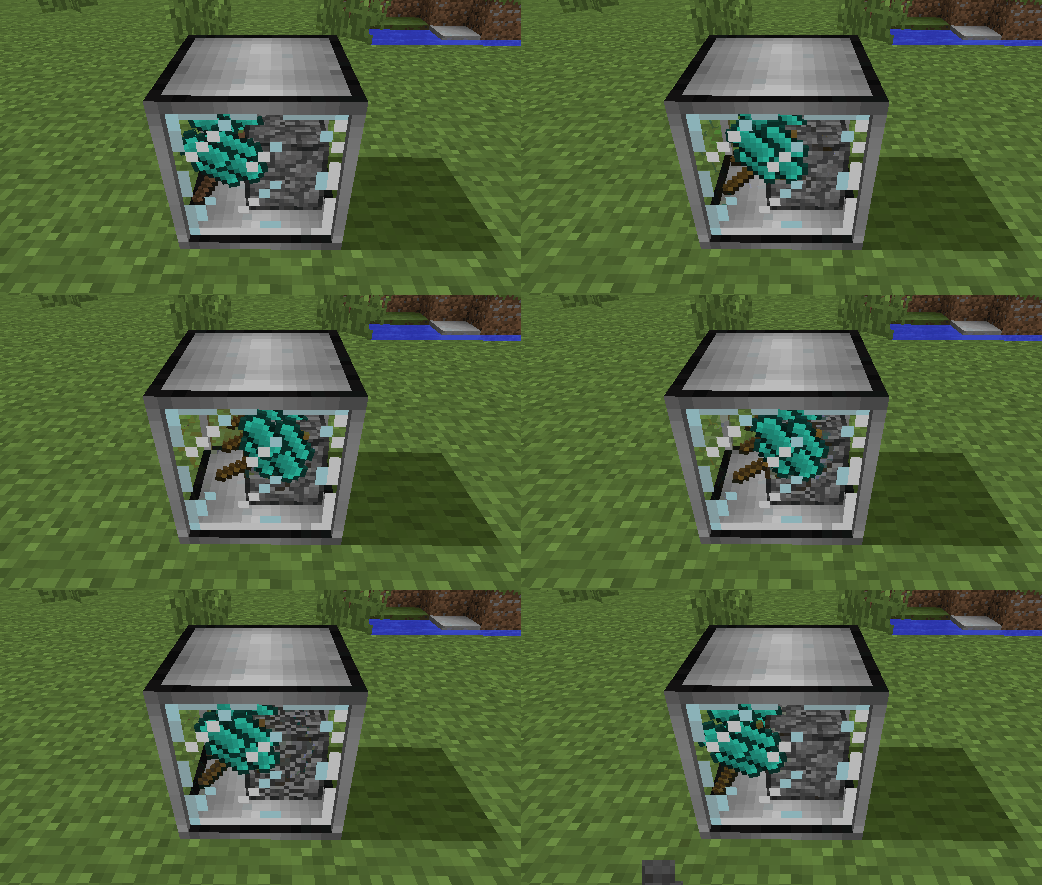
Minecraft 1.12'de Ex Nihilo: Creatio'yu destekler.
Minecraft 1.20.1'de Ex Nihilo: Sequentia, Ex Deorum ve Fabricae Ex Nihilo'yu destekler.

Minecraft 1.21.1'de Ex Nihilo: Sequentia ve Ex Deorum'u destekler.
Minecraft 26.1 ve üzeri sürümlerde Ex Deorum'u destekler.
- Sıkıştırılmış Blokları dokuz adet kırılmış hâline ayırmak için Sıkıştırılmış Çekiçler (örn. Sıkıştırılmış Çakıl -> 9 Kum)
- Normal bir çengelden dört kat hızlı, ancak yalnızca iki kat dayanıklı olan Sıkıştırılmış Çengel
- Sıkıştırılmış blokları doğrudan elemek için küçük bir verim kaybıyla çalışan Ağır Elek
- Eşyaları otomatik olarak bloklara sıkıştıran Otomatik Sıkıştırıcı (örn. Kırık Cevherleri Cevher Çakılına)
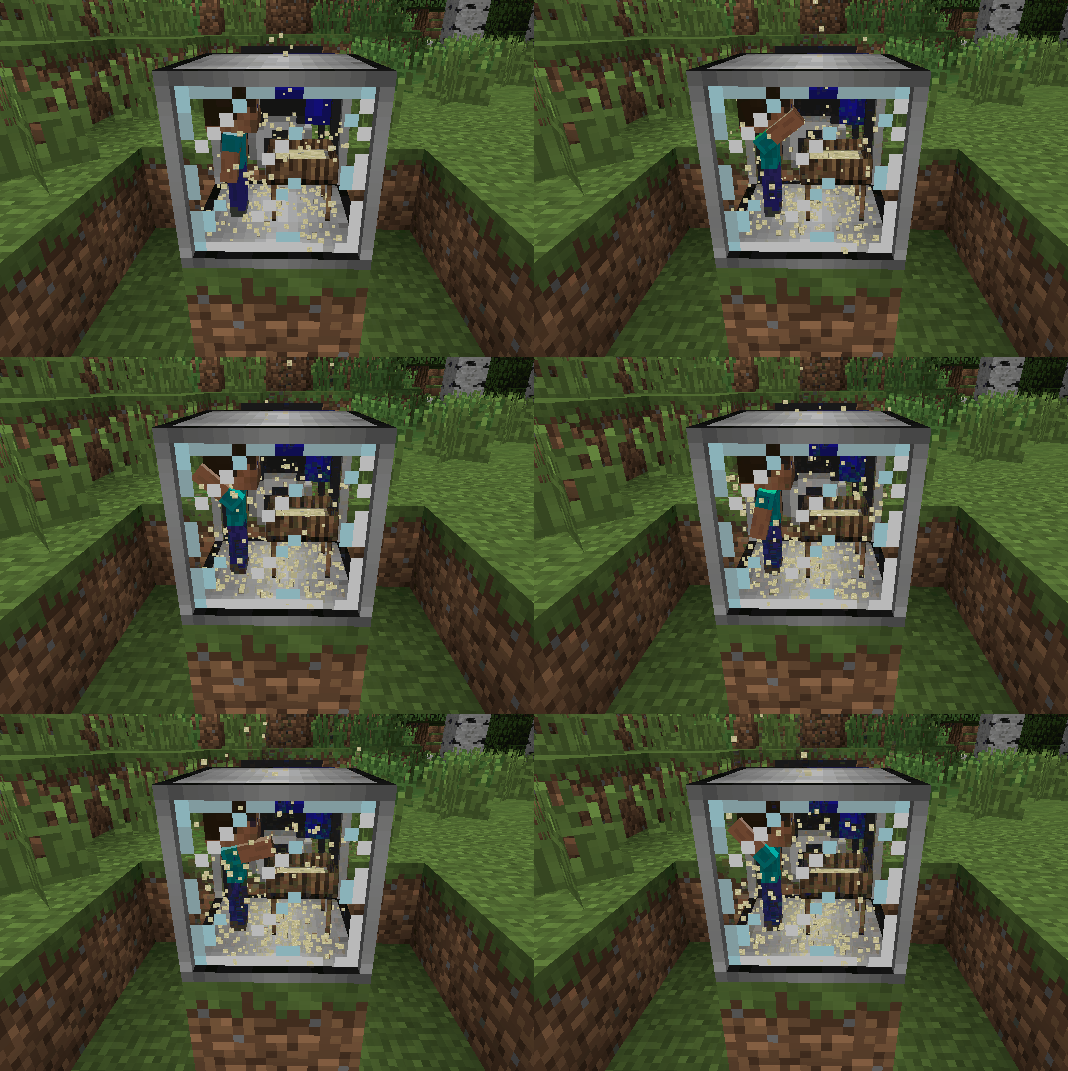
- Otomatik Elekler ve Otomatik Çekiçler
- Yağmura alternatif olarak bitkilerden su çıkarmak için Ahşap Pota
- Doğal biyomlarının dışında inek, domuz, tavuk, koyun, oselo ve kurt doğurmak için yerleştirilebilen hayvan yemleri
Ex Compressum nasıl kurulur
With Millida Launcher
Install Millida Launcher
The launcher is free: download it at millida.net/launcher and sign in with any nickname.
Click “Install” on this page
The launcher opens and installs the mod for Minecraft 1.16.3–26.2 on Fabric, Forge or NeoForge automatically.
Launch the game
A profile with it appears in the launcher: click “Play”.
Manually
Install Fabric, Forge or NeoForge
The loader must match the game version of the mod file, for example Minecraft 26.2. After installing it, a separate profile appears in your launcher.
Download the file for your version
In the version list above, pick the file excompressum-neoforge-26.2-26.2.0.1.jar (702 KB) for your game version and loader.
Put it in the mods folder
The folder is inside .minecraft (Windows: %appdata%\.minecraft\mods). If it does not exist, create it.
Launch the loader profile
Open “Mods” in the main menu: Ex Compressum should be in the list.
Sürümler
Bağımlılıklarla
| Minecraft | Yükleyici | Dosya | Tarih | İşlemler |
|---|---|---|---|---|
| 26.2 | NeoForge | excompressum-neoforge-26.2-26.2.0.1.jar702 KB 1 | ||
| 26.2 | Fabric | excompressum-fabric-26.2-26.2.0.1.jar722 KB 3 | ||
| 1.21.1 | Forge | excompressum-forge-1.21.1-21.1.15.0.jar672 KB 3 | ||
| 1.18.2 | Forge | excompressum-forge-1.18.2-5.0.3.jar704 KB | ||
| 1.16.5 | — | ExCompressum_1.16.5-4.0.4.jar699 KB | ||
| 1.16.3 | — | ExCompressum_1.16.5-4.0.2.jar694 KB |
SSS
Which Minecraft versions does Ex Compressum work on?
There are files for 26.2, 1.21.1, 1.18.2, 1.16.5, 1.16.4, 1.16.3. The newest is 26.2.
Is Ex Compressum for Forge or Fabric?
There are files for Fabric: 26.2, for Forge: 1.18.2–1.21.1 and for NeoForge: 26.2.
Does Ex Compressum need other mods?
The author lists no required dependencies: the Fabric, Forge or NeoForge loader is enough.
Where can I download Ex Compressum safely?
On this page: the file excompressum-neoforge-26.2-26.2.0.1.jar (702 KB) is stored on Millida’s server, with no link shorteners. SHA-1 checksum: de77552c53b58cd5b4002f9af0ec3ec2208044ec.
Yorumlar
Ex Compressum için ilk puanı sen ver


