
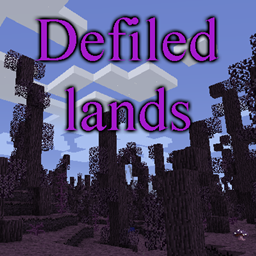
Minecraft 1.12.2 için Defiled Lands Mod
Eşsiz tehlikeler ve hazinelerle dolu tehlikeli kirlenmiş biyomlar ekler
- indirme
- 2 indirme
- görüntülenme
- 9 görüntülenme
- Güncellendi
- Güncellendi 20.10.2026
- 1.12 — 1.12.2
 Forge
Forge
Defiled Lands modu hakkında
Tanıtım
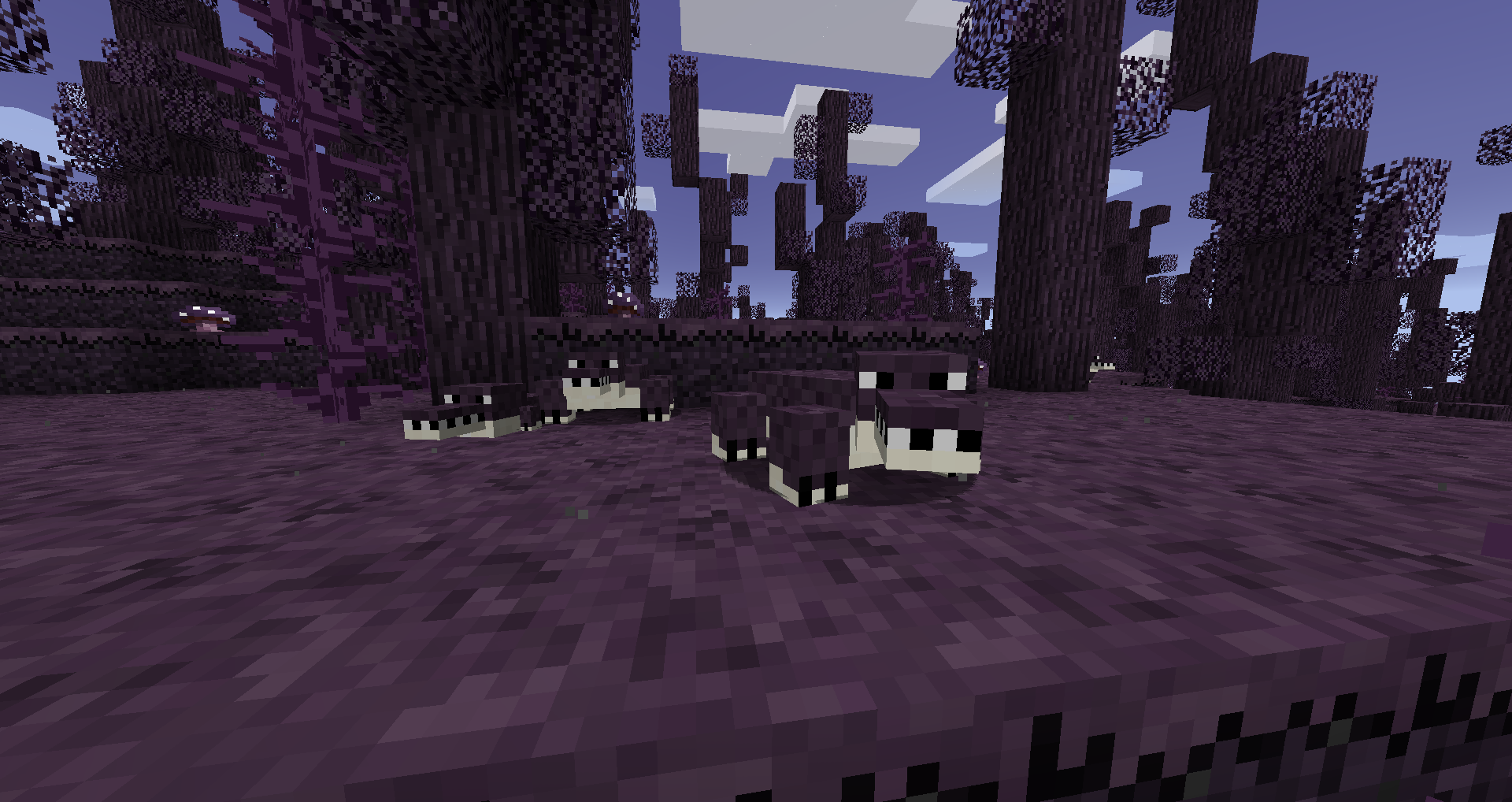
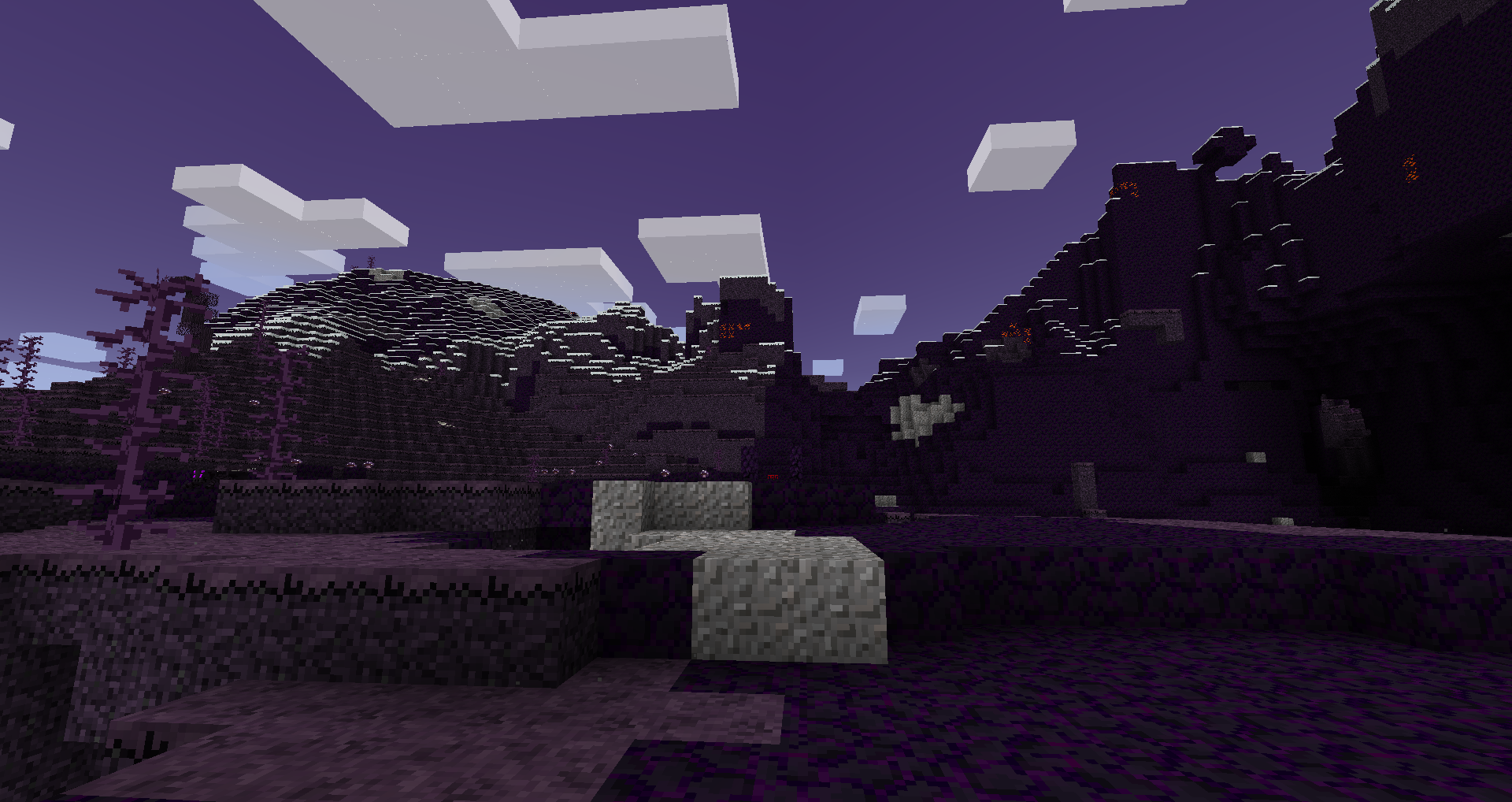
Bu mod, dünyada ortaya çıkan ve kendilerine özgü tehlikeli yaratıkları, bitkileri ve hazineleri olan çeşitli lekelenmiş biyomlar ekler.
Bu biyomlar, içlerine yerleştirilen blokları aktif olarak dönüştürür ve ayrıca benzersiz kaynaklar içerir. Bunlar, benzersiz ve güçlü aletler yapmak için kullanılabilir ve daha benzersiz aletler için bir boss savaşına ulaşmayı sağlar.
Ayrıntılı bilgi wiki'de bulunabilir
SSS:
S: Lekelenmiş topraklar yayılır mı?
C: Evet, ancak yapılandırmayı değiştirmediğiniz sürece doğal sınırlarından asla birkaç bloktan fazla uzağa yayılmaz.
S: Lekelenmiş toprakların yayılmasını nasıl durdururum?
C: Lekelenmiş topraklar, yapılandırmayı değiştirmediğiniz sürece doğal sınırlarından yaklaşık 3 bloktan fazla yayılmaz. Aslında, doğal lekelenmiş toprakların dışına yerleştirilen herhangi bir lekelenmiş blok çevreye yayılmaz.
S: Lekelenmiş blokları dekorasyon için kullanabilir miyim?
C: Evet, doğal bir lekelenmiş biyomun dışında olduğunuz sürece kullanabilirsiniz. İçindeyken çevreye yayılırlar ve bunu istemeyebilirsiniz.
S: Bu <diğer biyom modu> ile uyumlu mu?
C: Evet, BOP dahil olmak üzere çoğu diğer biyom ekleyen modla uyumludur.
Özel teşekkürler
- Painterly Pack'ten değiştirilmiş varlıkları kullanmama izin verdiği için Rhodox
- Modlama eğitimleri için McJty
Defiled Lands nasıl kurulur
With Millida Launcher
Install Millida Launcher
The launcher is free: download it at millida.net/launcher and sign in with any nickname.
Click “Install” on this page
The launcher opens and installs the mod for Minecraft 1.12–1.12.2 on Forge automatically.
Launch the game
A profile with it appears in the launcher: click “Play”.
Manually
Install Forge
The loader must match the game version of the mod file, for example Minecraft 1.12.2. After installing it, a separate profile appears in your launcher.
Download the file for your version
In the version list above, pick the file defiledlands-1.12.2-1.4.3.jar (762 KB) for your game version.
Put it in the mods folder
The folder is inside .minecraft (Windows: %appdata%\.minecraft\mods). If it does not exist, create it.
Launch the loader profile
Open “Mods” in the main menu: Defiled Lands should be in the list.
Minecraft 1.12.2 runs on Java 8: with a different Java version the game may close right after launch.
Sürümler
Bağımlılıklarla
| Minecraft | Yükleyici | Dosya | Tarih | İşlemler |
|---|---|---|---|---|
| 1.12.2 | Forge | defiledlands-1.12.2-1.4.3.jar762 KB 2 | ||
| 1.12.2 | — | defiledlands-1.12.2-1.4.1.jar770 KB | ||
| 1.12.1 | — | defiledlands-1.12.1-0.3.0.jar695 KB | ||
| 1.12 | — | defiledlands-1.12-0.1.3.jar655 KB |
SSS
Which Minecraft versions does Defiled Lands work on?
There are files for 1.12.2, 1.12.1, 1.12. The newest is 1.12.2.
Is Defiled Lands for Forge or Fabric?
Only for Forge: 1.12.2. There are no files for Fabric or NeoForge: a mod for another loader will not start.
Does Defiled Lands need other mods?
The author lists no required dependencies: the Forge loader is enough.
Which Java does Defiled Lands need?
Minecraft 1.12.2 runs on Java 8. If the game closes right after launch, the usual cause is the wrong Java version in the profile settings.
Where can I download Defiled Lands safely?
On this page: the file defiledlands-1.12.2-1.4.3.jar (762 KB) is stored on Millida’s server, with no link shorteners. SHA-1 checksum: a5590fd607602a9f44b5d9c0511ee7756cd99591.
Yorumlar
Defiled Lands için ilk puanı sen ver


