
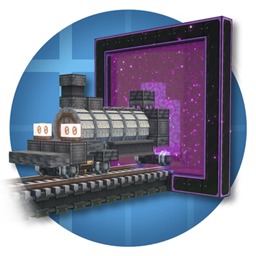
Minecraft 1.21.1, 1.19.2 için Create : Teleporters Mod
Işınlayıcılar ekleyen Create eklentisi!
 NeoForge
 Forge
Forge

Thank you for 5 Million Downloads!
Create Teleporters Locomotion Update
Warning: Upgrading your old world with the new Remastered Version may cause issues with the Custom Portal. On upgrade, your Custom Portal will be replaced with the placeholder block. Just mine that to get the new Custom Portal Base.
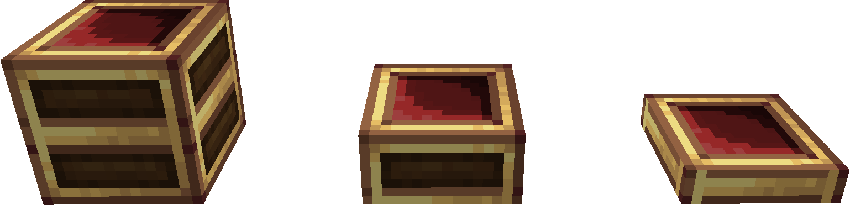
Requires Create
Whats changed?
Update 3.0
New Features
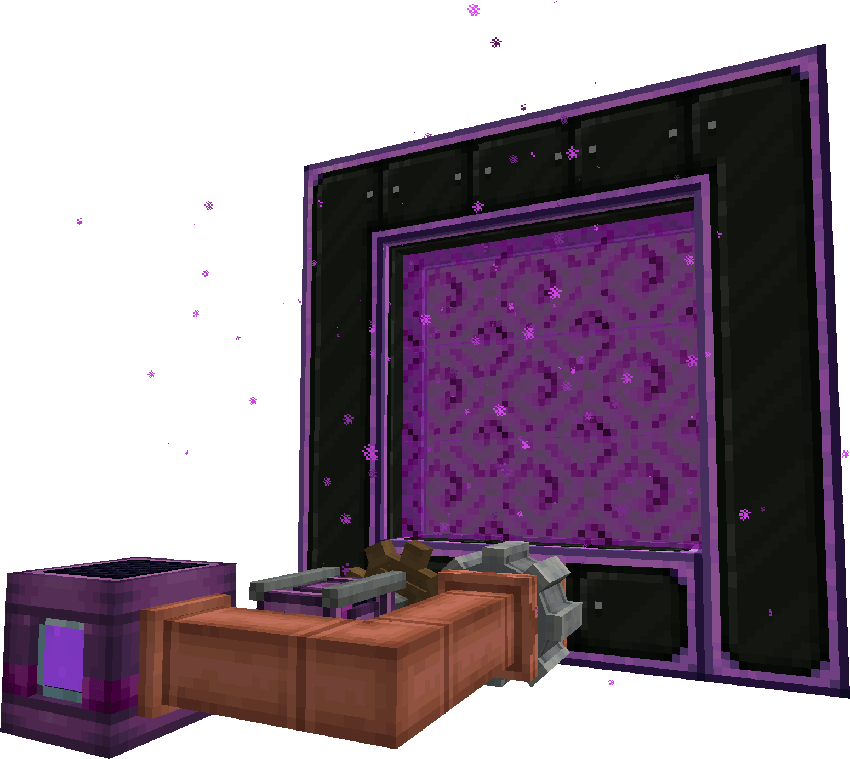
- TRAINS!! Custom portals now work with trains!
- Sable! Teleportation now works on sable ships.
- New portal effects.
- Dyeable portals! Right click on a portal with dye color to change the color.
- Portal coordinate toggle. Instead of having to change this in the conifgs you can now toggle between portal to portal and portal to coordinates within the gui.
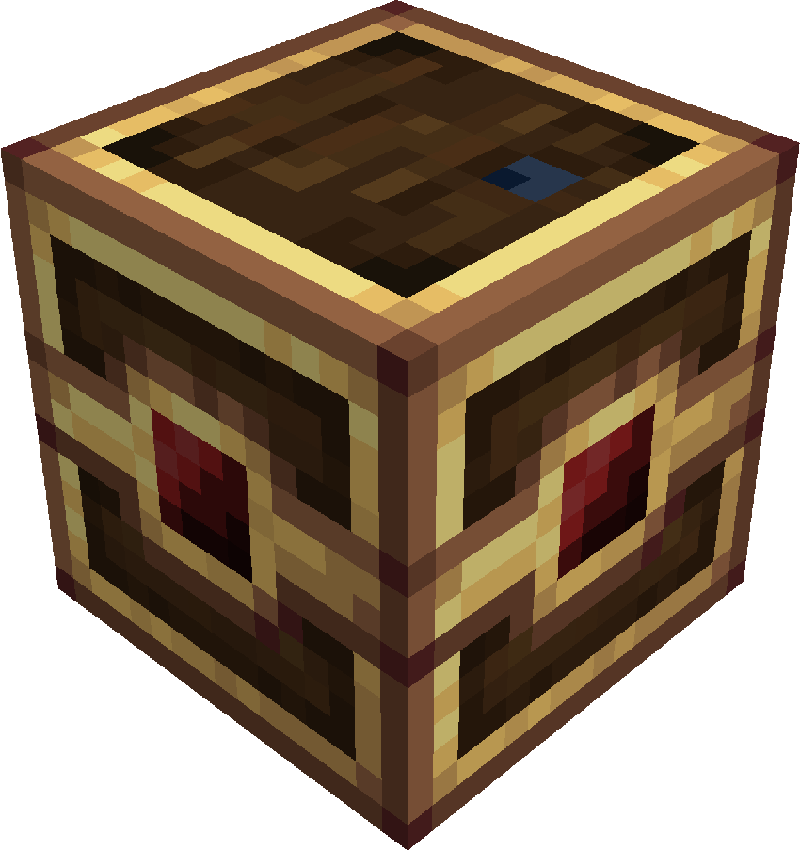
- New way to make Quantum Casings, you can now spout Telejucie onto Train Casings to skip buckets.
Bug fixes
- Fixed KubeJS error relating to incorrect fluid stacks
- Fixed Quantum Casing connected textures and no longer needs Fusion.
- Fixed portal misalignment bugs.
- Fixed Sable compatiblity.
Entity Teleporters
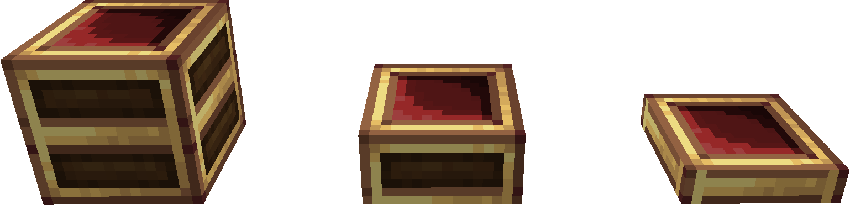
Item Teleporter
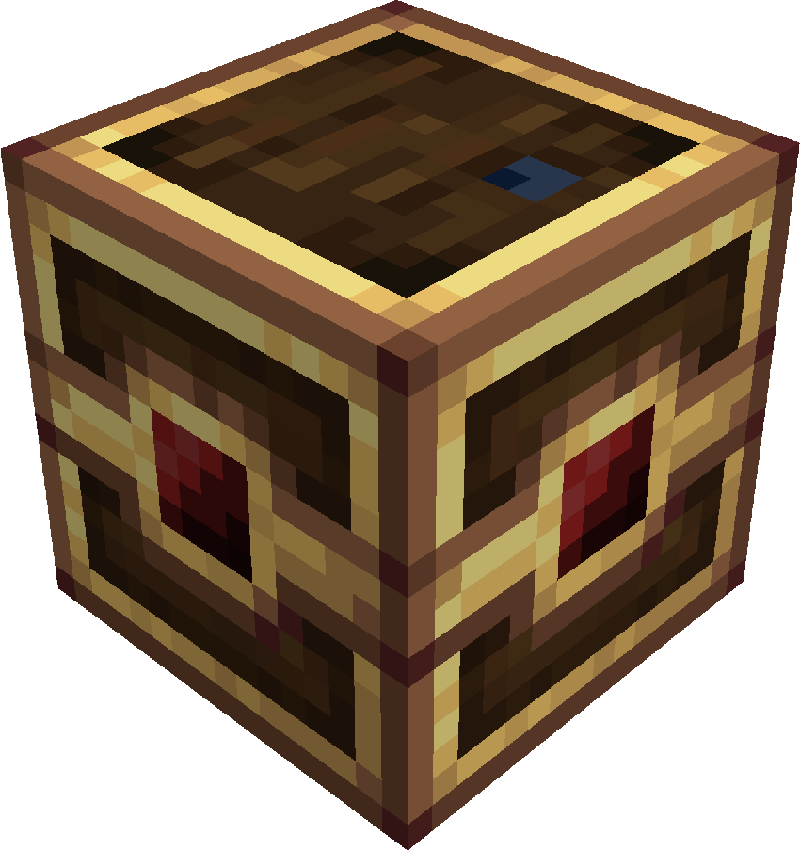
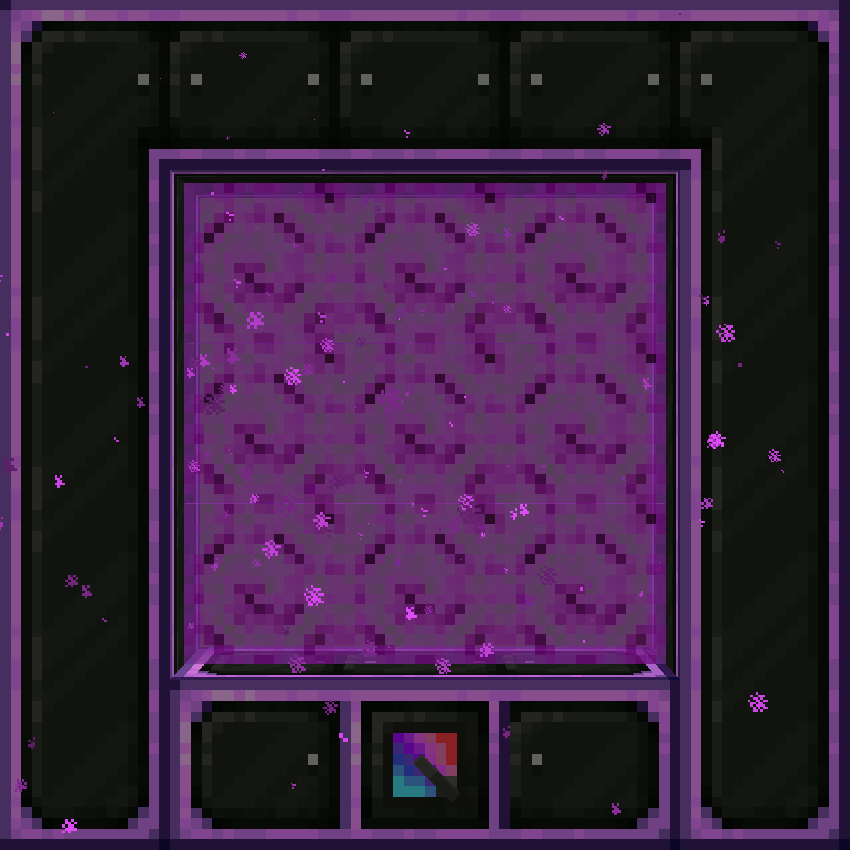
Custom Portal
Made of a Custom Portal Base and a frame of Quantum Casings.
Create : Teleporters nasıl kurulur
With Millida Launcher
Install Millida Launcher
The launcher is free: download it at millida.net/launcher and sign in with any nickname.
Click “Install” on this page
The launcher opens and installs the mod for Minecraft 1.19.2–1.21.1 on Forge or NeoForge automatically.
Launch the game
A profile with it appears in the launcher: click “Play”.
Manually
Install Forge or NeoForge
The loader must match the game version of the mod file, for example Minecraft 1.21.1. After installing it, a separate profile appears in your launcher.
Download the file for your version
In the version list above, pick the file createteleporters-3.0-1.21.1.jar (2.4 MB) for your game version and loader.
Put it in the mods folder
The folder is inside .minecraft (Windows: %appdata%\.minecraft\mods). If it does not exist, create it.
Launch the loader profile
Open “Mods” in the main menu: Create : Teleporters should be in the list.
Minecraft 1.21.1 runs on Java 21: with a different Java version the game may close right after launch.
Sürümler
Bağımlılıklarla
| Minecraft | Yükleyici | Dosya | Tarih | İşlemler |
|---|---|---|---|---|
| 1.21.1 | NeoForge | createteleporters-3.0-1.21.1.jar2.4 MB 93 | ||
| 1.19.2 | Forge | createteleporters-remastered-2.0.2b-forge-1.19.2.jar1.8 MB 3 | ||
| 1.19.2 | Forge | Create Teleporters 0.5.11 MB |
SSS
Which Minecraft versions does Create : Teleporters work on?
There are files for 1.21.1, 1.19.2. The newest is 1.21.1.
Is Create : Teleporters for Forge or Fabric?
There are files for Forge: 1.19.2 and for NeoForge: 1.21.1. There are no files for Fabric: a mod for another loader will not start.
Does Create : Teleporters need other mods?
The author lists no required dependencies: the Forge or NeoForge loader is enough.
Which Java does Create : Teleporters need?
Minecraft 1.21.1 runs on Java 21. If the game closes right after launch, the usual cause is the wrong Java version in the profile settings.
Where can I download Create : Teleporters safely?
On this page: the file createteleporters-3.0-1.21.1.jar (2.4 MB) is stored on Millida’s server, with no link shorteners. SHA-1 checksum: 622407b9a635ff3d256faf3e2c4037f15aca5582.
Yorumlar
Create : Teleporters için ilk puanı sen ver


