
Minecraft 1.21.1 için Create Propulsion: Simulated Mod
Create: Propulsion modunun Sable ve Create: Aeronautics desteğiyle NeoForge 1.21.1'e portu
- indirme
- 137 indirme
- görüntülenme
- 290 görüntülenme
- Güncellendi
- Güncellendi 22.10.2026
- 1.21.1
 NeoForge
Create Propulsion: Simulated
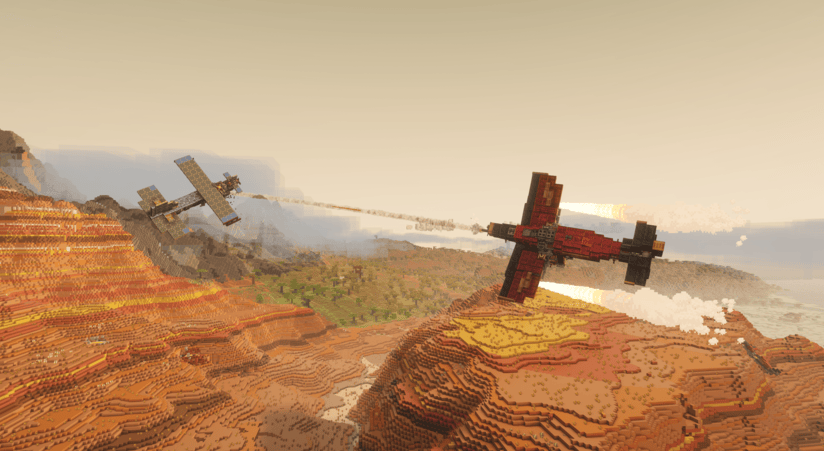
Create Propulsion: Simulated is a NeoForge addon for Minecraft 1.21.1 that brings propulsion-focused Create gameplay to the Sable + Create Aeronautics ecosystem.
It adds three thruster types:
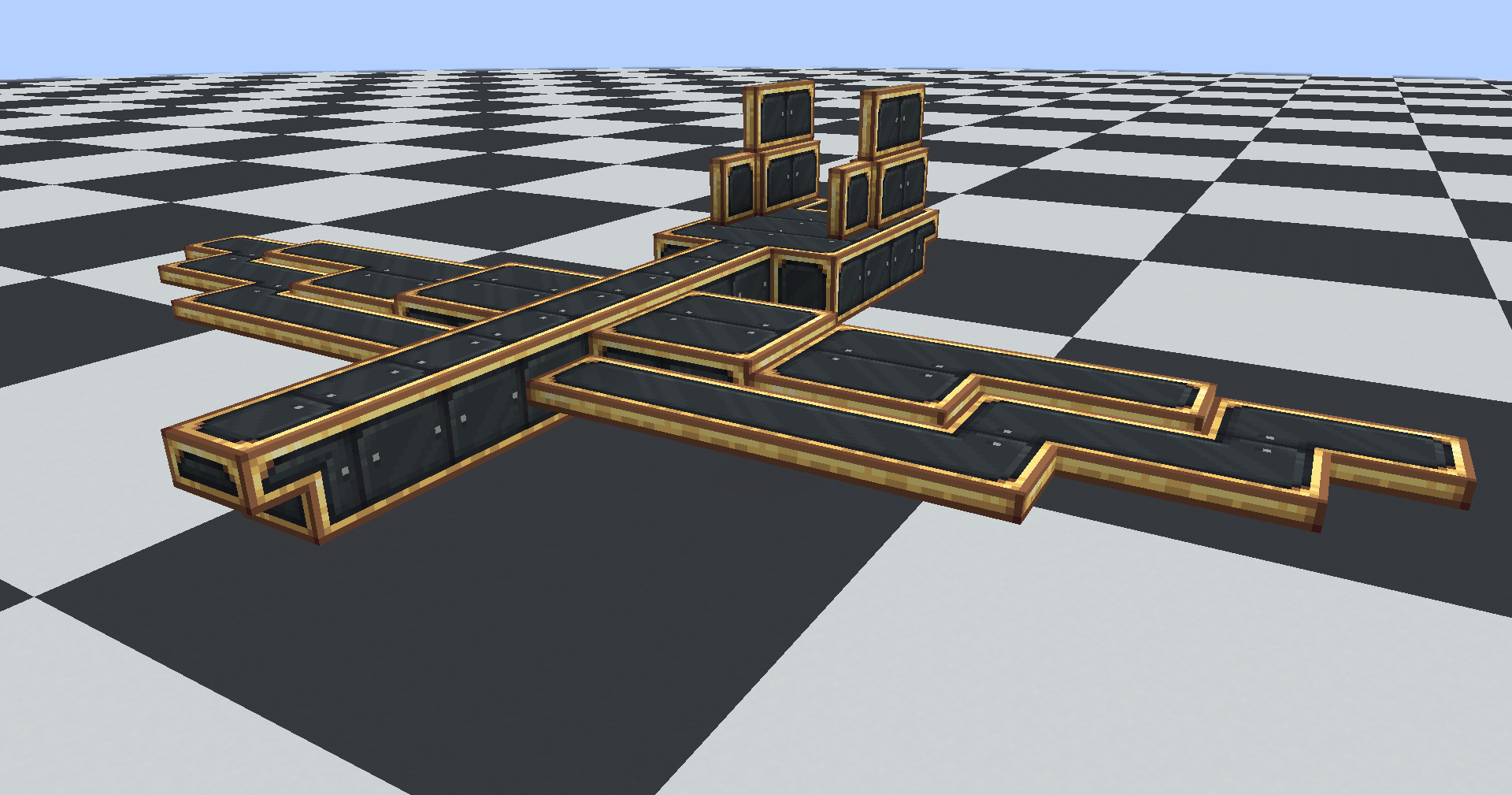
- Thruster: standard fuel-based propulsion
- Ion Thruster: FE-powered propulsion
- Creative Thruster: configurable high-power propulsion for testing and creative builds
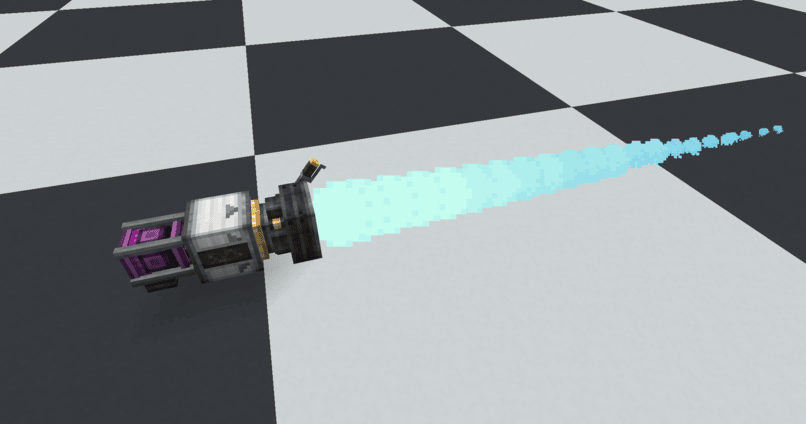
The mod integrates directly with Sable and Create Aeronautics contraption physics, including force-at-point behavior for proper torque and multi-thruster handling on assembled crafts.
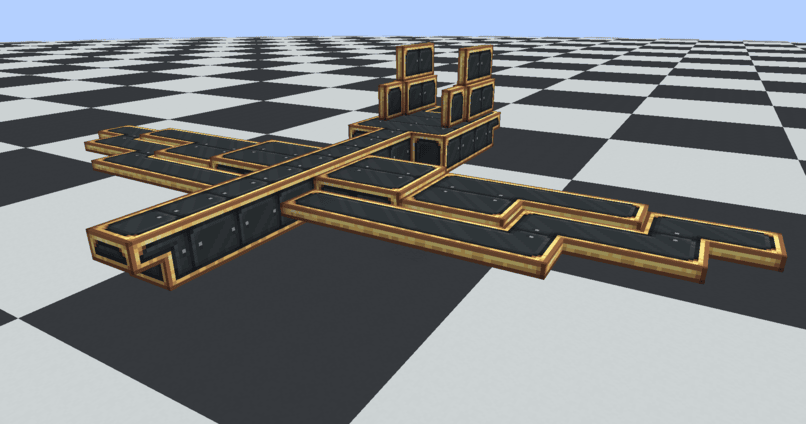
It also includes Copycat Wings for lightweight aerodynamic building with copycat-style visual customization.
Thrusters support fuels from these mods: Create: The Factory Must Grow Create: Crafts & Additions Create: Diesel Generators Immersive Engineering Mekanism: Generators Northstar: Redux Stellaris
Special thanks to:
- PacificCyan - Ion Thruster model, Coral Generator model
- FoxyFox909 - Multiblock Thrusters
- DeltaSF - Original Create: Propulsion creator for 1.20.1
- Fleugle - Reworked thruster models/textures
Create Propulsion: Simulated nasıl kurulur
With Millida Launcher
Install Millida Launcher
The launcher is free: download it at millida.net/launcher and sign in with any nickname.
Click “Install” on this page
The launcher opens and installs the mod for Minecraft 1.21.1 on NeoForge automatically.
Launch the game
A profile with it appears in the launcher: click “Play”.
Manually
Install NeoForge
The loader must match the game version of the mod file, for example Minecraft 1.21.1. After installing it, a separate profile appears in your launcher.
Download the file for your version
In the version list above, pick the file createpropulsion-1.1.5.jar (1.6 MB) for your game version.
Put it in the mods folder
The folder is inside .minecraft (Windows: %appdata%\.minecraft\mods). If it does not exist, create it.
Launch the loader profile
Open “Mods” in the main menu: Create Propulsion: Simulated should be in the list.
Minecraft 1.21.1 runs on Java 21: with a different Java version the game may close right after launch.
Sürümler
Bağımlılıklarla
| Minecraft | Yükleyici | Dosya | Tarih | İşlemler |
|---|---|---|---|---|
| 1.21.1 | NeoForge | 1.1.51.6 MB 137 |
Yorumlar
Create Propulsion: Simulated için ilk puanı sen ver


