
 NeoForge
 Fabric
 Forge
CoolAid's NoSignGUI
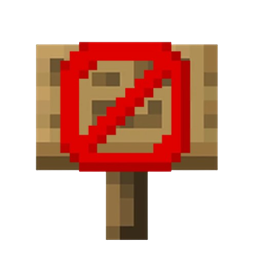
Allows you to toggle the sign text interface off and on!
- This is especially useful when using a lot of blank signs for building or trapping
- Toggle the mod on and off with G by default, with the state saved via config
- Inspired by Masonion's NoSignGUI mod
- Works with hanging signs and functions fully client-side
CoolAid's NoSignGUI nasıl kurulur
With Millida Launcher
Install Millida Launcher
The launcher is free: download it at millida.net/launcher and sign in with any nickname.
Click “Install” on this page
The launcher opens and installs the mod for Minecraft 26.2–26.3 on Fabric, Forge or NeoForge automatically.
Launch the game
A profile with it appears in the launcher: click “Play”.
Manually
Install Fabric, Forge or NeoForge
The loader must match the game version of the mod file, for example Minecraft 26.3. After installing it, a separate profile appears in your launcher.
Download the file for your version
In the version list above, pick the file nosigngui-neoforge-4.2.0+26.3.jar (109 KB) for your game version and loader.
Put it in the mods folder
The folder is inside .minecraft (Windows: %appdata%\.minecraft\mods). If it does not exist, create it.
Launch the loader profile
Open “Mods” in the main menu: CoolAid's NoSignGUI should be in the list.
Sürümler
Bağımlılıklarla
| Minecraft | Yükleyici | Dosya | Tarih | İşlemler |
|---|---|---|---|---|
| 26.3 | NeoForge | NoSignGUI 4.2.0 for NeoForge 26.3109 KB | ||
| 26.3 | Fabric | NoSignGUI 4.2.0 for Fabric 26.3107 KB 6 | ||
| 26.2 | Forge | NoSignGUI 4.2.0 for Forge 26.2109 KB 1 |
Yorumlar
CoolAid's NoSignGUI için ilk puanı sen ver


