

Minecraft 1.19.2, 1.19.4 için Consistency+ Mod
"Eksik" olarak kabul edilebilecek bloklar ve çok daha fazlasını ekler!
 Fabric
 Quilt
 Forge
Consistency+ modu hakkında
Consistency+ is a Minecraft mod that takes the concept of adding in "missing" building block variants to a whole new level.
Consistency+ supports Quilt, Fabric, and Forge for versions 1.16 and newer (newer versions of Consistency+ may not always support updates past the most current major update!)
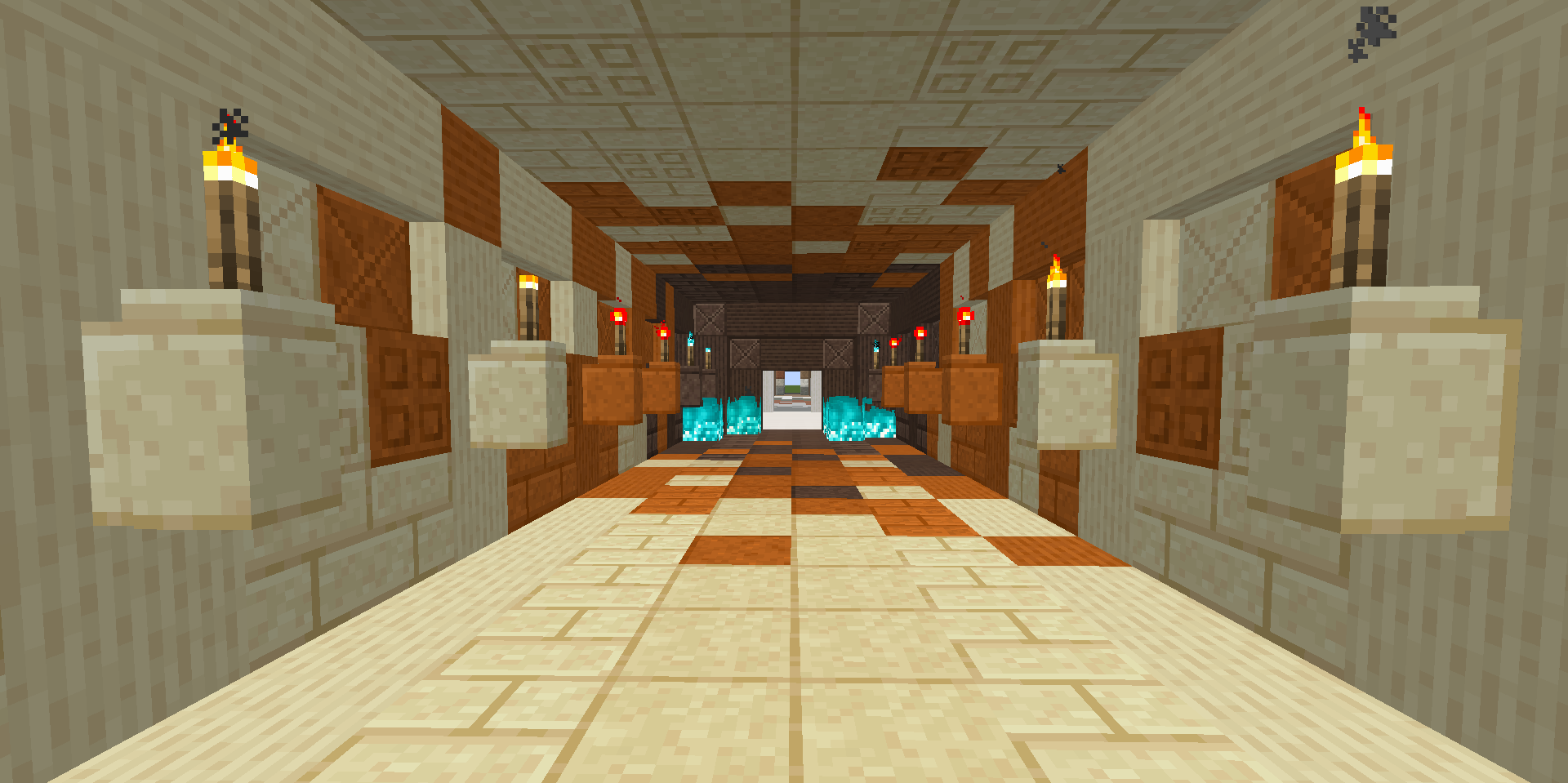
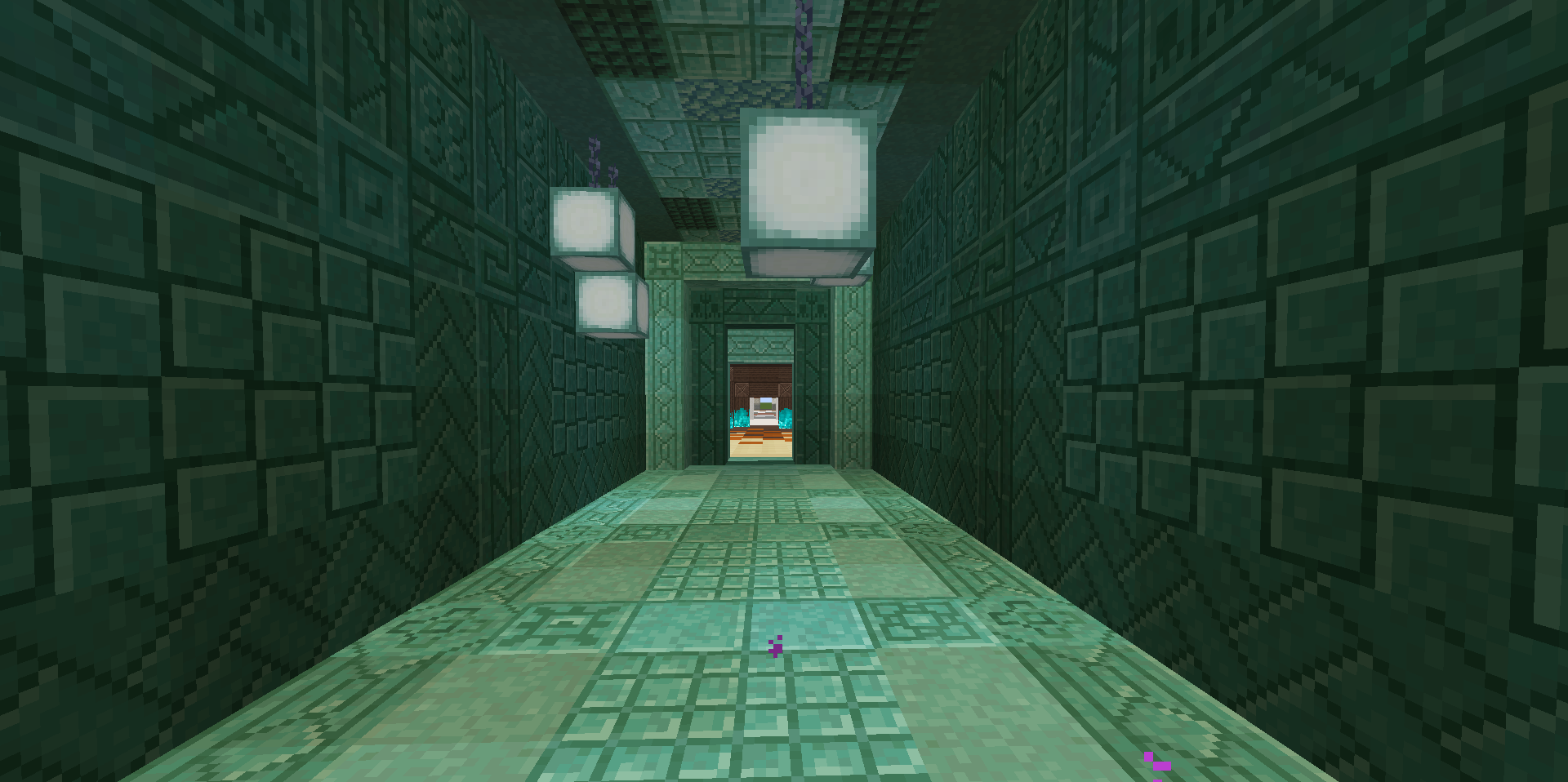
Consistency+ adds thousands of new building blocks for common materials used in builds.
For example, in vanilla, Quartz has a smooth, chiseled, bricks, and pillar variations. With Consistency+, Quartz is given variants for polished, cut, carved, and more, alongside slabs, stairs, and walls for most!
For a full list of blocks, check out our wiki, or more specifically this page!
We try to keep all of our information updated, however some of it may still need to be corrected as we release updates.
In order to be able to craft the entire range of blocks added by Consistency+, a few vanilla recipes have to be changed. Most recipes follow the standard 2x2 shape, however a few are more complicated, such as chiseled.
By following the 2x2 shape progression, the base block of a set will go through this order of blocks:
Base -> Polished -> Bricks -> Cut -> Tiles
Pillars, Corner Pillars, and Chiseled are crafted differently, however Chiseled can be crafted in a 2x2 pattern into Carved.
For a full guide, check out our wiki's crafting guide, or refer to the handy chart below! Our newer updates also include optional Patchouli support.
For a more extensive FAQ page, check out the one in our wiki!
We try to keep this page up to date with any important information regarding Consistency+.
We also have a Modrinth page, which can be found here!
Having issues with Consistency+? Be sure to check out the issue tracker and/or the list of previous known issues and their solutions.
If you run across a bug or other issue while playing, be sure to tell us so we can try and fix it!
Have a suggestion for us on something we should add in the future? We'd love to hear it, and there's a few ways you can tell us!
The first is again using our issue tracker. We have an issue template just for suggesting features, whether that be new block sets, mod compatibility, or something entirely new!
Be sure to check our planning boards to make sure you aren't suggesting something we already have planned.
Want to come talk with us about Consistency+? Check out our discord! We try to get a lot of community feedback for upcoming features, and our discord is a welcome place for everyone to come and hang out!
Consistency+ requires a few things to work correctly. All of these should be listed as required dependencies within Curseforge, but if not you can find easily accessible links to them here!
The first of which is Architectury. Architectury allows Consistency+ to be compatible with both modloaders using most of the same code and assets. Make sure you use the correct Architectury version for the loader you use!
- Architectury can be found here!
The next thing Consistency+ may need is Fabric API, if you're using the Fabric Version. If you're using Forge or Quilt, skip this part!
- Fabric API Can be found here!
If you're using Quilt, you'll need Quilted Fabric API and Quilt Standard Libraries.
- QFAPI/QSL Can be found here!
Finally, if you're playing on Forge and using C+ 0.5.1 or older, you'll need Stonecutter Recipe Tags. SCRT allows for all of the vanilla and Consistency+ blocks to work together in stonecutters. You only need to worry about this step on older Forge releases.
- Stonecutter Recipe Tags can be found here!
Consistency+ nasıl kurulur
With Millida Launcher
Install Millida Launcher
The launcher is free: download it at millida.net/launcher and sign in with any nickname.
Click “Install” on this page
The launcher opens and installs the mod for Minecraft 1.19.2–1.19.4 on Fabric, Forge or Quilt automatically.
Launch the game
A profile with it appears in the launcher: click “Play”.
Manually
Install Fabric, Forge or Quilt
The loader must match the game version of the mod file, for example Minecraft 1.19.4. After installing it, a separate profile appears in your launcher.
Download the file for your version
In the version list above, pick the file consistency_plus-fabric-0.5.2-rc.2+1.19.4.jar (11 MB) for your game version and loader.
Put it in the mods folder
The folder is inside .minecraft (Windows: %appdata%\.minecraft\mods). If it does not exist, create it.
Launch the loader profile
Open “Mods” in the main menu: Consistency+ should be in the list.
Minecraft 1.19.4 runs on Java 17: with a different Java version the game may close right after launch.
Sürümler
Bağımlılıklarla
| Minecraft | Yükleyici | Dosya | Tarih | İşlemler |
|---|---|---|---|---|
| 1.19.4 | Fabric, Quilt | Consistency+ Fabric/Quilt 1.19.4 - 0.5.2-rc.211.4 MB | ||
| 1.19.4 | Forge | Consistency+ Forge 1.19.4 - 0.5.2-rc.212.6 MB | ||
| 1.19.2 | Fabric, Quilt | Consistency+ Fabric 1.19.2 - 0.5.111.3 MB | ||
| 1.19.2 | Forge | Consistency+ Forge 1.19.2 - 0.5.111.3 MB |
SSS
Which Minecraft versions does Consistency+ work on?
There are files for 1.19.4, 1.19.2. The newest is 1.19.4.
Is Consistency+ for Forge or Fabric?
There are files for Fabric: 1.19.2–1.19.4, for Forge: 1.19.2–1.19.4 and for Quilt: 1.19.2–1.19.4. There are no files for NeoForge: a mod for another loader will not start.
Does Consistency+ need other mods?
The author lists no required dependencies: the Fabric, Forge or Quilt loader is enough.
Which Java does Consistency+ need?
Minecraft 1.19.4 runs on Java 17. If the game closes right after launch, the usual cause is the wrong Java version in the profile settings.
Where can I download Consistency+ safely?
On this page: the file consistency_plus-fabric-0.5.2-rc.2+1.19.4.jar (11 MB) is stored on Millida’s server, with no link shorteners. SHA-1 checksum: 93109b7976f5ecb4c42a684cca3a4b6d7b1b5ad9.
Yorumlar
Consistency+ için ilk puanı sen ver


